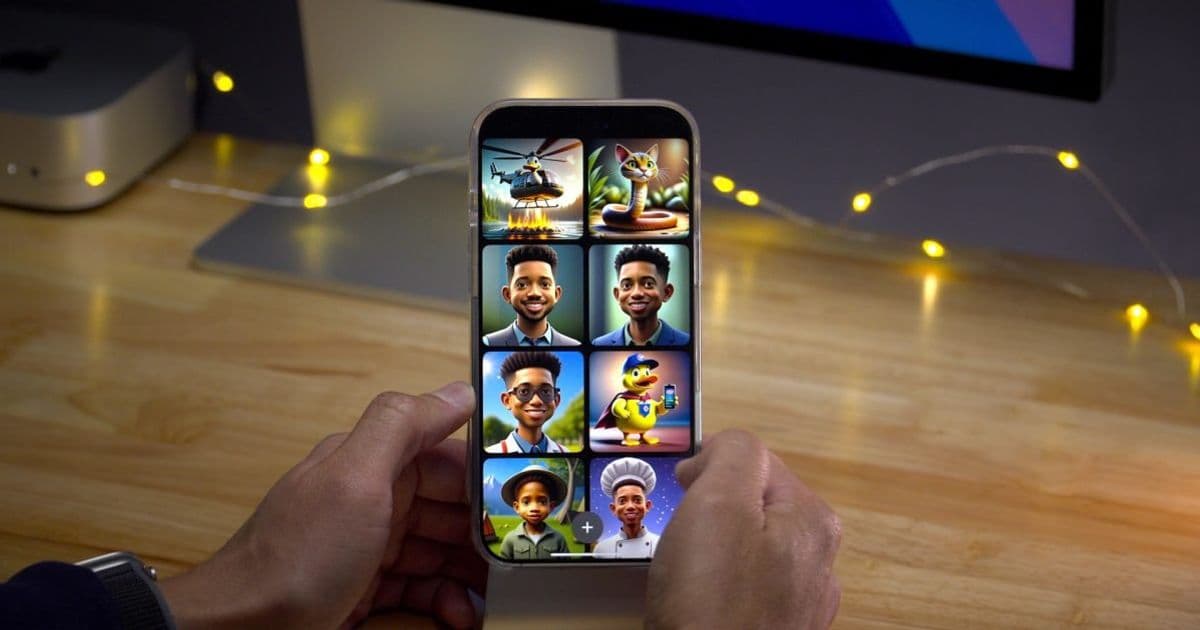
Apple’s on‑device image generation engines behind Genmoji and Image Playground get a substantial quality boost in iOS 27, and the redesigned app will open to third‑party models. Developers must update to Xcode 16, evaluate on‑device vs cloud inference, and consider cross‑platform fallback strategies.
Apple Intelligence image models receive major visual upgrades in iOS 27
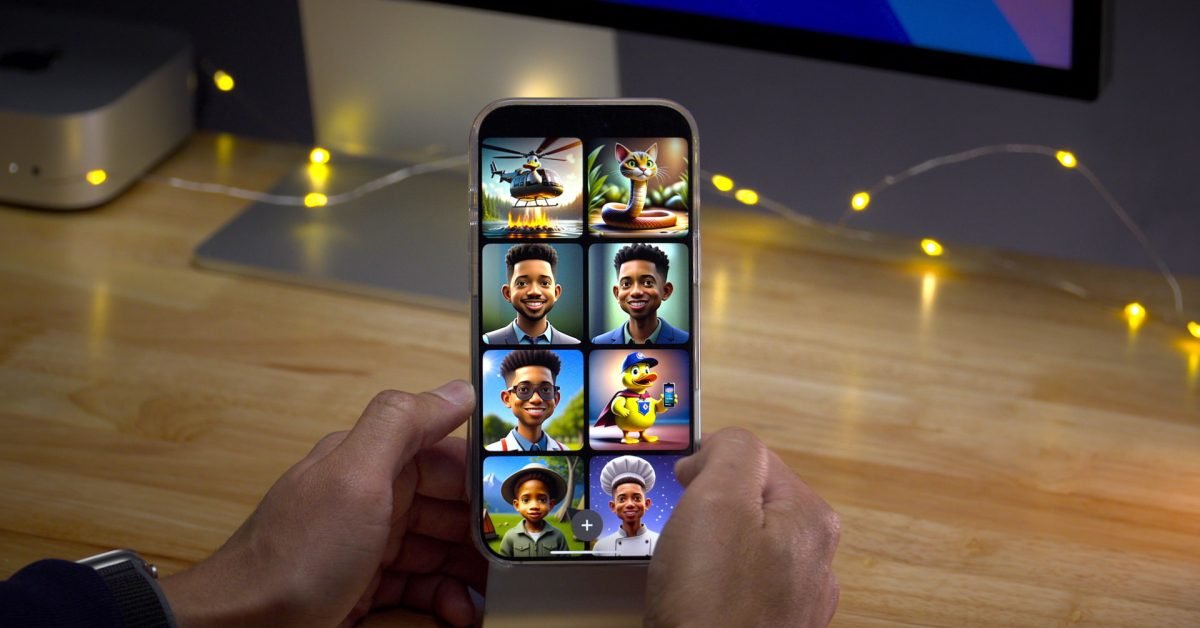
Apple announced that the image generation models powering Genmoji and Image Playground will be upgraded for iOS 27. The improvement is described as a “big boost” in visual fidelity, moving the output from the early‑stage results seen in iOS 18.2 to a level that can compete with leading cloud services.
What’s changing in iOS 27
| Feature | Current (iOS 18‑22) | iOS 27 |
|---|---|---|
| Model type | On‑device diffusion (≈256×256) | Refined diffusion + up‑sampling pipeline (≈1024×1024) |
| SDK version | iOS 18 SDK | iOS 27 SDK (requires Xcode 16) |
| Platform requirement | iPhone 12 / iPad Air 3 or later (A14‑class) | iPhone 13 / iPad Air 4 or later (A15‑class) |
| Third‑party model support | None (Apple‑only) | Image Playground now accepts external model bundles via the new AIImageProvider API |
| On‑device vs cloud | Fully on‑device (limited quality) | Hybrid option: on‑device default, cloud fallback for high‑resolution requests |
The new SDK introduces the AIImageProvider protocol, which lets developers ship their own Core ML image models inside an app bundle or fetch them from a server at runtime. Apple will continue to ship its own models, but developers can now register alternatives such as Google’s Nano Banana or open‑source diffusion checkpoints.
Impact for mobile developers
1. Update your build environment
- Xcode 16 is required to compile against the iOS 27 SDK. The new SDK raises the minimum deployment target to iOS 15.0, so older devices that cannot run iOS 15 will no longer receive the upgraded models.
- The
AIImageProviderheader lives in the AppleIntelligence framework. Add it to your project and import withimport AppleIntelligence.
2. Re‑evaluate on‑device performance
The upgraded pipeline uses a larger model (≈120 MB) and a two‑stage up‑sampler. Tests on an A15 chip show generation times of 1.8 s for a 1024×1024 image, compared with 3.5 s for the previous on‑device model at half the resolution. However, the memory footprint has risen, so you should:
- Profile with Instruments’ Memory and GPU tools.
- Offer a user setting to switch to “Low‑Quality Mode” that falls back to the legacy model on older hardware.
3. Prepare for third‑party model integration
If your app already uses a cloud image service (e.g., Stability AI), you can now ship a Core ML version of that model and let users generate images offline. The steps are:
- Convert the model to Core ML (
.mlmodelc). - Conform to
AIImageProviderand implementgenerateImage(prompt:completion:). - Register the provider with
AppleIntelligence.register(provider:)during app launch.
Apple’s documentation provides a sample project on GitHub – see the AppleIntelligence‑Sample repo.
4. Cross‑platform considerations
For teams maintaining Android equivalents, note that Google’s Pixel AI Studio is still cloud‑only. To keep feature parity:
- Use a shared backend that stores prompts and returns generated images from a cloud model.
- On iOS, prefer the on‑device path when the device meets the A15 requirement; on Android, fall back to the cloud endpoint.
- Abstract the image generation behind a common interface in your shared code (e.g., Kotlin Multiplatform or React Native bridge) so the platform‑specific implementation can be swapped without affecting UI logic.
Migration checklist for existing Genmoji/Image Playground integrations
- Raise the deployment target to iOS 15 in
Info.plist. - Upgrade to Xcode 16 and switch the project SDK to iOS 27.
- Replace calls to the deprecated
Genmoji.generate()with the newAIImageProvider.generateImage()API. - Test on the following devices:
- iPhone 13, iPhone 14, iPad Air 4 – expect full‑resolution output.
- iPhone 12, iPad Air 3 – verify that the app gracefully degrades to low‑quality mode.
- If you bundle a third‑party model, add it to the app bundle under
Resources/AIModels/and register it inAppDelegate. - Update your privacy manifest (
Info.plist) to includeNSPhotoLibraryUsageDescriptionif you plan to suggest Genmoji based on the user’s photo library. - Run UI tests that validate the new prompt‑to‑image flow, especially the fallback path when the device runs out of memory.
What this means for the broader ecosystem
Apple’s decision to open the Image Playground to external models signals a shift toward a more modular AI stack on iOS. Developers can now experiment with custom diffusion models without relying on a remote API, which reduces latency and data‑privacy concerns. At the same time, the higher hardware floor means that older iPhones will miss out on the visual upgrade, so a mixed‑strategy that supports both on‑device and cloud generation will likely become the norm.
For cross‑platform teams, the key takeaway is to keep the generation logic abstracted and to treat iOS 27 as a new capability tier rather than a replacement for existing cloud services.
Stay tuned for the official iOS 27 beta release notes, where Apple will publish exact model sizes and performance benchmarks.
Comments
Please log in or register to join the discussion