Custom elements—once a niche part of the Web Components spec—are now a practical tool for Rails developers. By pairing them with Hotwire’s Turbo, you can build reusable, instantly‑responsive UI pieces without sacrificing semantic HTML or server‑side rendering. This article walks through the fundamentals, contrasts them with Stimulus, and shows a real‑world optimistic‑form pattern that keeps users engaged while the server catches up.
Custom Elements in Rails: A Modern Toolkit
Custom elements are a browser‑native way to create your own HTML tags with attached JavaScript behavior. Though they sit under the Web Components umbrella, they can be used in isolation—no Shadow DOM or templates required—making them a lightweight alternative to frameworks like Stimulus.
Rails Designer explains that the learning curve is shallow: define a class, register it, and the tag behaves like any native element.
The Basics
class HelloWorld extends HTMLElement {
  connectedCallback() {
    this.textContent = "Hello from a custom element 👋";
  }
}

customElements.define("hello-world", HelloWorld);
Using <hello-world></hello-world> in your HTML now displays the greeting. The connectedCallback runs when the element is inserted into the DOM, analogous to Stimulus’s connect().
Custom element names must contain a hyphen to avoid clashing with future standard tags.
Attributes and Properties
class GreetUser extends HTMLElement {
  static observedAttributes = ["name"]; // watch for changes

  connectedCallback() {
    this.#render();
  }

  attributeChangedCallback() {
    this.#render();
  }

  #render() {
    const name = this.getAttribute("name") || "stranger";
    this.textContent = `Hello, ${name}!`;
  }
}

customElements.define("greet-user", GreetUser);
<greet-user name="Cam"></greet-user>
The observedAttributes array tells the browser which attributes to monitor; otherwise attributeChangedCallback never fires.
Extending Built‑in Elements
class FancyButton extends HTMLButtonElement {
  connectedCallback() {
    this.classList.add("fancy");
  }
}

customElements.define("fancy-button", FancyButton, { extends: "button" });
<button is="fancy-button">Click me</button>
Safari lacks support for the is attribute, so most Rails developers prefer autonomous elements (the hyphenated tags) for better compatibility.
Custom Elements vs. Stimulus
| Feature | Stimulus | Custom Element |
|---|---|---|
| Lifecycle | connect() / disconnect() |
connectedCallback() / disconnectedCallback() |
| Finding elements | data‑target selectors |
Standard DOM queries (querySelector, children, etc.) |
| State | values |
Attributes + properties |
| Events | data‑action |
addEventListener() |
| Framework | Requires Stimulus | Browser‑native |
Stimulus excels at wiring behavior to existing markup, while custom elements shine when you need a reusable component that can live anywhere in the DOM. The choice often boils down to whether you prefer convention‑driven or vanilla‑JS patterns.
Building a Simple Counter
// app/javascript/components/click_counter.js
class ClickCounter extends HTMLElement {
  connectedCallback() {
    this.count = 0;
    this.addEventListener("click", () => this.#increment());
  }

  #increment() {
    this.count++;
    this.querySelector("span").textContent = this.count;
  }
}

customElements.define("click-counter", ClickCounter);
Import it in your Rails app:
// app/javascript/application.js
import "@hotwired/turbo-rails";
import "controllers";
import "components/click_counter";
And use it in a view:
<click-counter>
  <button>Clicked <span>0</span> times</button>
</click-counter>
Clicking the button updates the counter instantly—no server round‑trip required.
Optimistic Forms with Custom Elements
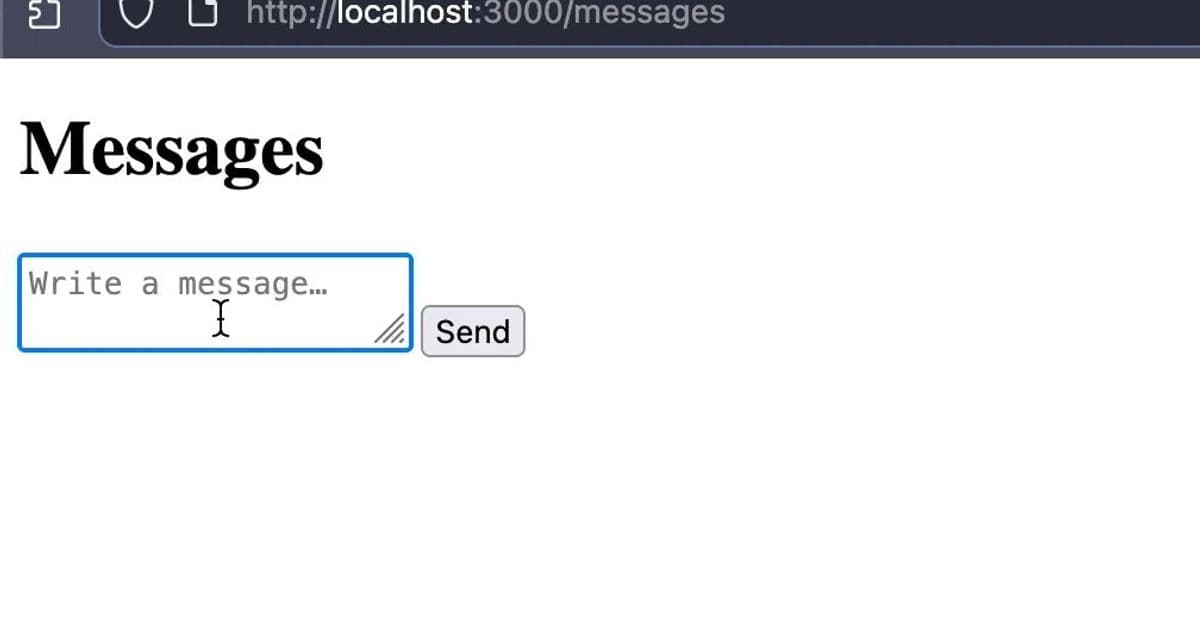
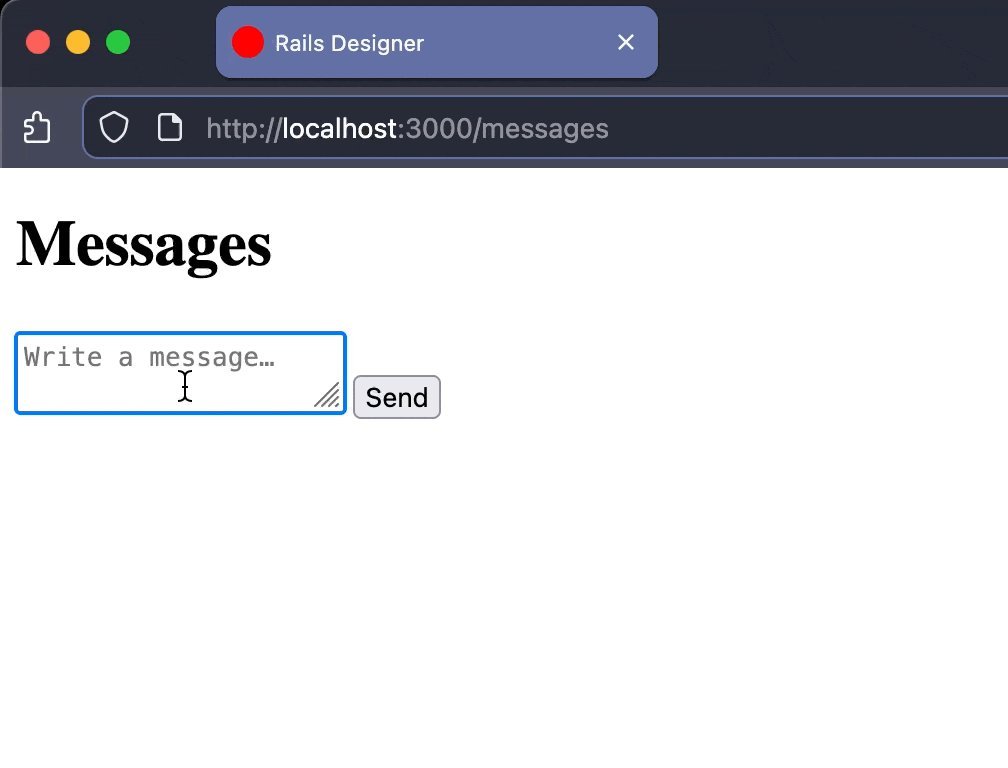
A more impactful use case is an optimistic form: the UI updates immediately while the server processes the request.
The Markup
<optimistic-form>
  <form action="<%= messages_path %>" method="post">
    <%= hidden_field_tag :authenticity_token, form_authenticity_token %>
    <%= text_area_tag "message[content]", "", placeholder: "Write a message…", required: true %>
    <%= submit_tag "Send" %>
  </form>

  <template response>
    <%= render Message.new(content: "", created_at: Time.current) %>
  </template>
</optimistic-form>
The <template response> holds the HTML that represents a new message. When the form submits, the custom element renders this template with the current form values and appends it to the message list.
The Component
// app/javascript/components/optimistic_form.js
class OptimisticForm extends HTMLElement {
  connectedCallback() {
    this.form = this.querySelector("form");
    this.template = this.querySelector("template[response]");
    this.target = document.querySelector("#messages");

    this.form.addEventListener("submit", () => this.#submit());
    this.form.addEventListener("turbo:submit-end", () => this.#reset());
  }

  #submit() {
    if (!this.form.checkValidity()) return;
    const formData = new FormData(this.form);
    const optimistic = this.#render(formData);
    this.target.append(optimistic);
  }

  #render(formData) {
    const element = this.template.content.cloneNode(true).firstElementChild;
    element.id = "optimistic-message";
    for (const [name, value] of formData.entries()) {
      const field = element.querySelector(`[data-field="${name}"]`);
      if (field) field.textContent = value;
    }
    return element;
  }

  #reset() { this.form.reset(); }
}

customElements.define("optimistic-form", OptimisticForm);
The server responds with a Turbo Stream that replaces the optimistic element:
# app/views/messages/create.turbo_stream.erb
<%= turbo_stream.replace "optimistic-message", @message %>
Because the template and the real partial share the same markup, the replacement feels instantaneous. If the save fails, Rails can render an error as usual.
Why This Matters
- Instant Feedback: Users see their message appear immediately, eliminating the perception of lag.
- Declarative UI: The partial lives in the template, so updating the server‑side view automatically updates the optimistic UI.
- Reusability: Drop
<optimistic-form>anywhere in the app; it works with any form and any partial that follows the data‑field convention.
This pattern is ideal for chat, comments, or todo lists where latency can frustrate users.
Takeaway
Custom elements are a lightweight, browser‑native way to encapsulate UI logic. When combined with Hotwire’s Turbo, they enable patterns—like optimistic forms—that keep the UI snappy without sacrificing server‑side rendering. Rails developers who have relied on Stimulus will find custom elements a natural extension, offering a more component‑centric approach while staying within the same ecosystem.
The next time you need a reusable, instantly‑responsive widget, consider building it as a custom element. It’s a small investment that pays off in smoother user experiences and cleaner codebases.
Comments
Please log in or register to join the discussion