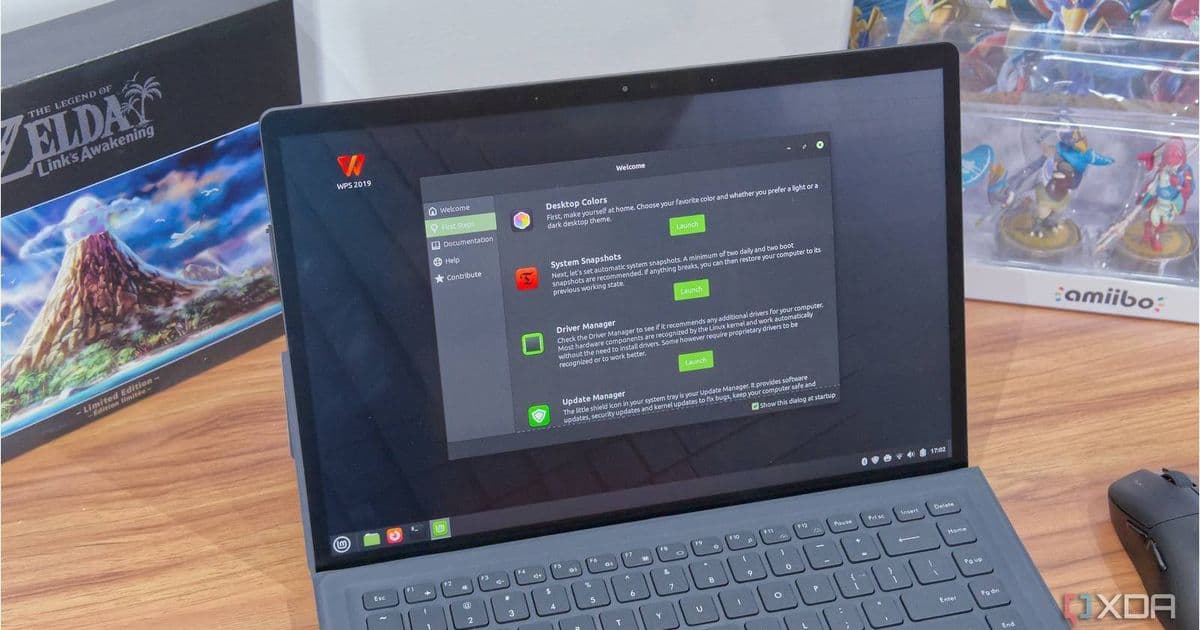
Linux Mint’s upcoming update will cut the 200 ms delay in the Nemo file manager, delivering faster navigation without sacrificing the distro’s classic Windows‑like feel. The change lands in Cinnamon 6.6, slated for the next major Mint release around the holiday season.
Linux Mint’s Nemo Gets a Speed Boost, Making File Browsing Snappier for Beginners
By Simon Batt – May 24 2026, 1:14 AM EDT
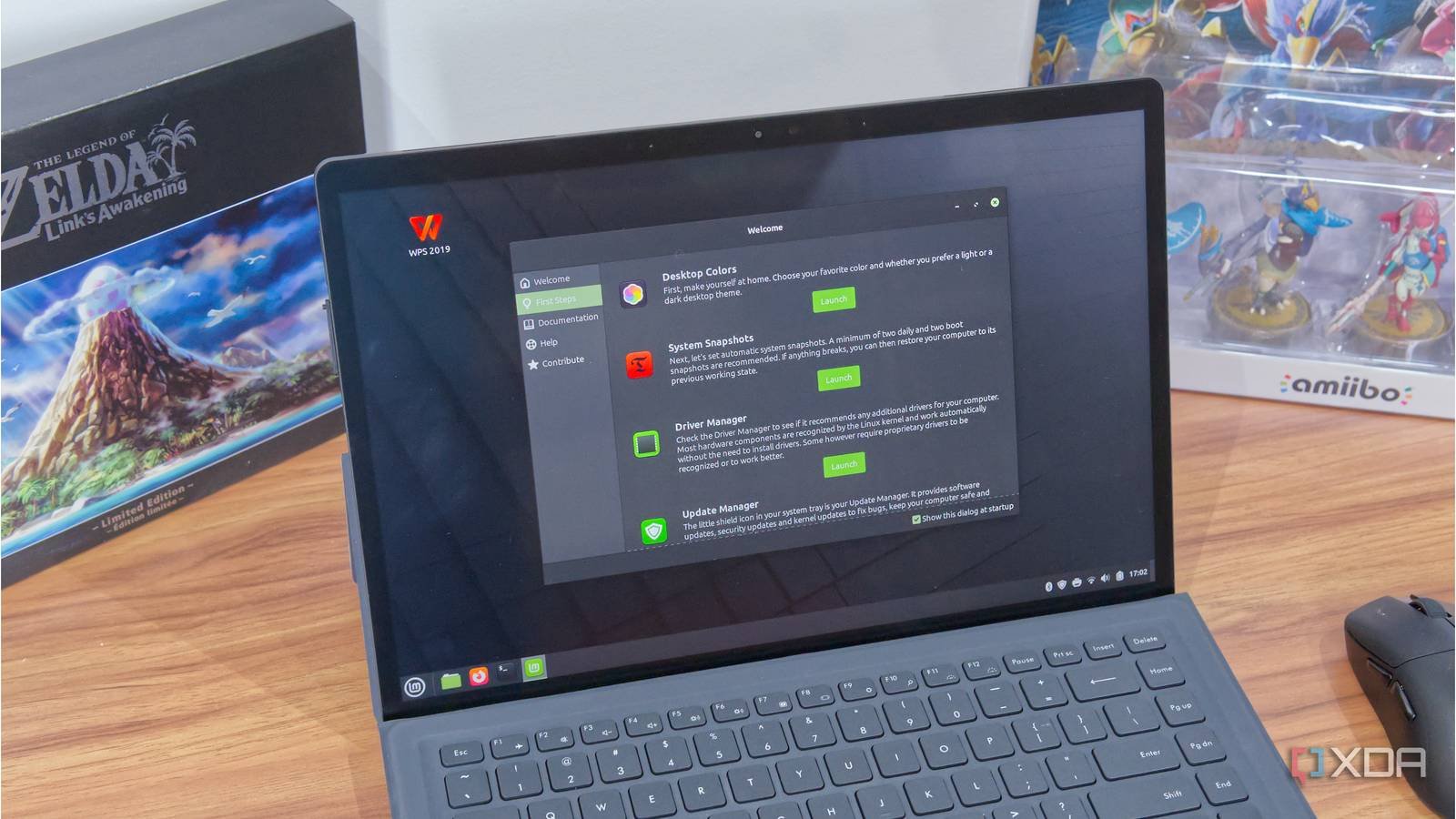
Linux Mint has long been the go‑to distribution for users who want a familiar, Windows‑style desktop without the hassle of a steep learning curve. Its default desktop environment, Cinnamon, pairs with the Nemo file manager, which provides a clean, two‑pane view and right‑click actions that feel intuitive to newcomers.
What’s changing?
In the May 2026 developer blog, the Mint team announced a targeted performance tweak for Nemo. Historically, Nemo inserted a 200 ms artificial delay between a click on a folder and the moment its contents appeared. The delay was intended to smooth out rendering glitches on slower hardware, ensuring every directory change looked consistent.
While 200 ms is barely perceptible on a modern SSD, it becomes noticeable when you’re rapidly navigating through folders—especially on older laptops or netbooks that many Mint users still run. The new update, shipped with Cinnamon 6.6, removes that hard‑coded pause and replaces it with a dynamic check that only adds a delay when the system actually needs time to read the directory.
Technical details
- Previous behavior:
usleep(200000)was called after a click, guaranteeing a minimum render time. - New behavior: The file manager now measures the I/O latency of the target directory. If the read completes in under 150 ms, Nemo proceeds immediately; otherwise it falls back to a short wait to avoid visual tearing.
- Result: Most folder changes feel instantaneous, while the occasional heavy directory (e.g., a photo library on a mechanical drive) still receives a brief pause to keep the UI stable.
The change is tiny in code size—about 30 lines—but it removes a long‑standing annoyance for users who have grown accustomed to “snappy” navigation on other platforms.
Why it matters for beginners
New Linux users often judge a distro by how responsive it feels out of the box. A sluggish file manager can create the impression that the whole system is laggy, even if the underlying hardware is perfectly capable. By cutting the built‑in delay, Mint reinforces its promise of a smooth, Windows‑like experience while keeping the low‑resource footprint that makes it suitable for older machines.
For users transitioning from Windows Explorer, the immediate visual feedback when double‑clicking a folder mirrors the behavior they expect, reducing the cognitive friction that sometimes accompanies a switch to Linux.
When will you see it?
The performance fix lands in the next major Mint update, which the team plans to release around the Christmas holidays. The update will bundle Cinnamon 6.6, the refreshed Nemo, and a handful of other niceties:
- A revamped file‑search widget that indexes locations on demand.
- A built‑in screenshot tool integrated directly into the Cinnamon panel.
- Minor theme adjustments that improve contrast on high‑DPI displays.
Because the update is tied to Cinnamon’s version bump, it will be available for Linux Mint 21.3 and 22.x users via the standard update manager. No manual download is required; simply run sudo apt update && sudo apt upgrade when the new packages appear in the repository.
Ecosystem considerations
Mint’s focus on ease of use often means it leans heavily on the Ubuntu LTS base, which brings a massive repository of pre‑compiled packages. The Nemo speed improvement does not alter any of those dependencies, so the distro remains fully compatible with the vast Ubuntu ecosystem.
However, the change does illustrate a broader trend: desktop environments are fine‑tuning UI latency to meet modern user expectations. GNOME, KDE, and even lightweight environments like XFCE have been adopting similar dynamic rendering strategies. For Mint users, this means the ecosystem around Cinnamon will continue to evolve without forcing a migration to a different desktop.
Bottom line
If you’ve been using Linux Mint as your entry point to Linux, the upcoming Nemo update will make everyday tasks feel a bit more polished. The 200 ms pause that once lingered after each folder click is gone, replaced by a smarter, data‑driven approach that keeps the interface responsive on both new and legacy hardware.
Keep an eye on the official Mint blog post for the exact release date, and be ready to refresh your system after the holiday update rolls out. Your file browsing experience is about to get noticeably quicker—no extra configuration required.
Comments
Please log in or register to join the discussion