
While implementing a singleton class offers valuable lessons about Python's object creation mechanics, it's rarely necessary in practice. Discover Pythonic alternatives leveraging modules and composition that provide cleaner, more maintainable solutions for shared resources.
When developers encounter scenarios requiring a single shared instance—like a leaderboard in a game or a configuration manager—the singleton pattern often seems appealing. But as Stephen Gruppetta explains in The Python Coding Stack, implementing a true singleton in Python involves complex workarounds and introduces subtle pitfalls. Here's why you should reconsider this classic design pattern.
The Singleton Temptation and Its Costs
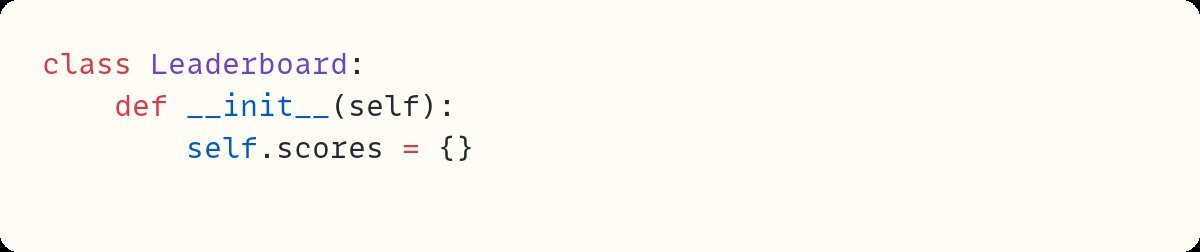
A singleton class restricts instantiation to a single object. Gruppetta demonstrates this with a Leaderboard class where multiple game instances must share scores. The initial implementation fails because creating new Leaderboard objects resets the state:
class Leaderboard:
    def __init__(self):
        self.scores = {}  # Resets on re-initialization
To enforce singleton behavior, developers override __new__:
class Leaderboard:
    _instance = None

    def __new__(cls, *args, **kwargs):
        if cls._instance is None:
            cls._instance = super().__new__(cls)
        return cls._instance
This ensures only one instance exists, but introduces another problem: __init__ reapplies on subsequent calls, wiping existing data. The fix requires guarding against re-initialization:
def __init__(self):
    if not hasattr(self, "initialised"):
        self.scores = {}
        self.initialised = True
Now you have:
- Thread-safety risks: Concurrent calls might bypass checks.
- Testability challenges: Hard to isolate or replace the singleton.
- Hidden complexity: Non-standard initialization confuses users.
 Complex initialization logic needed for thread-unsafe singletons
Pythonic Alternatives
1. Module-Level Singleton
Python modules are singletons by design. Define your class and instantiate once:
# leaderboard.py
class Leaderboard:
    def __init__(self):
        self.scores = {}

leaderboard = Leaderboard()  # Single instance
Import anywhere:
from leaderboard import leaderboard
leaderboard.add_score("Alice", 10)
2. Functional Approach
For simpler cases, avoid classes entirely:
# leaderboard.py
_scores = {}

def add_score(player, points):
    _scores[player] = _scores.get(player, 0) + points
3. Service Container (Best for Flexibility)
Encapsulate shared resources in a container class:
# services.py
from leaderboard import Leaderboard

class GameServices:
    def __init__(self):
        self.leaderboard = Leaderboard()

game_services = GameServices()
Benefits:
- Swappable dependencies: Substitute
Leaderboardwith a mock during testing. - Extensible: Add new services (logging, config) without global variables.
- Explicit ownership: Clearer than magic singleton methods.
When Would You Actually Need a Singleton?
Almost never. As Gruppetta notes:
"Creating a singleton class is a useful exercise to help you understand how Python creates and initializes objects. From a learning perspective, it’s great. But in your code? Generally, no."
The exceptions are rare—like interfacing with C libraries requiring singleton access. For 99% of cases, Python’s module system or service containers offer cleaner, more maintainable solutions.
Key Takeaways
- Singletons complicate: They require non-standard Python mechanics.
- Modules are natural singletons: Leverage Python’s import system for shared state.
- Composition beats inheritance: Service containers promote flexibility and testability.
- Question the pattern: If you think you need a singleton, first ask if a module or functions suffice.
Source: Adapted from Creating a Singleton Class in Python And Why You (Probably) Don’t Need It by Stephen Gruppetta. Code visuals created with Snappify.
Comments
Please log in or register to join the discussion