
As Windows 10 support ends, Nobara Linux emerges as a tailored Fedora-based solution specifically optimized for gamers transitioning to Linux. With preconfigured gaming tools, performance tweaks, and simplified workflows, this unofficial spin eliminates traditional Linux friction points for its target audience.
With Windows 10's imminent end-of-life pushing users toward alternatives, the Linux ecosystem faces both opportunity and challenge. While Fedora stands as a robust, cutting-edge distribution, its vanilla form often requires post-install configuration that daunts newcomers—particularly those with specialized needs like gaming. Enter Nobara Linux: the unofficial Fedora 42-based spin that's rapidly gaining attention for its gamer-first approach and streamlined onboarding.
Developed independently from Red Hat, Nobara isn't merely Fedora with extra packages. It incorporates deep system modifications targeting the Windows-to-Linux gaming transition:
- Performance Optimizations: Custom patches deliver up to 5% FPS improvements over stock Fedora
- Preconfigured Ecosystem: RPM Fusion and COPR repositories enabled by default
- Device-Specific Support: Patches for Steam Deck, Microsoft Surface, Asus ROG, and other gaming hardware
- Gaming Tool Suite: Preinstalled Steam, Lutris, ProtonPlus launcher manager, and Wine/Proton tweaks
- Driver Management: Simplified GPU setup via Nobara Driver Manager
The Gamer's Toolkit
What sets Nobara apart is its curated toolset. The ProtonPlus application centralizes game launcher management—a critical convenience for multi-store users. Meanwhile, Flatpost provides a simplified GUI for Flatpak management, reducing dependency confusion for newcomers. As contributor Jack Wallen notes: "Without having to struggle with driver and codec installation, you'll find everything just works out of the box."
Strategic Compromises
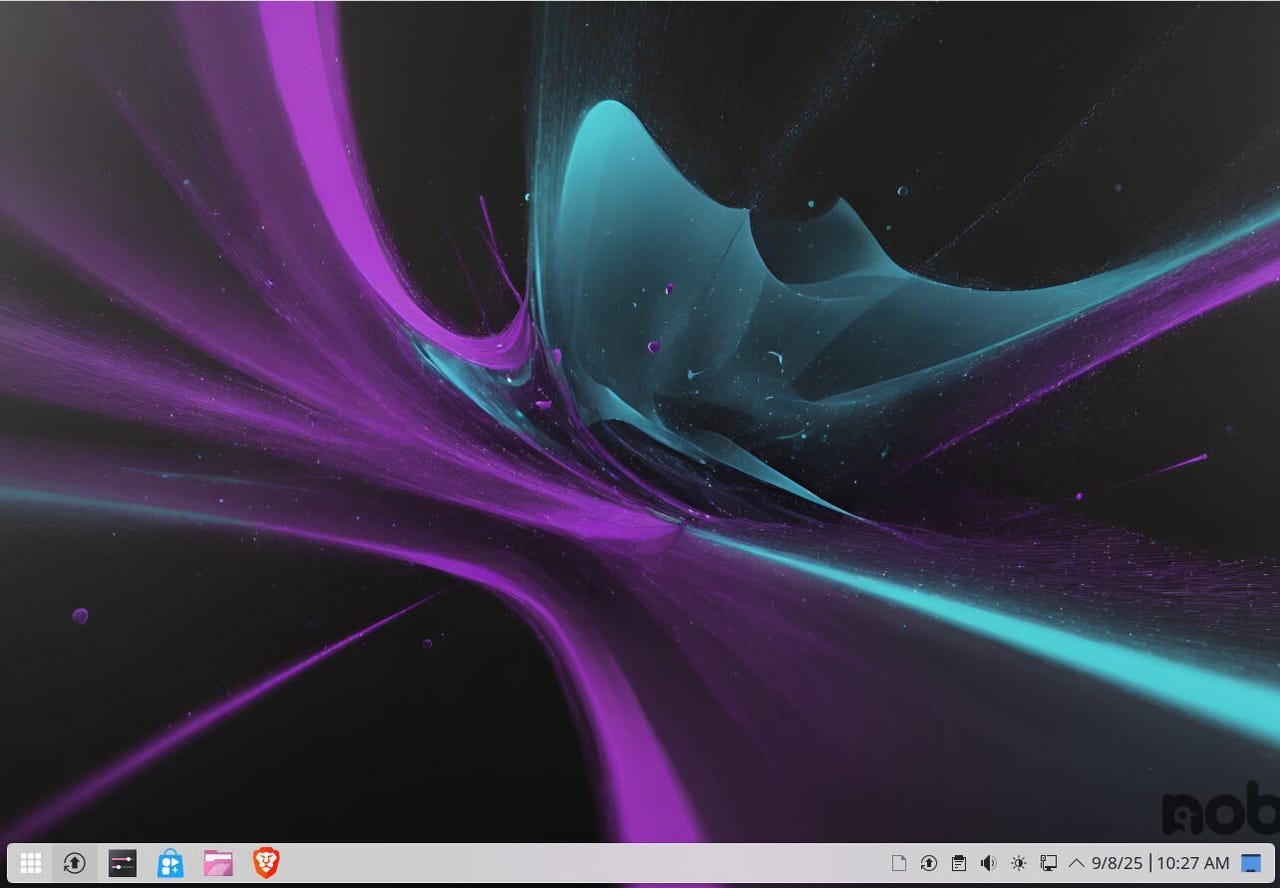
Nobara makes deliberate choices to prioritize its gaming focus. It replaces Fedora's default software center with a rebranded package manager while including non-free components like NVIDIA drivers and media codecs omitted from mainstream Fedora. These concessions to practicality lower the barrier for Windows converts who expect hardware to "just work."
The Perfect Fit?
Nobara shines brightest for a specific demographic: gamers seeking Linux alternatives post-Windows 10. Its optimizations address pain points like frame pacing and launcher fragmentation. However, it stops short of being a universal new-user distro. As Wallen observes: "If you're looking for a more general distribution for everyday tasks, look towards Ubuntu, Linux Mint, elementaryOS, or Pop!_OS."
For the gaming-focused migrant, Nobara represents a significant evolution in Linux accessibility—proving that specialized distributions can successfully bridge the gap between open-source potential and real-world user expectations. Its continued development signals growing recognition that targeted onboarding experiences may be Linux's strongest weapon in the post-Windows 10 landscape.
Source: ZDNet
Comments
Please log in or register to join the discussion