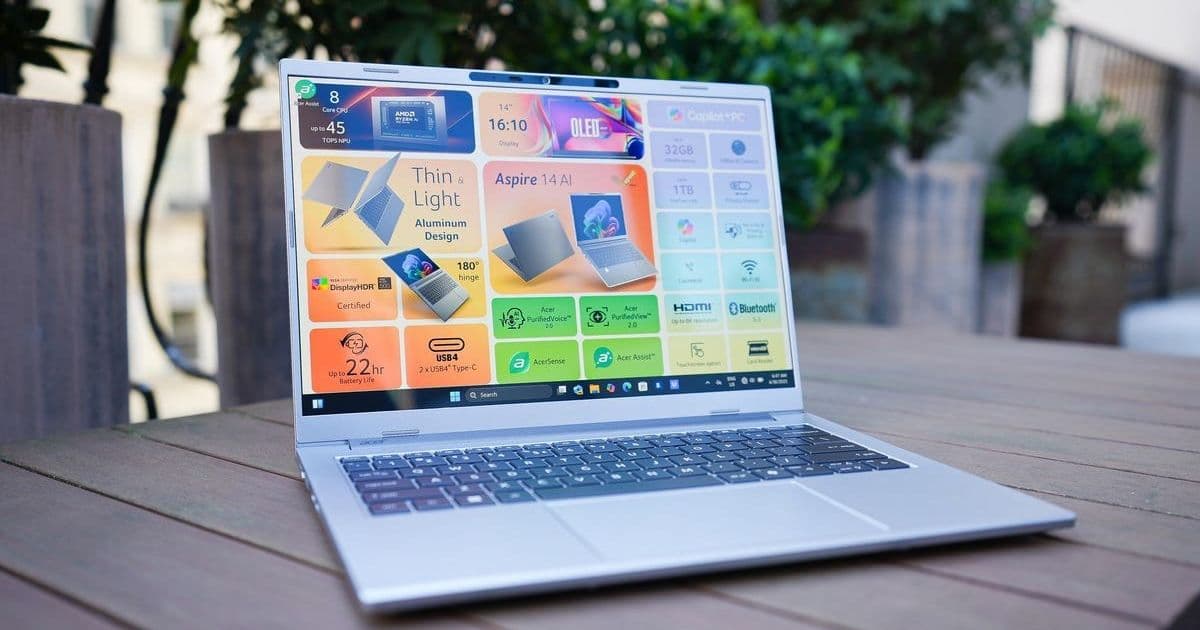
Discover how the right add-ons—from portable monitors to secure SSDs—can elevate your laptop from basic to exceptional, boosting productivity and comfort for developers and professionals. We break down tested recommendations across five key categories, emphasizing real-world value over hype.
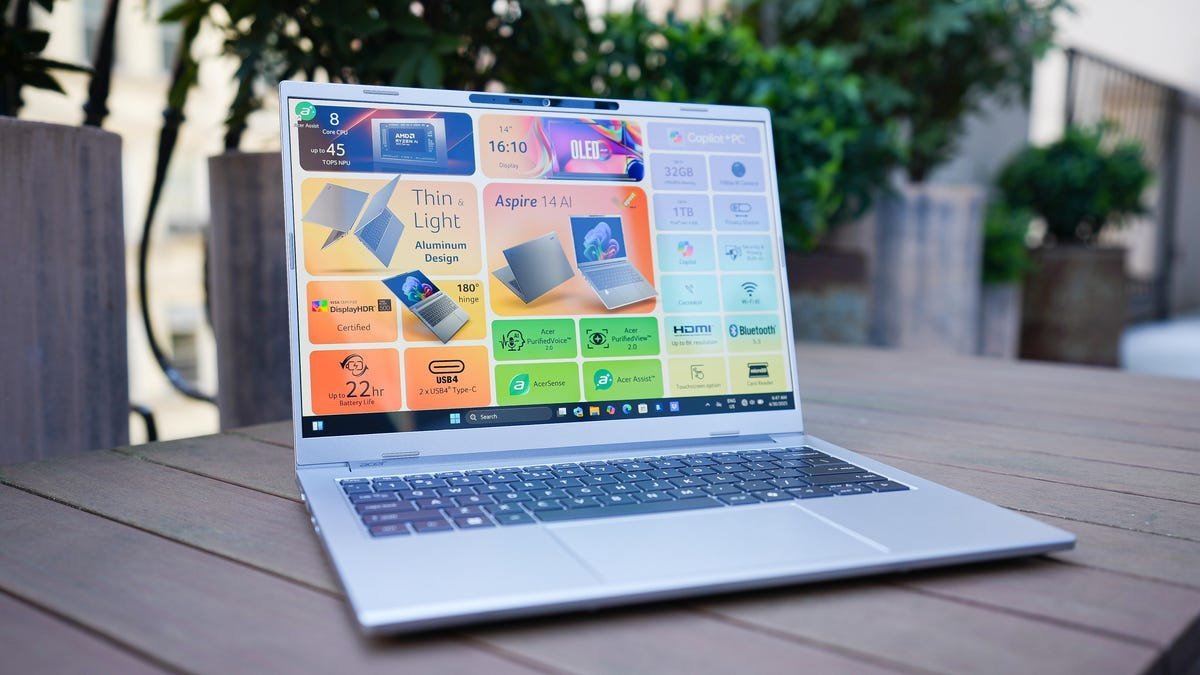
Laptops promise mobility but often sacrifice usability—cramped screens, limited ports, and fleeting battery life can throttle productivity. For developers, engineers, and remote professionals, accessories aren’t luxuries; they’re force multipliers that bridge the gap between convenience and capability. After hands-on testing, we’ve curated standout picks across critical categories that deliver tangible workflow upgrades without breaking the bank.
Portable Monitors: Unlock Multi-Screen Mobility
For coders juggling IDEs and documentation or analysts visualizing datasets, a secondary display is transformative. Modern portable monitors eliminate desktop tethering with plug-and-play simplicity, drawing power directly from your laptop. The Plugable 15.6-inch FHD monitor ($240) shines for its matte anti-glare screen and slim profile—ideal for coffee-shop workflows. Need higher fidelity? The Uperfect True 4K model boasts 600 nits brightness and includes a protective smart case, while the premium ViewSonic VX1655 leverages OLED brilliance in a 1.5-pound frame, praised for outshining even MacBook Pro displays.
External SSDs: Bypass Costly Upgrades
Manufacturers often charge exorbitant fees for larger internal storage—a pain point for data-heavy tasks like compiling or virtualization. External SSDs offer a savvy workaround. The Lexar SL500 (2,000 MB/s speeds) packs 2TB into a credit-card-sized chassis, perfect for tossing in a backpack. For rugged security, the iStorage DiskAshur Pro 3 features military-grade 256-bit encryption and a physical keypad. Meanwhile, the WD My Passport Ultra balances affordability with robust metal casing and automated backups via WD software.
Power Banks: Cut the Cord Without Compromise
When outlets vanish during cross-country flights or client sites, underpowered banks leave laptops gasping. Prioritize 20,000mAh+ capacity and 100W+ output for sustained use. The Ugreen Nexode 130W ($70) efficiently juices three devices simultaneously, though its weight demands bag space. For sheer innovation, the Cuktech P-Series (25,000mAh/210W) includes a real-time power display—essential for monitoring energy flow during intensive coding sessions.
Docking Stations: Conquer Port Scarcity
Modern ultrabooks like the M4 MacBook Air sacrifice ports for thinness, crippling peripheral connectivity. 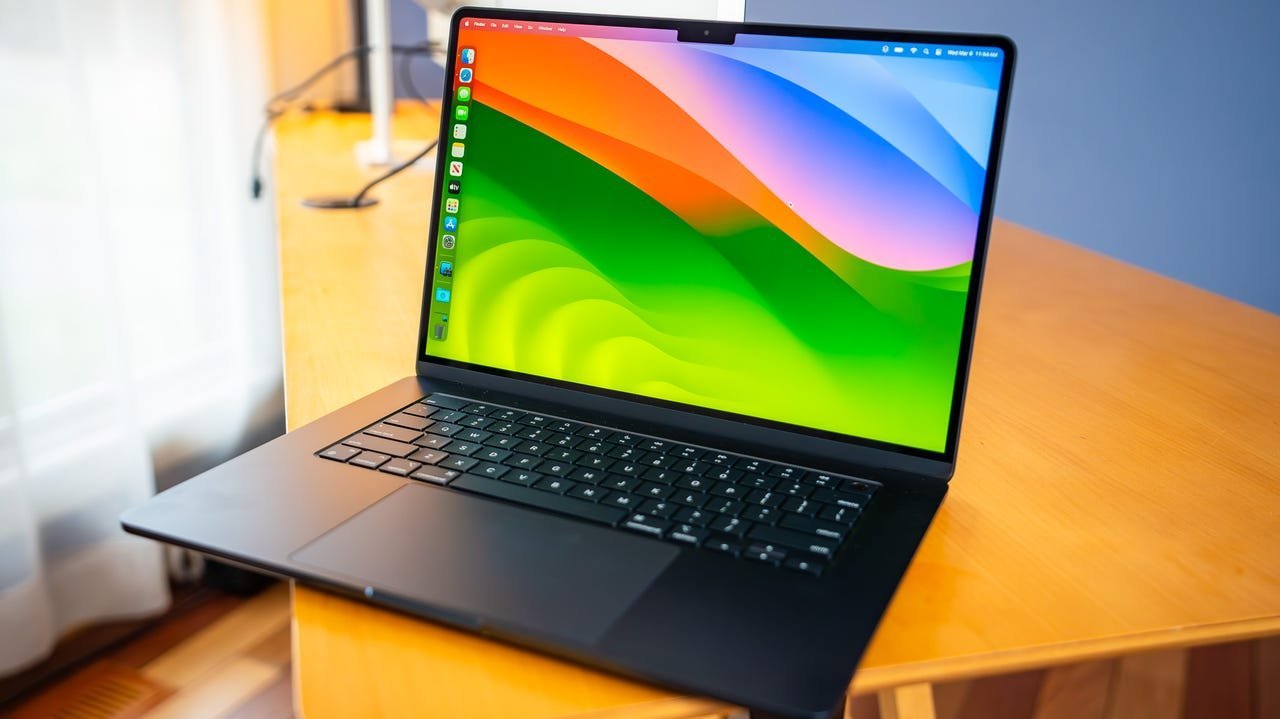
"The EZQuest 6-in-1 hub is probably the only dock you’ll ever need—delivering 4K video, 100W charging, and 10Gbps data in a three-ounce frame," notes ZDNET’s review. For expansive setups, the Belkin 11-in-1 Universal Dock adds Ethernet, HDMI, and SD slots, turning a laptop into a command center.
Ergonomic Mice: Defeat Trackpad Fatigue
Precision matters for UI design or spreadsheet wrangling, and trackpads invite strain. The HP 280 Silent Mouse ($22) offers 18-month battery life in a noiseless, compact form—ideal for libraries. Logitech dominates the premium tier: the MX Anywhere 3S switches seamlessly between three OSes, while the ultra-flat Pebble Mouse 2 slips into pockets without sacrificing comfort.
Investing thoughtfully in accessories tailors your setup to personal rhythms—whether securing sensitive code or extending screen real estate for Kubernetes dashboards. As ZDNET’s Cesar Cadenas emphasizes after a decade testing tech: "The best upgrades solve specific frustrations, transforming constraints into catalysts for flow." Prioritize what amplifies your work, not marketing buzz.
Source: Adapted from ZDNET by Cesar Cadenas.
Comments
Please log in or register to join the discussion