Discover how simple curl commands can inject fun and functionality into your Windows command-line experience. From ASCII art animations to real-time weather updates, these tricks blend utility with entertainment, perfect for impressing peers or adding levity to daily dev tasks.
The Windows command line often evokes images of serious, head-down coding—but what if it could also be a source of amusement and quick insights? As developers, we spend hours in terminals for debugging, deployments, and data handling. Yet, tools like curl, known for its data transfer capabilities, hide playful features that can turn mundane sessions into engaging experiences. Inspired by a guide from nxgntools.com, here's how to unlock five curl command tricks that showcase the versatility of this ubiquitous tool while adding a dash of fun to your workflow.
Step-by-Step: Accessing the Command Line
First, fire up your terminal quickly using the Windows + R shortcut to open the Run dialog. Type cmd and hit Enter—this launches the Command Prompt, your gateway to these tricks. No admin rights or complex setups are needed, making this accessible even for beginners.
The Magic of Curl: Five Tricks to Try
Curl excels at fetching data from URLs, and these commands leverage simple web services to deliver visual and informational surprises. Embed them directly into your terminal for instant results.
The Running Man Animation Type
curl ascii.live/forrestand watch a charming ASCII art animation of a running figure. It's a whimsical way to demonstrate how curl renders dynamic content. Perfect for breaking the ice in team demos or lightening up a coding break.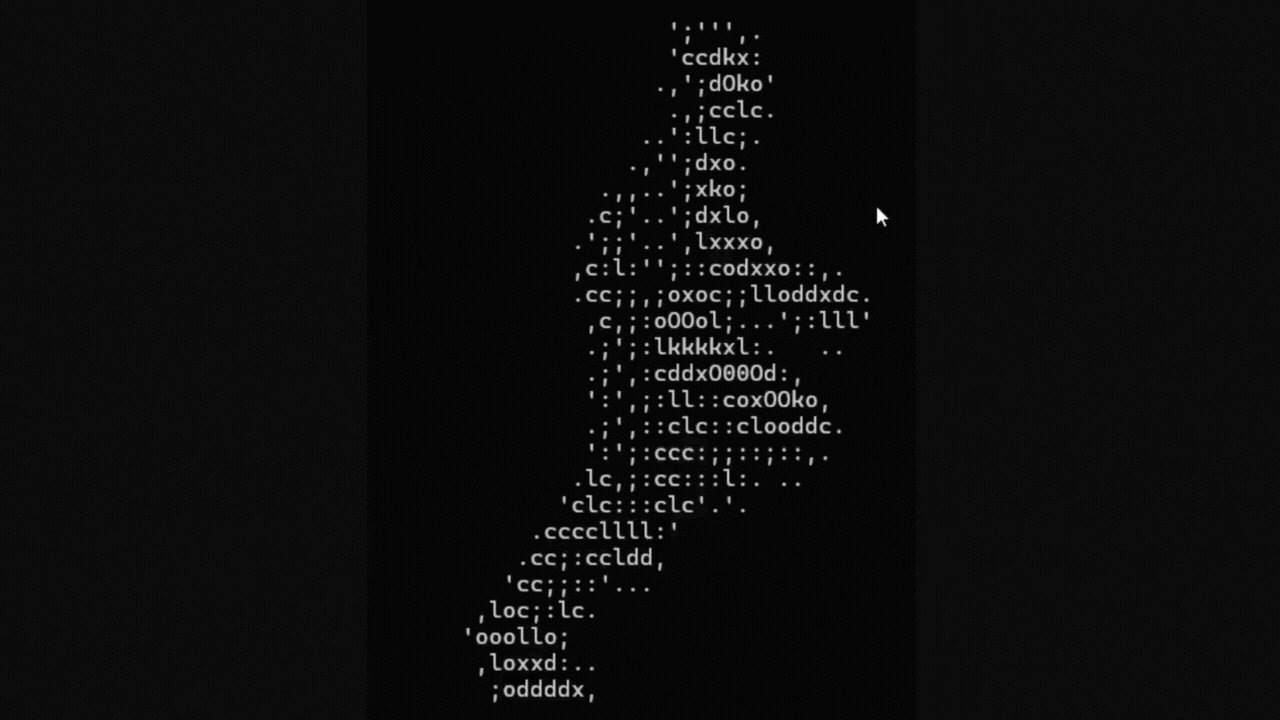
Dancing Parrot Extravaganza Execute
curl parrot.liveto summon a dancing parrot in your terminal. This animated sequence highlights curl's ability to handle streaming content, turning your screen into a mini-entertainment hub. Ideal for sparking curiosity about real-time data handling.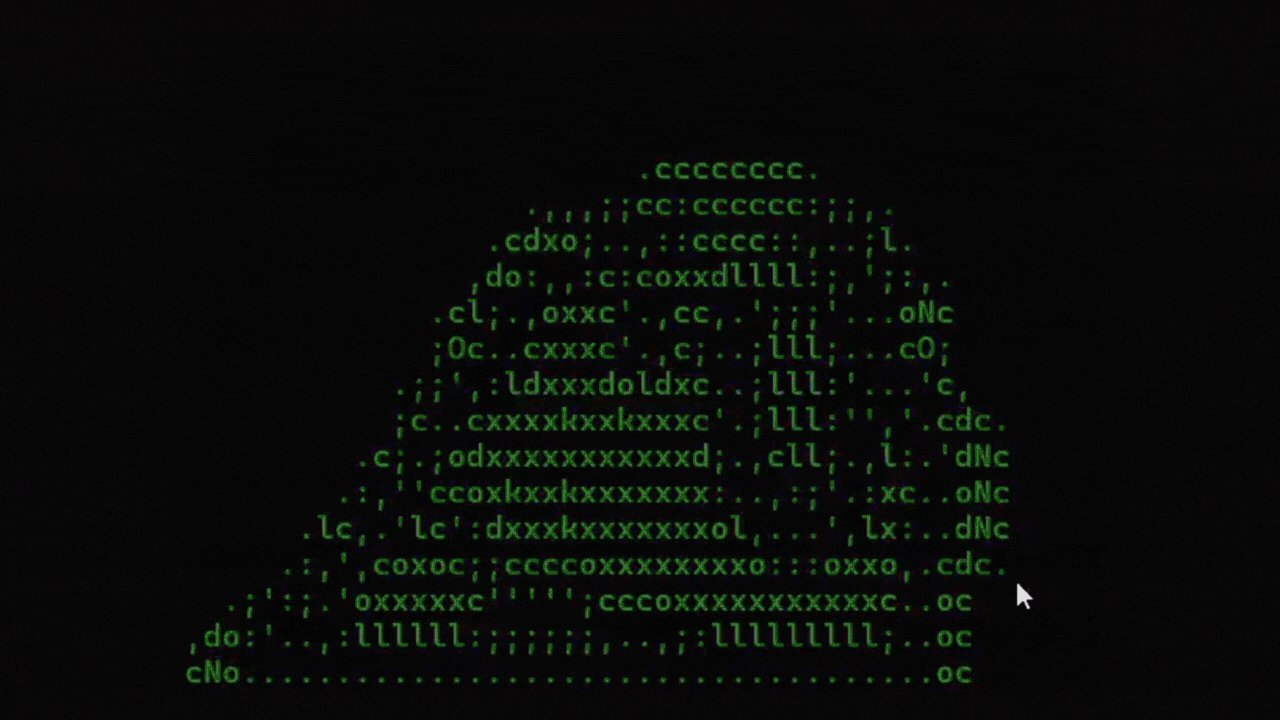
Instant Weather Reports Need a quick forecast?
curl wttr.infetches a beautifully formatted weather summary for your location. It parses geolocation data to provide temps, conditions, and forecasts—handy for remote workers planning their day without leaving the terminal.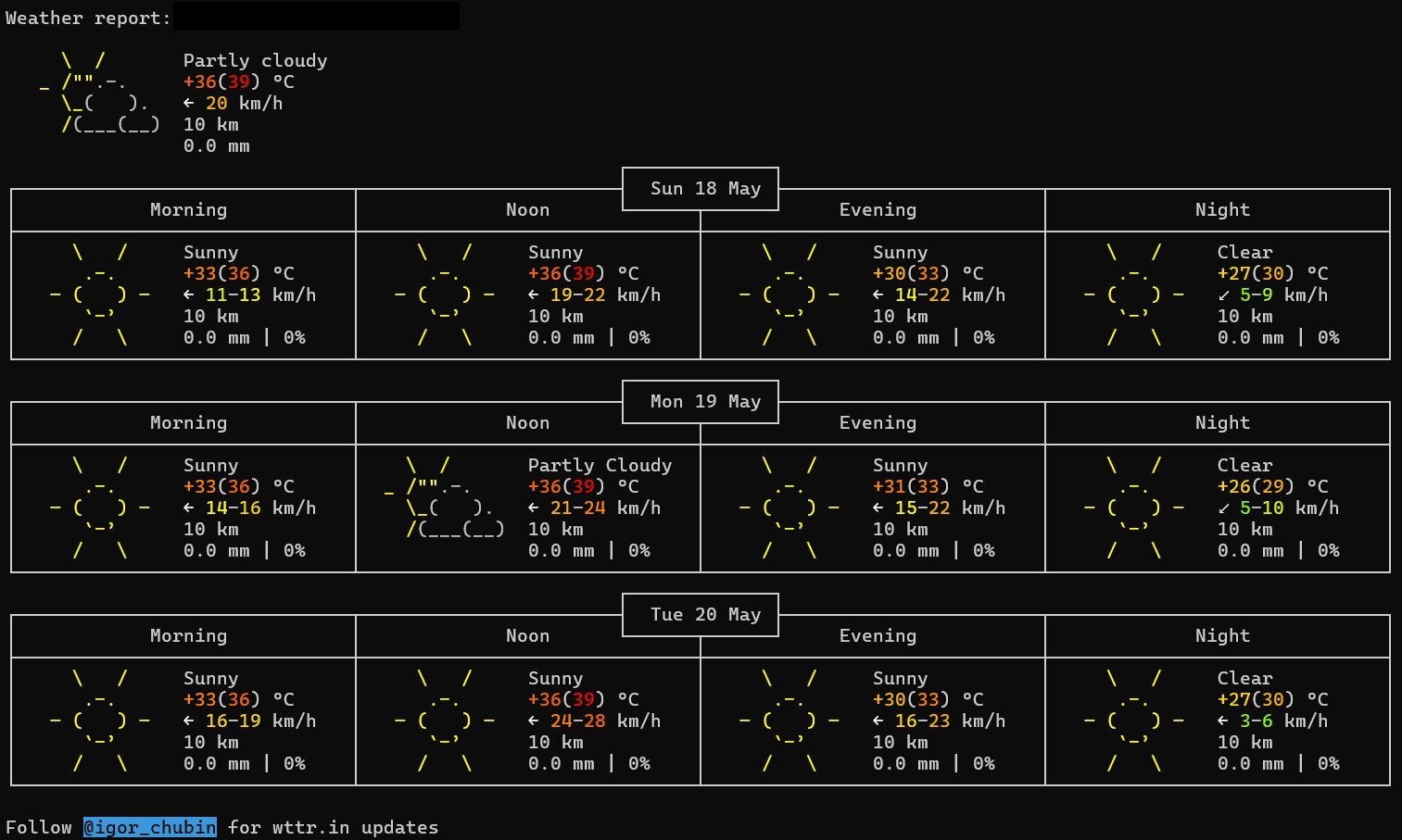
IP and Geolocation Snapshot Run
curl ipinfo.ioto get a concise report of your public IP, location, and network details. This isn't just fun; it's a practical tool for debugging connectivity issues or understanding your digital footprint during security checks.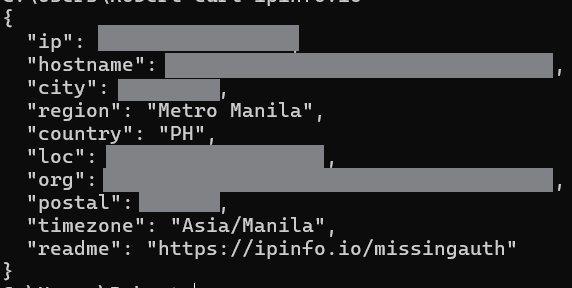
The Classic Rick Roll For a nostalgic twist,
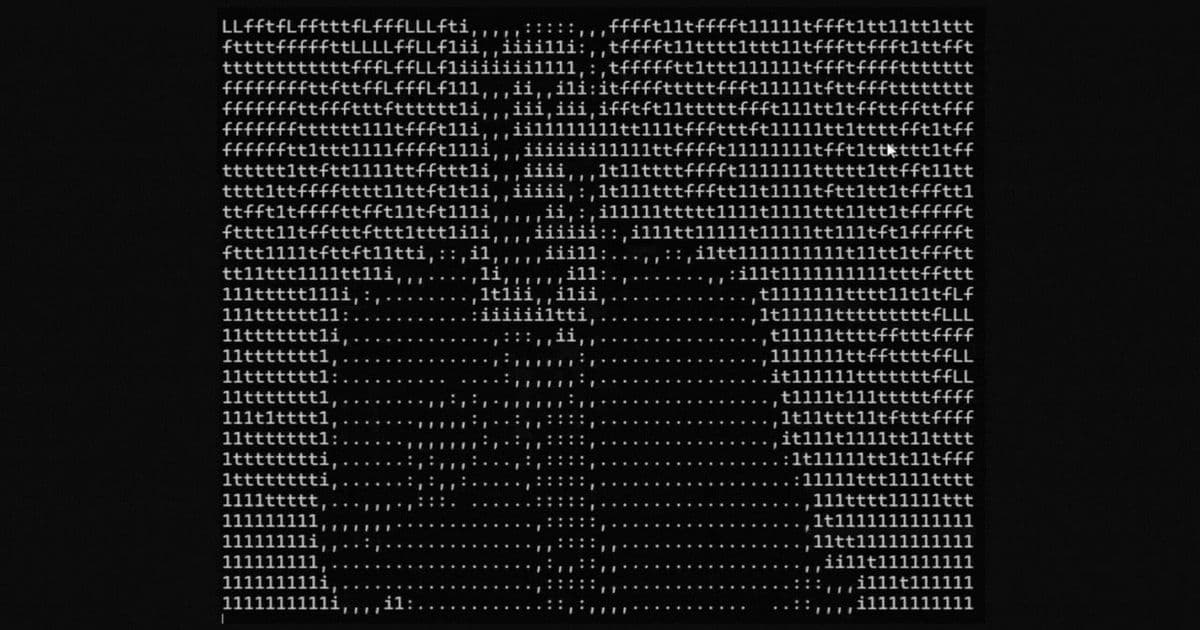
curl ascii.live/rickdelivers a text-based Rick Astley animation—a playful nod to internet culture. It underscores how curl can transform APIs into interactive experiences, all from a single command.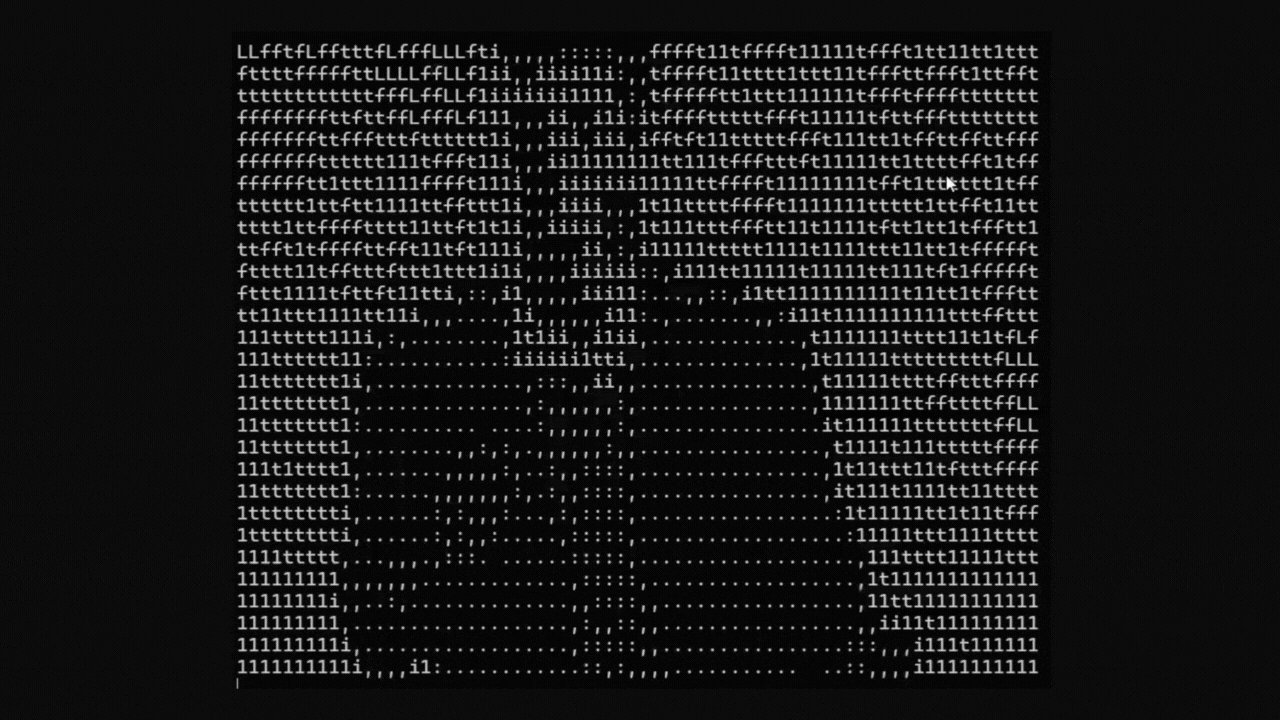
Why These Tricks Matter Beyond the Fun
At first glance, these commands seem like novelties, but they reveal deeper value. They demonstrate curl's power in interacting with RESTful APIs and web services, serving as micro-examples of how developers can integrate external data into scripts. For instance, wttr.in and ipinfo.io can be adapted for automation tasks, like monitoring weather-dependent workflows or auditing network configurations. Moreover, they make the command line more approachable, encouraging CLI literacy among junior developers or non-technical team members. As cybersecurity best practices, always verify unfamiliar URLs before execution—though these services are widely trusted, it's a good habit for avoiding malicious traps.
In an era where developer tools often prioritize efficiency over enjoyment, these curl tricks remind us that technology can foster both productivity and joy. They're not just party tricks; they're gateways to exploring how simple commands can build bridges between utility and creativity. Next time you're in a terminal rut, try one—it might just inspire your next big idea.
Source: nxgntools.com
Comments
Please log in or register to join the discussion