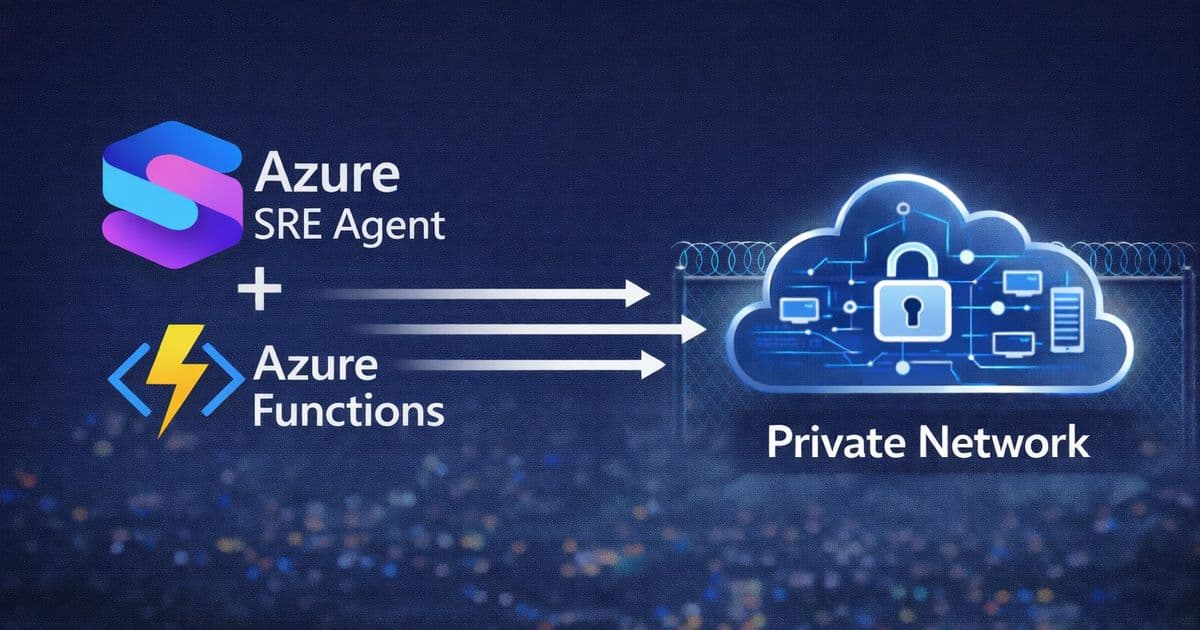
Azure SRE Agent can now query Log Analytics workspaces protected by Private Link using an Azure Function proxy pattern with Easy Auth authentication, enabling secure investigations without exposing private resources to public networks.
When organizations secure their Log Analytics workspaces with Azure Monitor Private Link Scope (AMPLS), they face a challenge: Azure SRE Agent, running as a cloud service outside the virtual network, cannot directly query these protected workspaces. A new solution using Azure Functions as a secure query proxy resolves this limitation while maintaining network security.
The Private Link Challenge
Many organizations configure AMPLS with publicNetworkAccessForQuery: Disabled and queryAccessMode: PrivateOnly, blocking all public queries to their Log Analytics Workspaces. This is a security best practice for compliance and data protection, but it creates a problem for SRE Agent investigations.
When AMPLS is configured this way, any query that doesn't come through a Private Endpoint is rejected with an InsufficientAccessError. Since Azure SRE Agent runs as an external cloud service without direct VNet access, it cannot query these protected workspaces directly.
The Azure Function Proxy Solution
The solution involves deploying Azure Functions inside the workload virtual network as a serverless query proxy. This pattern works because data ingestion and query access use different network paths:
- Log Ingestion: Works from external sources via Private Endpoint
- External Queries: Blocked by design
- VNet Queries: Work through Private Endpoint
- SRE Agent Queries: Work through Function proxy
Architecture Overview
The implementation uses two resource groups to simulate cross-subscription scenarios:
- Originations Group: Contains the Log Analytics Workspace (LAW) and AMPLS with query access disabled
- Workload Group: Contains the VNet, Private Endpoint, and Azure Functions
The Azure Function acts as a bridge between public and private networks. It exposes HTTPS endpoints that SRE Agent can call as custom HTTP tools, then proxies these queries through the VNet to reach the Log Analytics Workspace via the Private Endpoint.
Security Implementation with Easy Auth
Instead of using function keys, the solution employs Easy Auth (Microsoft Entra ID authentication) for enhanced security:
- Function Configuration: Set
authLevelto "anonymous" infunction.jsonsince Easy Auth handles authentication at the platform level - Identity Provider: Configure Microsoft as the identity provider with federated identity credentials
- Client Access: Add the SRE Agent's Managed Identity Client ID to allowed client applications
- Token Acquisition: PythonTools in SRE Agent automatically acquire Bearer Tokens using environment variables
IDENTITY_ENDPOINTandIDENTITY_HEADER
This approach eliminates the need to manage secrets, as Managed Identity tokens are automatically rotated and never stored in code or configuration.
Investigation Flow
The complete investigation process works as follows:
- User requests investigation of workload VMs
- SRE Agent calls the Azure Function's
query_logsendpoint - Azure Function queries LAW via Private Endpoint (allowed since request came from PE)
- Log Analytics returns results to the Function
- Function returns JSON response to SRE Agent
- SRE Agent analyzes logs and identifies root cause
Security Considerations
The solution maintains end-to-end security:
- Log Analytics public query access remains disabled
- Private Endpoint is isolated in a subnet with NSG rules
- Azure Function uses Managed Identity for LAW access (no secrets)
- API authentication uses Easy Auth with Bearer Tokens
- VNet routing ensures all traffic flows through the Private Endpoint
- All invocations are logged in Application Insights for audit trails
Implementation Steps
- Configure Originations LAW: Create workspace and disable public query access
- Create AMPLS: Set up Azure Monitor Private Link Scope
- Deploy Private Endpoint: Create in workload VNet pointing to AMPLS
- Deploy Azure Function: VNet-integrated with Managed Identity
- Configure Easy Auth: Set up Microsoft Entra ID authentication
- Deploy SRE Agent Tools: PythonTools with Easy Auth integration
Key Takeaways
- AMPLS blocks public queries by design - this is expected security behavior
- Azure Functions provide a serverless query proxy solution
- Resource groups can simulate cross-subscription scenarios
- Easy Auth eliminates secret management overhead
- Security is maintained end-to-end with Managed Identities
Try It Yourself
The complete sample implementation is available on GitHub: private-law-query-sample. The repository includes deployment scripts using Azure Developer CLI (azd) and step-by-step instructions for Easy Auth configuration.
This solution demonstrates how Azure's serverless capabilities can bridge security boundaries while maintaining the principle of least privilege, enabling SRE teams to investigate resources in private networks without compromising security posture.
Comments
Please log in or register to join the discussion