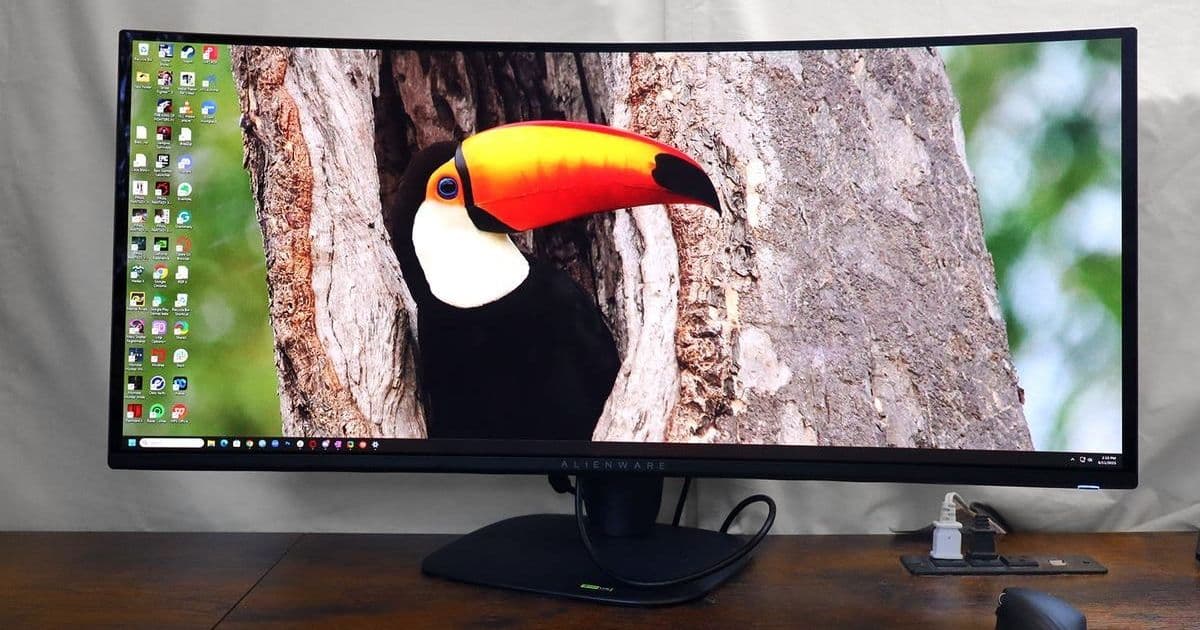
The new Alienware 34‑inch QD‑OLED isn’t just a gamer’s dream—its 240Hz refresh, 1800R curvature, and ultrawide 3,440×1,440 resolution transform a single screen into a productivity powerhouse. In this deep dive, we explore how the monitor’s design, Windows 11 Snap integration, and Picture‑in‑Picture mode blur the line between work and play, all while staying surprisingly pocket‑friendly at $800.
A New Benchmark for the Home Office
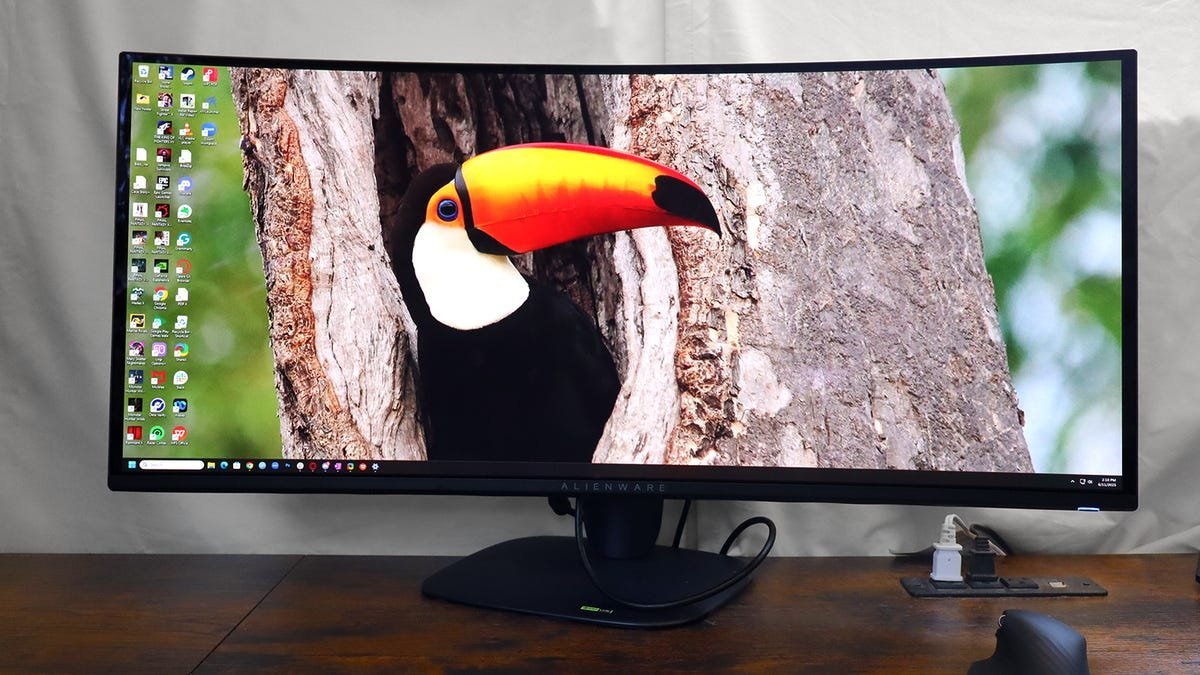
When I first bought the Alienware 34‑inch QD‑OLED, I was skeptical. Curved displays had long been relegated to gaming hype, and I had spent years mastering a dual‑monitor setup that kept my code, terminal, and design tools neatly separated. The moment I slid the monitor into place, the difference was undeniable—every pixel seemed to hug the screen, and the 1800R curvature pulled the edges of my view into a natural field of vision.
Specs that Matter
- Display: 34‑inch QD‑OLED, 3,440 × 1,440 px (WQHD)
- Refresh Rate: 240 Hz, 1 ms response time
- Curvature: 1800 R
- Color: 10‑bit OLED panel, 100 % DCI‑P3 coverage
- Connectivity: HDMI 2.1, DisplayPort 1.4, USB‑C with DP Alt Mode
- Audio: No built‑in speakers (requires external audio)
- Price: $800 (retail)
Those numbers alone would justify a premium, yet the price point sits comfortably below the $1,000 mark that most high‑end OLEDs command.
Windows 11 Snap Meets Ultrawide
One of the first things I tested was Windows 11’s Snap layout. On a 27‑inch display, the 3‑column snap left a cramped feel; on the Alienware, the same layout spreads across 34 inches, giving each window generous breathing room. The OS can now treat the ultrawide as two virtual 17‑inch monitors, a trick that makes multitasking feel less like juggling and more like orchestrating.
“The 34‑inch screen feels like having a third monitor without the clutter.” – Cesar Cadenas, ZDNET
Picture‑in‑Picture: Two Computers in One Frame
The monitor’s PiP mode is a game‑changer for developers who run a local server or need to monitor logs while coding. By connecting a second computer to the same DisplayPort, you can resize the secondary feed to 75 % of the screen or tuck it into a corner. The on‑screen controls let you switch inputs on the fly, eliminating the need for a separate monitor or a virtual desktop.
Design and Ergonomics
The Alienware 34 arrives mostly pre‑assembled: the stand slides onto the arm, and the arm slides into the back of the display in a single motion. The hinge allows 21° tilt, which is enough to avoid glare on a desk without compromising the 1800R curve. The only real drawback is the lack of built‑in speakers, but that’s a small trade‑off for a cleaner front panel.
The Bottom Line
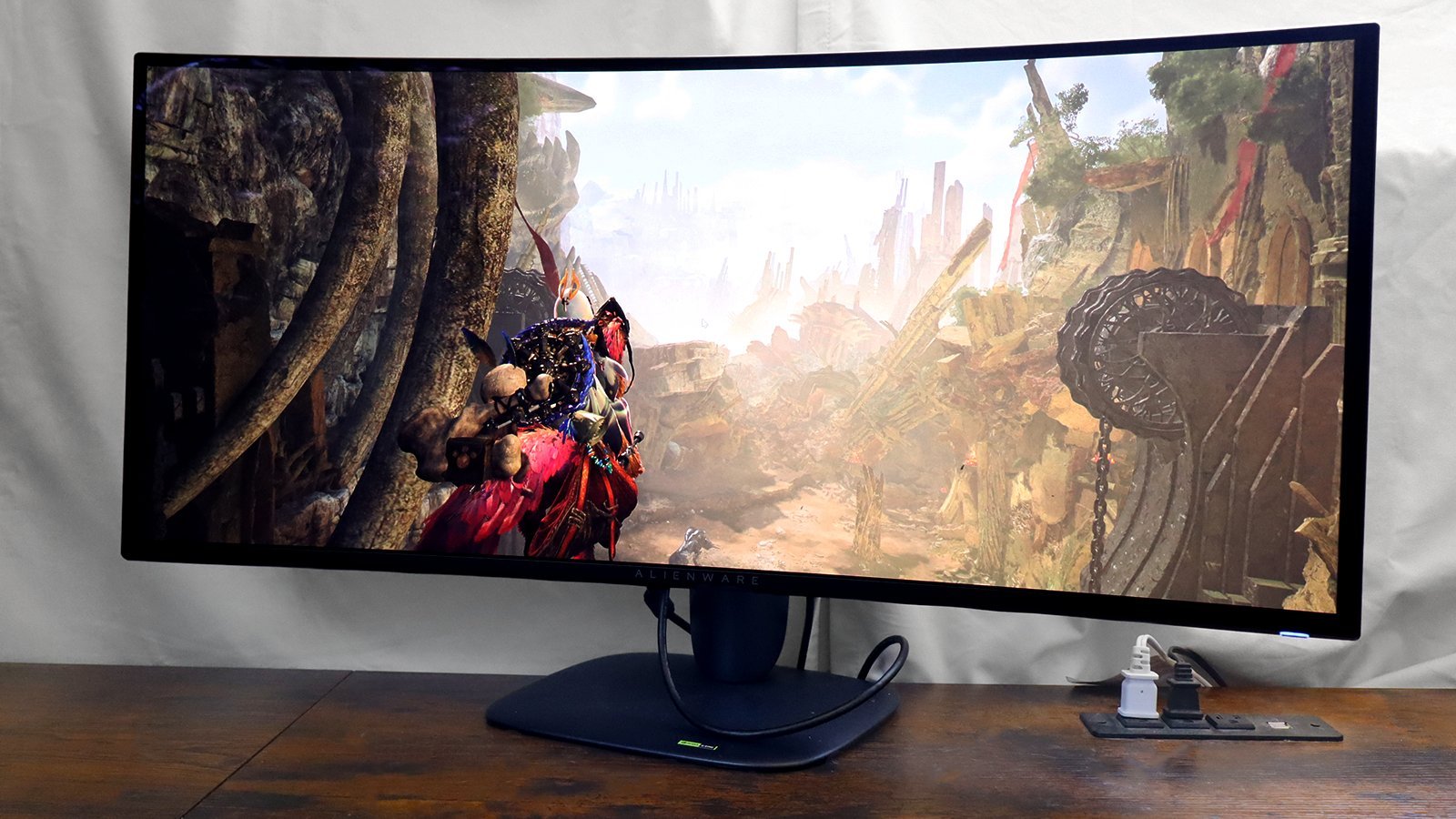
At $800, the Alienware 34‑inch QD‑OLED delivers a level of visual fidelity that feels more like a cinematic experience than a traditional monitor. Its 240 Hz refresh and OLED panel make it ideal for fast‑action games, while the ultrawide aspect ratio and Windows 11 Snap integration turn it into a productivity powerhouse. For developers, designers, or anyone who wants to reduce desk clutter without sacrificing screen real estate, this monitor is a compelling upgrade.
Sources
- ZDNET review by Cesar Cadenas, “I was team dual‑monitor for the longest time until this ultrawide OLED changed everything.”
- Alienware 34‑inch QD‑OLED product page, Dell.
Comments
Please log in or register to join the discussion