From its origins in OS X Server to a core macOS service, Apple's content caching technology has silently optimized update deliveries for two decades. We explore its technical evolution, growing capabilities, and why it remains an underutilized powerhouse for developers and enterprises.
For nearly two decades, macOS has included a sophisticated yet often overlooked infrastructure feature: content caching. What began as a niche tool in Mac OS X Server has evolved into a resilient system service that accelerates software distribution while reducing bandwidth strain—a critical asset for developers and IT teams managing fleets of Apple devices.
The Server Origins
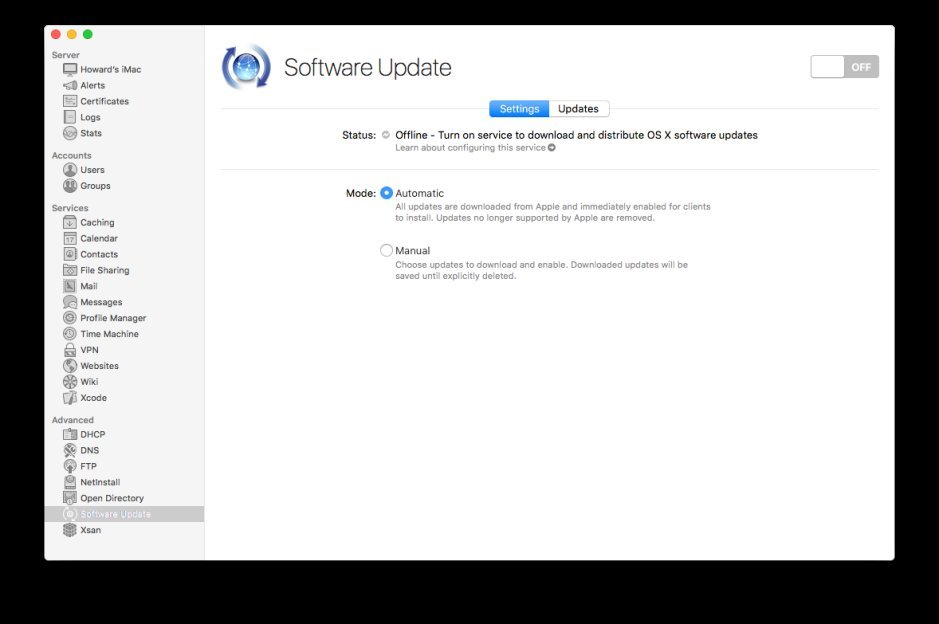 Above: Software Update service in OS X Server 2 (2012)
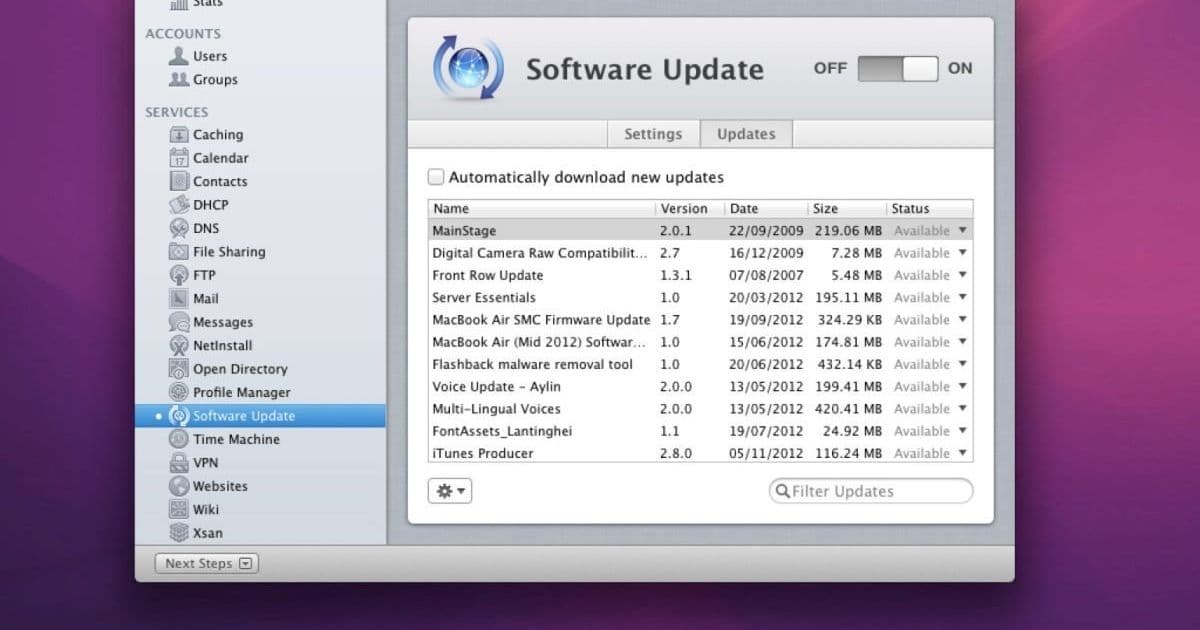
Content caching debuted in OS X Server 10.4 Tiger (2005) as a Software Update server. As Apple's services expanded—iTunes Store (2003), App Store (2008), iCloud (2011)—the technology matured. By 2012, OS X Server 2 introduced dedicated Content Caching, though early client configuration was cumbersome, requiring manual edits to com.apple.SoftwareUpdate.plist.
The Client Revolution
A watershed moment came with macOS High Sierra (2017), which baked caching directly into client Macs, eliminating the need for macOS Server. The Sharing pane gained a Content Caching toggle, enabling:
- Tiered "parent/child" server hierarchies
- Automatic peer discovery
- Bandwidth throttling controls
# Modern cache management via Terminal
AssetCacheManagerUtil --status
Expanding Capabilities
Initially caching only system updates, the service now handles:
- macOS/iOS App Store apps
- iCloud documents & Photos libraries
- GarageBand content & Xcode components
- Rosetta 2, screen savers, and on-device AI models
Technical Complexities
Apple Silicon introduced new challenges: the first 1GB of macOS updates must download directly from Apple, with only subsequent chunks leveraging local caches. A 2022 XProtect update failure via caching servers also revealed fragility, though Apple never publicly diagnosed it.
The iOS 26 Advantage
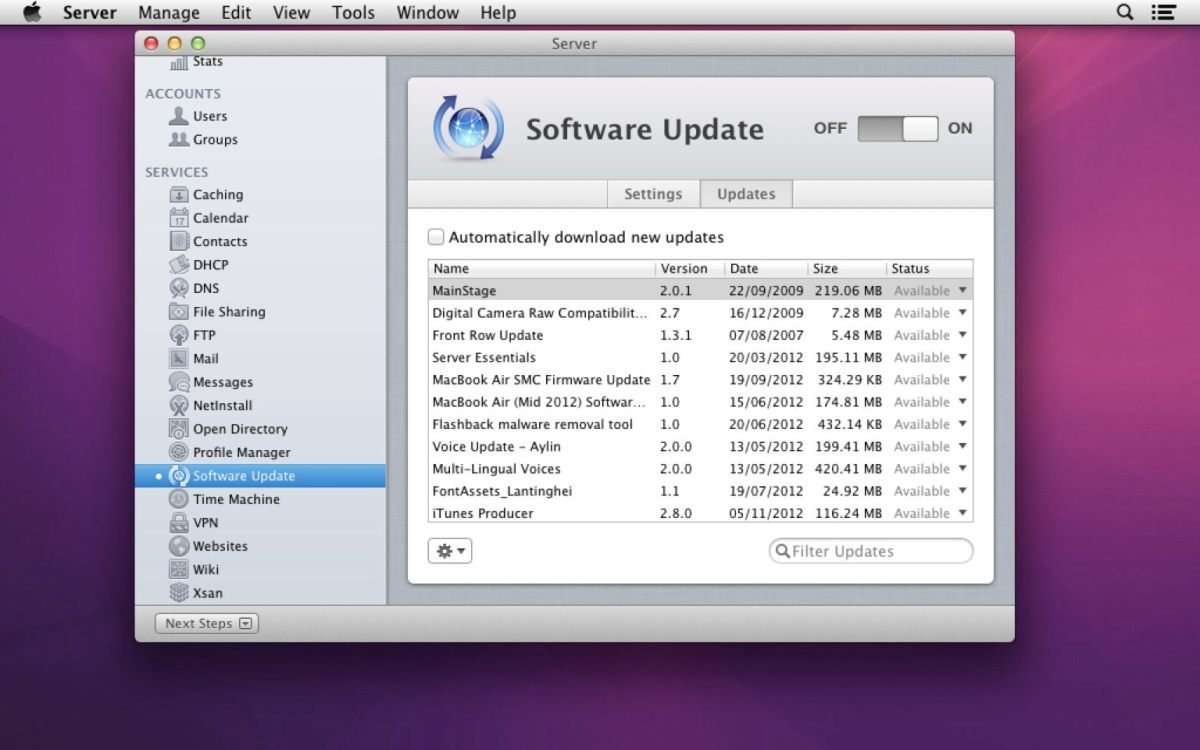 Content Caching interface evolution
iOS/iPadOS 26 recently added cache validation: under Wi-Fi settings > ⓘ > Content Caches, admins can now test server connections and download speeds—a feature curiously absent in macOS Tahoe.
Why It Matters
Despite its low profile, content caching:
- Reduces WAN traffic by up to 70% for Apple updates
- Accelerates deployment cycles for development teams
- Provides enterprise-grade content delivery without third-party tools
As Apple's ecosystem grows—especially with AI model distributions—this unassuming service remains a testament to infrastructure that "just works," even if few realize it's working at all.
Source: EclecticLight
Comments
Please log in or register to join the discussion