
Apple's iOS 26 introduces Visited Places in Maps, automatically logging every location you visit. While offering convenience for recalling destinations, this opt-in feature raises privacy questions despite Apple's encryption claims. We detail how it works, how to manage your data, and the implications for user control.
Apple continues its tightrope walk between user convenience and privacy with a significant new feature in iOS 26: Visited Places. Integrated directly into the Maps app, this capability automatically records the physical locations users travel to, creating a persistent log designed to make revisiting favorite spots easier. While framed as a productivity booster, its inherent tracking functionality inevitably sparks privacy considerations, demanding user awareness and control.
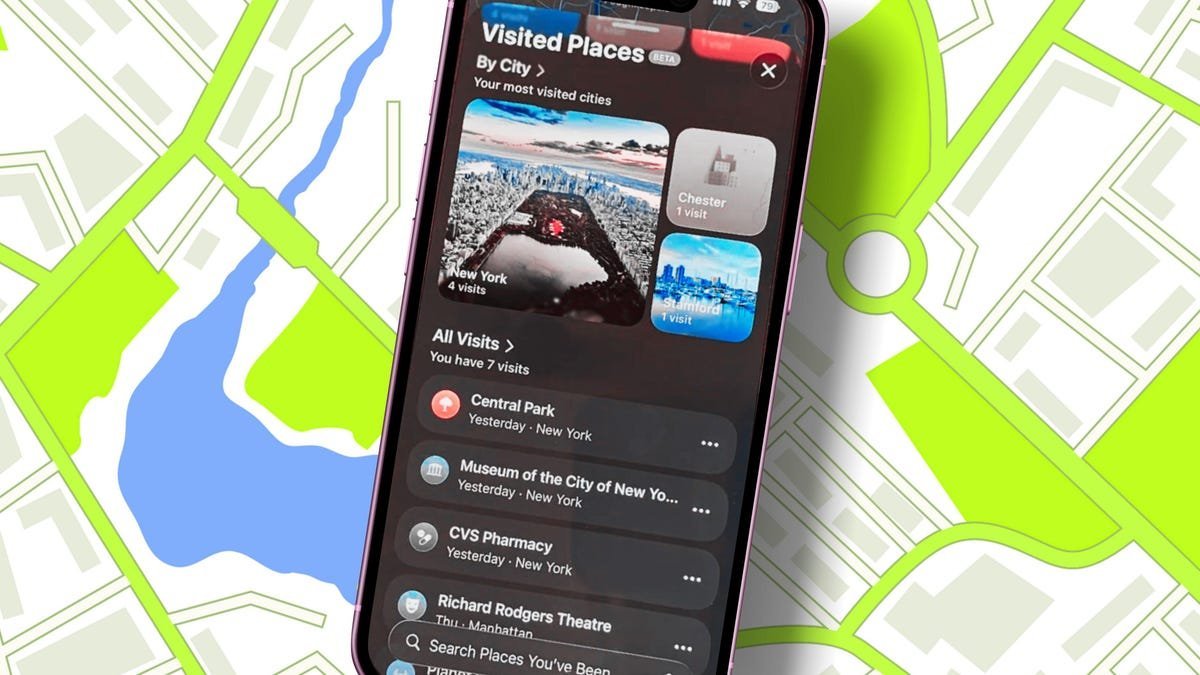
How Visited Places Works (And Why Privacy Advocates Are Watching)
Visited Places operates by leveraging the iPhone's existing location services infrastructure, specifically tying into the 'Significant Locations & Routes' system service. Once enabled (it's opt-in during setup or via prompts), Maps silently logs destinations. The data is stored locally on the device, encrypted, and—crucially—Apple states that "no one at the company can read it," aligning with their privacy-centric marketing. Users access their history via the Maps app under 'Places' > 'Visited Places', where entries can be searched, filtered by date/category/city, and display details like operating hours and reviews.
Taking Control: Managing and Disabling Your Location History
Apple provides granular controls, reflecting an understanding of the sensitivity:
- Individual Management: Tap the ellipsis (...) next to any entry to remove it, add it to a standard Places list, share it, add notes, rate it, or report an incorrect location.
- Retention Settings: By default, visits are stored for three months. Users can extend this to one year or indefinitely via 'Keep Visits'.
- Bulk Deletion: 'Clear History' removes the entire Visited Places log.
- Opting Out: The nuclear option: Navigate to
Settings > Apps > Maps > Locationand toggle off 'Visited Places'. Disabling 'Significant Locations & Routes' (Settings > Privacy & Security > Location Services > System Services) also stops the underlying tracking.
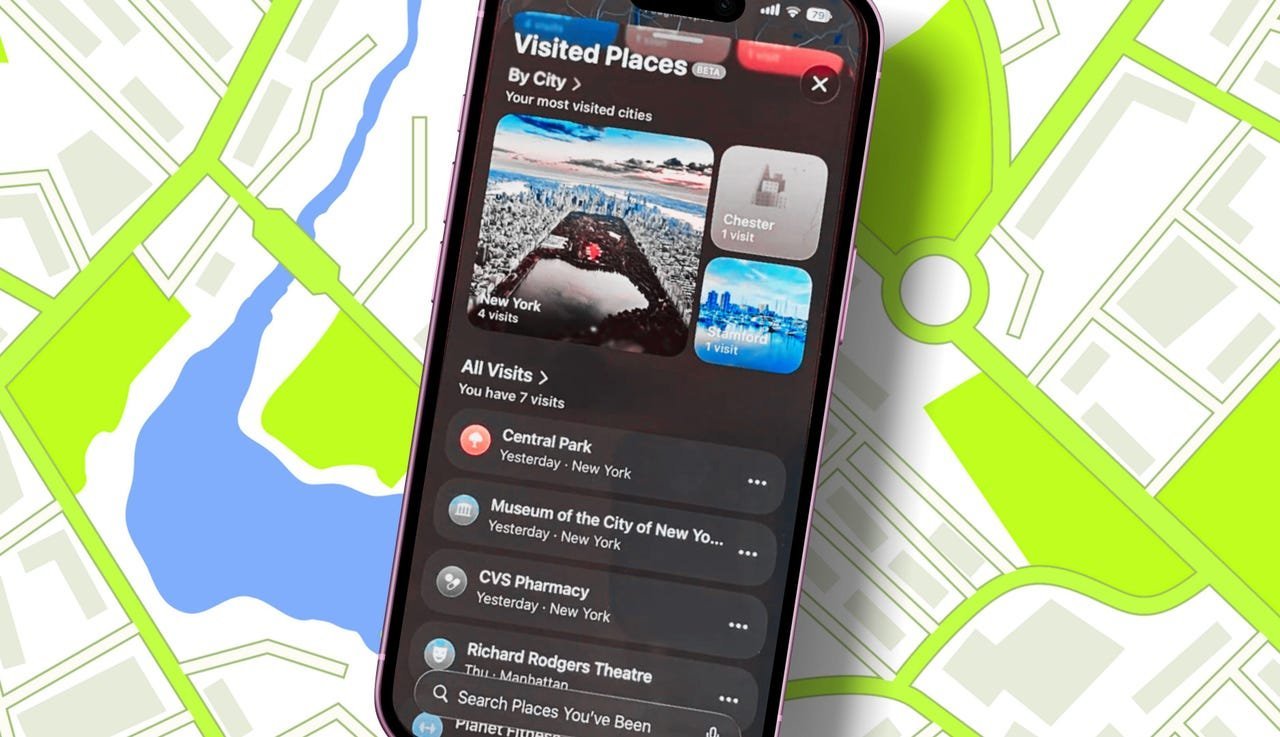 Managing individual Visited Places entries offers users direct control over their location history.
The Broader Implications: Convenience at What Cost?
Visited Places epitomizes the modern tech dilemma. For many users, an automatic log of cafes, meeting spots, or travel destinations is genuinely useful, reducing friction in daily navigation. Apple's on-device processing and encryption differentiate it from cloud-based, advertiser-linked tracking models employed by some competitors.
However, the existence of such a detailed location history, even encrypted locally, represents a potential privacy surface area. Device compromise, unauthorized physical access, or overly broad law enforcement requests could potentially expose this data. The feature also subtly normalizes persistent location logging, raising questions about user expectations and the boundaries of acceptable tracking, even from companies with strong privacy stances. Developers building location-aware apps should note Apple's approach here – emphasizing user control and encryption – as a benchmark, while also recognizing the heightened user awareness such features generate regarding location data collection.
The power ultimately rests with the user: iOS 26 provides the tools to leverage Visited Places for convenience or to shut it down entirely. Understanding its mechanics and controls is essential for anyone valuing both utility and privacy in the digital age.
Comments
Please log in or register to join the discussion