AionUi transforms the Gemini CLI into an intuitive desktop GUI, solving critical developer pain points with persistent chat histories, visual file management, and multi-conversation support. This Electron-based open-source tool bridges the gap between powerful AI capabilities and practical daily workflows.
For developers wrestling with the limitations of command-line AI tools, AionUi emerges as a game-changing solution. This open-source Electron application reimagines Google's Gemini CLI as a full-featured desktop interface, directly addressing four critical pain points: cumbersome file management through @ commands, ephemeral chat histories, unnatural conversation flows, and single-threaded interactions.
Why the Command Line Wasn't Enough
While powerful, Gemini's native CLI forces developers into unnatural workflows. As the AionUi team notes:
"Managing code context with the
@command can be cumbersome... Conversations are lost when closing the CLI window, and the interface lacks natural chat interactions."
AionUi solves these issues with a persistent, locally stored chat history and visual file management—transforming Gemini from a terminal curiosity into a daily productivity tool.
Core Capabilities Transforming Developer Work
💬 Modern Chat Experience
- Multi-conversation workspaces for parallel tasks
- Persistent history with local storage
- Rich Markdown rendering for code blocks and documentation
🗂️ Visual File & Project Management
- One-click file selection via visual directory tree
- Drag-and-drop processing with secure temp storage
- Side-by-side diff views for AI-generated code changes
⚡ Integrated Developer Workflow
- Full Gemini API integration with function calling
- Multi-authentication support (API keys, Vertex AI, OAuth)
- Proxy configuration for restricted networks
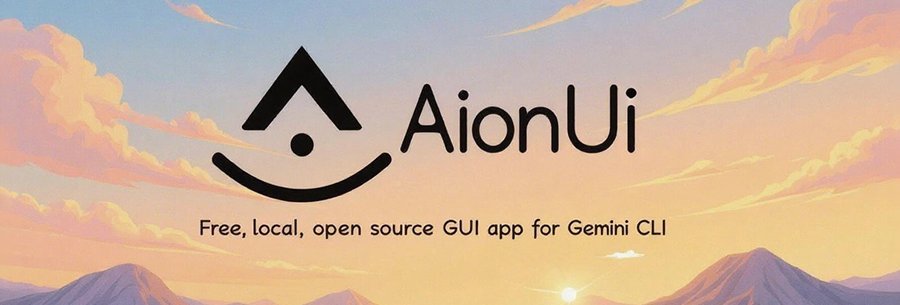 The AionUi interface showing conversation threads and file management
Under the Hood: Tech Stack
Built on Electron 37.2.0 and React 19.1.0, AionUi leverages:
- Arco Design for UI components
- UnoCSS for styling
- Webpack + TypeScript build pipeline
- Google Gemini CLI Core for AI processing
The architecture cleanly separates concerns across main, renderer, and worker processes, with dedicated modules for AI agents, conversation management, and adapters for future extensions.
# Quick Start
npm install
git clone https://github.com/office-sec/AionUi.git
cd AionUi
npm start
The Roadmap: Towards a Universal Agent Platform
AionUi's ambitions extend beyond Gemini integration. The team envisions a universal AI agent platform featuring:
- Terminal & browser agent integration for cross-environment tasks
- Multi-LLM binding (Gemini, Claude, GPT) with hot-swapping
- Agent discovery marketplace for community contributions
"Our goal is to make sophisticated AI agents as easy to use as chatting with a friend," the maintainers emphasize, prioritizing open-source integration to ensure transparency and user control.
Getting Started
Available for macOS (ARM64/x64) and Windows, AionUi requires:
- Node.js ≥ 16.0
- npm ≥ 8.0
- Gemini API Key
Developers can contribute via GitHub under the Apache 2.0 license, with the team actively welcoming issues and pull requests.
Source: AionUi GitHub Repository
Comments
Please log in or register to join the discussion