
Apple's new Creative Studio subscription brings a fresh set of pro app icons, but the company confirms you won't be forced to use them if you own standalone versions of Final Cut Pro, Logic Pro, and other professional apps.
Apple's upcoming Creative Studio subscription service is generating plenty of discussion around its new app icon designs, but the company has clarified an important detail for professional users who prefer traditional software licenses over subscriptions.
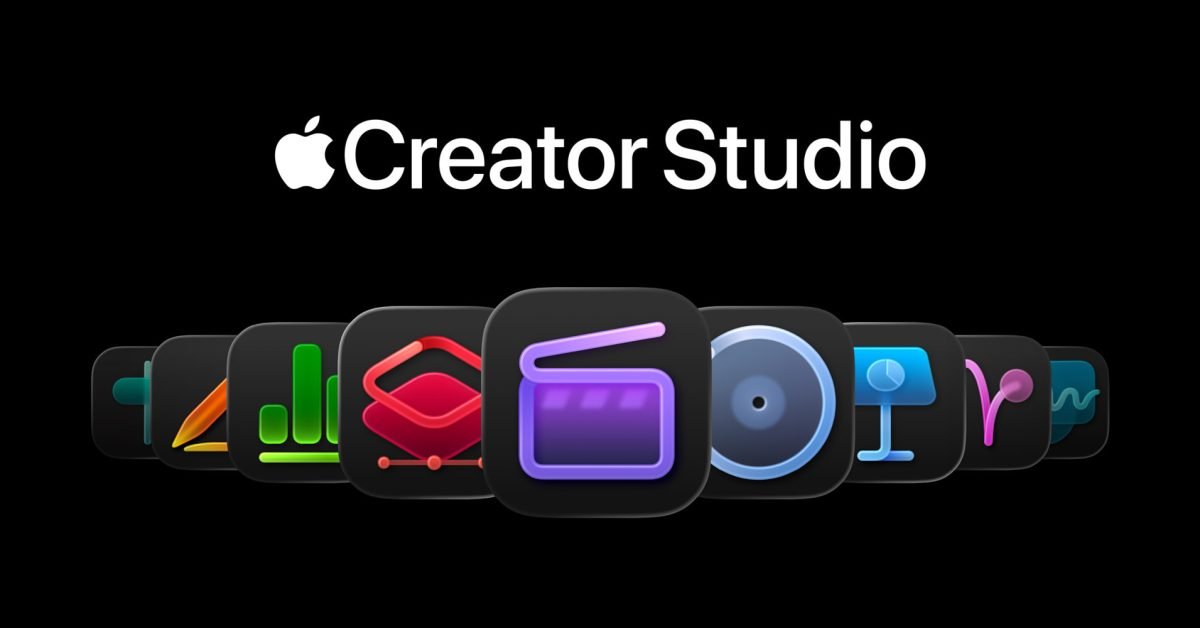
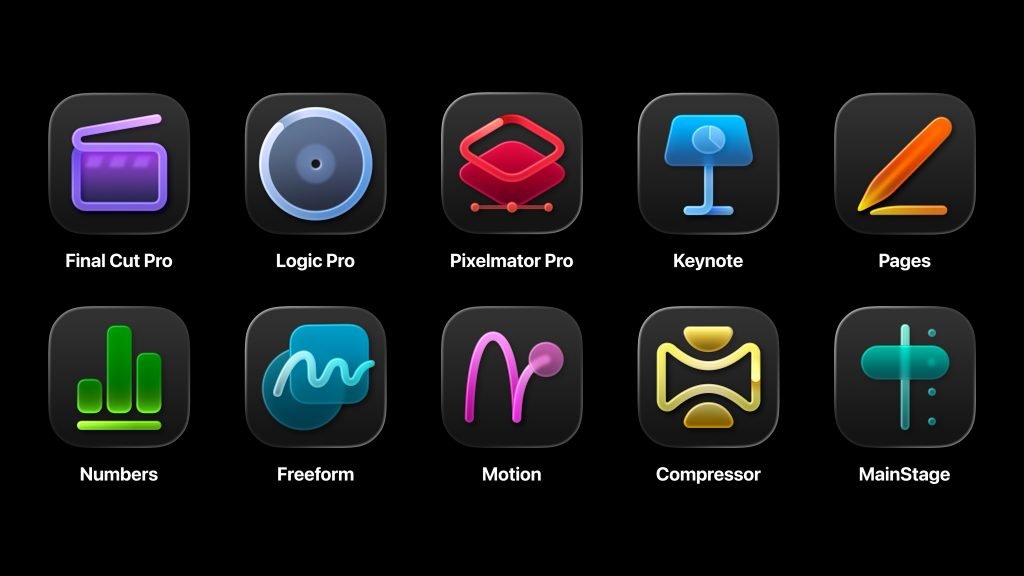
In an official support document, Apple confirmed that the distinctive new icons associated with Creative Studio will only appear on subscription versions of apps like Final Cut Pro, Logic Pro, Motion, Compressor, MainStage, and Pixelmator Pro. Users who purchase these apps as standalone one-time purchases through the App Store will continue using the original icon designs they're familiar with.
This dual-icon approach solves a practical problem that could have created confusion in professional workflows. Creative Studio, launching January 28, bundles Apple's professional apps into a single subscription package. However, many professional users have already invested heavily in standalone licenses for these applications, often paying hundreds of dollars for perpetual access.
Apple's support document states: "If you previously purchased one of these apps and you also have an Apple Creator Studio subscription, you can use either version of the apps. You can have both versions of these apps installed on your Mac. To make it easier to distinguish versions, the apps in Apple Creator Studio have unique icons."
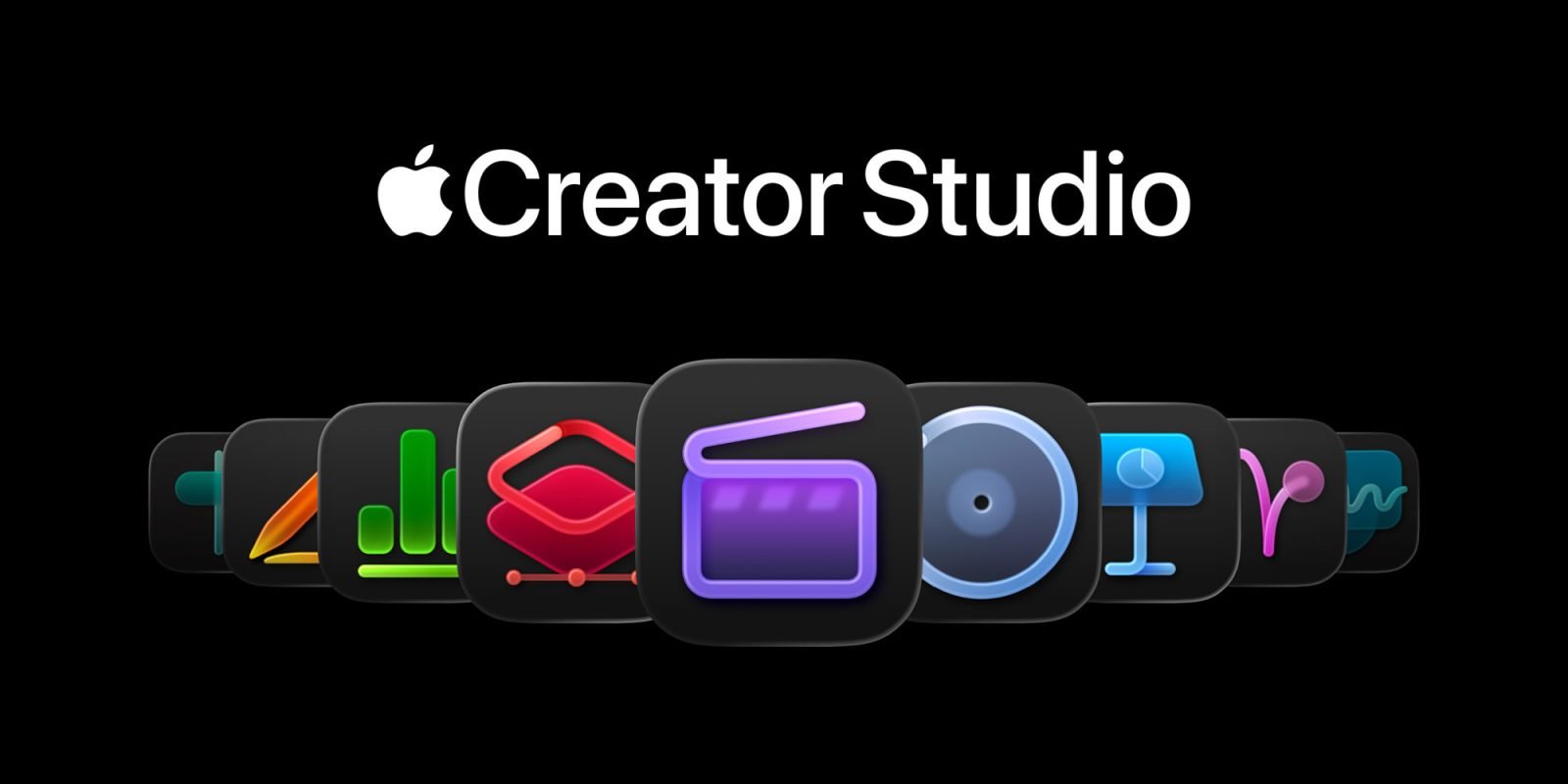
This flexibility is significant for several reasons. First, it acknowledges that subscription models don't work for everyone in creative industries. Freelancers and studios with established workflows may prefer the predictability of owned software, especially when project timelines span years. Second, it prevents icon confusion when both versions might be installed on the same machine for different use cases.
The new Creative Studio icons feature a unified design language that Apple has developed specifically for the subscription service. This visual distinction serves as a clear indicator of which version you're using, which matters because Apple has confirmed that some AI features will be exclusive to the subscription versions of these apps.
For users who decide to subscribe to Creative Studio while maintaining their standalone licenses, having both versions installed means they can transition between them as needed. This could be particularly useful for testing new subscription-only features while keeping a stable, owned version for critical production work.
The approach also reflects Apple's broader strategy of offering multiple access models for its professional software. Rather than forcing all users into a single subscription model, the company is maintaining standalone purchases while adding Creative Studio as an alternative for those who prefer bundled access or want the latest AI-enhanced features.
This dual approach has implications for the creative software ecosystem at large. Other developers watching Apple's strategy may see how offering both purchase and subscription options can coexist without cannibalizing either model. For professional users, it means maintaining flexibility in how they acquire and use essential tools.
The icon distinction also helps with software management. In professional environments where multiple team members might use different licensing models, the visual difference makes it immediately clear which version is being used, preventing potential compatibility issues or feature confusion.
Apple Creative Studio launches January 28, offering access to Final Cut Pro, Logic Pro, Motion, Compressor, MainStage, and Pixelmator Pro for a monthly or annual subscription fee. Standalone versions of all these apps remain available for purchase separately on the Mac App Store.
For creative professionals evaluating their software options, the key takeaway is that Apple isn't abandoning traditional software ownership. The new subscription service exists alongside existing purchase options, and the unique icon system ensures you can always tell which version you're working with at a glance.
Comments
Please log in or register to join the discussion