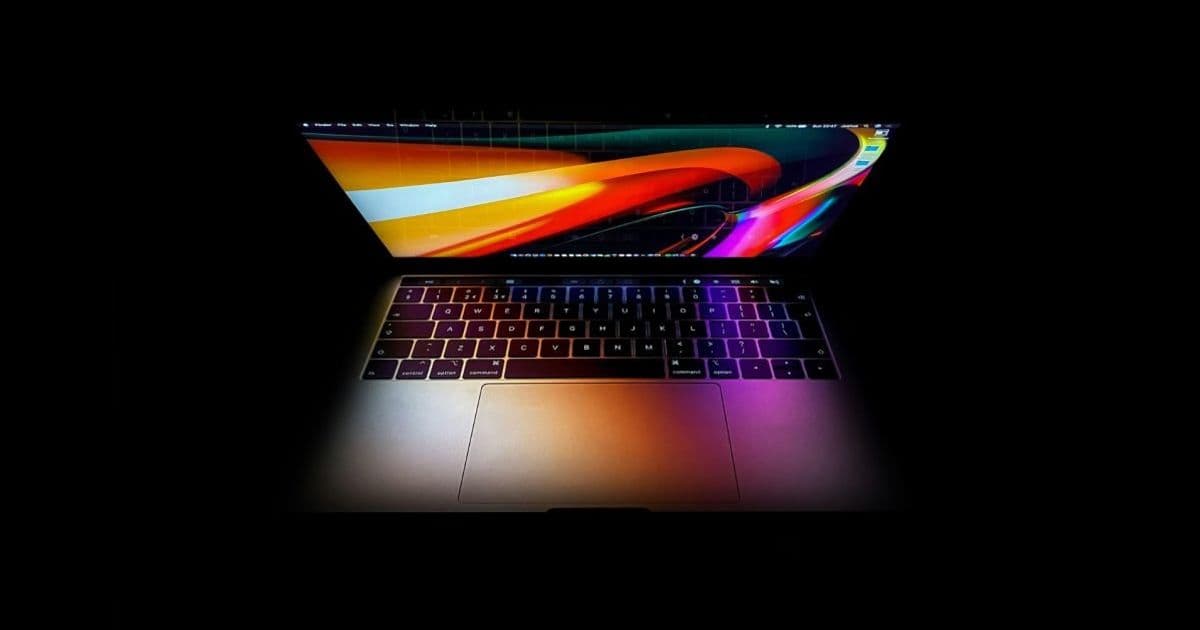
Apple may launch a new “MacBook Ultra” that sits alongside the current MacBook Pro, preserving the Pro’s port‑heavy, high‑performance design while allowing the Ultra to experiment with thinner chassis, touch screens and other innovations.
Apple’s rumored MacBook Ultra could reshape the MacBook Pro line‑up
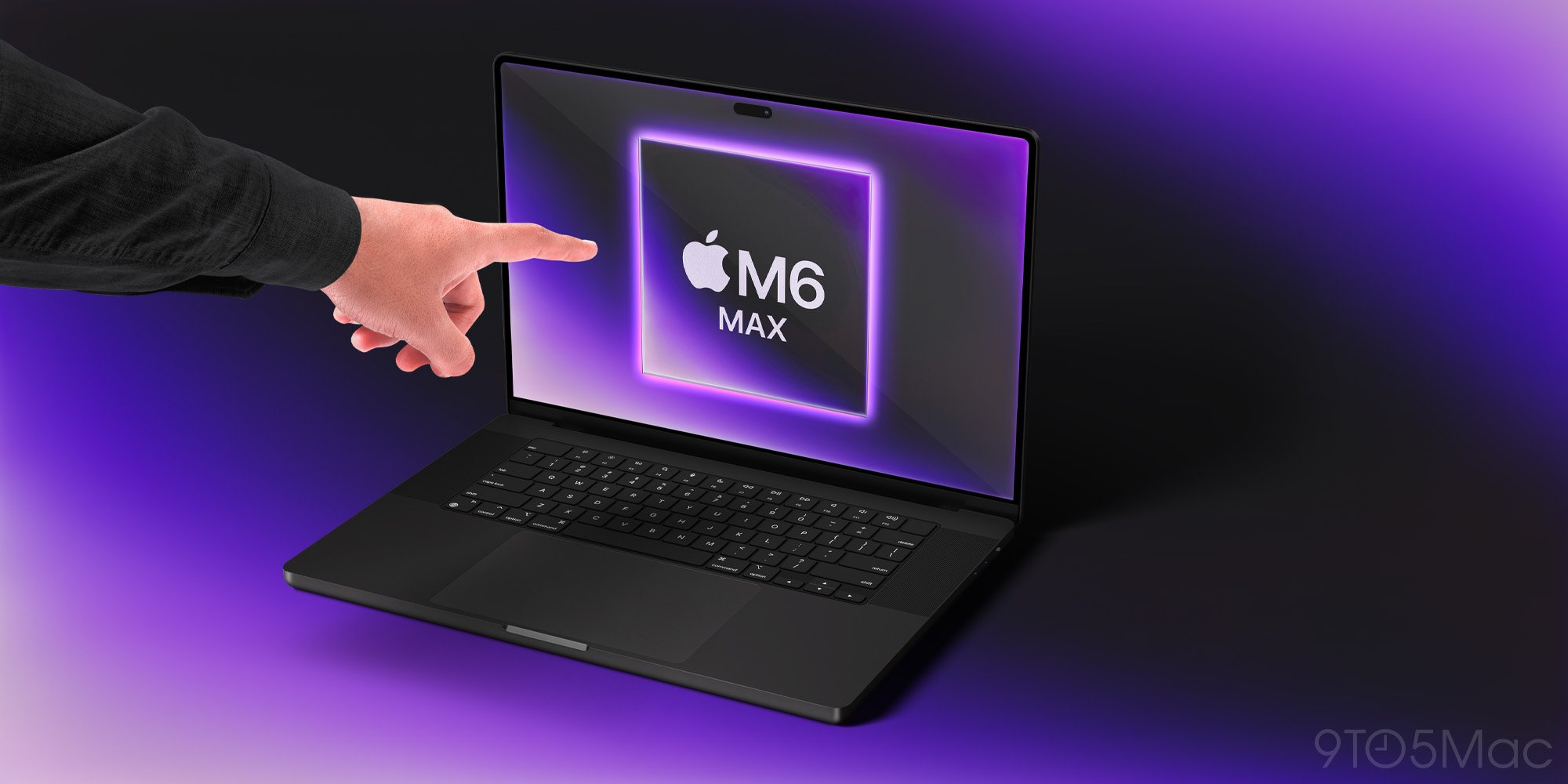
Apple’s internal codename for its next notebook appears to be MacBook Ultra. If the rumors from Mark Gurman and several supply‑chain sources are correct, the Ultra will arrive as a separate product rather than a direct replacement for the 2021‑onward MacBook Pro. That distinction matters for developers who maintain iOS, iPadOS and macOS apps across a range of hardware configurations.
What the new naming means for the existing Pro
The current MacBook Pro (14‑inch and 16‑inch models released in 2021 and refreshed in 2023) is built around the M2 Pro and M2 Max silicon, a full‑size keyboard, a robust set of ports (HDMI, SDXC, MagSafe, three Thunderbolt 4) and a battery that can sustain a full day of heavy workloads. It is essentially a desktop‑class machine in a laptop form factor.
If Apple introduces a distinct Ultra model, the Pro can stay exactly as it is today. Existing developers will not need to worry about a sudden shift in thermal envelope, GPU tier or battery life that could break performance‑sensitive code paths. The continuity also means the macOS SDK version used for building apps—currently macOS 14.0 (Sonoma) with Xcode 15—remains fully compatible with the Pro line.
Expected hardware changes in the Ultra
| Feature | Rumored Ultra | Current Pro |
|---|---|---|
| Form factor | Thinner, lighter chassis (≈ 1.2 kg, 0.5 cm thick) | 1.6 kg, 1.6 cm thick |
| Display | 14‑inch OLED, optional touch input | 14‑inch Liquid Retina XDR, no touch |
| Ports | Likely two Thunderbolt 4, USB‑C‑C, no HDMI/SD | HDMI, SDXC, MagSafe, three Thunderbolt 4 |
| CPU/GPU | Next‑gen M3 Ultra chip (higher‑core count, integrated neural engine) | M2 Pro / M2 Max |
| Battery | 60 Wh (estimated) | 70 Wh (14‑inch) / 100 Wh (16‑inch) |
| Cellular | Optional 5G modem | None |
The thinner body will almost certainly come with a lower TDP ceiling, which could translate to slightly reduced sustained performance compared with the current Pro. For most UI‑heavy macOS apps this difference is negligible, but for real‑time video encoding or large‑scale ML inference you may need to test on both machines before shipping updates.
How the split affects cross‑platform development
1. Unified code base stays viable
Both the Pro and Ultra will run the same macOS version, so a single Xcode project can target them simultaneously. The only new conditional you might need is a runtime check for NSProcessInfo.isLowPowerModeEnabled or the presence of a touch screen via UITouch.type == .stylus on macOS (Apple’s new NSTouch API). Existing SwiftUI views will adapt automatically; UIKit‑based windows may need a small wrapper to handle touch input.
2. Testing on multiple form factors
Apple’s Xcode Cloud now supports device‑farm testing on macOS VMs that emulate different hardware profiles. Add a new “MacBook Ultra” configuration to your CI pipeline and run performance benchmarks (e.g., using measure(metrics:) in XCTest). This ensures that any code that relies on GPU‑accelerated rendering or hardware‑accelerated video codecs behaves consistently across the two lines.
3. Potential SDK updates
If the Ultra ships with macOS 15 (expected in fall 2026) the SDK will bump to Xcode 16 and Swift 6. The new SDK introduces @MainActor inference improvements and a GraphicsDevice abstraction that lets you query the exact GPU tier at runtime. Updating your project early gives you a chance to adopt these APIs before the Pro line also migrates.
Migration checklist for developers
- Add hardware detection – Use
ProcessInfo.processInfo.isMacCatalystAppandNSTouchto differentiate between touch‑enabled Ultra and non‑touch Pro. - Benchmark critical paths – Run existing performance tests on a MacBook Ultra prototype (or the closest macOS VM) to spot any throttling.
- Update CI – Include a “Ultra” build configuration in Xcode Cloud or your self‑hosted runners.
- Prepare for macOS 15 – Review the release notes for deprecations (e.g.,
NSWindowstyle masks) and plan a migration to Swift 6. - Communicate with users – If your app offers Pro‑only features (e.g., external monitor support), update the UI to explain that those features work on both Pro and Ultra, but may have different performance characteristics.
Why the Ultra could be good news for developers
- Clear product segmentation – Keeping the Pro unchanged means you won’t have to scramble to support a brand‑new port layout or thermal profile overnight.
- Room for innovation – The Ultra can experiment with OLED, touch input and cellular connectivity without breaking the expectations of the professional market.
- Future‑proofing – Early adoption of the new SDK and hardware‑specific APIs positions your app to take advantage of the next generation of Apple silicon.
Bottom line
If Apple follows through with a separate MacBook Ultra, the current MacBook Pro will remain a stable platform for power users, while the Ultra becomes a sandbox for new form‑factor ideas. For developers who maintain macOS, iOS and iPadOS codebases, the split offers a predictable upgrade path: continue supporting the Pro as‑is, and add optional Ultra‑specific enhancements where they make sense.
For the latest official specifications and developer resources, see the Apple Developer Documentation and the upcoming WWDC 2026 session videos.
Comments
Please log in or register to join the discussion