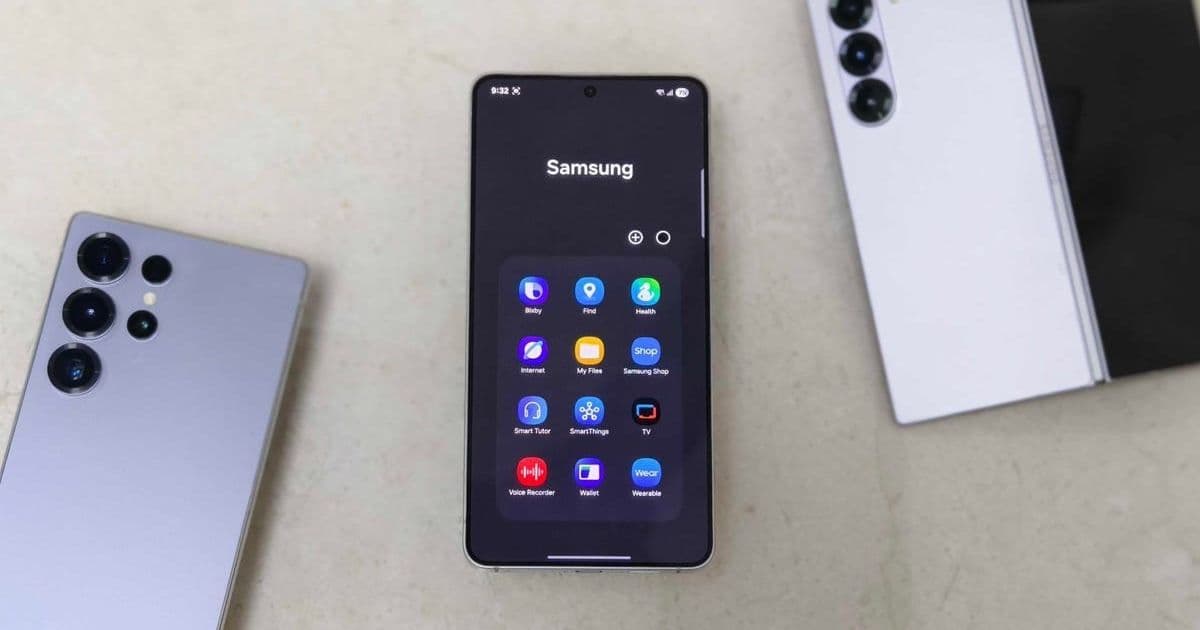

Samsung's Galaxy phones come packed with preinstalled apps that can silently drain battery and hog memory, even for dedicated users. This guide identifies the most unnecessary bloatware and explains why removing them is crucial for optimizing your device's speed and efficiency.
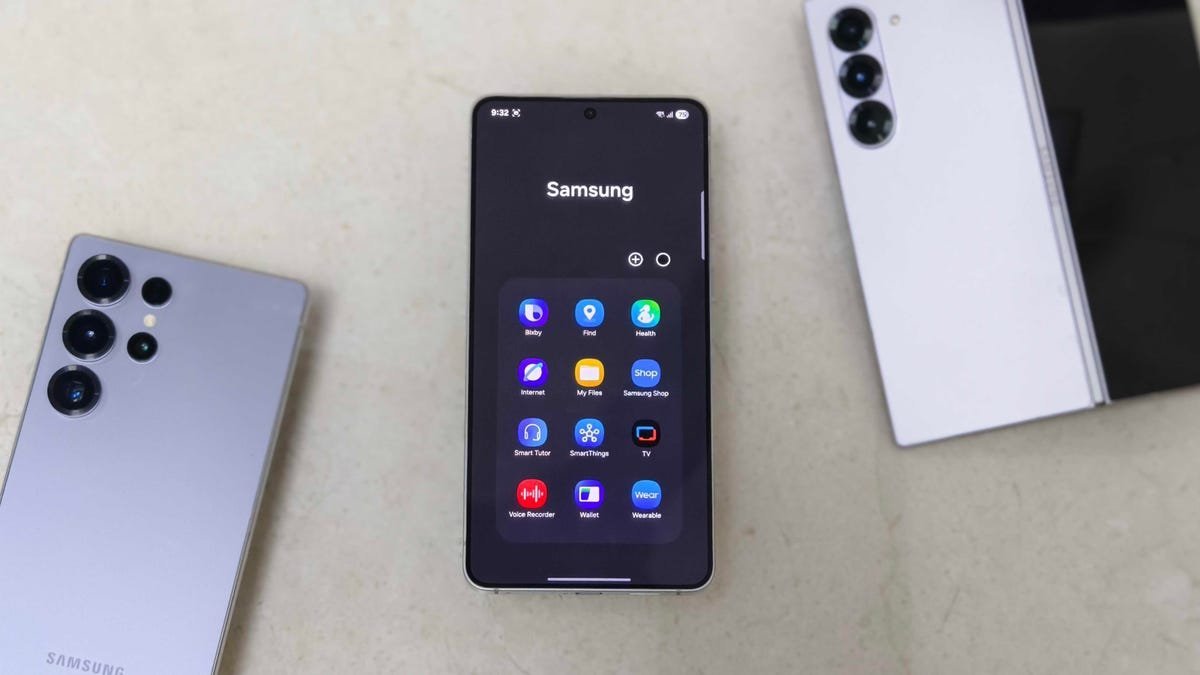
Samsung's One UI is lauded for its customization and functionality, but it often ships with a hidden cost: bloatware. These preinstalled apps, varying by device and region, consume precious system resources like RAM and battery life, even when idle. For developers and power users, this isn't just an annoyance—it's a performance bottleneck that can slow down workflows and shorten device longevity. Prakhar Khanna of ZDNET highlights five Samsung apps that frequently go unused but remain active burdens on Galaxy phones. Uninstalling or disabling them can reclaim memory, reduce background activity, and deliver a snappier, more efficient user experience.
The Bloatware Burden: Why It Matters
Bloatware isn't unique to Samsung, but its prevalence on flagship devices underscores a broader industry issue. Preinstalled apps often prioritize vendor ecosystems over user needs, leading to unnecessary background processes that drain battery and tax CPU cycles. For tech professionals, this translates to slower app launches, reduced multitasking headroom, and compromised device reliability. While some apps like Samsung Wallet or Wearable offer clear utility within the ecosystem, others serve niche or redundant purposes. Disabling them—via Settings > Apps > [App Name] > Uninstall/Disable—frees up resources without breaking core functionality, as they can be re-enabled if needed later.
The Top 5 Culprits to Remove
Global Goals This UN-focused app encourages donations and ad views for sustainability initiatives. While noble, it's irrelevant for users not engaged in philanthropy. It runs periodic background checks for updates, consuming data and battery. As Khanna notes, "Not every Samsung user wants to donate through an app," making it prime for removal.
Samsung Free
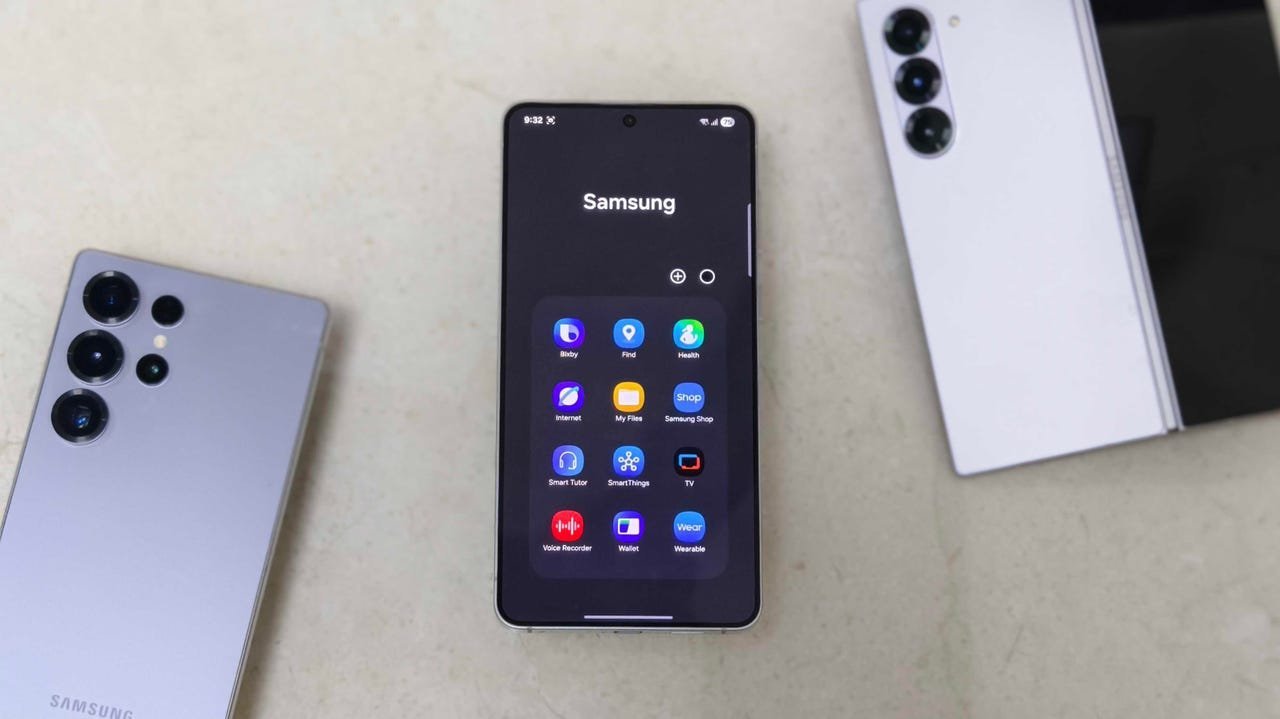 A fusion of news, games, and streaming via Samsung TV Plus, this app duplicates functionality found elsewhere. It aggregates content but often becomes a resource drain with its constant data fetching. Khanna calls it "useless bloatware" that clutters the interface without adding unique value, especially for users subscribed to services like Netflix or Prime Video.
Samsung TV Plus Offering 1,200+ ad-supported channels, this app targets cord-cutters but pales next to premium platforms. Without original content, it's redundant for most streamers. Its background ad services can slow down devices, and as Khanna points out, it's easy to access similar content via the web if needed.
Samsung Shop Designed for browsing Samsung products, this app generates promotional notifications that disrupt focus. For developers, such interruptions during coding sessions are particularly irksome. Khanna advises visiting Samsung's website instead, calling the app a source of "notification clutter" that wastes storage.
Samsung Kids Tailored for children, this app includes educational tools but is superfluous for child-free users. It can trigger unwanted alerts and occupy significant space. Khanna emphasizes that it "sends unsolicited notifications" if permissions are granted, making it a drain on productivity-focused devices.
Beyond the List: A Call for User-Centric Design
This bloatware dilemma reflects a disconnect between manufacturer incentives and user efficiency. While Samsung isn't alone—phones often bundle apps like Facebook or Microsoft tools—the accumulative impact on performance is real. Disabling these apps isn't just about reclaiming a few megabytes; it's about optimizing Android's resource management for smoother development, testing, and daily use. As Khanna urges, audit your apps post-setup: "Each preinstalled app can be helpful for some users and a memory hog for others." In an era where device longevity and sustainability matter, stripping unnecessary software isn't just smart—it's essential for keeping your Galaxy running like new.
Source: Prakhar Khanna, ZDNET. Original article: 5 Samsung bloatware apps you should uninstall from your Galaxy phone ASAP
Comments
Please log in or register to join the discussion