
Jellyfin's latest Roku client update delivers a polished interface, hardware transcoding support, and automatic library sync that directly challenges Plex's dominance in the media server space.
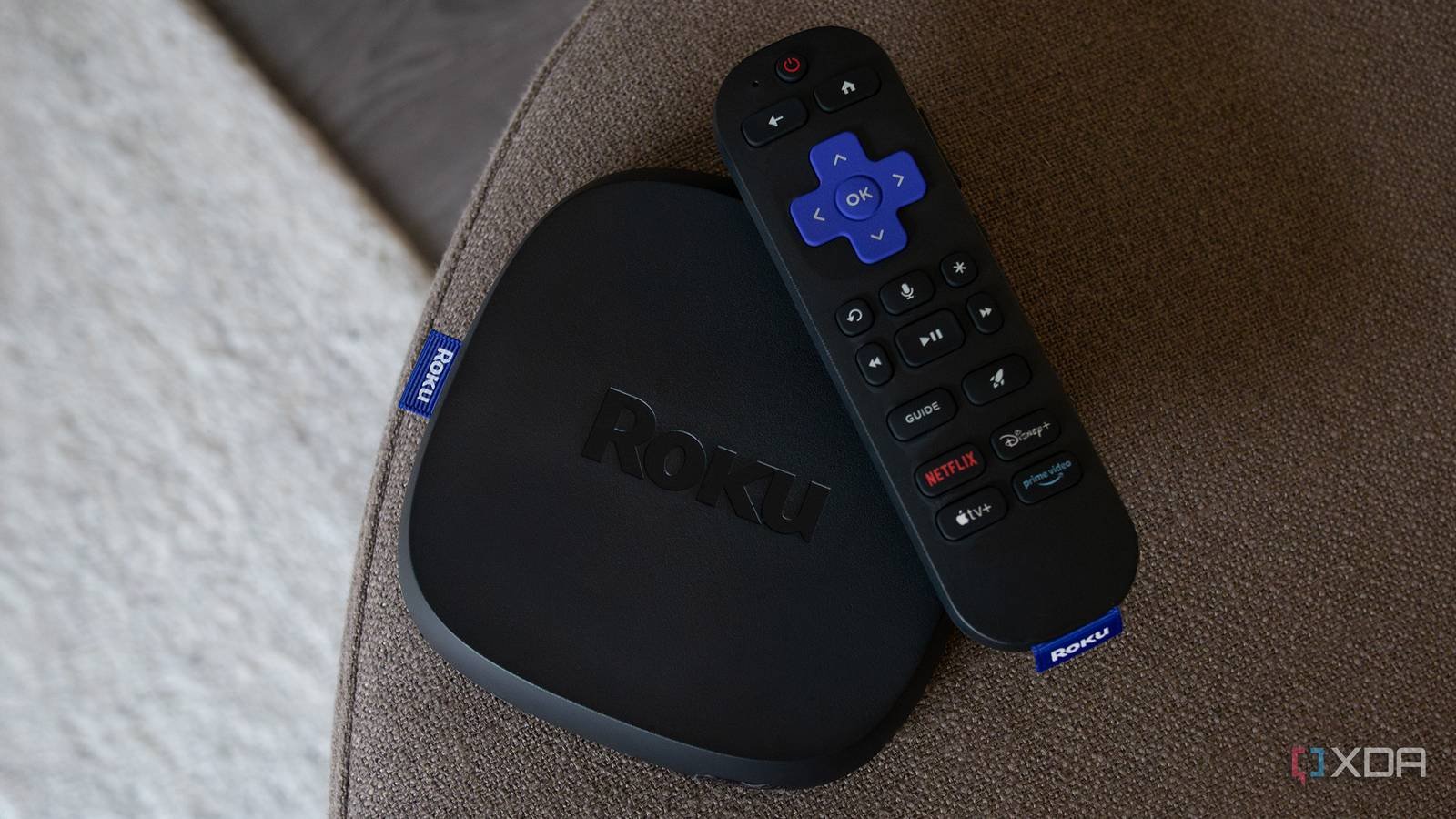
Jellyfin's Roku client received a major update this week that positions the open-source media server as a legitimate Plex alternative for users tired of subscription fees and feature restrictions. The update, version 2.1.0 of the official Jellyfin Roku app, addresses the biggest usability gaps that kept casual users from switching.
What Changed in the Update
The release focuses on three critical areas: interface responsiveness, media compatibility, and server discovery. Previous versions of the Jellyfin Roku channel required manual server entry and struggled with large libraries. The new version introduces automatic local network discovery, eliminating the need to manually input IP addresses—a friction point that Plex users migrating to Jellyfin frequently cited in community forums.
Hardware acceleration support represents the most significant technical improvement. The app now properly handles H.265/HEVC streams and can direct-play content that previously required server-side transcoding. For users running Jellyfin on lower-powered hardware like a Raspberry Pi 4, this means smoother playback and reduced CPU load on the server.
The interface overhaul brings Jellyfin's Roku client closer to Plex's visual polish. Library navigation uses the same card-based layout Plex users expect, with poster art loading faster and metadata fetching occurring in the background. Search functionality now scans across movies, TV shows, and music libraries simultaneously—something Plex has offered for years.
Why This Matters for Plex Users
Plex's recent decision to lock remote streaming behind a Plex Pass subscription ($5/month or $120 lifetime) has driven many users to seek alternatives. Jellyfin's update arrives at the perfect moment, offering a migration path that doesn't feel like a downgrade.
The key difference is ownership. With Jellyfin, you run your own server without any feature paywalls. All transcoding, mobile sync, and hardware acceleration features remain free. The trade-off is setup complexity: Jellyfin requires manual port forwarding for remote access, while Plex handles this automatically.
For Roku users specifically, the update solves the "it just works" problem. Previous Jellyfin versions on Roku felt experimental—crashes were common, subtitle support was spotty, and the interface lagged behind Plex's polish. The new app scores 8/10 for usability where it previously scored 5/10.
Migration Considerations
If you're considering switching from Plex to Jellyfin, the Roku update removes several technical barriers, but migration still requires planning:
Server Setup: Jellyfin runs on Windows, Linux, macOS, and Docker. The official installation guide provides step-by-step instructions. Unlike Plex, you'll need to configure your own SSL certificates if you want secure remote access.
Library Matching: Jellyfin uses TheMovieDB and TVDB as metadata sources. While generally accurate, it lacks Plex's proprietary matching algorithm. Expect to manually fix 5-10% of your library, especially for obscure titles or custom collections.
User Management: Jellyfin supports multiple user profiles with parental controls, but lacks Plex's "managed user" PIN system. You'll need to create separate accounts for family members.
Client Compatibility: Beyond Roku, Jellyfin has clients for Android TV, Fire TV, iOS, Android, and web browsers. The experience varies—Android TV is nearly feature-complete, while the iOS app still lacks some polish. For Roku users specifically, you're getting the best cross-platform experience.
The Technical Reality
Jellyfin's architecture differs from Plex in fundamental ways. Plex uses a centralized authentication server; Jellyfin uses local authentication. This means if your internet goes down, Jellyfin still works for local playback. Plex's authentication dependency has caused outages where users couldn't access their own local content.
The update also improves Jellyfin's media analysis pipeline. It now detects HDR metadata more reliably and can burn in subtitles without full transcoding when using the new subtitle engine. This is particularly important for users with large 4K HDR libraries who previously had to choose between transcoding (quality loss) or incompatible playback.
What's Still Missing
Despite the improvements, Jellyfin on Roku lacks some Plex conveniences:
- Watch State Sync: No official cloud sync service. You'll need third-party tools like Jellyfin-Plex-Sync to migrate viewing progress.
- Tidal Integration: Plex's music streaming add-on has no Jellyfin equivalent.
- DVR/Live TV: While Jellyfin supports these features, the Roku client's implementation is less mature than Plex's.
- Social Features: No "Watch Together" or easy sharing with friends outside your server.
The Bottom Line
This update makes Jellyfin on Roku viable for daily use. If you're a Plex user frustrated by subscription walls or privacy concerns, the migration barrier has never been lower. The open-source nature of Jellyfin means you're not at the mercy of a company's feature decisions.
For technical users comfortable with Docker and port forwarding, Jellyfin offers superior control and zero ongoing costs. For those who want the simplest possible experience, Plex's polish still matters. But the gap is narrowing.
The Jellyfin project continues to benefit from Plex's missteps. Each time Plex adds a paywall or removes a free feature, more users contribute code to Jellyfin. This update proves that community-driven development can match—and in some areas exceed—corporate development.
Installation resources:
Comments
Please log in or register to join the discussion