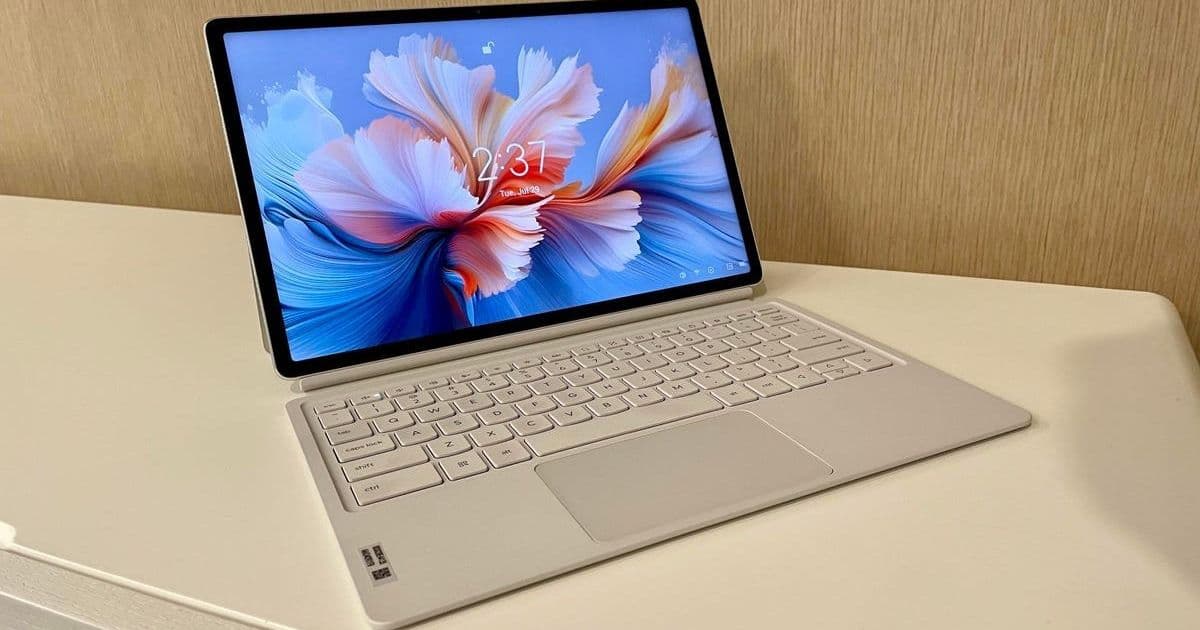
Lenovo's Yoga Tab Plus delivers flagship-tier hardware—including a stunning 3K display, immersive audio, and bundled accessories—at a midrange price point. While Android's productivity limitations remain a hurdle, this tablet redefines value for developers and creatives seeking a versatile secondary device.
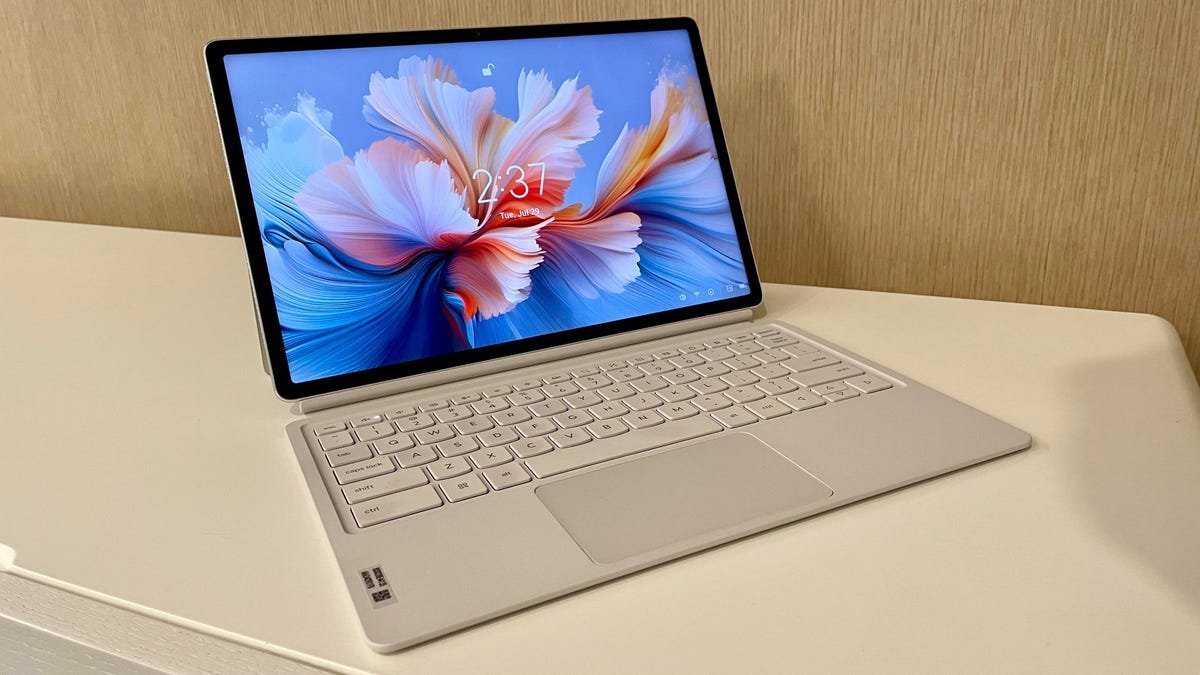
In a market saturated with overpriced premium tablets, Lenovo's Yoga Tab Plus emerges as a revelation. Priced at $549 and bundled with a keyboard case and stylus, this 13-inch Android device punches far above its weight class, forcing a reevaluation of what midrange hardware can achieve. Its brilliance lies not just in raw specs, but in how it integrates them into a cohesive user experience that challenges Apple and Samsung's stronghold.
The Hardware Triumph: Where Value Meets Performance
At its core, the Yoga Tab Plus boasts a 12.7-inch 3K LTPS display (2944 x 1840) that peaks at an impressive 900 nits—outshining the 13-inch iPad Air and Galaxy Tab S10+ in brightness. Paired with a 144Hz refresh rate, it delivers buttery-smooth visuals ideal for media consumption, sketching, or reviewing code documentation. Thin bezels maximize screen real estate, while Dolby Vision support ensures cinematic color accuracy. As one developer noted after testing: 'The display’s vibrancy makes reading documentation or debugging UI elements surprisingly enjoyable—no OLED tax required.'
Complementing the visuals are six strategically tuned speakers: two tweeters and four SLS subwoofers that create a room-filling soundscape. This setup excels at clear dialogue and spatial audio, turning impromptu video calls or tutorial sessions into immersive experiences. Powering it all is a Snapdragon 8 Gen 3 chip paired with a 10,200mAh battery. Real-world testing confirms 8+ hours of video playback and multi-day longevity for intermittent use, thanks to aggressive power management during idle states.
Accessories That Elevate (With Caveats)

The included keyboard and stylus transform the Yoga Tab Plus into a hybrid workstation. The keyboard rivals Microsoft’s premium Surface Pro accessories with satisfying key travel and a responsive trackpad. A magnetic latch snaps the tablet securely into place—sometimes too forcefully, as noted in testing. However, stability wobbles during typing persist unless the stand is perfectly angled.
The star surprise is Lenovo’s stylus, featuring haptic feedback during note-taking and palm rejection that rivals dedicated e-ink devices. Gesture controls like Circle to Search allow quick API lookups or debugging queries without breaking flow. For developers sketching wireframes or annotating designs, it’s a legitimate productivity booster. As one tester observed: 'The stylus latency feels near-zero—ideal for jotting down architecture diagrams during brainstorming sessions.'
The Android Conundrum: Software as the Limiting Factor
Where the Yoga Tab Plus stumbles is in its Android-based laptop mode. Despite capable hardware, the OS lacks the refined multitasking of iPadOS 26 (with its desktop-class window management) or the full PC versatility of Windows tablets like the Surface Pro. Floating menus often obstruct workflows, and external monitor support is inconsistent—a frustration for developers extending their workspace. While Android suffices for light coding via Termux or cloud IDE access, it falters under heavier development environments. This positions the tablet best as a companion device rather than a primary machine.
The Verdict: A Calculated Compromise With Outsized Rewards
For developers and tech professionals, the Yoga Tab Plus isn’t about replacing your workstation—it’s about augmenting it. Its display and audio prowess make it exceptional for reviewing PRs, consuming tech talks, or prototyping UI designs on the go. The bundled accessories eliminate hidden costs that plague competitors, while the battery life ensures reliability during travel or offsite work. If your workflow thrives in web-based tools and benefits from pen input, this tablet delivers unparalleled value. But for those entrenched in Xcode or Visual Studio? Stick with your M-series MacBook or Surface Pro. In bridging the gap between consumption and creation, Lenovo hasn’t just built a great midrange tablet—it’s crafted a benchmark for intelligent compromise in an inflated market.
Source: ZDNET
Comments
Please log in or register to join the discussion