The latest PowerToys v0.94 introduces intelligent hotkey conflict detection, a universal search tool, and precision cursor enhancements, while v0.95 promises scheduled dark mode switching and keyboard remapping upgrades. These updates transform Windows customization for power users by solving persistent workflow friction points.
For Windows power users, keyboard shortcuts are the lifeblood of productivity—until conflicting hotkeys trigger unexpected behaviors or disable critical functions. Microsoft's free PowerToys utility has long empowered users with advanced customization tools, but its growing feature set (now 27 tools) created new challenges. Version 0.94 directly addresses these pain points with intelligent conflict resolution while adding quality-of-life improvements.
Hotkey Harmony Achieved
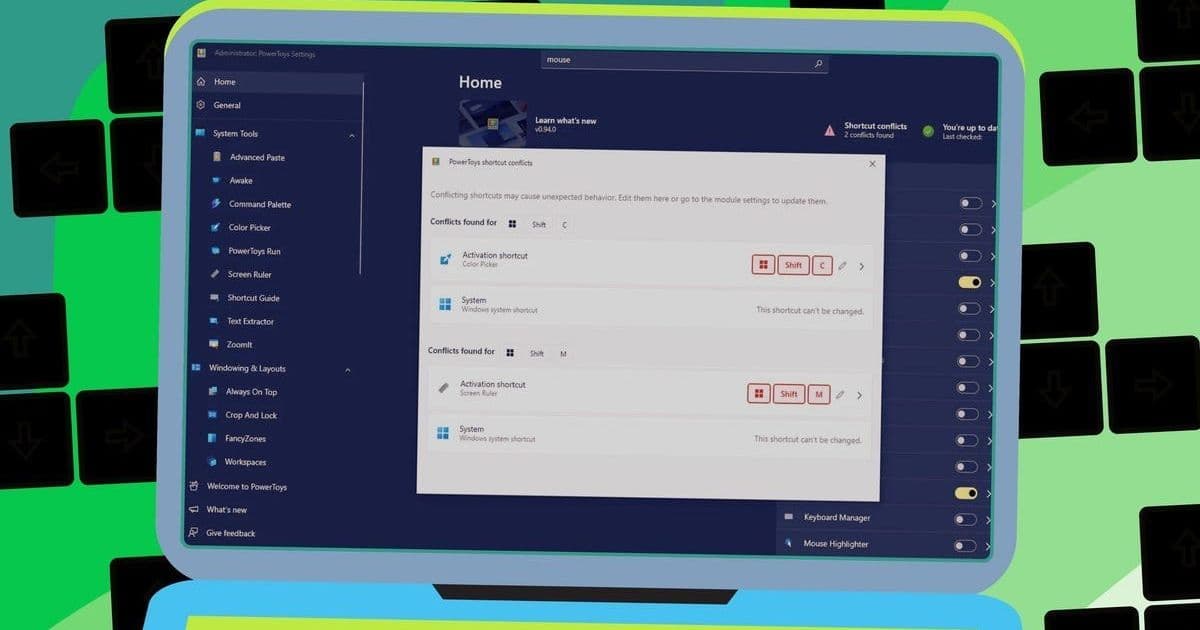
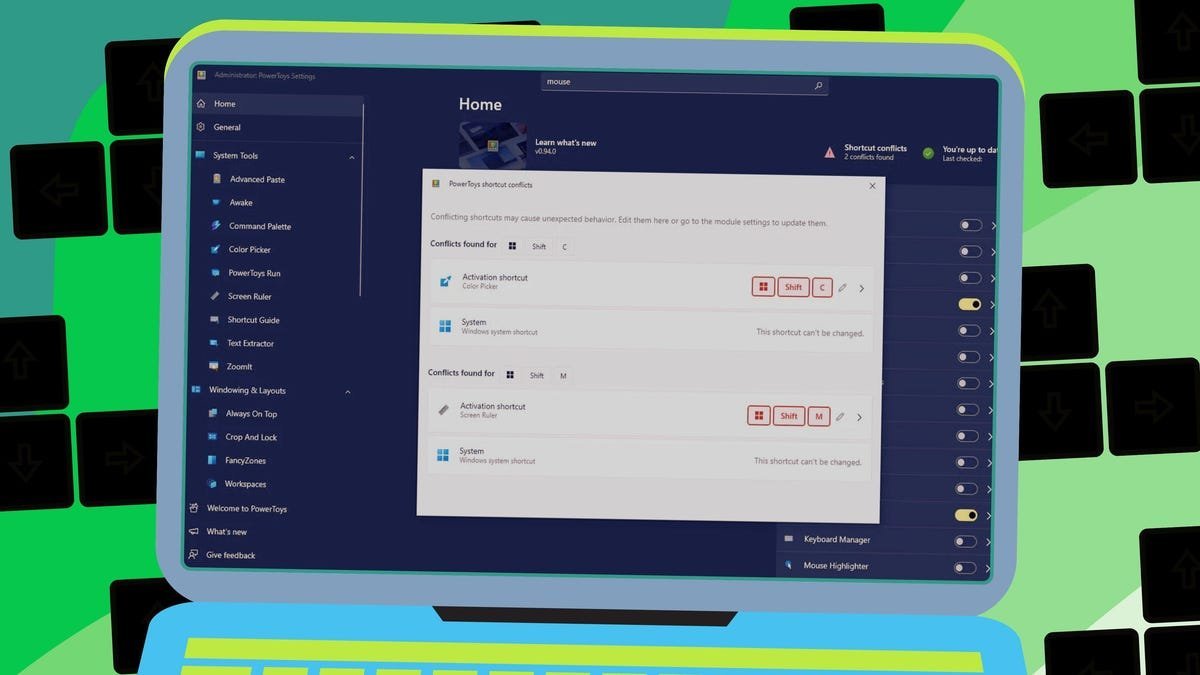
The standout feature automatically detects clashes between PowerToys shortcuts and built-in Windows commands. As Microsoft Senior Product Manager Niels Laute explained: "Shortcuts already in use by another module or Windows itself will be marked in red." The new dashboard tile alerts users to conflicts and provides immediate resolution options. During testing, common collisions like Color Picker overlapping system shortcuts were resolved by simply reassigning keys in the intuitive interface. This eliminates the former trial-and-error frustration of debugging unresponsive hotkeys.
Search and Precision Enhancements
With PowerToys' expanding toolkit, finding specific utilities became cumbersome. The new Ctrl+F search function solves this—typing "ruler" instantly surfaces Screen Ruler alongside other relevant tools. Meanwhile, the Mouse Pointer Crosshairs tool gains a "gliding cursor" mode for precision targeting: Activate the shortcut to initiate automated horizontal movement, lock axes with subsequent presses, and finalize with a click. This proves invaluable for graphic designers and developers working with pixel-perfect alignment.
What's Next in v0.95
- Keyboard Manager Revamp: Expect deeper key remapping capabilities and interface refinements
- Scheduled Theme Switching: Automatically transition between light/dark modes based on custom schedules
- Continued Modular Updates: Microsoft's open-source approach invites community-driven enhancements
Why This Matters
These updates exemplify Microsoft's commitment to solving real-world productivity blockers. As third-party tools increasingly define professional workflows, PowerToys bridges gaps in native Windows functionality. The conflict resolution alone prevents countless workflow disruptions, while scheduled theming acknowledges user preferences beyond aesthetics—reducing eye strain during late-night coding sessions.
PowerToys remains free via GitHub or the Microsoft Store. Existing installations update automatically or manually through the app's interface. For Windows professionals, these upgrades transform PowerToys from a handy toolkit into an essential layer of the operating system—proving that sometimes the most impactful innovations solve the quiet frustrations we've learned to tolerate.
Source: Lance Whitney, ZDNET
Comments
Please log in or register to join the discussion