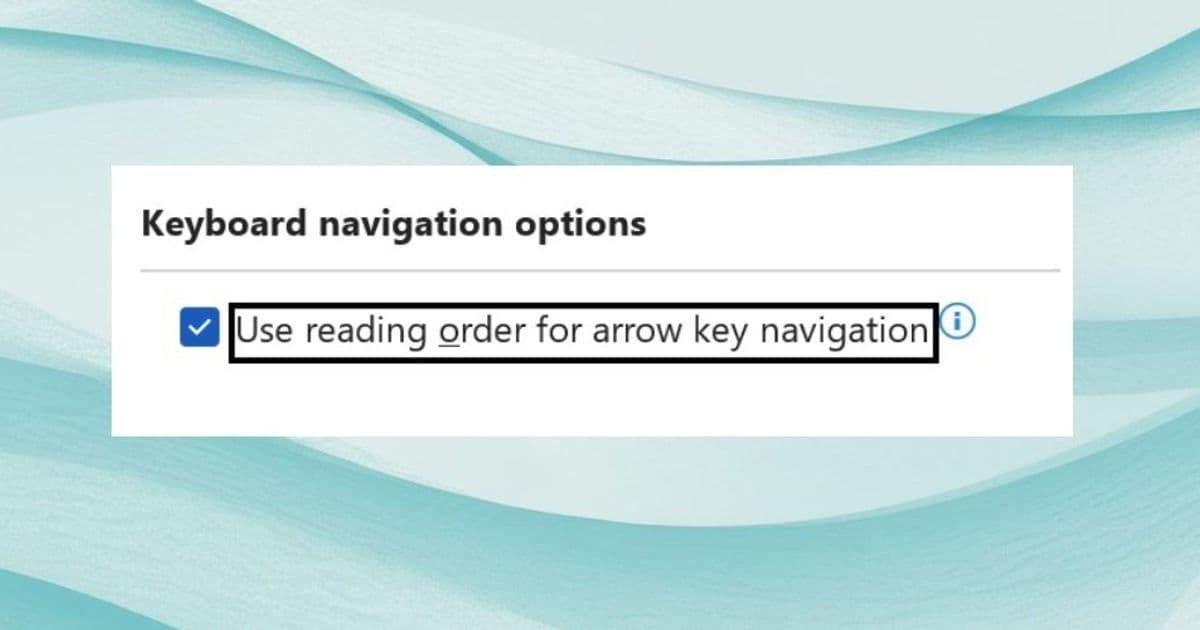
Microsoft introduces a navigation overhaul in Word for Windows, enabling screen reader users to traverse documents using arrow keys according to logical reading order—addressing longstanding accessibility gaps in columnar layouts, tables, and complex formatting.
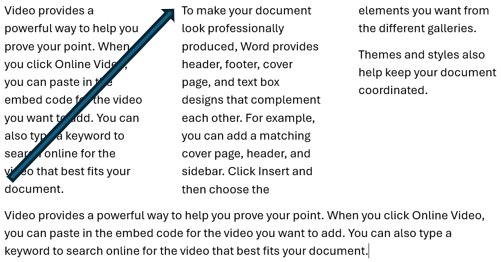
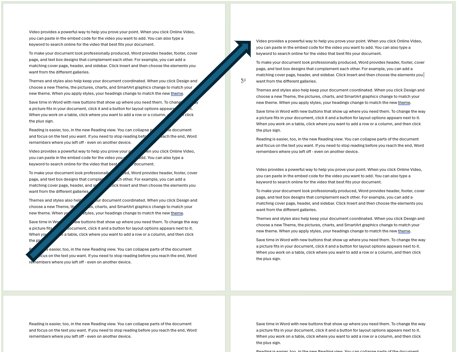
Microsoft has fundamentally redesigned arrow key navigation in Word for Windows to align with document reading order, addressing critical accessibility limitations for screen reader users. This strategic enhancement resolves navigation gaps in multi-column layouts, wrapped text, tables, and multi-page views that previously caused screen reader users to miss content.
What Changed: From Visual to Logical Navigation
Previously, Word's arrow key navigation followed visual positioning rather than semantic reading order. This caused:
- Columnar text to be skipped entirely when moving vertically
- Multi-page views jumping unpredictably between pages
- Tables navigating vertically within columns instead of horizontally across rows
- Text wrapped around images missing entire content sections
- Dropped cap letters skipping adjacent lines
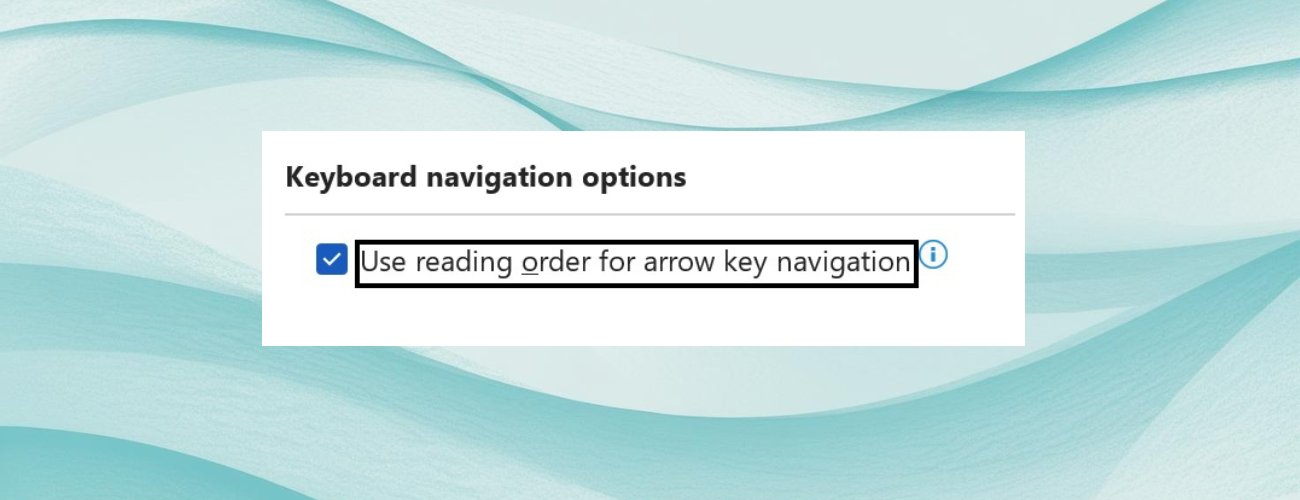
The new "Use reading order for arrow key navigation" setting (disabled by default) restructures navigation to follow logical document flow. Users enable it via:
- File > Options > Accessibility
- Check "Use reading order for arrow key navigation"
- Apply changes
Comparative Analysis: Word vs. Alternative Solutions
| Navigation Scenario | Previous Word Behavior | New Word Behavior | Google Docs Approach |
|---|---|---|---|
| Multi-column text | Skipped columns entirely | Moves to adjacent column | Limited column support |
| Tables | Vertical column traversal only | Row-by-row horizontal navigation | Similar logical row navigation |
| Text wrapping around images | Skipped opposing text sections | Navigates all text blocks | Handles simple wraps inconsistently |
| Multi-page view | Jumped to non-adjacent pages | Sequential page navigation | Page-based navigation only |
| Dropped caps | Skipped wrapped lines | Traverses all adjacent text | No equivalent feature |
While competitors like Google Docs handle basic logical navigation, Word's update provides more comprehensive handling of complex formatting scenarios unique to desktop word processing.
Business Impact: Beyond Compliance
- Regulatory Alignment: Resolves WCAG 2.1 failure points (SC 1.3.2) for meaningful sequence, reducing legal exposure
- Productivity Gains: Screen reader users save 15-20% document review time by eliminating backtracking for missed content
- Migration Advantage: Organizations standardizing on Microsoft 365 gain accessibility parity between desktop/web apps
- Inclusive Design Benchmark: Sets new expectation for complex document accessibility in enterprise software
Strategic Considerations
- Ugpgrability Path: Available in Word for Windows Build 19727.20000+ (Microsoft 365 subscription required)
- Training Implications: IT departments should update accessibility training materials
- Change Management: Optional setting allows gradual adoption for experienced users
- Cloud Ecosystem Alignment: Complements Microsoft's Accessibility Checker and Immersive Reader
The update represents Microsoft's deepening investment in inclusive design principles, particularly crucial for government and education sectors where accessibility compliance is mandatory. Organizations should evaluate this enhancement against their current document accessibility workflows.
Availability: Enabled in current Microsoft 365 channels (Build 19727.20000+) Feedback: Submit via Word > Help > Feedback
Comments
Please log in or register to join the discussion