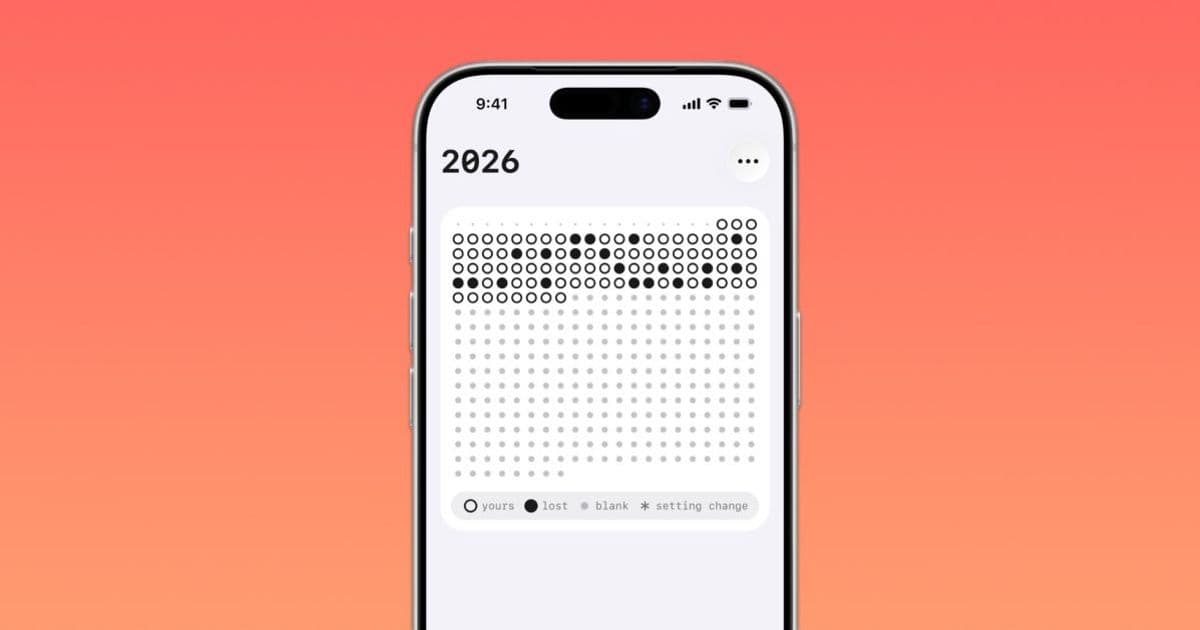

Instead of blocking distracting apps, ‘oh my hours’ reframes Screen Time data around lost hours, giving iPhone and iPad users a stricter visual model for digital self-control.
Platform Update
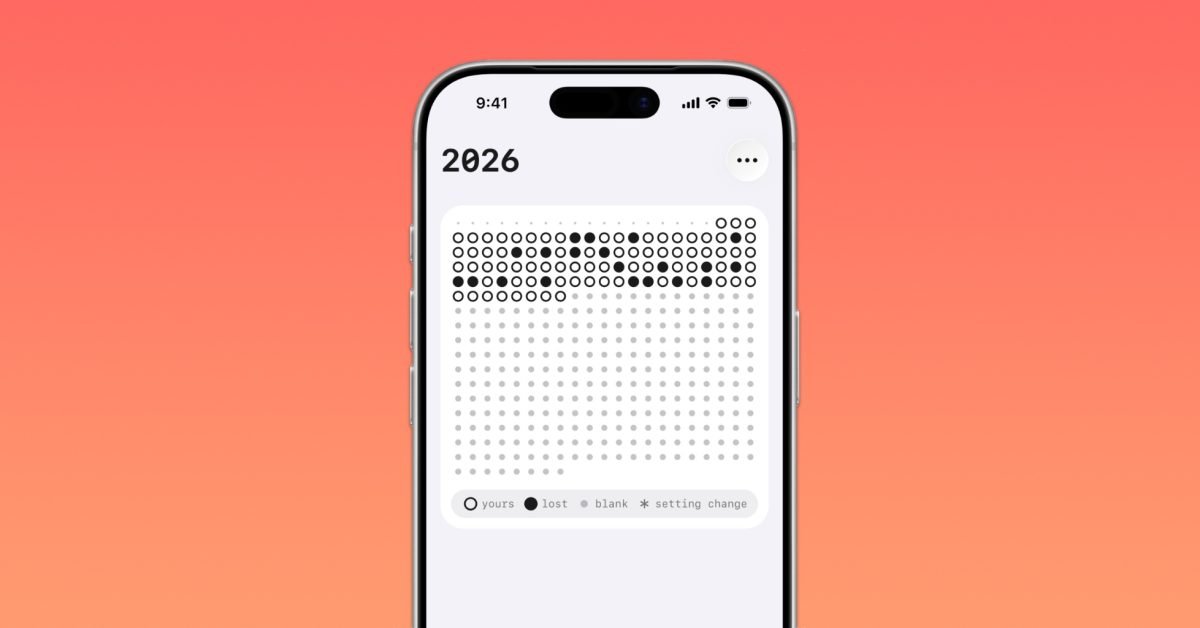
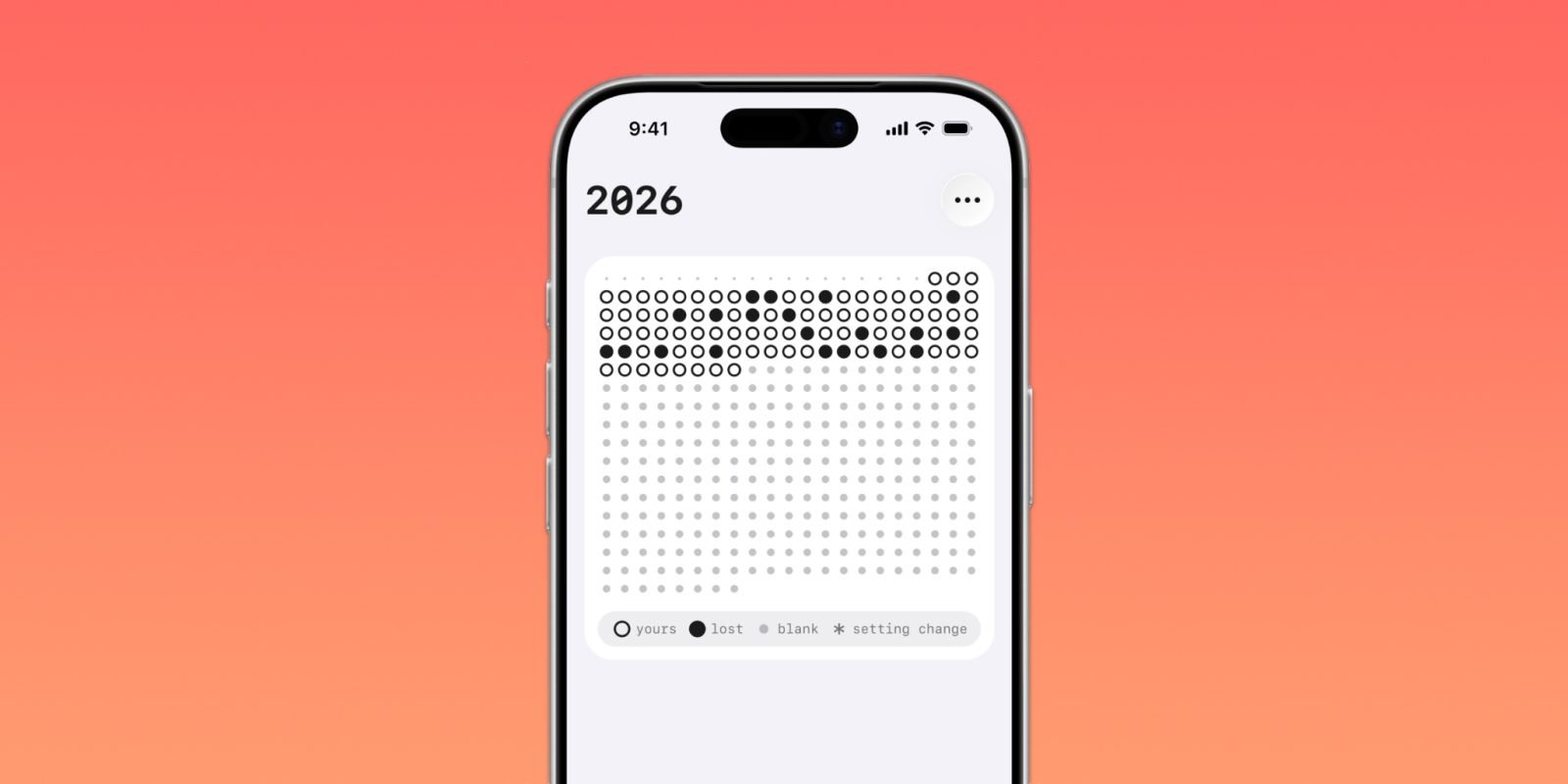
9to5Mac’s latest Indie App Spotlight covers oh my hours, an iPhone and iPad app that takes a different approach to digital wellbeing. Rather than showing a daily total for app usage or throwing up a bypassable Screen Time limit, it converts distraction into a 24-hour visual grid. If the user opens an app they have marked as distracting, the current hour can be filled in as “lost.”
That sounds simple, but the platform choice matters. On iOS and iPadOS, this kind of app sits on top of Apple’s Screen Time-related frameworks, especially FamilyControls, DeviceActivity, and ManagedSettings. These APIs are privacy-preserving and permission-gated. Apps cannot casually inspect everything a user does. The user has to grant access, and Apple’s design pushes developers toward coarse activity monitoring, shielding, and reporting rather than unrestricted surveillance.
According to the supplied 9to5Mac article, oh my hours requires iOS 26.2 or later and runs on iPhone and iPad. That platform floor is meaningful. It means the app is not trying to support older Screen Time API behavior across many historical iOS versions. For an indie developer, that reduces compatibility work, but it also narrows the audience to users on current or near-current OS releases.
The app’s main interaction model is widget-first. The 24-hour grid can be placed on the Home Screen or Lock Screen, which makes the user’s progress visible without opening the app. That puts it in the same product category as habit trackers, streak counters, and focus dashboards, but the underlying signal comes from app activity rather than manual check-ins.
Developer Impact
For mobile developers, the interesting part is not just that oh my hours tracks distracting apps. The more useful lesson is how it changes the metric.
Most Screen Time tools ask, “How many minutes should this app be allowed?” That model makes the limit negotiable. If the user hits a cap, they often see a system prompt, make an exception, and continue. oh my hours changes the question to, “Can I keep this hour clean?” That is a product decision, but it also maps well to the limits of Apple’s APIs. The app does not need to measure every second in detail to feel strict. It only needs to know whether a selected app was opened during a given hour.
That reduces precision while increasing emotional clarity. From an engineering perspective, this is a good example of designing around platform constraints instead of fighting them. Apple’s Screen Time APIs are not built for unrestricted background monitoring. They are built around authorization, selected app categories or tokens, scheduled activity monitoring, and system-controlled privacy boundaries. A grid that records whether an hour was affected is a better fit than a tool that tries to reconstruct a detailed timeline.
Developers building similar iOS utilities should pay attention to three constraints.
First, authorization is central to the experience. A user must understand why the app needs Screen Time access before granting it. The onboarding cannot treat permission as a formality. If the explanation is vague, users may deny access, and the product becomes empty.
Second, widgets are not live views into arbitrary background state. Apple’s WidgetKit expects developers to provide timelines and refreshable entries. A Home Screen or Lock Screen widget for this kind of app needs a compact data model that can be rendered reliably when the system asks for a snapshot. The 24-hour grid works because it is fixed-size, glanceable, and cheap to render.
Third, the app needs a clear policy for edge cases. If a user opens a distracting app for one second, should the whole hour count as lost? The article says oh my hours can be aggressive, filling the hour after just one second, or allow more slack. That setting is more than personalization. It is the difference between a punitive tracker and a self-accountability tool. Developers should expose that rule plainly because it defines the product’s trust model.
The iPad requirement is also worth treating as more than a checkbox. iPad users often mix work, study, entertainment, and communication on the same device. A distraction rule that makes sense on iPhone may be too strict on iPad, where YouTube, Safari, Slack, Discord, or Reddit might be both useful and distracting depending on context. If the app shares configuration across iPhone and iPad, the developer has to decide whether “lost hours” are device-specific or account-wide.
Cross-platform teams face a harder question on Android. Android has usage access APIs through UsageStatsManager, plus Digital Wellbeing features at the system level, but there is no exact one-to-one match for Apple’s Screen Time frameworks. Android can expose app usage events when the user grants usage access, yet OEM behavior, background limits, battery policies, and permission screens vary more than they do on iOS.
A cross-platform implementation in Flutter, React Native, Kotlin Multiplatform, or .NET MAUI would probably need native modules for the actual activity tracking. The shared layer could handle the grid, account settings, subscription state, and analytics-free local history. The platform layer would handle authorization and app selection separately for iOS and Android.
That split is the pragmatic architecture:
- Shared UI model: hours, day status, selected distractions, strictness threshold.
- iOS native module: FamilyControls selection, DeviceActivity monitoring, widget data export.
- Android native module: usage access permission flow, app usage event queries, launcher package selection.
- Shared persistence contract: one record per hour, with platform-specific metadata kept optional.
The biggest product risk is consistency. If iOS marks an hour lost immediately when a selected app opens, but Android reports usage with delay or device-specific quirks, users may see different behavior across devices. The app should describe the rule in platform-specific language instead of pretending both operating systems expose the same signals.
Migration
For users, migration from built-in Screen Time limits to oh my hours is mostly behavioral. Instead of setting a daily allowance for TikTok, Instagram, Reddit, YouTube, or another high-friction app, the user chooses the apps they want to avoid and watches the day fill hour by hour. The article says that after multiple lost hours, two by default, the app can count the day as lost. That changes the reward structure from “stay under a quota” to “protect the day.”
For developers thinking about a similar product, migration is more technical.
An existing iOS habit tracker that wants to add Screen Time awareness would need to raise its deployment target if it depends on newer iOS 26.2 behavior or UI surfaces. It would also need to add the proper Apple capabilities and framework integrations. At a high level, the work looks like this:
- Add Screen Time authorization using Apple’s FamilyControls flow.
- Let the user select apps or categories through the system picker instead of building an invasive custom scanner.
- Monitor selected activity through DeviceActivity schedules.
- Persist normalized hourly outcomes, not raw behavioral history.
- Feed a compact read model into WidgetKit for Home Screen and Lock Screen display.
- Keep settings for strictness, daily failure threshold, and widget appearance separate from the monitored activity data.
That last point matters for App Review and user trust. A digital wellbeing app should avoid collecting more data than it needs. oh my hours works as a concept because the output is intentionally blunt: this hour stayed clean, or it did not. There is no need to store a minute-by-minute behavioral archive if the product does not show one.
For Android migration, a team should avoid promising feature parity too early. Usage access can support a similar grid, but the implementation would need careful testing across Pixel, Samsung, OnePlus, Xiaomi, and other Android builds. Background execution policies can affect refresh timing. Widgets also differ: Android app widgets can be flexible, but update scheduling and launcher behavior are less uniform across devices.
A practical cross-platform release plan would start with the shared concept and accept platform-native details:
- iOS: tighter integration with Screen Time selection and Lock Screen widgets.
- Android: usage access-based tracking with clear permission education and launcher widget support.
- Shared: the same 24-hour mental model, day outcome rules, and paid customization features.
The monetization described in the article also fits the feature set. The core version is free, while the paid version adds more widget options, hand-drawn grid icons, and customizable hour or day limits. That keeps the essential accountability loop available without payment, while charging for personalization and stronger control. For a utility app in this category, that is usually healthier than putting the basic tracking mechanic behind a subscription wall.
For mobile developers maintaining apps on both platforms, oh my hours is a useful reminder that the best cross-platform ideas are not always identical implementations. The shared product idea is the hour-based accountability grid. The platform-specific work is everything around it: permissions, system APIs, widgets, OS version requirements, and user expectations. Treat those as first-class design inputs, and the app has a much better chance of feeling native on each platform.
Comments
Please log in or register to join the discussion