Browser-based photo editing tools now rival desktop software, blending AI innovation with professional-grade capabilities. This analysis dissects top contenders like Pixlr, Adobe Lightroom, and Photopea, examining their technical merits for developers and creatives navigating cloud-first workflows.
The democratization of professional photo editing has accelerated as browser-based tools close the functionality gap with traditional desktop software. Once limited to basic adjustments, online editors now offer layer manipulation, RAW processing, and AI-powered enhancements—transforming how developers, designers, and photographers approach creative workflows. ZDNET's comprehensive testing reveals five platforms redefining accessibility without sacrificing technical depth.
Pixlr: The Photoshop Challenger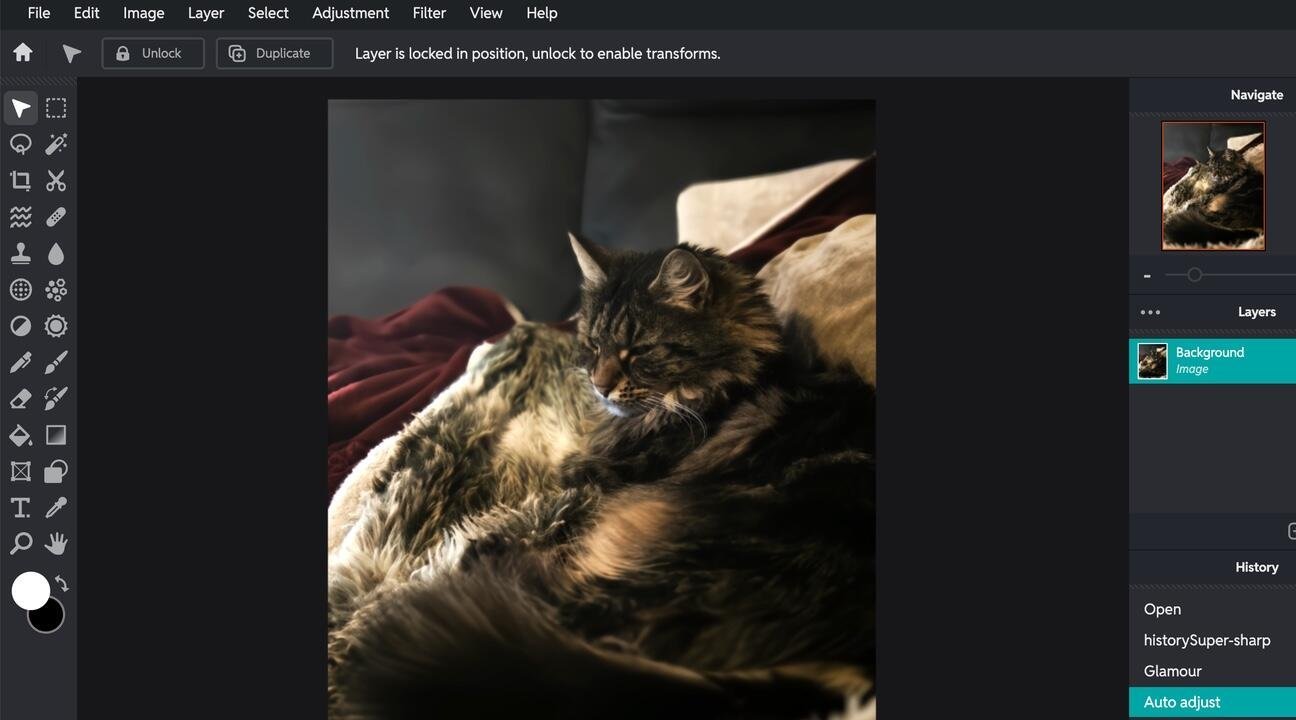
Pixlr leads with its near pixel-perfect emulation of Adobe's interface, lowering the barrier for Photoshop veterans. Its layer-based editing and PSD compatibility streamline cross-platform workflows, though the free tier's three-save daily limit hampers serious use. The $1.49/month Plus plan unlocks unlimited saves and 80 monthly AI credits—critical for developers prototyping image-generation features. As contributor Charlie Osborne notes: "While AI doesn't yet surpass manual editing, Pixlr's implementation invites experimentation without subscription lock-in."
Adobe Lightroom Web: The Pro's Extension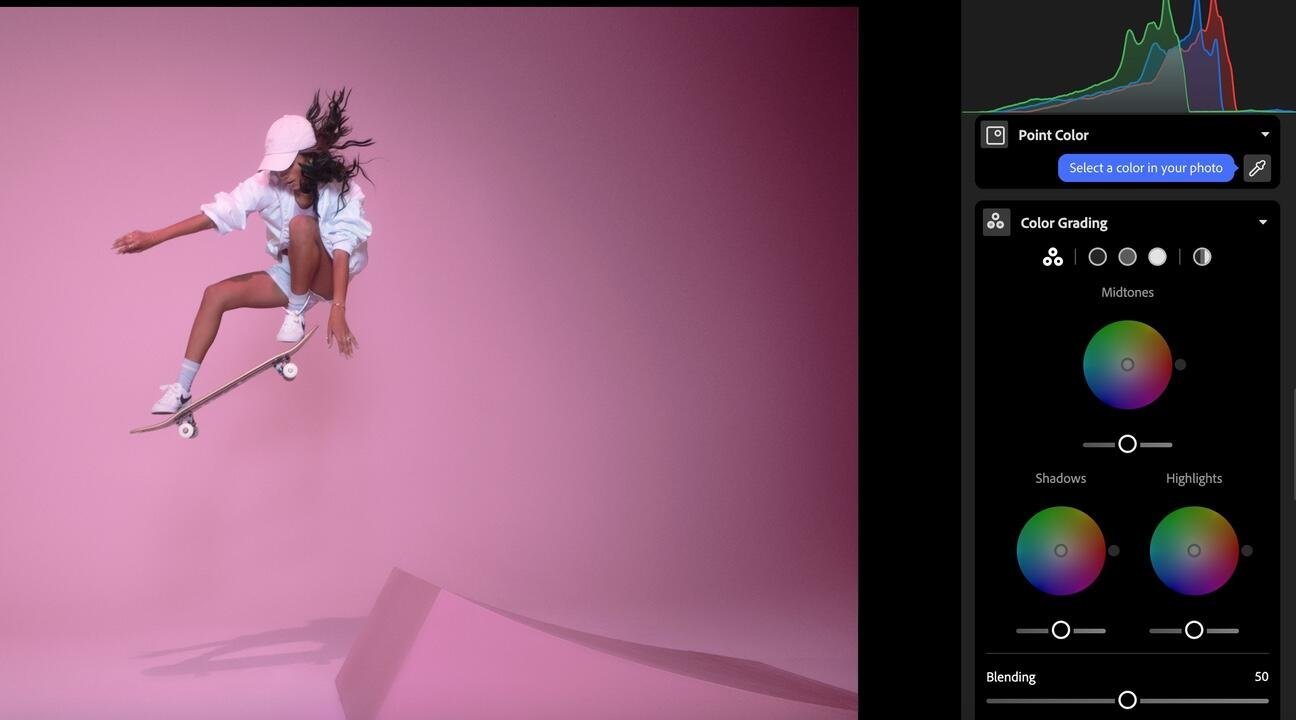
Lightroom's web version delivers seamless synchronization with its desktop counterpart, offering non-destructive edits, precision masking, and cloud backup—essential for teams managing distributed workflows. At $12/month standalone (or $20/month with Photoshop), it remains the gold standard for color grading and batch processing. However, Adobe's controversial generative AI training policies continue to raise ethical concerns among privacy-focused users.
The Disruptors: Specialized Alternatives
- Photopea: This ad-supported powerhouse mirrors Photoshop's toolset without cost, supporting PSDs and complex layer operations—ideal for developers needing quick browser-based edits. Its $15/quarter ad-free option is a bargain for freelancers.
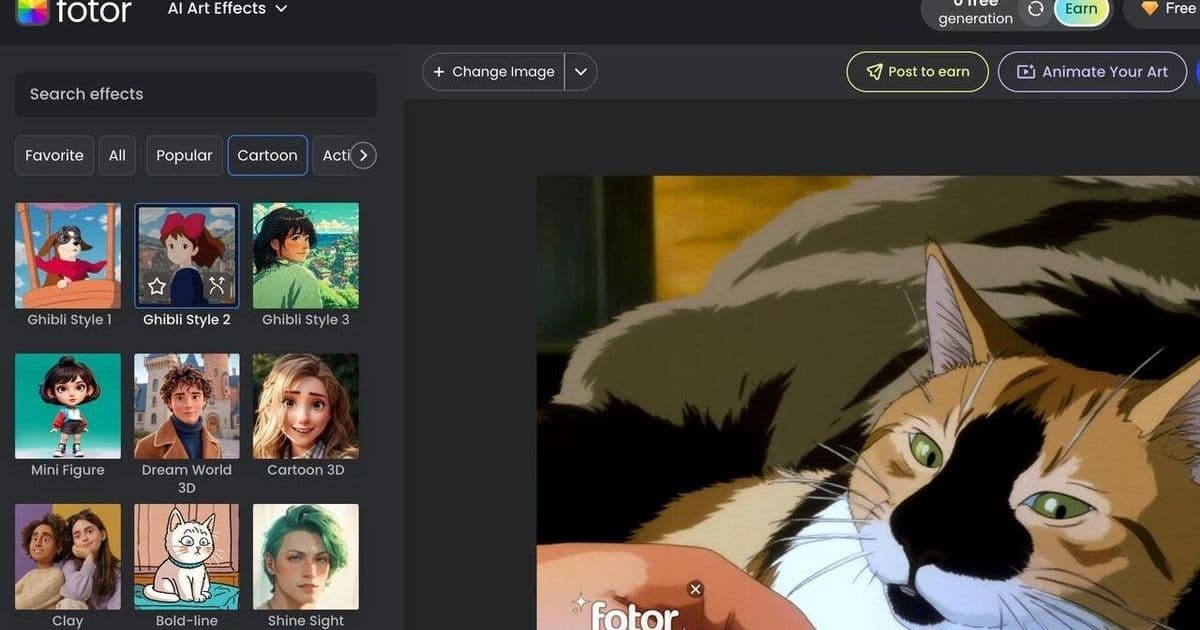
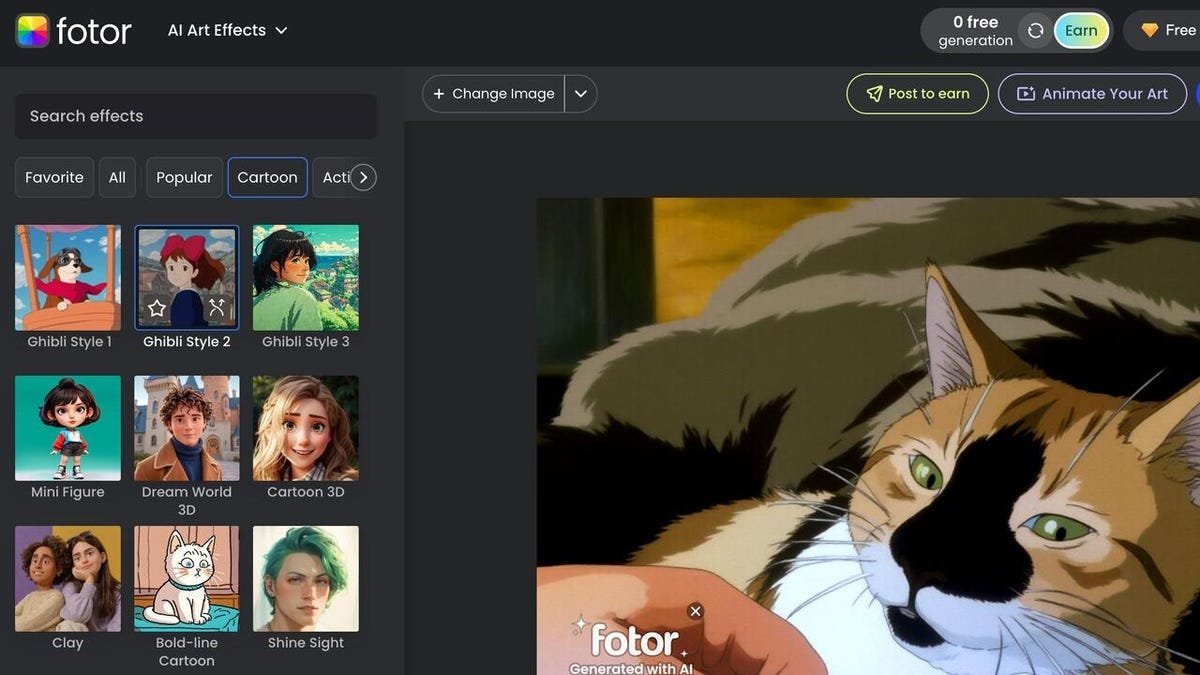
- Fotor: Prioritizes AI-driven creativity over precision, with generative filters and templates accelerating social content creation ($3.33+/month). Output inconsistency remains a limitation.
- Canva: Dominates marketing-focused workflows with collaborative branding kits and templating ($10+/month), though advanced photo manipulation takes a backseat.
Technical Considerations for Developers
"PSD compatibility and API accessibility determine whether these tools integrate into existing pipelines," observes ZDNET's testing team. Key evaluation metrics include:
| Feature | Pixlr | Lightroom | Photopea |
|---|---|---|---|
| PSD Support | Yes | Yes | Yes |
| RAW Processing | Limited | Extensive | Limited |
| Local API Access | ❌ | ✅ | ❌ |
| AI Extensibility | High | Medium | Low |
Cloud dependency introduces latency—a critical factor for high-volume batch processing. Photopea’s offline-capable PWA architecture offers a notable exception. Meanwhile, AI features increasingly rely on proprietary models; Pixlr and Fotor allow prompt-based generation, while Lightroom uses AI selectively for masking and enhancement.
As generative AI reshapes creative tools, browser-based editors balance accessibility with professional rigor. For developers, they eliminate local installation overhead while introducing new considerations around data privacy and workflow automation. The victor? Flexible pipelines that adapt to both precision editing and experimental AI—no darkroom required.
Source: ZDNET
Comments
Please log in or register to join the discussion