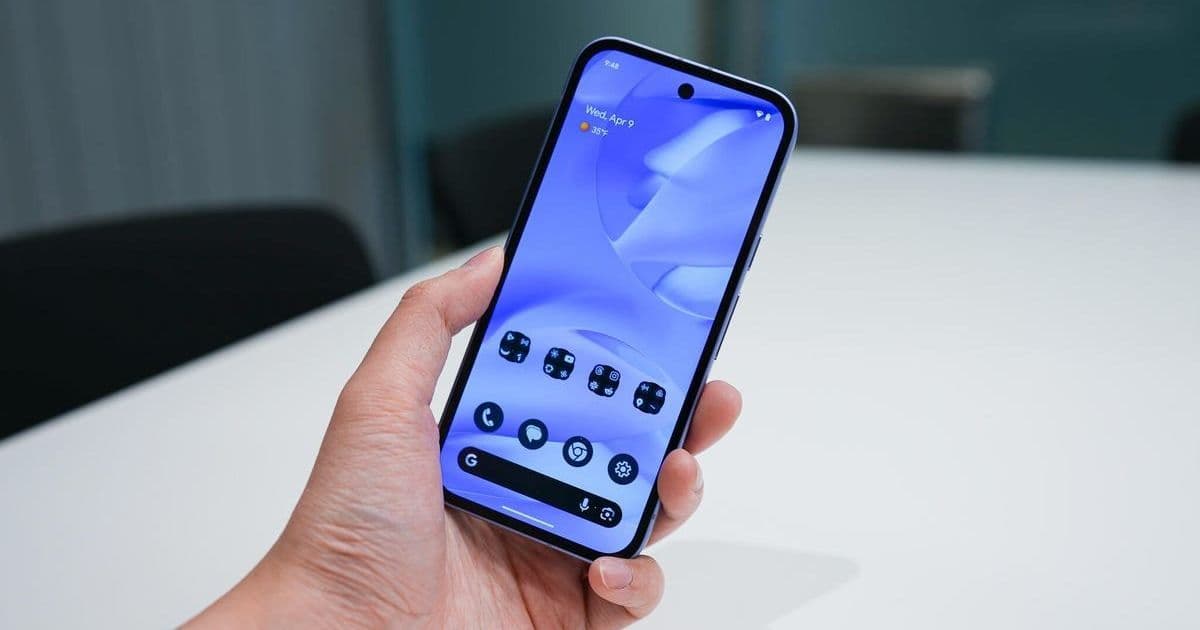

Android 16 introduces Identity Check and Advanced Protection, game-changing security tools designed to thwart unauthorized access and malware. Despite their power, many users overlook these settings. We break down why enabling them is non-negotiable for safeguarding your device and data.
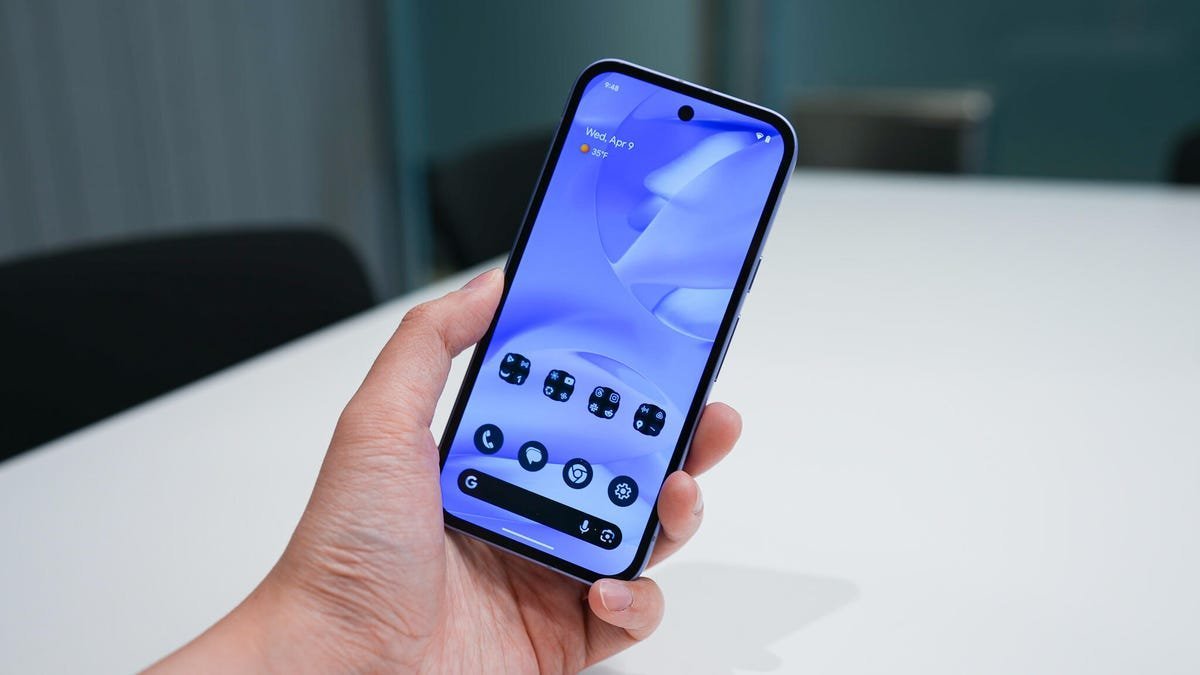
Google’s Android 16 release prioritized bolstering defenses against escalating mobile threats, yet two of its most potent security features—Identity Check and Advanced Protection—often fly under users' radars. These tools address critical vulnerabilities in physical access control and multi-vector attacks, reflecting a shift toward proactive, layered security in an era of sophisticated exploits. For developers and security-conscious professionals, understanding these features isn’t just about personal safety; it’s about recognizing evolving best practices for mobile ecosystem resilience.
The Hidden Guardian: Identity Check
Originally introduced in 2024 but refined in Android 16, Identity Check acts as a geofenced biometric lock. If your phone leaves a designated "trusted location" (like your home), it automatically enforces biometric authentication for sensitive actions—such as altering security settings or accessing passwords—even if the device is unlocked. This thwarts "shoulder surfing" attacks or unauthorized access when your phone is briefly unattended in public spaces.
Enabling it requires a quick settings search:
- Open Settings > Search "Identity Check."
- Toggle it On (usually default).
- Optionally add trusted locations (though experts advise against this for maximum security).
"I’ve opted out of trusted places to eliminate bypass risks. For high-stakes environments, 'better safe than sorry' isn’t cliché—it’s critical," notes Jack Wallen in the original ZDNet report.
 Enabling Identity Check in Android 16 settings (Credit: JEFF PACHOUD/Getty Images)
Advanced Protection: Your All-in-One Shield
Advanced Protection, new in Android 16, consolidates multiple defenses into a single toggle. Once enabled, it activates:
- Device Safety: Remote lock/wipe for lost/stolen devices.
- App Hardening: Blocks memory-corruption exploits and malicious installations.
- Network Security: Prevents connections to unsecured Wi-Fi or Bluetooth.
- Web & Comms Guardrails: Filters unsafe websites, spam calls (via Google Phone), and phishing messages (in Google Messages).
This unified approach simplifies enterprise-grade security for everyday users—no complex configuration needed. For developers, it underscores Google’s push toward automated, context-aware threat mitigation.
Don’t Stop There: Fortify Your Account
Beyond device settings, Android 16’s Account Protection adds another layer. Accessible via the Advanced Protection menu, it enrolls your Google account in "targeted attack" defenses, requiring physical security keys or authenticator apps for high-risk actions. Pair this with a recovery email to avoid lockouts.
Why This Matters Beyond Your Pocket
These features signal a broader industry trend: security is shifting from reactive patching to embedded, intelligent safeguards. Identity Check’s location-aware biometrics could inspire similar innovations in IoT or fintech, while Advanced Protection’s bundled model may redefine mobile OS security standards. For tech leaders, it’s a reminder that user education is as vital as engineering—tools only work if activated.
Enable both immediately post-update. In today’s threat landscape, overlooking them isn’t an oversight—it’s an invitation to compromise.
Source: ZDNet
Comments
Please log in or register to join the discussion