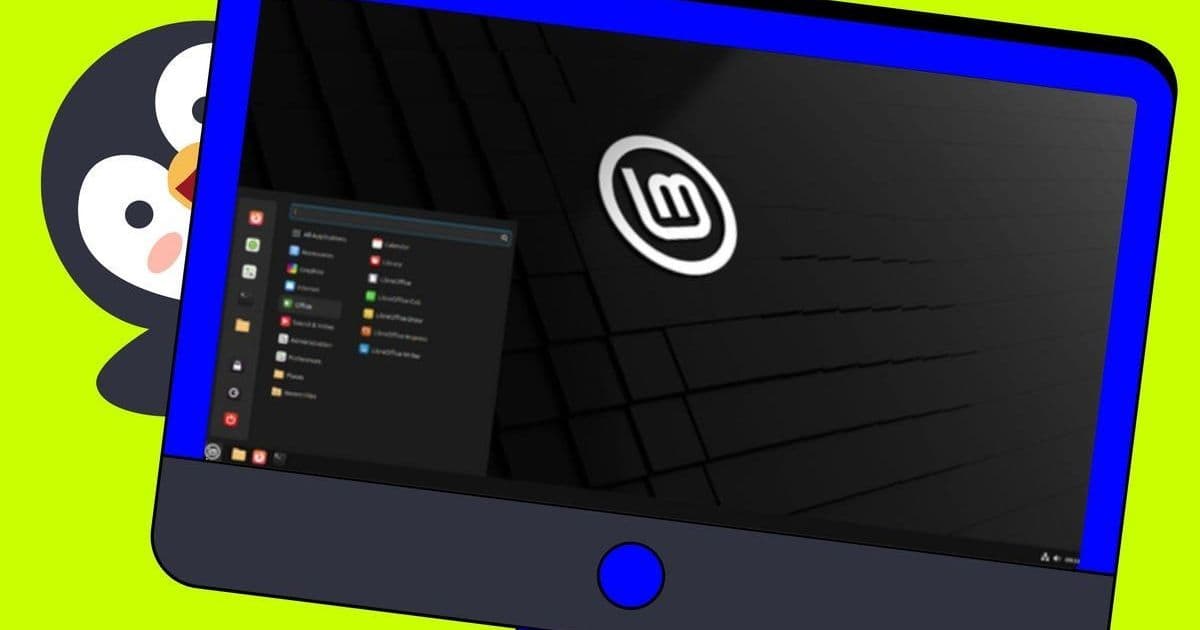
After a decade of remote work, I've found Linux delivers unmatched reliability and simplicity for home offices. These five distros—openSUSE, Fedora Silverblue, Ubuntu LTS, Linux Mint, and Zorin OS—offer tailored solutions for productivity, from atomic upgrades to foolproof backups. Discover why they outshine proprietary OSes for developers and professionals.
Why Linux Reigns Supreme for the Home Office
For over ten years, Linux has been the backbone of my remote work setup, providing a level of stability and efficiency that Windows and macOS struggle to match. As distributed teams become the norm, choosing the right operating system isn't just about preference—it's about ensuring uninterrupted productivity, robust security, and cost-effective performance. After extensive testing across countless distributions, these five stand out as exceptional choices for developers, engineers, and tech leaders running home offices.
openSUSE: Configuration Mastery for Power Users
openSUSE earns its spot with YaST (Yet Another Setup Tool), a centralized control panel that simplifies complex tasks like Samba sharing for home networks—ideal for collaborative environments. Available in two flavors, Tumbleweed (rolling release for cutting-edge software) and Leap (traditional release for stability), it caters to both innovators and those prioritizing reliability. While YaST's power demands caution, its granular control is invaluable for sysadmins or developers managing hybrid setups. As Jack Wallen notes, this flexibility makes openSUSE a Swiss Army knife for the tech-savvy home office.
Fedora Silverblue: Unbreakable Atomic Workflows
Fedora Silverblue introduces an atomic design where updates are applied holistically—either fully or not at all—preventing partial upgrades from crashing your system. This is a game-changer for remote workers: if an update fails, reboot and select a verified working image from the boot menu. For engineers handling critical tasks or tight deadlines, this rollback capability minimizes downtime. Its container-first approach also encourages reproducible environments, aligning perfectly with DevOps practices. As Wallen highlights, it transforms fear of system instability into confidence.
Ubuntu LTS: The Unshakeable Foundation
Ubuntu LTS (Long Term Support) remains a gold standard for its rock-solid performance, extensive hardware compatibility, and massive community support—crucial for troubleshooting without corporate IT backing. Preloaded with Snap, it seamlessly integrates proprietary tools like Slack, while its server counterpart can deploy local services in minutes. For tech leaders, this distro reduces friction in hybrid cloud workflows. Wallen emphasizes its role as a lifeline for Windows 10 refugees, offering a tested path to open-source productivity.
Linux Mint: Set-and-Forget Simplicity
Linux Mint combines user-friendliness with enterprise-grade resilience. Bundled with Timeshift, it automates system snapshots, allowing painless recovery from mishaps—essential when you can't afford downtime. Its automatic updates ensure security patches are never overlooked, and the lightweight Xfce edition breathes life into aging hardware. For developers juggling multiple projects, Mint's low-maintenance design frees mental bandwidth for coding, not configuration.
Zorin OS: Polished Professionalism
Zorin OS redefines the Linux desktop with its aesthetic polish and customizable layouts, mimicking Windows or macOS for smoother transitions. The Pro version's six additional layouts (at $48) cater to specific workflows, while its speed ensures apps launch instantly. For UI/UX designers or creatives in remote roles, Zorin proves open-source doesn't compromise on refinement. As Wallen asserts, it exemplifies what a modern desktop OS should be: fast, adaptable, and distraction-free.
Embracing one of these distros isn't just an OS switch—it's an investment in a resilient, open-source ecosystem that empowers remote professionals to work smarter. As hybrid work evolves, Linux's agility and community-driven innovation position it as the future-proof choice for any home office battlefield.
Source: ZDNet
Comments
Please log in or register to join the discussion