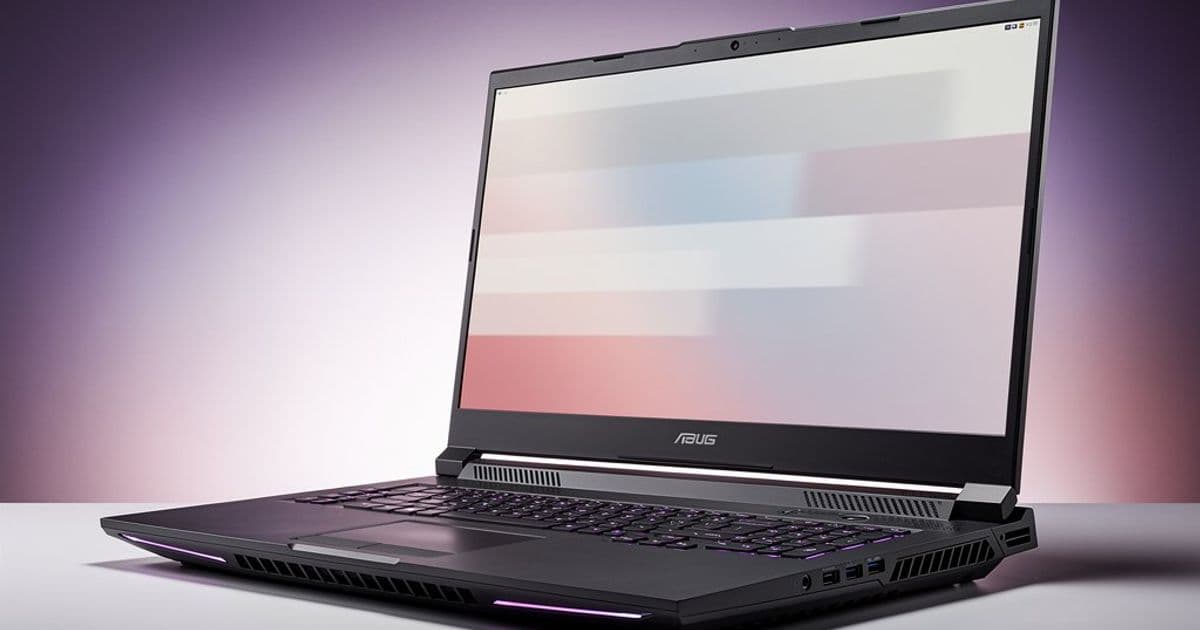
The Acer Nitro V 17 pairs a powerful RTX 5070 GPU with a surprisingly weak display, creating a fundamental imbalance that undermines its value proposition. While the laptop runs quietly and efficiently, its dim, color-deficient, and slow-response panel fails to meet even basic expectations for a modern gaming machine, especially when compared to direct competitors.
The Acer Nitro V 17 enters the budget gaming laptop market with a compelling on-paper spec: an NVIDIA GeForce RTX 5070 GPU in a 17-inch chassis at a competitive price. It sits alongside the Lenovo LOQ 17 and HP Omen 16 as one of the most affordable ways to get this new GPU. Our testing revealed a laptop with genuine strengths—it runs remarkably quiet and power-efficient, a notable achievement for a budget gaming system. However, these positives are overshadowed by a critical flaw: the display is simply not good enough for a machine of this class.
The Display's Core Failings
The installed 17-inch Full HD (1920x1080) IPS panel is the Nitro V 17's most significant weakness. In our measurements, it achieved an average brightness of just 238 nits. This is critically low for any modern laptop display. For context, most budget laptops target at least 300 nits, and premium displays often exceed 400 nits. A 238-nit screen is visibly dim, making it difficult to use in anything but a controlled, dimly lit environment. Outdoor use is essentially impossible, and even indoors, the image lacks the punch and clarity expected from a gaming laptop. The screen appears dull, and blacks look more like a dark gray, reducing contrast and immersion in games and media.
Compounding the brightness issue is poor color reproduction. The panel fails to cover the standard sRGB color gamut, resulting in colors that look washed out and lack vibrancy. While this might be tolerable for someone who only plays esports titles like Counter-Strike or Valorant where color accuracy is less critical, it becomes a daily annoyance for any other use. Watching movies, browsing the web, or working on creative tasks will feel muted and unengaging. The lack of color depth means images and videos lack the richness and detail that even moderately good displays provide.
For a gaming laptop, response times are paramount. The Nitro V 17's panel measures between 30 and 42 milliseconds in our tests. These figures are alarmingly slow. Even the most basic gaming monitors aim for sub-10ms response times. Such high values lead to noticeable ghosting (trails behind fast-moving objects) and motion blur, which can be detrimental in fast-paced games. This level of performance is difficult to justify, even in a budget device, and it fundamentally undermines the laptop's gaming credentials.
Competitive Comparison: Where the Nitro V 17 Falls Short
The shortcomings become stark when compared to its direct rivals. The Lenovo LOQ 17, which is similarly priced and also equipped with an RTX 5070, features a Full HD panel that reaches around 300 nits of brightness, covers the sRGB color space, and delivers much faster response times of 10 to 16 milliseconds. This is a more balanced and appropriate configuration for a gaming laptop.
The HP Omen 16 takes a different approach with a 1200p (1920x1200) display in a 16:10 aspect ratio. It also offers roughly 300 nits of brightness and, while its color gamut coverage is similarly limited, its response times are approximately half as slow as the Nitro V 17's. In both cases, the competitors provide a demonstrably better visual experience for the same core hardware investment.
Why a Good Display Matters More in the Budget Segment
For buyers in the budget segment, a laptop is often a primary, all-in-one device. It's not just a dedicated gaming rig; it's the tool for work, study, media consumption, and communication. Users on a tight budget typically cannot afford a secondary system or an external monitor. From personal experience during my student years, I can attest that when one device has to handle everything, the display quality quickly becomes critical. A consistently weak screen transforms from a minor compromise into a daily source of frustration. It affects everything from reading documents to enjoying a film after work.
The Verdict: A Compromised Package
Manufacturers must be careful not to cut corners too deeply on display quality, especially in the entry-level segment. While an OLED or Mini-LED panel isn't a reasonable expectation for a budget laptop, users deserve a screen they can comfortably use for hours at a time. This is where the Acer Nitro V 17 risks losing significant ground to competitors like the Lenovo LOQ 17, HP Omen 16, or even the Acer Katana 17.
Despite its commendable quiet operation and power efficiency, the Nitro V 17's display is a serious, fundamental flaw. For a laptop that is otherwise built around delivering a solid gaming experience, the panel is a glaring weak link. Potential buyers should look closely at the competition, where better-balanced options exist for a similar price. A gaming laptop is only as good as its weakest component, and in this case, the display is a deal-breaker.
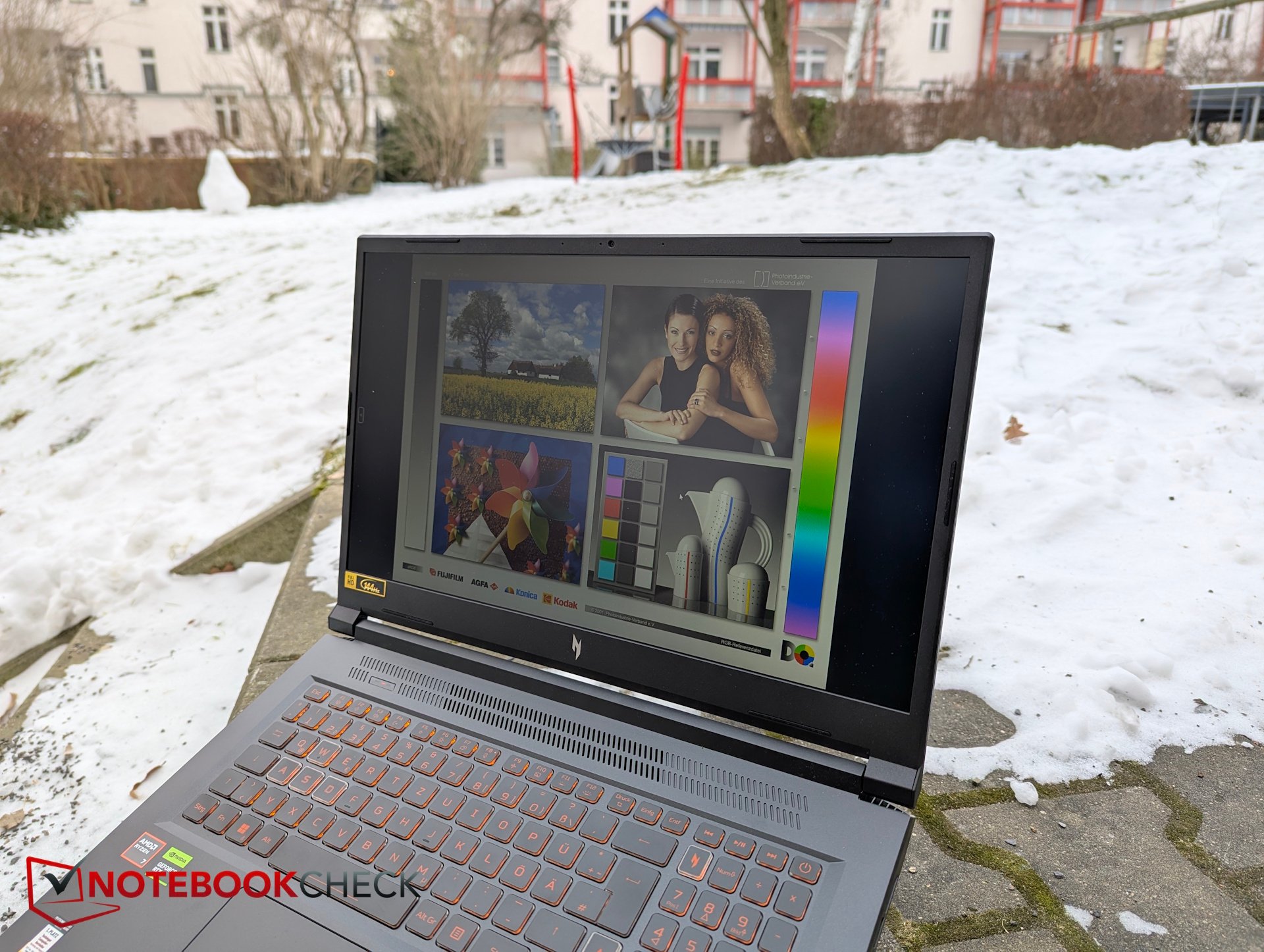
The Acer Nitro V 17's display is a critical weak point that undermines its value as a budget gaming laptop.
Source: NotebookCheck.net Reviews
Comments
Please log in or register to join the discussion