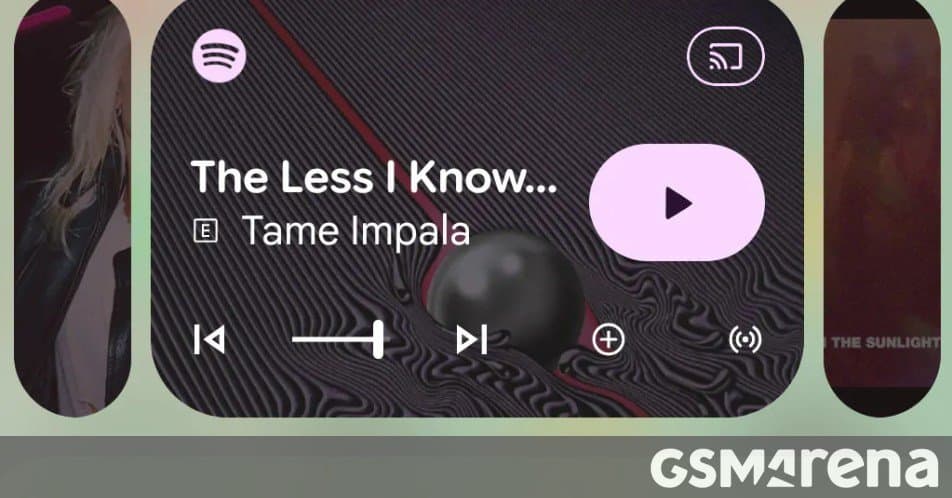
Google’s Android 17 QPR1 Beta 3 replaces the carousel‑style media switcher with compact cards that expand on tap, offering a clearer way to jump between active audio apps.
Google rolled out Android 17 QPR1 Beta 3 on 21 May 2026, and the update brings a noticeable tweak to the notification‑shade media controls. The long‑standing carousel that let users swipe left or right between playing apps is being retired in favor of a card‑based switcher.
What the new switcher looks like
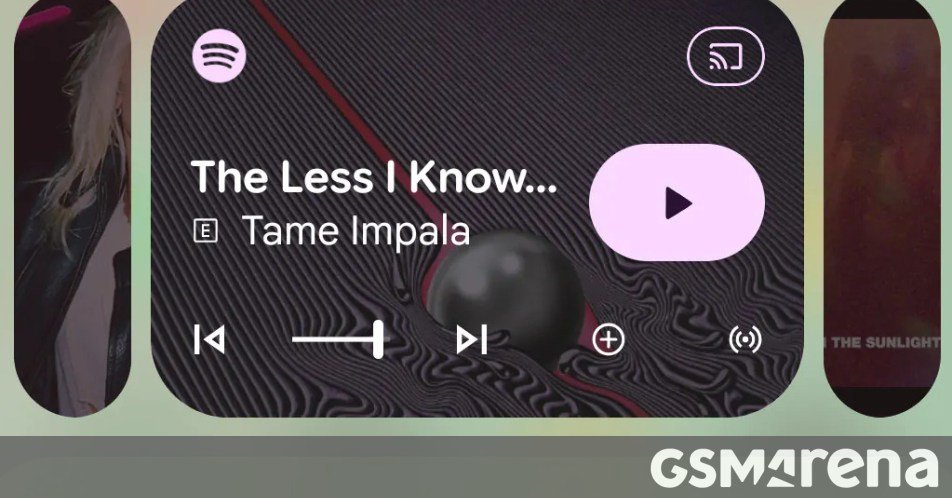
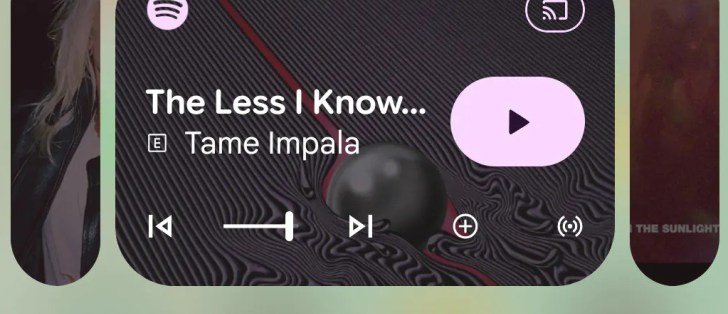
In Android 16, the media area displayed a horizontal strip of album art. Users had to swipe through the strip to reach the next app, which could be awkward on a small screen or for those unfamiliar with the gesture. Android 17 collapses each background audio source into a tiny rectangular card. When you tap a card, it expands to show the app’s controls and album art, while the previously active app shrinks back into its compact form.
Why the change matters
- Visibility – The cards are always visible, so it’s obvious that multiple apps are playing at once. New users can see at a glance that they can switch without guessing a hidden gesture.
- Reduced mis‑swipes – Because you tap instead of swipe, the chance of accidentally jumping to the wrong app drops dramatically.
- Consistent layout – All media apps now share the same UI pattern, which aligns with Android’s broader push for uniform interaction models across the system UI.
The trade‑off
The compact cards occupy a bit more vertical space than the old carousel. As a result, the currently active app’s player area becomes slightly smaller, and the control buttons shrink marginally. This is a typical beta‑stage compromise; Google often refines spacing based on user feedback before the final release.
How it fits into the Android 17 ecosystem
Android 17 is also introducing a suite of creator‑focused tools, such as the “Continue On” feature that lets you hand off tasks between a phone, tablet, and ChromeOS device. The new media switcher complements that vision by making it easier to manage audio while you’re hopping between devices. If you’re using Samsung’s One UI 9 beta, which is built on Android 17, you’ll see the same card‑based UI, ensuring a consistent experience across OEM skins.
What to expect before the stable launch
Beta 3 is a working prototype, so Google may tweak the card size, animation speed, or the way album art is displayed. Keep an eye on the Android 17 release notes and community forums for any adjustments before the final version ships.
For a visual overview, see the screenshot from the beta release below.
Comments
Please log in or register to join the discussion