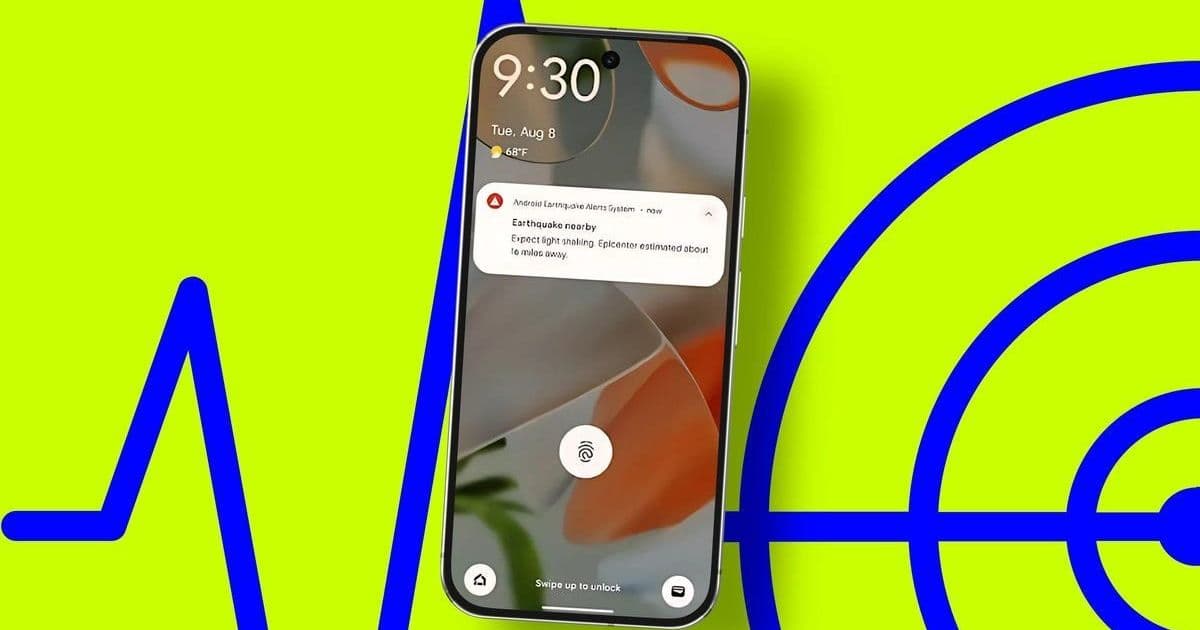
Google and Samsung have transformed Android devices into a massive, crowdsourced earthquake detection system, delivering critical seconds of warning before tremors hit. With over 2,000 quakes detected and 790 million alerts sent globally, we break down the sensor-driven tech powering these alerts and how to ensure they're active on your device.
How Your Android Phone Became an Earthquake Sentinel
In an era where smartphones double as survival tools, Google's Android Earthquake Alerts System has emerged as a groundbreaking public safety innovation. Since its 2021 launch, it has detected over 2,000 earthquakes worldwide, issuing warnings that provide 10–60 seconds of advance notice—enough time to take cover before destructive shaking arrives. Samsung recently joined the effort with its own enhanced alert system, embedding life-saving capabilities directly into millions of pockets. This isn't just a feature; it's a seismic shift in how mobile technology leverages hardware and crowdsourcing to protect communities.
The Science Behind the Alerts: Sensors, Data, and AI
At its core, the system relies on your phone's accelerometer—a sensor designed to detect motion. When an earthquake's initial P-wave (a fast-moving but less destructive wave) hits, the accelerometer picks up vibrations and sends anonymized, timestamped location data to Google's servers. AI algorithms then analyze inputs from thousands of devices in real-time, confirming the quake's epicenter, magnitude, and projected impact area within seconds. As Google notes:
"The system crowdsources data to estimate who may be in harm's way, pushing alerts only when shaking is expected to reach damaging levels—typically magnitude 4.5 or higher."
For users, this translates to two types of warnings: a subtle "Be Aware" banner for light shaking or a full-screen "Take Action" alert for stronger tremors, accompanied by a distinct alarm. The result? During a magnitude 6.7 quake in the Philippines last year, 2.5 million people received warnings just 18.3 seconds after the event began.
How to Enable and Optimize Alerts
For Google's System (Available in all 50 U.S. States and Territories)
- Open Settings on your Android device.
- Navigate to Safety and emergency > Earthquake alerts (or via Location > Advanced if the menu differs).
- Toggle Earthquake Alerts on. Test the demo to familiarize yourself with the alert tone and interface.
To opt out of data sharing (disabling your phone's contribution to detection):
- Go to Settings > Location > Location Services > Location Accuracy.
- Turn off Improve Location Accuracy.
For Samsung's New One UI 8 System (Rolling out to S, A, and Z Series)
Samsung's approach adds granular control:
- Access Settings > Safety and emergency > Earthquake Alerts (Samsung).
- Preview alerts via See a demo and review past events in History.
- Customize intensity thresholds separately for day and night under Detection settings.
- Enable Emergency Resources to view nearby shelters and display medical info on your lock screen during alerts.
Why This Matters Beyond the Buzz
This technology exemplifies how ubiquitous hardware—like the accelerometers in every smartphone—can be repurposed for societal good through intelligent software. For developers, it's a case study in edge computing: processing sensor data locally before aggregating it cloud-side for rapid analysis. Cybersecurity pros should note the privacy safeguards—data is anonymized and users can opt out—while urban planners see a blueprint for scalable disaster response.
The implications are profound. In regions lacking traditional seismic infrastructure, like many parts of the U.S. before Google's nationwide rollout, phones become a decentralized detection network. As climate change intensifies natural disasters, such innovations highlight mobile OSes evolving from convenience tools to essential safety layers. Enable those alerts; your phone might not just connect you—it could save you.
Source: ZDNET
Comments
Please log in or register to join the discussion