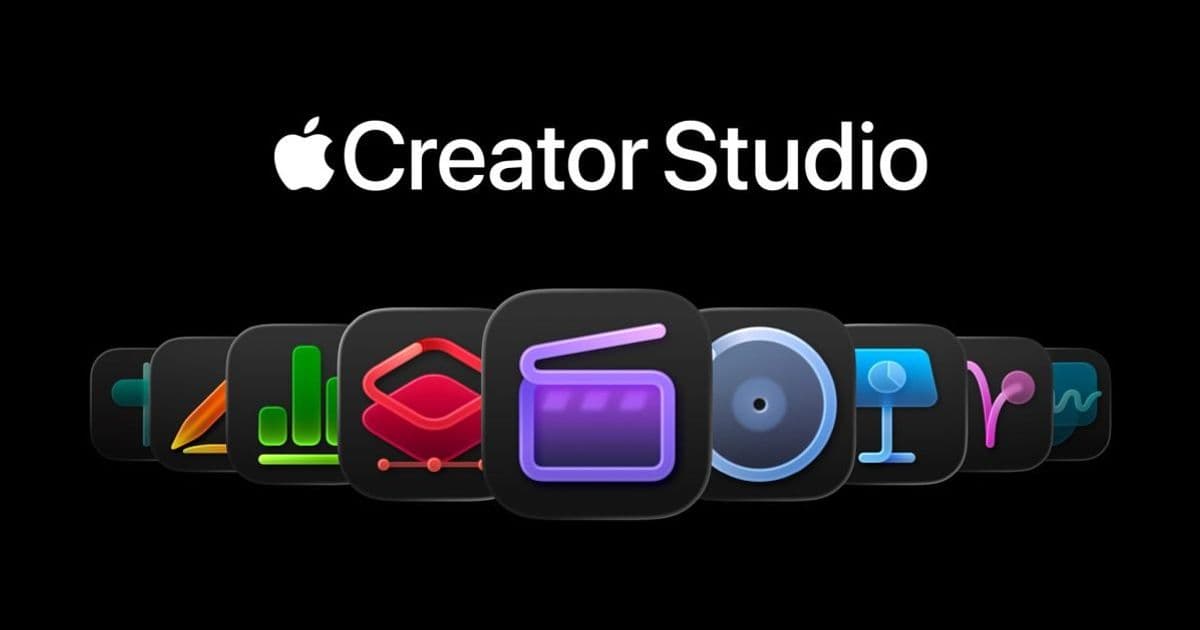
Apple has relaunched its Creator Studio marketing effort, releasing three YouTube Shorts that demonstrate how the subscription bundles Logic Pro, Final Cut Pro, Pages and other apps for cooking, poetry and music projects. The campaign also adds longer Instagram videos and an animated short, signaling a broader push to position Creator Studio as the go‑to creative suite for Mac and iPad users.
Apple pushes Creator Studio with three new short‑form showcases
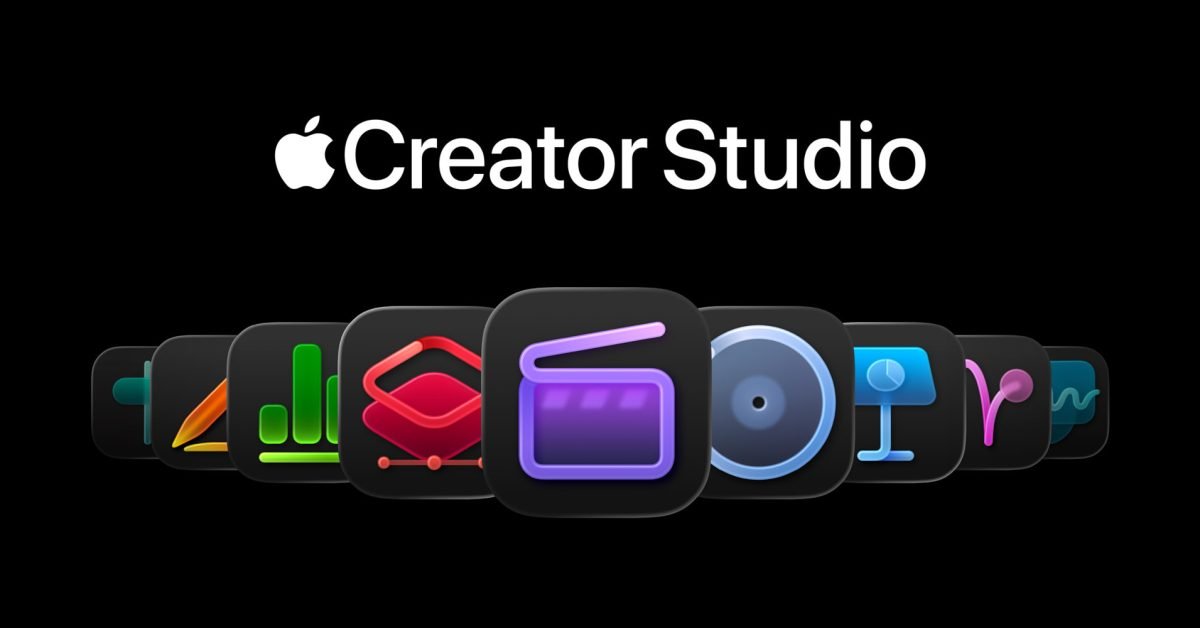
Apple’s Creator Studio subscription, launched in late January, bundles the company’s flagship creative apps—Logic Pro, Final Cut Pro, Motion, MainStage, and the iWork suite—under a single price point for Mac and iPad. After a quiet debut, the company is now putting the service back in the spotlight with a set of commissioned short videos that illustrate real‑world workflows.
The new campaign rollout
On May 12, Apple uploaded three 60‑second Shorts to its official YouTube channel:
- Music: Ellie Dixon records her debut album in a bedroom studio, using Logic Pro for composition and Final Cut Pro for video‑song sync.
- Cooking: Chef‑in‑training Molly Baz turns a recipe into a polished video, stitching together Pages‑based notes, Final Cut Pro edits, and a splash of Apple Music for background.
- Poetry: Samba Films animates a spoken‑word piece, combining Pages for script, Keynote for kinetic typography, and Final Cut Pro for the final cut.
Each Short ends with a brief overlay that reminds viewers the workflow is possible with a single Creator Studio subscription.
In parallel, Apple’s @AppleCreatorStudio Instagram profile has been refreshed with longer‑form videos that dive deeper into each project. The posts include behind‑the‑scenes clips of the creators setting up their iPad Pro, calibrating microphones, and arranging timeline tracks. One of the highlights is an original animation titled After Hours by Annie Choi (also known as Ancho), which showcases the animation capabilities of Motion and the compositing power of Final Cut Pro.
Why the renewed focus matters for developers
Creator Studio is more than a consumer‑oriented bundle; it represents a strategic push to keep professional‑grade tools on the Mac and iPad platforms. For developers building plugins or extensions for Logic Pro, Final Cut Pro, or the iWork apps, the campaign signals two things:
- Increased user acquisition – The Shorts target creators who may have been hesitant to pay for multiple apps separately. A higher install base expands the market for third‑party audio units, video effects, and template packs.
- Cross‑device consistency – Apple emphasizes that the same subscription works on macOS 15 Ventura 2 and iPadOS 17.2, encouraging developers to adopt universal binaries and SwiftUI‑based UI components that run natively on both platforms.
If you maintain a VST/AU plugin for Logic Pro, consider updating the binary to support Apple Silicon and the new Audio Unit v3 framework introduced in macOS 15. The same binary can be loaded on iPadOS, letting musicians produce on the go without a separate desktop‑only version.
Migration checklist for existing Creator Studio users
If you already subscribe to Creator Studio, the new promotional assets do not change the subscription terms, but Apple has added a few quality‑of‑life improvements that are worth enabling:
| Action | How to do it | Benefit |
|---|---|---|
| Enable iCloud sync for iWork files | Open Pages → Settings → iCloud and toggle Sync | Seamless hand‑off between Mac and iPad when editing scripts or recipes |
| Update to the latest app versions | Open App Store → Updates and install Logic Pro 13.2, Final Cut Pro 12.5, and Motion 5.8 | Access to new Apple Silicon‑optimized render engines and the Live Text overlay in Final Cut Pro |
| Activate Universal Control | System Settings → Displays → Advanced → Allow Universal Control | Drag and drop media files directly from iPad to Mac without a separate export step |
| Turn on Spatial Audio for Logic Pro | Logic Pro → Preferences → Audio → Enable Spatial Audio | Creates immersive mixes that can be previewed on AirPods Pro 2 |
Developers should test their plugins against these latest app builds. Apple’s release notes for Logic Pro 13.2 mention a new Audio Unit v3 sandbox that isolates third‑party processing, which can affect latency calculations. Updating your plugin’s AUAudioUnit subclass to respect the new maximumFrames property will prevent unexpected drop‑outs.
What to expect next
Apple’s short‑form campaign is likely just the first wave. The Instagram profile hints at upcoming interview‑style reels where creators discuss budgeting, asset management, and the role of Apple’s subscription model in their workflow. For developers, this means more opportunities to showcase integrations—think custom Final Cut Pro motion graphics templates or Logic Pro MIDI packs—directly within Apple’s marketing channels.
If you’re building a cross‑platform creative tool, now is a good time to:
- Publish a Swift Package that bundles your custom AU or video effect for easy inclusion in Creator Studio projects.
- Add Apple Music metadata support so users can embed licensed tracks directly from the Music app.
- Leverage Apple Vision Pro preview APIs to let creators visualize their edits in mixed reality, a feature Apple hinted at during WWDC 2026.
Bottom line
Apple’s renewed promotion of Creator Studio does more than showcase pretty videos; it re‑affirms the company’s commitment to a unified creative ecosystem across macOS and iPadOS. For developers, the campaign is a signal to update binaries, embrace universal app design, and explore new distribution channels within Apple’s subscription model. Keep an eye on the @AppleCreatorStudio Instagram feed and the YouTube Shorts for fresh inspiration—and consider how your own tools can fit into the workflows Apple is now highlighting.
Read the full announcement on Apple’s official newsroom and explore the Creator Studio subscription details on the Apple Store.
Comments
Please log in or register to join the discussion