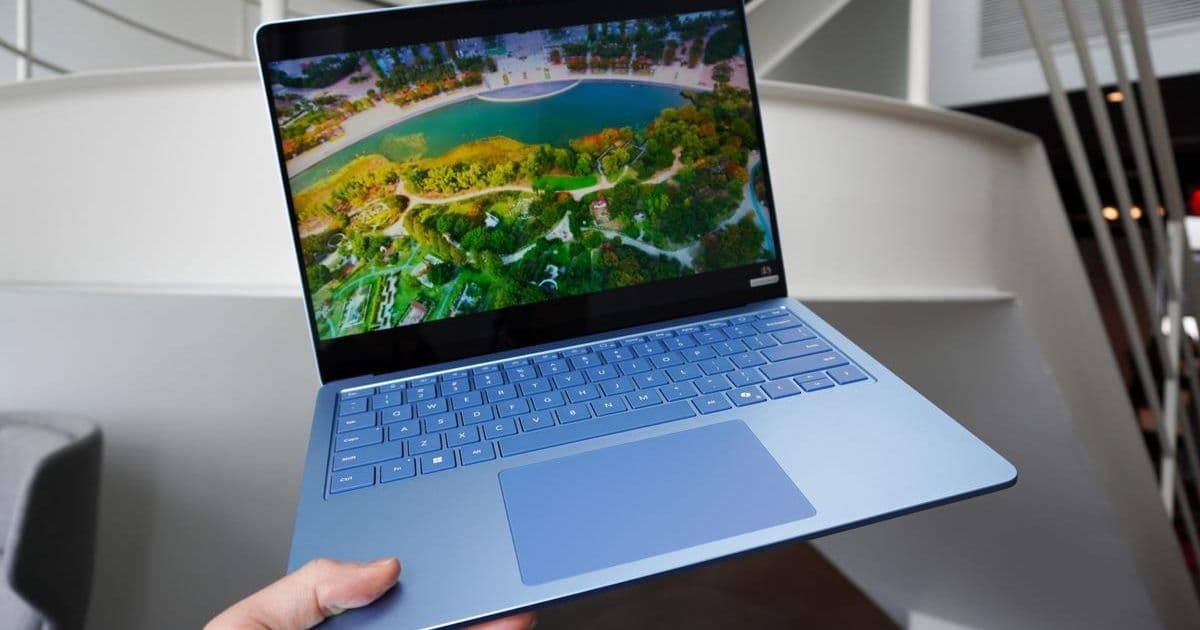
Apple's macOS 26 Tahoe introduces flashy new capabilities like Liquid Glass UI and enhanced productivity tools, but a closer look reveals Windows PCs implemented several core features years earlier. From advanced window management to system-wide translation, these functionalities highlight longstanding Windows advantages that macOS is only now embracing.
Apple's macOS 26 Tahoe has garnered attention for its Liquid Glass aesthetic and Apple Intelligence enhancements, positioning it as a leap forward in desktop operating systems. However, beneath the sleek redesign lie several functionalities that Windows users have accessed for years—some for decades. This reality check underscores how Microsoft's platform pioneered concepts Apple is just now formalizing.
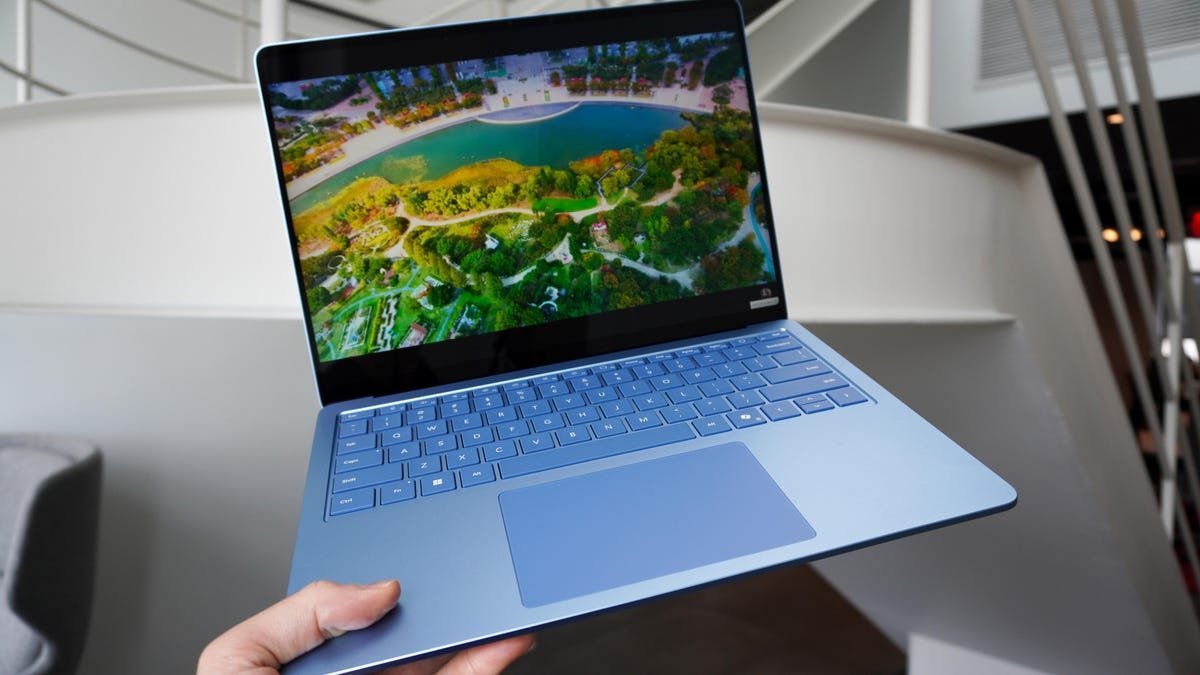 Microsoft's Surface Laptop running Windows 11, which has long offered features now emerging in macOS 26 (Source: ZDNET)
1. Window Tiling: Where Windows Set the Standard
While macOS 26 improves window snapping via drag-and-drop or menu options, Windows' intuitive grid preview system—activated by dragging windows to screen edges—remains superior for multitasking. Microsoft refined this over a decade, offering granular control that Apple only began approaching in 2024's macOS Sequoia. For developers juggling IDEs, documentation, and terminals, Windows' mature implementation reduces friction during complex workflows.
2. Gaming Ecosystem: An Uphill Battle for Apple
The new macOS Games app centralizes Apple Arcade and social features but faces entrenched competition. Windows' dominance in gaming isn't just about titles—it's the ecosystem. Platforms like Steam and Discord cultivated robust communities and modding tools years before Apple's gaming push. As Kerri Wan notes:
"Windows 11 remains the reigning champion when it comes to gaming... Apple's new Game app will be competing directly with these platforms, which will be tough."
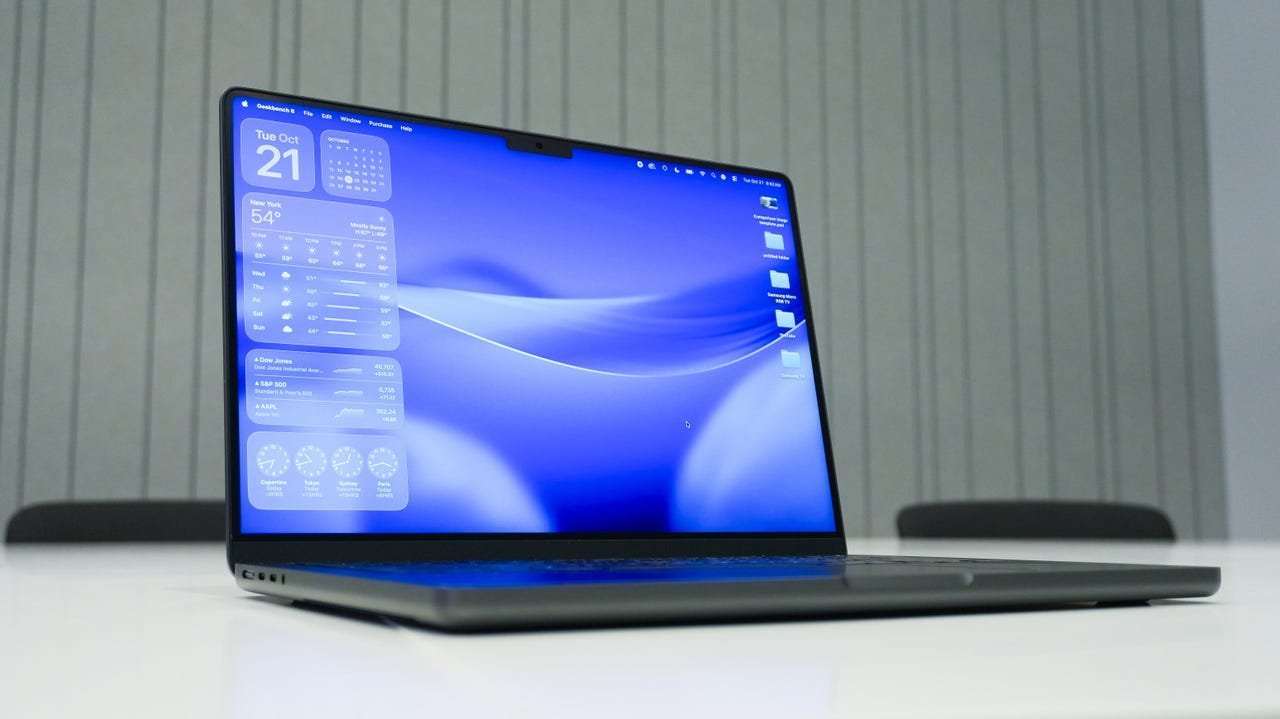 Apple's gaming initiatives in macOS 26 face stiff competition from Windows' established platforms (Source: Kerry Wan/ZDNET)
3. Live Translation: Playing Catch-Up on AI
macOS 26's Messages and FaceTime translations—while privacy-focused via on-device processing—lag behind Windows Copilot+'s system-wide functionality. Microsoft's solution works offline across Zoom, Chrome, Netflix, and 40+ languages, a versatility crucial for global teams. This gap highlights how Apple's walled-garden approach can limit utility compared to Windows' application-agnostic implementation.
4. Custom Icons: Windows' Legacy Customization
The ability to personalize folder colors and emojis in macOS 26 Finder feels fresh but mirrors Windows customization options dating back to Windows 3.1. Though niche today, this exemplifies Microsoft's historical flexibility versus Apple's design rigidity. For power users crafting tailored development environments, such granular control has long been a Windows hallmark.
These parallels reveal a broader trend: operating systems increasingly converge on similar features, yet execution and timing matter. Windows' early adoption of these tools gave developers and enterprises years of productivity gains—a reminder that innovation isn't always about being first, but about refining functionality for real-world use. As Apple integrates these elements, their success will hinge on surpassing, not just matching, Windows' established workflows.
Source: ZDNET
Comments
Please log in or register to join the discussion