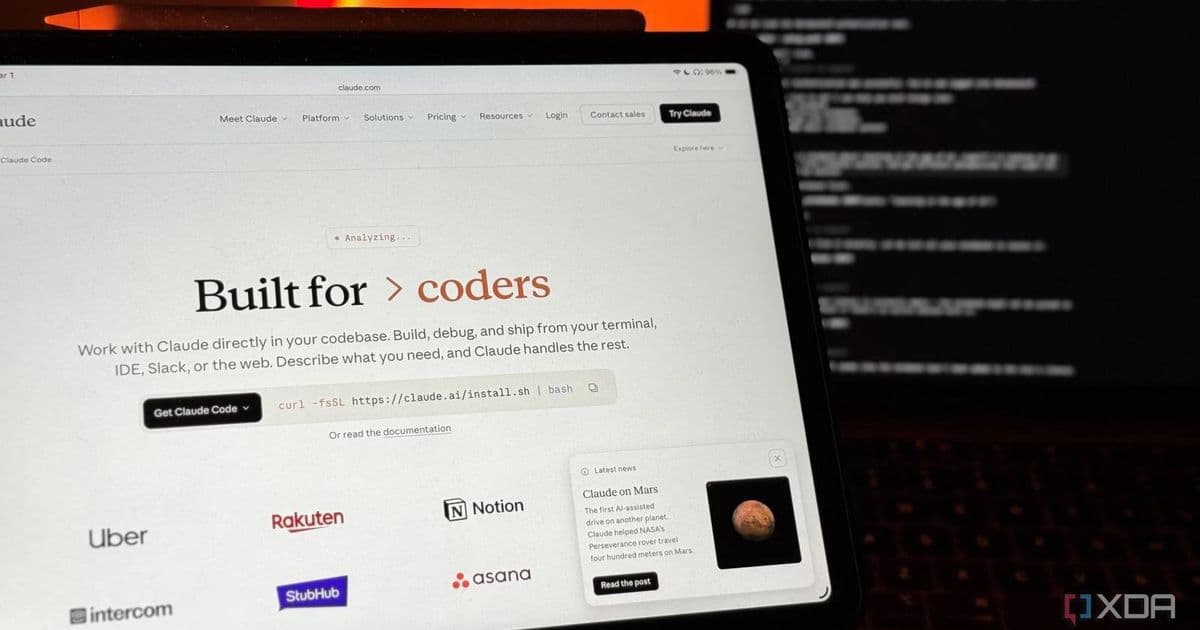
Anthropic's Claude AI now offers desktop automation capabilities for macOS users, allowing the assistant to control applications, browse the web, and fill forms. However, the feature is currently limited to Mac devices and requires a paid subscription, leaving Windows and Linux users in the dark.
Anthropic has recently announced a significant expansion to Claude's capabilities, introducing desktop automation functionality that allows the AI assistant to take control of your computer. This new feature represents a notable step forward in AI-powered productivity tools, enabling Claude to open applications, browse the web, fill out forms, and automate various desktop tasks.
Platform Limitations
The most significant constraint of this new feature is its platform exclusivity. Currently, Claude's desktop automation is available exclusively for macOS users. There's no indication from Anthropic about when or if support for Windows or Linux might be added. This limitation creates a notable disparity in accessibility, as Windows remains the dominant desktop operating system globally.
For developers and users who work across multiple platforms, this presents a challenge. The inability to use Claude's desktop automation on Windows or Linux means that cross-platform workflows cannot fully leverage this new capability. Anthropic hasn't provided any roadmap details regarding platform expansion, leaving non-macOS users waiting for further developments.
Subscription Requirements
Access to Claude's desktop automation feature requires a subscription to either Claude Cowork or Claude Code. This positions the feature as a premium offering rather than something available to all users. The research preview status suggests that Anthropic is still testing and refining the functionality before potential wider release.
For those interested in exploring this feature, the Claude computer use documentation provides additional details about setup and usage. The documentation outlines the permissions system Claude uses, which includes pre-connected apps like Slack and Calendar, while requiring explicit permission before accessing unconnected applications.
Technical Implementation
From a technical perspective, Claude's desktop automation represents an interesting approach to AI interaction with operating systems. Rather than requiring complex SDK integrations or specialized development environments, the feature works through Claude's existing interface while extending its capabilities to interact with the desktop environment.
The implementation appears to prioritize security and user control. Claude requests permission before opening unconnected applications, which helps prevent unauthorized access to sensitive software or data. This permission-based approach aligns with Anthropic's emphasis on responsible AI development.
Developer Impact
For developers, this new capability opens possibilities for creating more sophisticated AI-assisted workflows. While the feature is primarily aimed at end users rather than developers directly, it demonstrates the direction AI assistants are heading - from simple text-based interactions to full system control.
Developers working on macOS applications should consider how their software might interact with AI assistants like Claude. As these systems become more capable, applications may need to be designed with AI automation in mind, potentially including specific metadata or interfaces that make them more "AI-friendly" for automation purposes.
Migration Path for Early Adopters
For macOS users with the appropriate subscription, setting up Claude's desktop automation involves several steps:
- Ensure you're running a compatible version of macOS
- Subscribe to either Claude Cowork or Claude Code
- Enable the computer use feature in your Claude settings
- Grant necessary permissions for the applications you want Claude to access
- Test with simple tasks before moving to more complex automation
The research preview status means users should expect some instability and potential changes as Anthropic refines the feature based on feedback and testing data.
Future Considerations
The introduction of desktop automation by Claude raises questions about the future direction of AI assistants. As these systems gain more control over user devices, we can expect:
- More sophisticated automation capabilities
- Integration with a wider range of applications
- Potential for platform expansion beyond macOS
- Enhanced security measures to protect user data
For Windows and Linux users, the lack of immediate support is disappointing but not entirely unexpected. Many AI and productivity tools historically prioritize macOS before expanding to other platforms, often due to the perceived technical advantages or user demographics.
Cross-Platform Alternatives
While Windows and Linux users await platform support, they can still leverage Claude's other capabilities through the web interface or API. For desktop automation needs, alternative solutions exist:
- AutoHotkey (Windows)
- Keyboard Maestro (macOS)
- GNOME Shell extensions (Linux)
- Various cross-platform automation tools like Python-based scripts
However, these alternatives don't offer the same level of AI-powered automation that Claude provides, highlighting the current gap in the market for intelligent cross-platform desktop automation.
Conclusion
Claude's desktop automation represents a significant advancement in AI capabilities, moving beyond text-based interactions to actual system control. While the current limitations around platform exclusivity and subscription requirements may limit its immediate impact, the feature demonstrates the direction AI assistants are heading.
For macOS users with the appropriate subscription, this new functionality offers a glimpse into a future where AI assistants can truly automate complex desktop tasks. For others, it serves as both an interesting development to watch and a reminder of the current limitations in cross-platform AI tooling.
As Anthropic continues to develop this feature, we can expect improvements in stability, expanded application support, and hopefully, eventual platform parity that would make this powerful capability accessible to a wider range of users.
Comments
Please log in or register to join the discussion