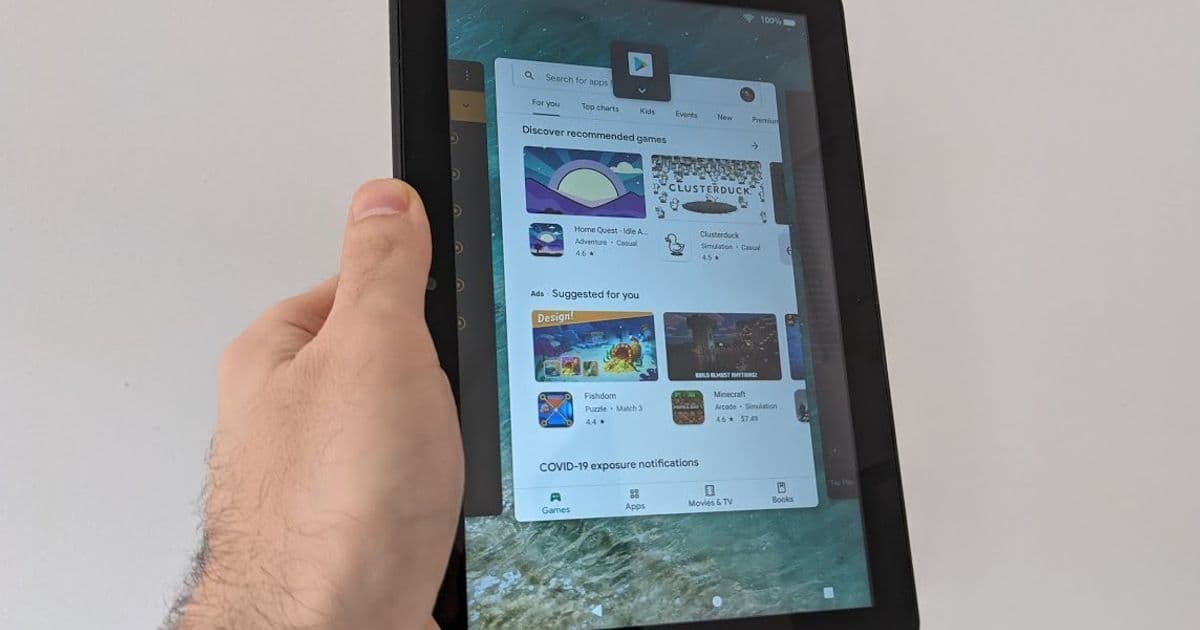
Fire Toolbox is a powerful free utility that transforms Amazon Fire tablets by enabling Google Play Store installation, app customization, and system modifications beyond Fire OS limitations.
Amazon's Fire tablets offer exceptional value with prices starting as low as $60, making them attractive budget alternatives to premium tablets. However, their modified Fire OS restricts functionality by limiting access to Google services and restricting customization options. The free Fire Toolbox utility, developed by XDA-developers forum member Datastream33, addresses these limitations by providing Windows and Linux users with tools to enhance their Fire tablets beyond Amazon's intended functionality.
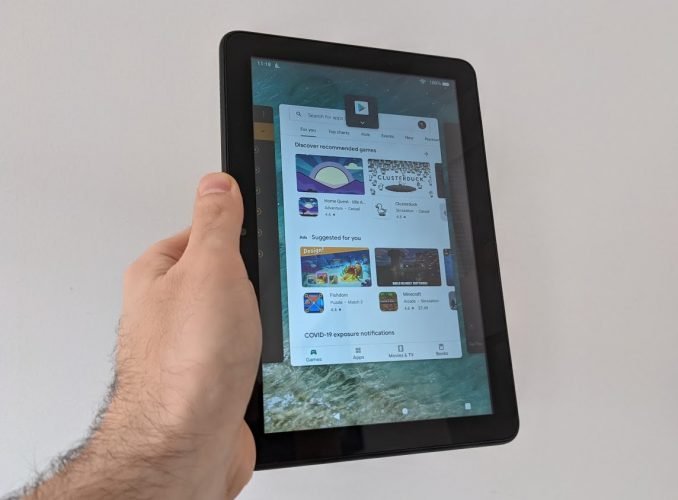
Fire Toolbox operates by connecting your Fire tablet to a computer via USB cable and executing a series of commands through a user-friendly interface. While technically possible to perform these actions manually through command line inputs, the toolbox bundles numerous functions into a single accessible application with button-click simplicity.
The tool's capabilities include:
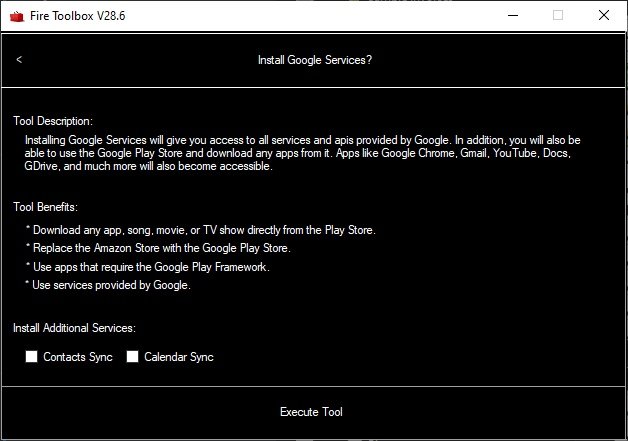
Google Play Integration: Installing the Google Play Store and related services, enabling access to millions of Android applications not available in Amazon's Appstore.
System Customization: Replacing default applications such as the home screen launcher, keyboard, and voice assistant with preferred third-party alternatives.
App Management: Disabling pre-installed Amazon applications, including some system apps on devices running Fire OS 7 or 8 with specific vulnerabilities.
System Tweaks: Modifying screen density for better visual clarity, enabling or disabling automatic updates, and adjusting various system settings.
App Sideload: Installing applications downloaded from trusted sources like APK Mirror that may not be available through official channels.
Data Management: Creating complete device backups to your computer or restoring from previous backups.
Utility Functions: Transferring files between devices, capturing screenshots or screen recordings, and disabling the lock screen.
Ad Removal: Eliminating lock screen ads that Amazon typically charges $15 to remove.
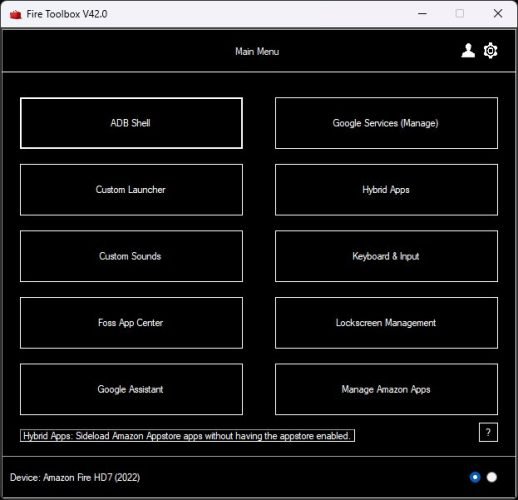
Fire Toolbox Version 44 (Windows) and 15 (Linux), as of April 2026, introduce several enhancements including improved OTA update management, refined lock screen controls, better launcher app support, and wireless debugging capabilities. The application also includes a FOSS App Center for easily installing free and open-source Android applications like Droid-ify, Aurora Store, and NewPipe.
It's important to note that Amazon periodically releases updates that may limit Fire Toolbox functionality. For instance, Fire OS 7.3.2.2 in 2021 restricted certain features like setting default launchers and removing lock screen ads. The toolbox's developer typically responds with updates and workarounds, but users may need to block OTA updates to maintain functionality, potentially missing security patches.
To begin using Fire Toolbox:
- Download and install the latest version on a Windows PC
- Enable USB debugging on your Fire tablet:
- Open Settings > Device Options
- Tap the serial number 7 times to enable Developer Options
- Enable Developer Options and USB debugging
- Connect the tablet to your PC via USB
- Launch Fire Toolbox and authorize the connection when prompted
The tool supports all Fire tablet models, though some features are model and OS version dependent. Users can find the latest version on the XDA-developers forum.
For those considering purchasing an Amazon Fire tablet, the article includes a detailed comparison of current models:
| Model | Display | Storage | RAM | Price |
|---|---|---|---|---|
| Fire 7 (2022) | 7" 1024x600 | 16/32GB + microSD | 2GB | $60 |
| Fire HD 8 (2024) | 8" 1280x800 | 32/64GB + microSD | 3/4GB | $100 |
| Fire HD 10 (2023) | 10" 1920x1200 | 32/64GB + microSD | 3GB | $140 |
| Fire Max 11 | 11" 2000x1200 | 64/128GB + microSD | 4GB | $230 |
All models run Fire OS 8 and offer various accessories including screen protectors, keyboards, and styluses. Despite their affordability, these tablets provide decent displays, good battery life, and acceptable performance for light tasks, making them excellent candidates for enhancement with Fire Toolbox.
Fire Toolbox represents a significant value proposition for Fire tablet owners, transforming budget devices into more versatile Android tablets without requiring technical expertise or system replacements. While Amazon continues to update Fire OS with potential restrictions, the toolbox's active development ensures ongoing compatibility and new features, making it an essential tool for maximizing the potential of Amazon's affordable tablet lineup.
Comments
Please log in or register to join the discussion