

Mozilla's latest browser update transforms websites into taskbar-pinned web apps with extension support, boosts anti-fingerprinting defenses, and introduces CSS Grid fixes that solve long-standing layout headaches for developers. The release also brings camera previews, Copilot integration, and smarter private browsing downloads.
Firefox 143: Pinning the Web to Your Windows Taskbar
Mozilla has redefined browser integration with Firefox 143's flagship feature: Windows web apps pinned directly to the taskbar. Unlike basic shortcuts, these dedicated app windows preserve your Firefox extensions and settings while running sites in streamlined containers. 
"This bridges the gap between native applications and web experiences," observes Mozilla's engineering team. "Developers can now offer app-like engagement without sacrificing the power of browser extensions."
Notably absent from Microsoft Store installations, this feature signals Mozilla's strategic push for deeper OS integration. Users can drag any site to their taskbar, creating persistent, extension-friendly web apps.
Productivity and Privacy Upgrades
Smarter Tab Management
- Tab pinning via drag-and-drop: Critical pages stay anchored at the tab strip's start
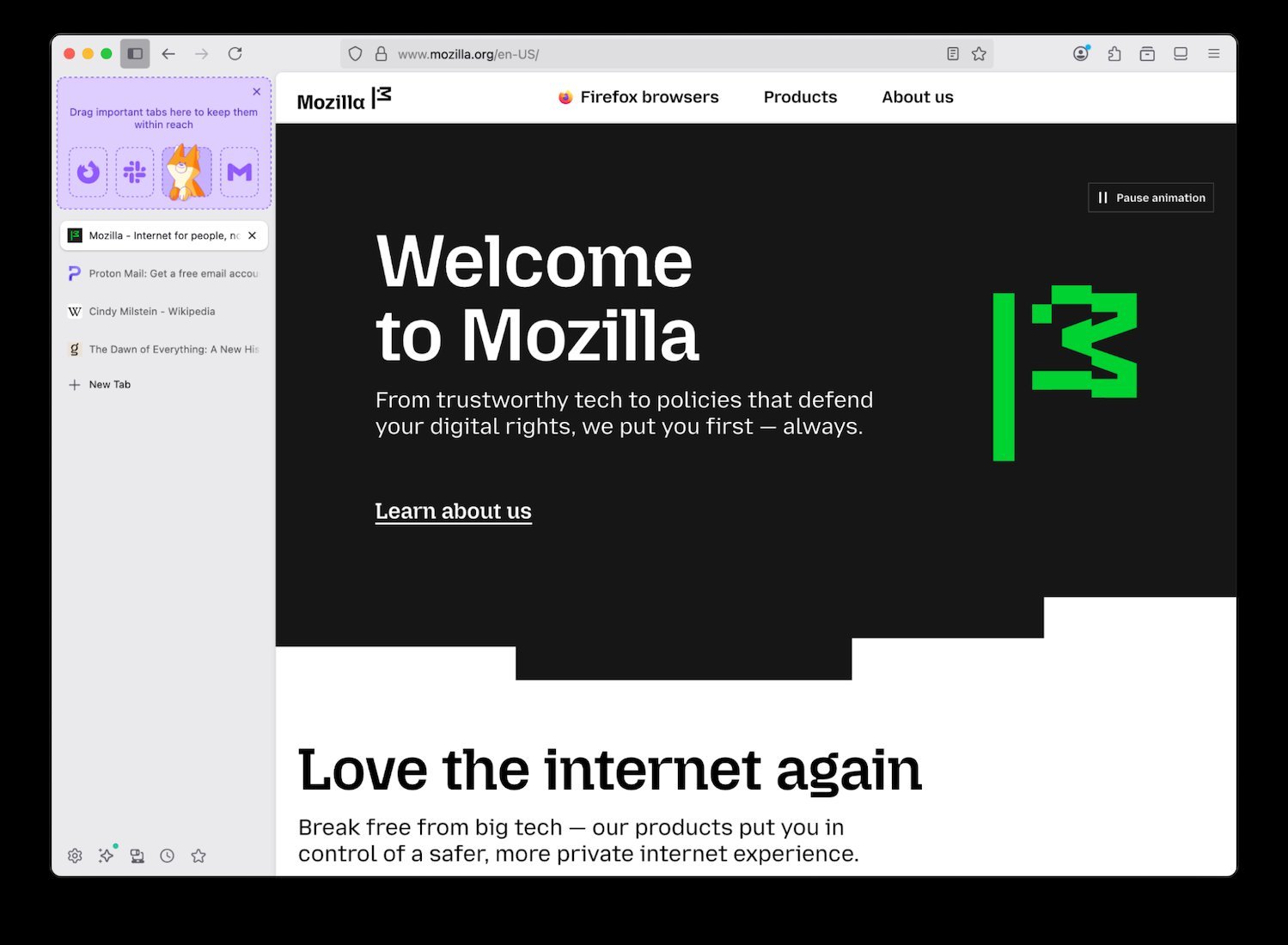
- Microsoft Copilot sidebar integration: AI assistance without disrupting workflow
Enhanced Privacy Protections
- Camera selection previews: Visually verify which camera sites access
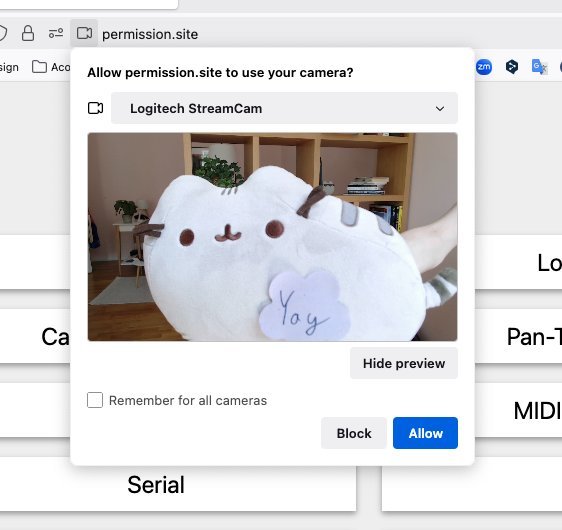
- Expanded fingerprinting protection: Hardened defenses report consistent values for hardware attributes
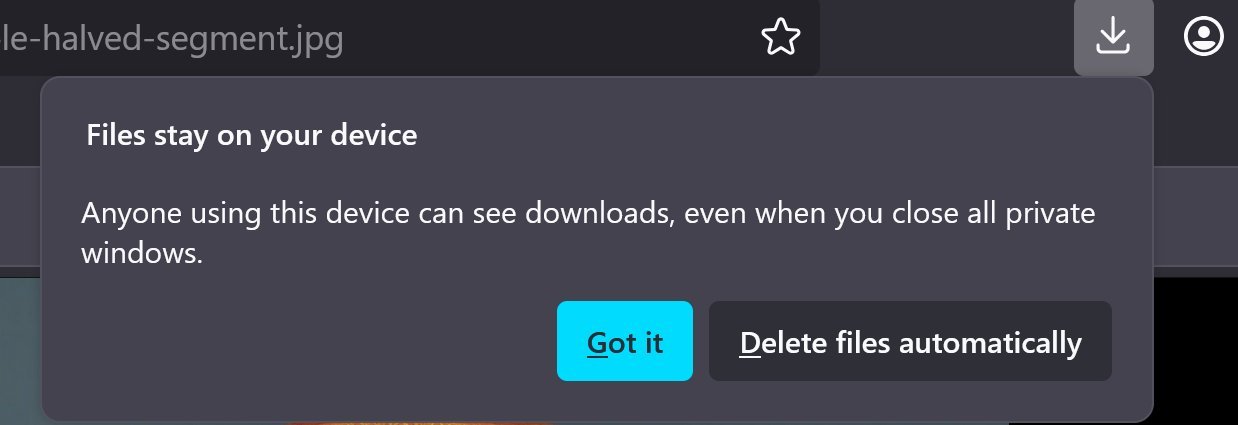
- Private browsing downloads: Choose whether files vanish post-session
Developer-Centric Improvements
CSS Grid Alignment
Firefox finally resolves a major pain point with percentage-based grid rows and aspect ratio items. The updated algorithm implements the CSS Grid spec correctly, fixing inconsistent rendering that plagued complex layouts.
/* Previously problematic grid */
.container {
  display: grid;
  grid-template-rows: 30% 70%;
}
Web Platform Refinements
- xHE-AAC audio: Support expands to Windows 11, macOS, and Android 9+
- Color input flexibility: Accepts CSS color formats (
rgb(), named colors) alongside hex <details>styling freedom:displayproperty unlocked and::details-contentpseudo-element added
Debugging Experience
- Console messages remain ungrouped when "Group Similar Messages" is disabled
- Debugger avoids redundant tabs when toggling pretty-print views
Accessibility Commitment
Windows UI Automation support—rolling out progressively—empowers screen readers and voice control tools like Narrator and Voice Access. This builds on Firefox's longstanding accessibility focus.
The Open-Source Heartbeat
Twelve new volunteer contributors joined Firefox's development, tackling fixes ranging from security patches to UI refinements—a testament to Mozilla's community-driven ethos.
With taskbar web apps challenging PWA boundaries and CSS Grid corrections resolving developer frustrations, Firefox 143 delivers both user convenience and under-the-hood maturity. The privacy enhancements further cement its position as the conscientious choice in an increasingly surveilled web.
Source: Firefox 143 Release Notes
Comments
Please log in or register to join the discussion