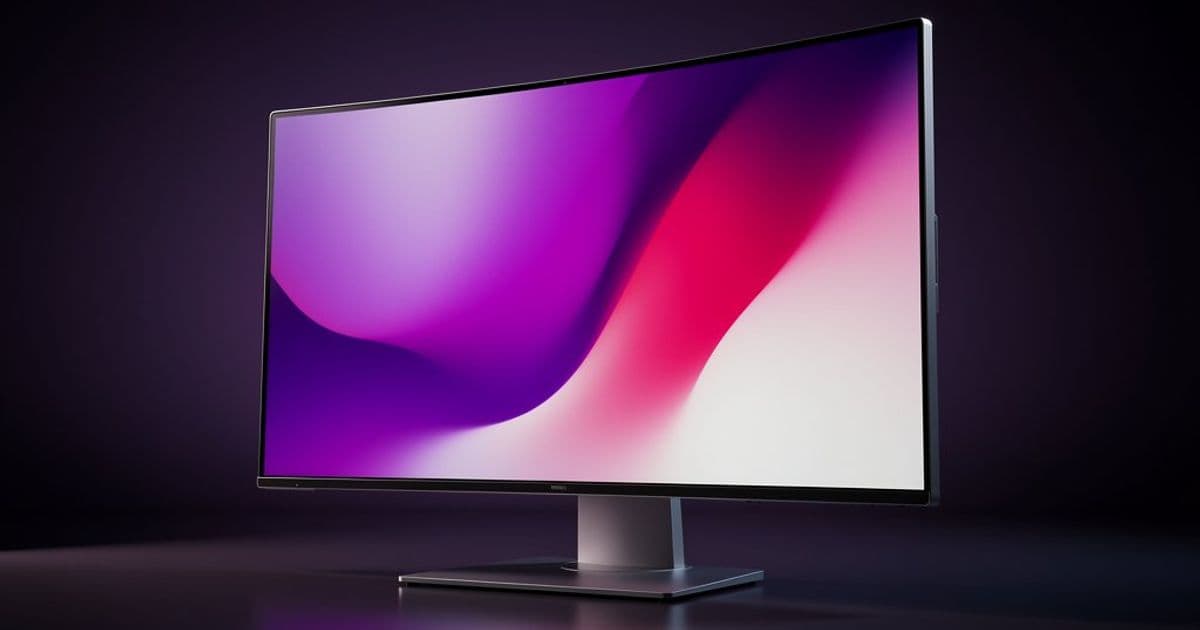
Mozilla has announced experimental support for High Dynamic Range (HDR) video playback on Windows in Firefox Nightly 148, marking a significant step forward in matching the visual capabilities of modern displays.
Modern computer displays have gained more colorful capabilities in recent years, with High Dynamic Range (HDR) being a headline feature. These displays can show vibrant shades of red, purple, and green that were outside the capability of past displays, as well as higher brightness for portions of the displayed videos. We are happy to announce that Firefox is gaining support for HDR video on Windows, now enabled in Firefox Nightly 148. This is experimental for the time being, as we want to gather feedback on what works and what does not across varied hardware in the wild before we deploy it for all Firefox users broadly.

HDR video has already been live on macOS for some time now, and is being worked on for Wayland on Linux. To get the full experience, you will need an HDR display, and the HDR feature needs to be turned on in Windows (Settings -> Display Settings) for that display. This release also changes how HDR video looks on non-HDR displays in some cases: this used to look very washed out, but it should be improved now. Feedback on whether this is a genuine improvement is also welcome. Popular streaming websites may be checking for this HDR capability, so they may now offer HDR video content to you, but only if HDR is enabled on the display.
We are actively working on HDR support for other web functionality such as WebGL, WebGPU, Canvas2D and static images, but have no current estimates on when those features will be ready: this is a lot of work, and relevant web standards are still in flux.
Note for site authors: Websites can use the CSS video-dynamic-range functionality to make separate HDR and SDR videos available for the same video element. This functionality detects if the user has the display set to HDR, not necessarily whether the display is capable of HDR mode. Displaying an HDR video on an SDR display is expected to work reasonably but requires more testing – we invite feedback on that.
Notes and Limitations
Some streaming sites offer HDR video only if the page is on an HDR-enabled display at the time the page is loaded. Refreshing the page will update that status if you have enabled/disabled HDR mode on the display or moved the window to another display with different capabilities. On the other hand, you can use this behavior to make side-by-side comparisons of HDR and non-HDR versions of a video on these streaming sites if that interests you.
Some streaming sites do not seem to offer HDR video to Firefox users at this time. This is not necessarily a problem with the HDR video functionality in Firefox; they may simply use codecs we do not currently support. Viewing videos in HEVC format on Windows may require obtaining 'HEVC Video Extensions' format support from the Microsoft Store. This is a matter of codec support and not directly related to HDR, but some websites may use this codec for HDR content.
If you wish to not be offered HDR video by websites, you can set the pref 'layout.css.video-dynamic-range.allows-high' to false in about:config, we may decide to add this pref to the general browser settings if there is interest. Local files and websites that only offer HDR videos will still be HDR if the encoding is HDR. If you wish to experiment with the previous 'washed out' look for HDR video, you can set the pref 'gfx.color_management.hdr_video' to false. This is unlikely to be useful, but if you find you need to use it for some reason we would like to know (file a bug on Bugzilla).
No attempt has been made to read and use HDR metadata in video streams at this time. Windows seems to do something smart with tonemapping for this in our testing, but we will want to implement full support as in other browsers.
On the Technical Side
We're defining HDR video as video using the BT2020 colorspace with the Perceptual Quantizer (PQ) transfer function defined in BT2100. In our observations, all HDR video on the web uses this exact combination of colorspace and transfer function, so we assume all BT2020 video is PQ as a matter of convenience. We've been making this assumption for a few years on macOS already.
The 'washed out' HDR video look arose from using the stock BT2020 transfer function rather than PQ, as well as the use of a BGRA8 overlay. Now we use the RGB10A2 format if the colorspace is BT2020, as HDR requires at least 10 bits to match the quality of SDR video. Videos are assumed to be opaque (alpha channel not supported): we're not aware of any use of transparency in videos in the wild. It would be interesting to know if that feature is used anywhere.
Comments
Please log in or register to join the discussion