
Understanding execution environments—the foundational layers where code runs—is essential for solving 'works on my machine' failures and building reliable software systems.
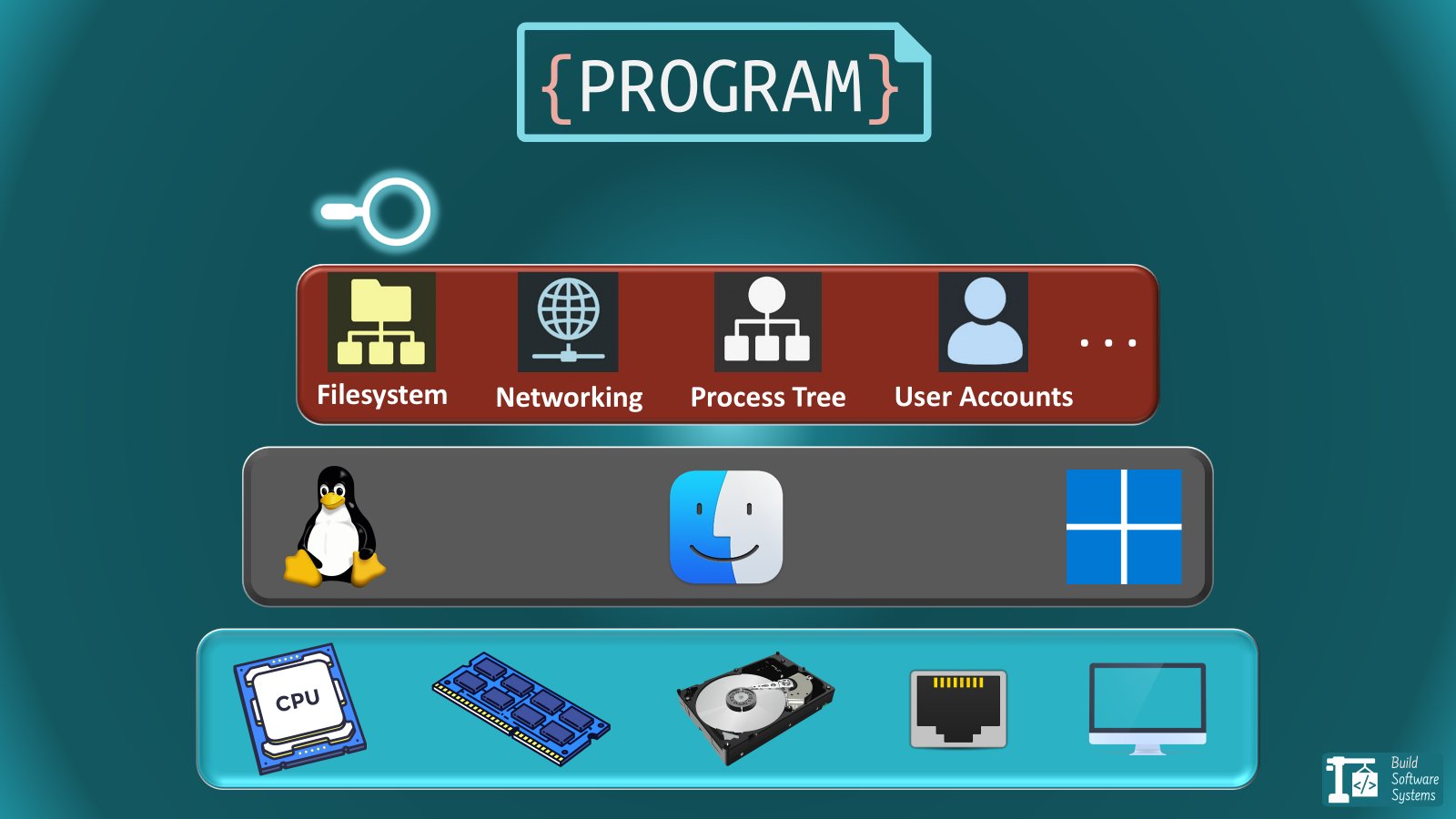
Ever encountered the frustrating "but it works on my machine" scenario? The root cause often lies in subtle differences in execution environments—the foundational layers where code runs. Whether it's mismatched system libraries, incompatible binaries, or missing kernel features, these discrepancies can derail deployments. Selecting the right execution environment prevents these issues by controlling dependencies and resources.
The Journey Toward Lightweight Isolation
Software evolution centers on efficiently sharing hardware while preventing conflicts. We've progressed from single-application machines to servers hosting thousands of isolated workloads. This progression relies on isolation layers that exist on a spectrum:
- Hardware-level: Complete physical separation
- Kernel-level: Shared hardware, separate OS instances
- Process-level: Shared kernel, isolated resources
- Language-level: Shared OS, separate dependencies
Crucially, each environment fixes an isolation boundary: Layers below this boundary must already be compatible. Containers won't fix kernel mismatches, just as virtual environments won't solve missing system libraries.
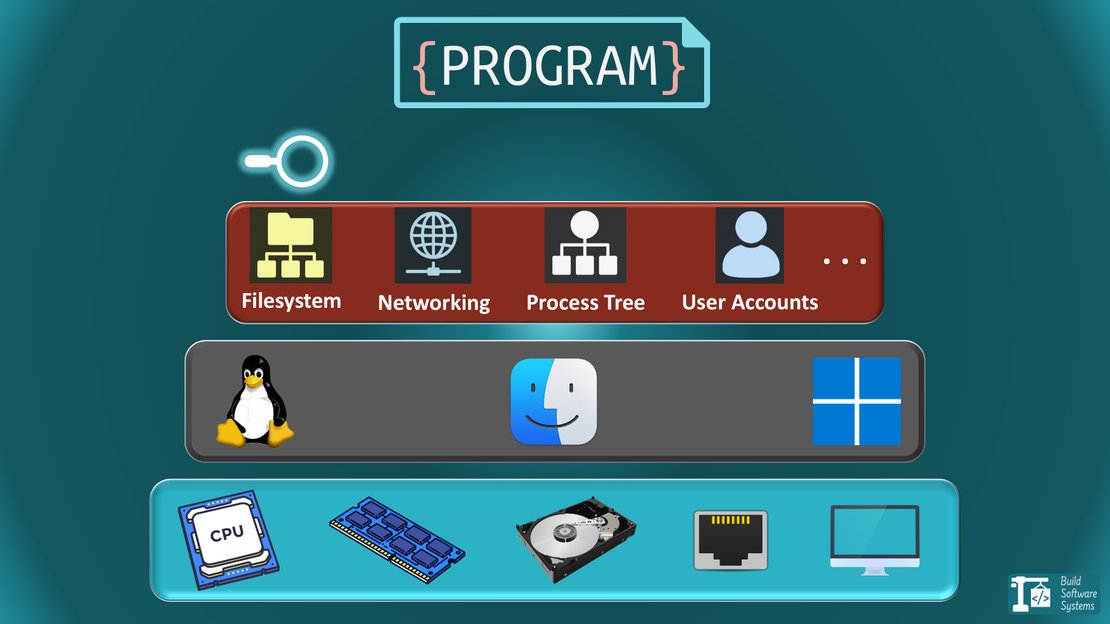
1. Physical Machine (Bare Metal)
The original execution environment: One operating system running directly on hardware. All resources—CPU, memory, storage—are dedicated.
- Pros: Maximum performance, full hardware control
- Cons: Expensive idle resources, slow provisioning
- Use cases: High-performance computing, legacy systems requiring direct hardware access
2. Virtual Machine (VM)
Hypervisors like KVM or VirtualBox partition physical hardware into multiple virtual machines, each running a full OS.
- Pros: Strong isolation, cross-OS compatibility
- Cons: Significant overhead, slow startup times
- Tools:
3. Container
Containers package applications with dependencies but share the host OS kernel. Isolation comes from Linux namespaces (process/filesystem/network isolation) and cgroups (resource limits).
- Pros: Near-native performance, millisecond startups, high portability
- Cons: Weaker security than VMs (shared kernel attack surface)
- Tools:
Orchestration Note: Tools like Kubernetes manage containerized applications across hosts but don't solve environment consistency—they presuppose it.
4. Process Sandbox
Specialized isolation restricting a process's access to system resources through granular controls:
Tools like bubblewrap combine these techniques to create secure execution contexts without full container overhead.
5. Virtual Environment
Language-specific dependency isolation (e.g., Python's venv or Node.js's node_modules).
- Pros: Zero performance cost, simple dependency management
- Cons: No OS-level isolation, fails with system library/kernel dependencies
- Modern toolchains:
Layered Environments: Professional Practice
Robust systems often combine environments:
- Cloud VM for hardware isolation
- Container inside VM for dependency packaging
- Virtual environment inside container for language-specific dependencies
This approach provides hardware security, dependency consistency, and language flexibility.
Emerging Execution Models
Containers as Standard Interface
Tools like Dev Containers formalize containers as development environments. The isolation boundary remains at the OS-kernel interface—containers still depend on host kernel compatibility.
Serverless Platforms
Services like AWS Lambda push isolation higher, abstracting infrastructure entirely. Developers trade control for operational simplicity within strict execution constraints.
WebAssembly (Wasm)
WebAssembly introduces instruction-level sandboxing, enabling portable execution across browsers, servers, and edge devices. Unlike containers, Wasm isolates at the capability level rather than OS boundaries.
Core Principle: Match Isolation to Requirements
Execution environments represent deliberate tradeoffs between control, security, and convenience. Ask this critical question: What's the lowest layer that must be identical for consistent behavior?
- Language dependencies → Virtual environment
- System libraries/tooling → Container
- Kernel/OS behavior → VM
- Hardware access → Bare metal
Misalignment causes subtle failures: Virtual environments fail silently with missing system libraries, while containers crash on incompatible kernels. Understanding these boundaries turns deployment disasters into predictable outcomes.
Comments
Please log in or register to join the discussion