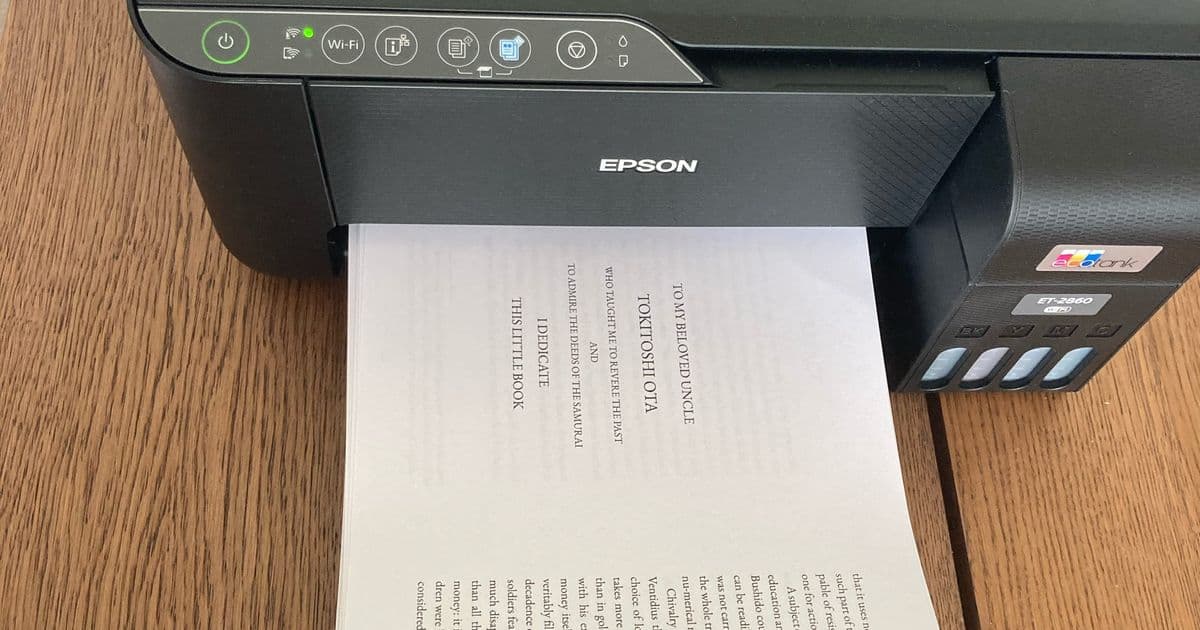
Discover how a developer bypassed traditional publishing delays by creating a Python-powered workflow for home book printing. This technical deep dive reveals how minimal equipment and clever PDF manipulation can produce physical books in under 30 minutes.
In an era of digital overload, developer Rik Huijzer encountered a tangible problem: the frustrating lag between writing a book and receiving physical feedback copies from print shops. His solution? A remarkably accessible DIY book-printing workflow powered by Python and basic hardware—turning A4 paper into professional-bound books for just €0.80 each.
The Analog Revival in a Digital Age
Huijzer's quest began with a realization: while digital content vanishes rapidly (social media ephemera, dead links, or corrupted backups), physical books endure. As he notes:
"What is the chance that your social media posts, your backup disk, or your website are still available in 50 years? Not so high I'd guess... A book will probably still be around."
His approach required only:
- A standard printer
- A4 paper & cardboard (300 g/m² for covers)
- Glue
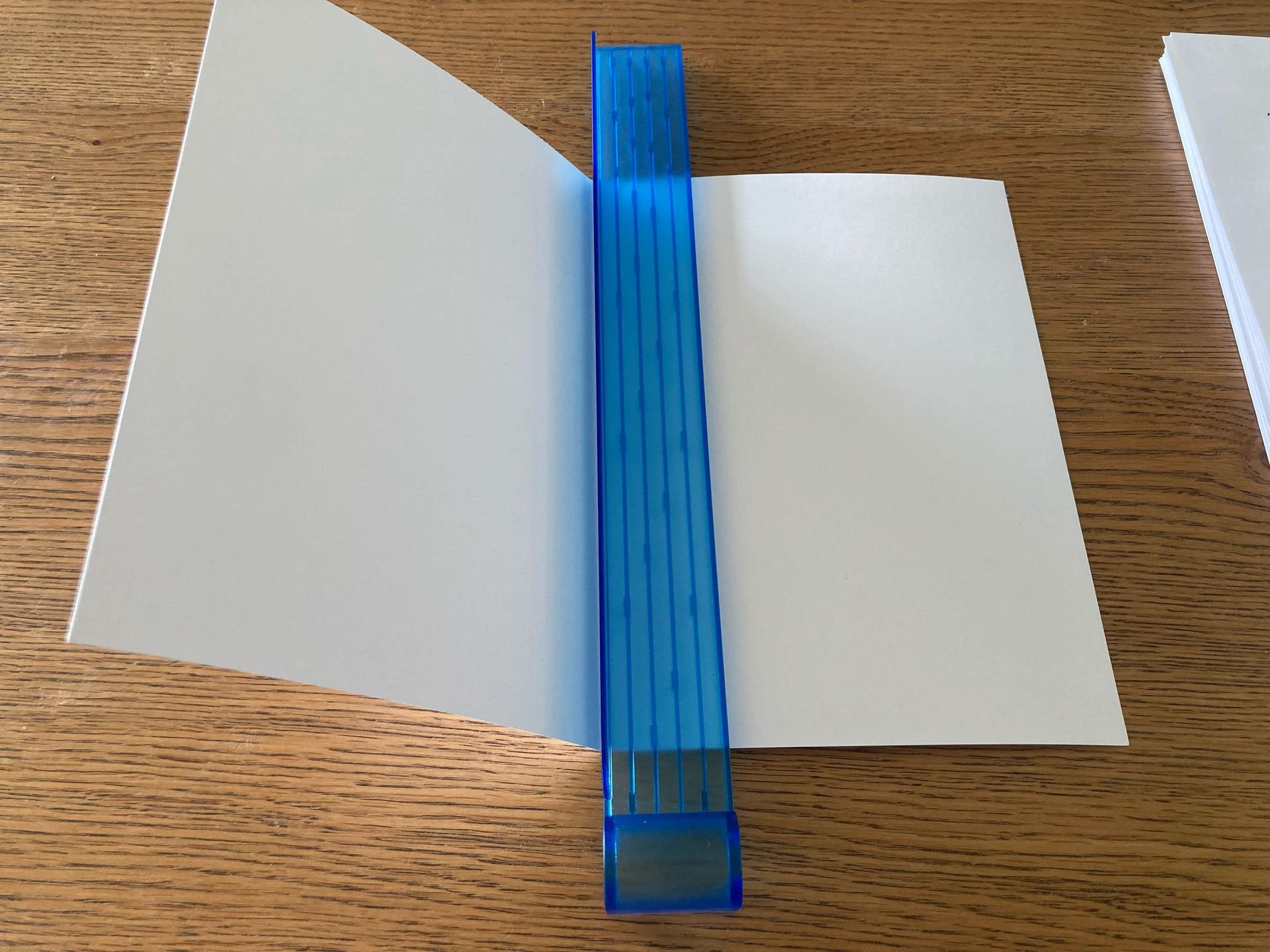
- A €28 paper cutter
The Python-Powered Print Engine
The core innovation lies in Huijzer's Python script, which restructures PDFs for booklet printing using PyPDF. For printers lacking duplex capabilities, it generates two separate PDFs:
front.pdffor odd pagesback.pdffor even pages
The script intelligently handles page rearrangement, blank inserts for odd-numbered documents, and scaling for A5 booklet formatting:
import os
from pypdf import PdfReader, PdfWriter, PageObject, PaperSize
from pypdf import Transformation

def join_pages(left: PageObject, right: PageObject):
    new = PageObject.create_blank_page(
        width=PaperSize.A4.height,
        height=PaperSize.A4.width
    )
    scale_page(right)
    new.merge_page(right)
    op = Transformation().translate(tx=PaperSize.A4.height / 2, ty=0)
    new.add_transformation(op)
    scale_page(left)
    new.merge_page(left)
    return new
Key script functions handle page scaling, transformation, and merging for booklet imposition.
The Physical Workflow
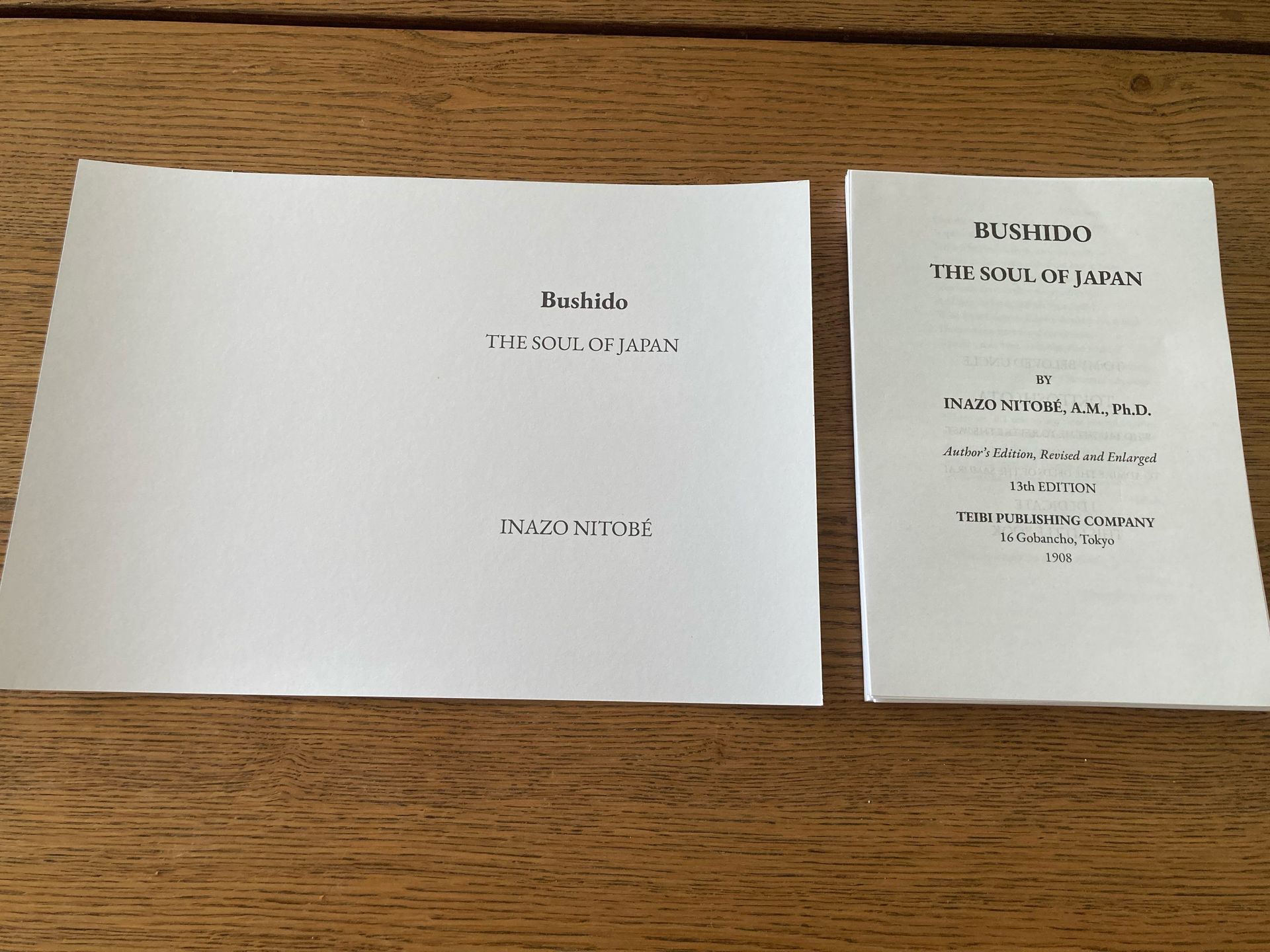
- Print: Output
front.pdf, flip the stack, then printback.pdf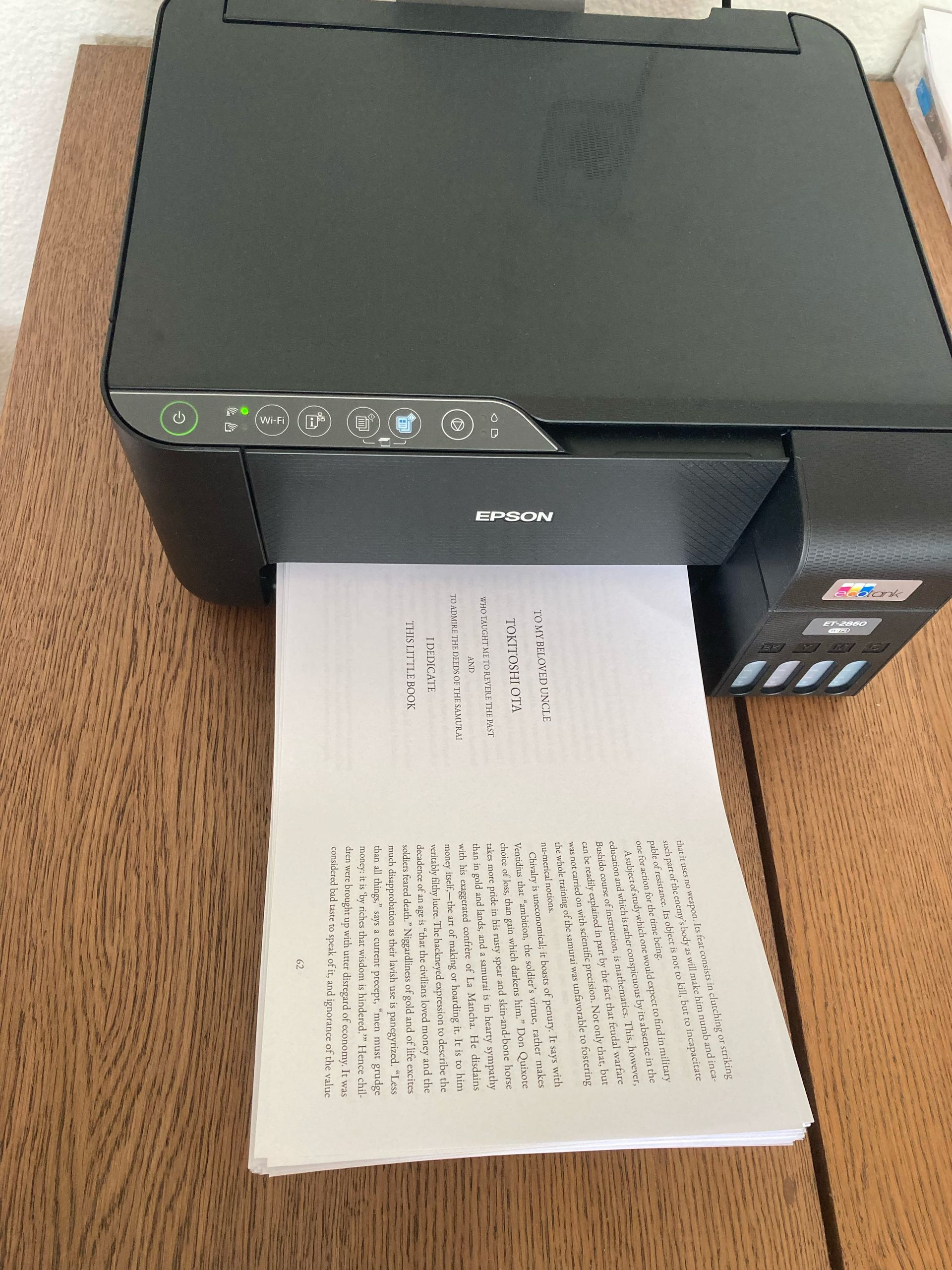
- Cut: Slice pages vertically using a manual cutter (10-sheet batches)
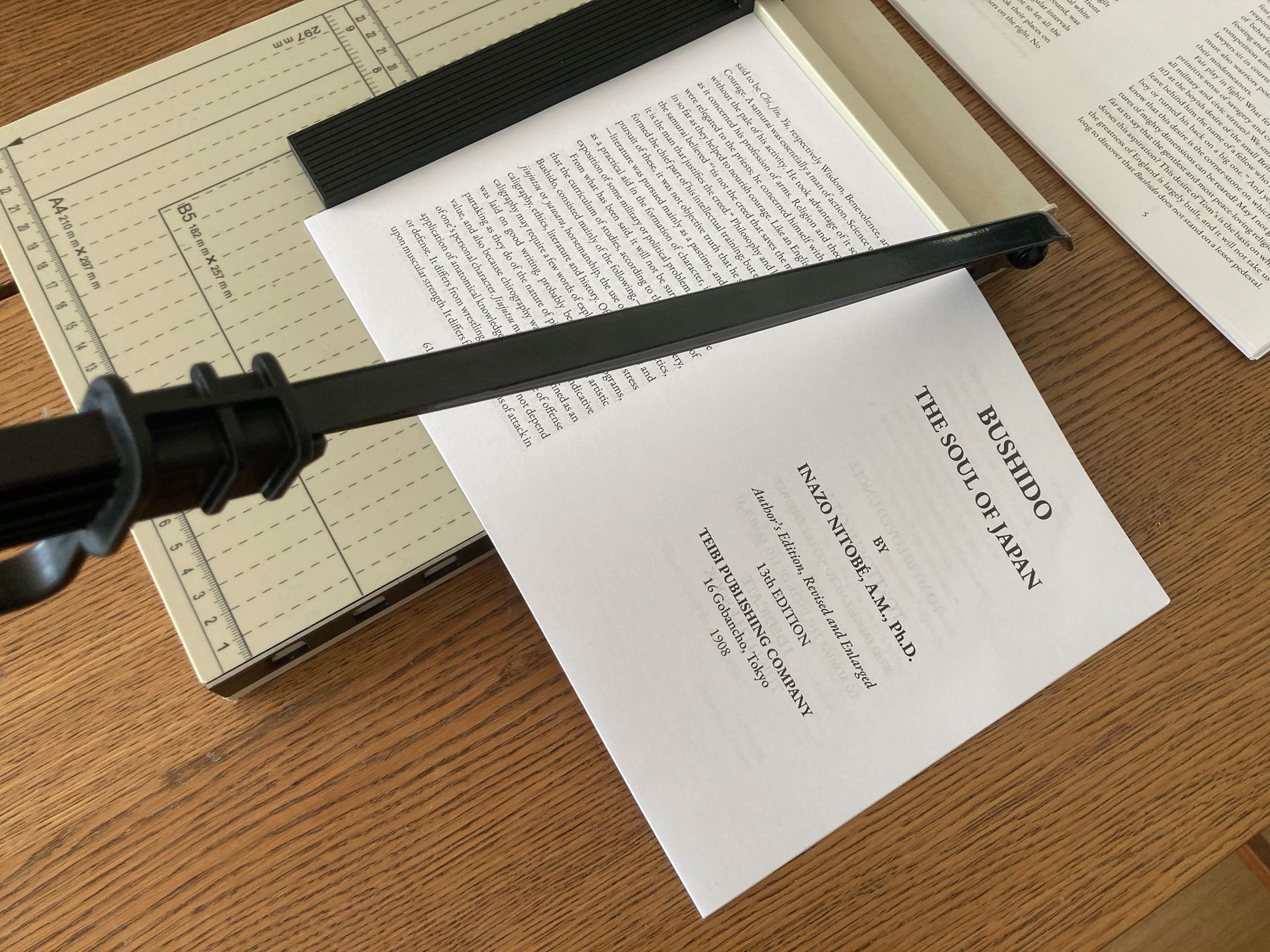
- Collate: Arrange left/right page stacks
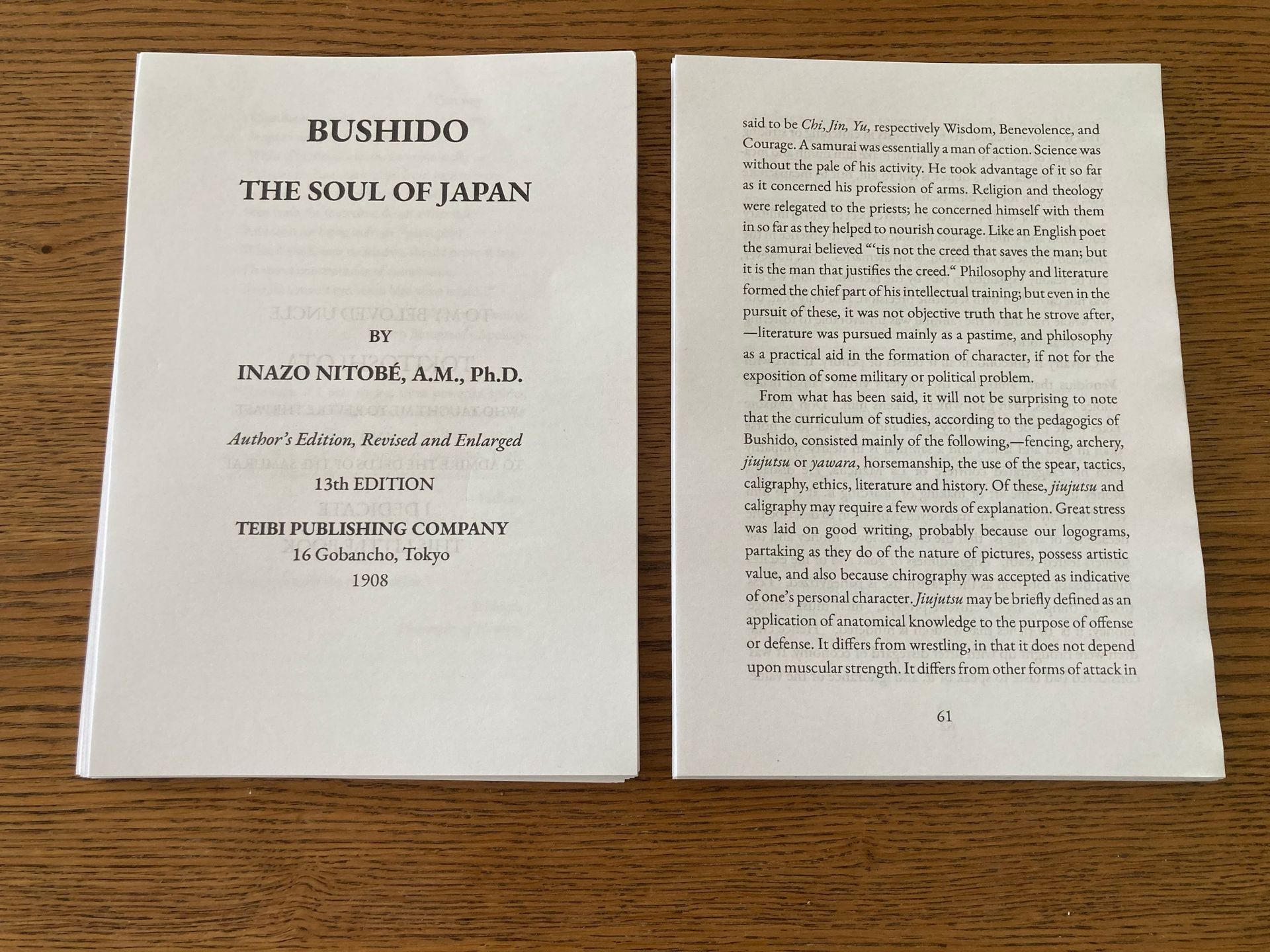
- Bind: Fold cover around spine, glue inner margin, and press pages into place
Why Developers Should Care
- Preservation: Physical copies resist digital obsolescence
- Prototyping: Instant feedback loops for technical documentation or manuals
- Cost Efficiency: 125-page books for <€1 vs. commercial printing
- Customization: Full control over formatting via code (Huijzer used Typst)
Refinements & Tradeoffs
While functional, Huijzer notes limitations: bleed-through on standard paper, cover curling, and imperfect alignment without a professional stack cutter. Yet for technical manuscripts, documentation, or archival projects, this approach democratizes publishing—transforming digital creations into permanent artifacts.
Source: huijzer.xyz
Comments
Please log in or register to join the discussion