GitHub's expansion of Copilot into CLI environments creates new opportunities for optimizing cloud development workflows, though enterprises should evaluate its fit against existing toolchains and security requirements.
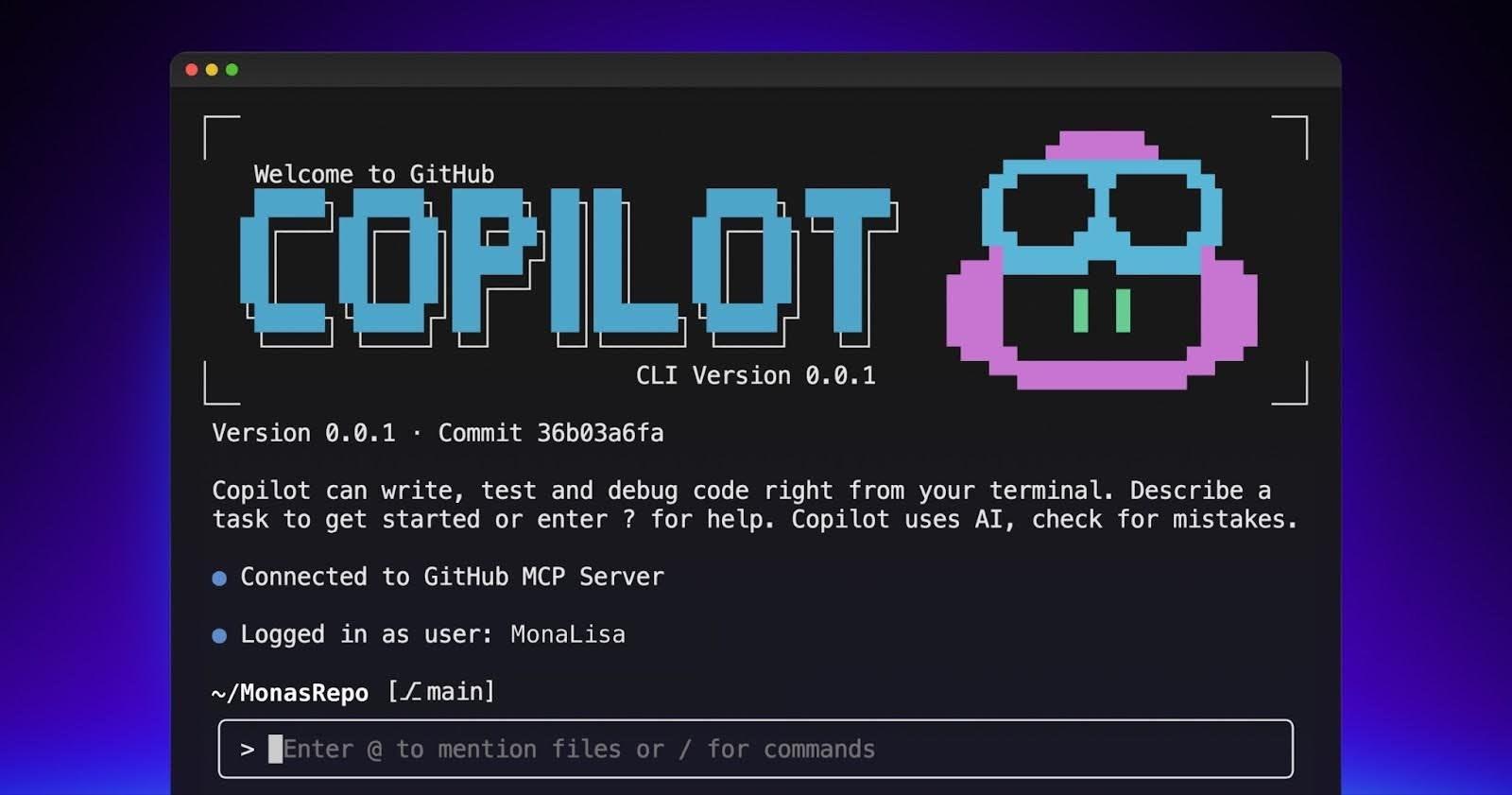
The release of GitHub Copilot CLI represents more than just another AI coding assistant - it fundamentally changes how developers interact with cloud infrastructure and distributed systems. As organizations adopt multi-cloud strategies, tools that bridge terminal workflows with intelligent automation become critical differentiators.
What Changed: Terminal-Centric AI Assistance
GitHub Copilot CLI brings three core innovations:
- Context-aware command generation for infrastructure management
- Visual problem analysis directly in terminal workflows
- Agent-based delegation system for background task processing
Compared to traditional CLI helpers like AWS CLI or kubectl autocomplete, Copilot CLI understands natural language requests like "Rollback the failed deployment in cluster us-west-2" and generates appropriate cloud-specific commands.
Provider Comparison: Where Copilot CLI Fits
| Feature | GitHub Copilot CLI | AWS CloudShell | Google Cloud Shell | Azure Cloud Shell |
|---|---|---|---|---|
| AI-assisted commands | ✅ | ❌ | ❌ | ❌ |
| Multi-cloud support | ✅ | ❌ | ❌ | ❌ |
| Local execution | ✅ | ❌ | ❌ | ❌ |
| Integrated agents | ✅ | ❌ | ❌ | ❌ |
While cloud providers offer browser-based shells, Copilot CLI runs locally while maintaining awareness of cloud environments through the GitHub ecosystem. This hybrid approach enables unique workflows like analyzing production issues while disconnected from cloud consoles.
Business Impact: Migration Considerations
Organizations should evaluate:
- Security implications of AI-generated commands
- Training requirements for existing DevOps teams
- Cost structure ($10/month/user) vs. built-in cloud shell alternatives
- Integration depth with existing CI/CD pipelines
The authentication model currently relies on personal access tokens, which may require adaptation for enterprise security policies. However, the ability to delegate routine cloud operations to verified agents could significantly reduce operational overhead.
Strategic Recommendations
- Pilot testing: Start with non-production cloud environments
- Access controls: Use the
--restrict-toolsflag for sensitive operations - Workflow mapping: Identify repetitive cloud tasks for automation
- Skill development: Pair Copilot CLI adoption with terminal proficiency training
As cloud-native architectures become more complex, tools like Copilot CLI that bridge the gap between human intuition and cloud-scale operations will become essential. The public roadmap indicates planned integrations with major cloud providers' CLIs, suggesting future capabilities could include direct optimization of multi-cloud resource allocation.
For teams managing hybrid or multi-cloud environments, Copilot CLI warrants evaluation as both a productivity tool and potential strategic advantage in cloud operations optimization.
Comments
Please log in or register to join the discussion