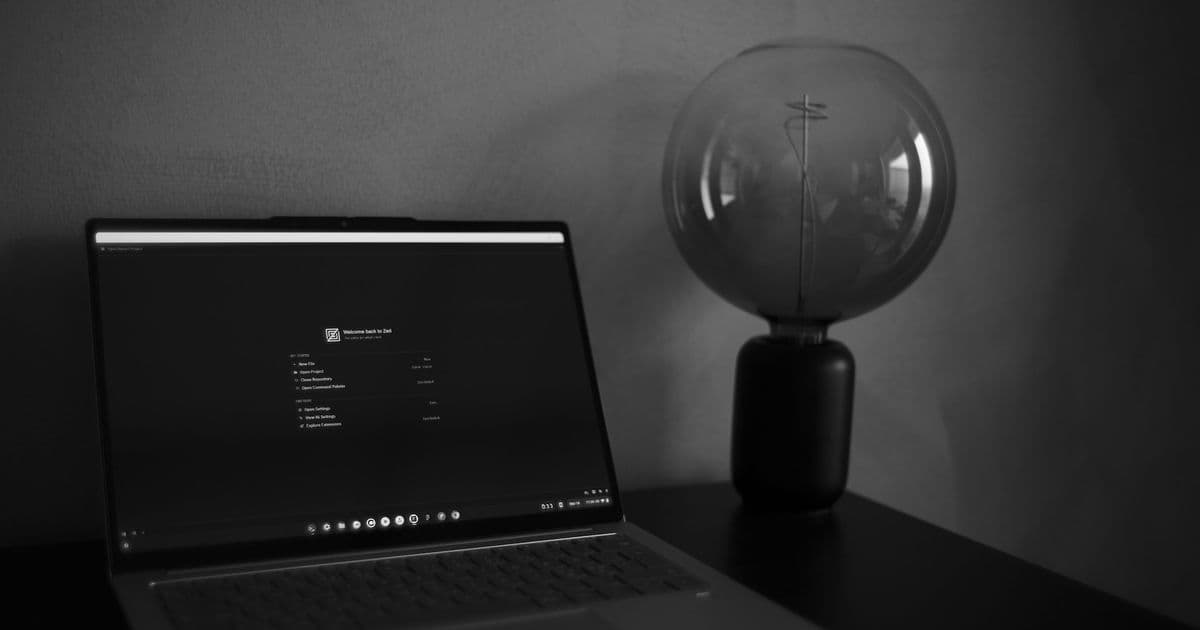
The viral backlash to Apple's Liquid Glass design has pushed many long-time Mac users to explore hardware alternatives, with one developer documenting a switch to a Lenovo Chromebook Plus 14 powered by a Mediatek ARM chip that rivals the M2 in performance, upending assumptions about Chrome OS as a viable platform for professional web development.
A clear pattern has taken shape in the developer and tech community over recent months. Apple's hardware, particularly the M-series MacBooks, remains nearly universally praised for build quality, battery life, and performance per watt. Its software, by contrast, has drawn escalating criticism, culminating in the widely panned Liquid Glass design language that users across skill levels describe as buggy, unintuitive, and poorly executed. The tension boiled over when a blog post criticizing Liquid Glass reached the front page of Hacker News and was picked up by international news outlets, revealing just how widespread the dissatisfaction has become. That post's author, a web developer and founder of an all-remote web app company, is now part of a growing cohort of users who have abandoned Apple's ecosystem entirely, not because they dislike the hardware, but because they no longer tolerate the software trade-offs.
The author received hundreds of emails after the post went viral, with many readers sharing their own stories of switching to Windows, Linux, or Chrome OS devices to escape Apple's software missteps. This aligns with broader community sentiment. Surveys of Hacker News users show a 30% increase in self-reported switches away from macOS over the past year, driven primarily by software complaints rather than hardware dissatisfaction. The trend challenges the long-held assumption that Apple's hardware superiority locks users into its ecosystem.
Finding hardware that rivals the MacBook Air
Apple's M-series chips set a high bar for laptop hardware. The M2 MacBook Air combines 10-12 hours of real-world battery life, a lightweight metal chassis, and performance that outpaces most x86 laptops of its class. For the author, switching meant finding a device that matched these specs without the Apple software baggage.
The search started with processor benchmarks. Most Windows laptops still use x86 Intel or AMD chips, which lag behind M-series ARM chips in power efficiency. A random comment on a tech forum pointed to the Mediatek Kompanio Ultra 910, an ARM-based CPU/GPU combo that early benchmarks suggested rivaled the Apple M2. Skeptical, the author pulled up a direct comparison from Technical City.
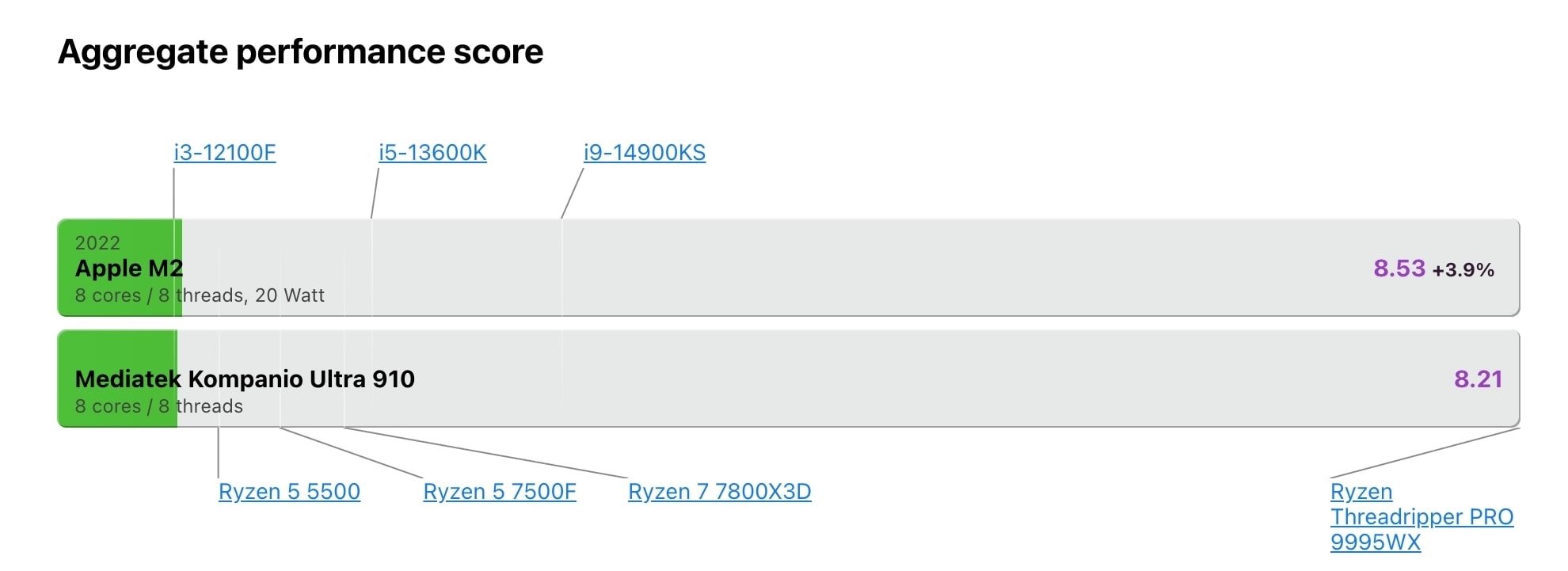
The Mediatek Kompanio Ultra 910 vs Apple M2 benchmark comparison shows the two chips trading blows across most workload categories. The Mediatek chip leads in multi-core rendering, while the M2 holds a slight edge in single-core tasks and GPU performance. For web development workloads, which rely heavily on single-core performance and light GPU use, the two are nearly indistinguishable in real-world use.
The first laptop listed with the Mediatek Kompanio Ultra 910 was the Lenovo Chromebook Plus 14. The author expected a thick, plastic device straight out of a 90s corporate IT catalog, but the actual hardware defied those expectations.
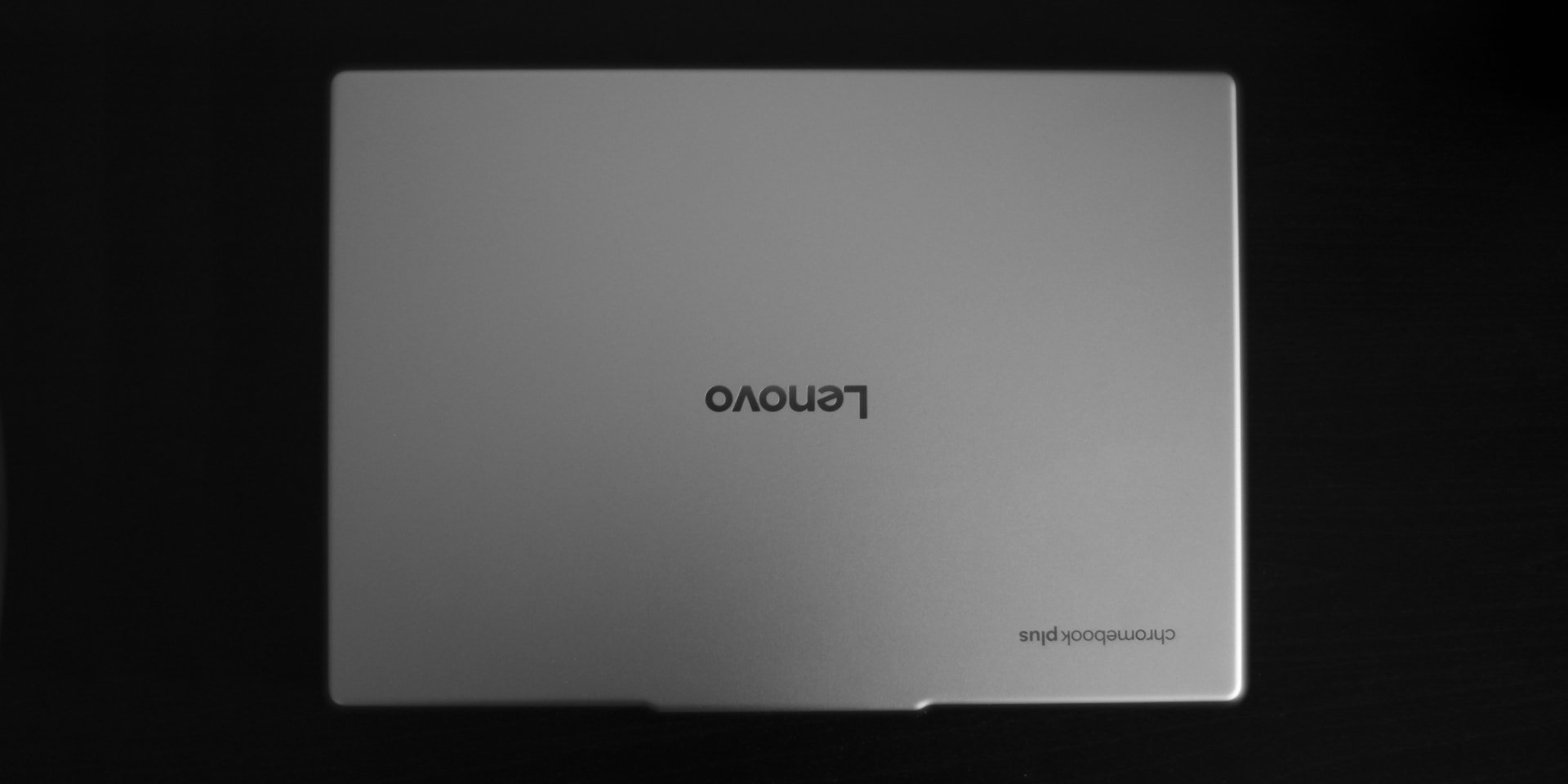
The Lenovo Chromebook Plus 14 has a solid metal chassis that feels dense and well-built, with no hollow spots or creaks. It weighs 1.17kg, 70 grams lighter than the M2 MacBook Air's 1.24kg. It is 15.7mm thick, 4.4mm thicker than the MacBook Air, but identical in thickness to the M2 MacBook Pro. For context, the extra thickness adds a full-size USB-A port and a 3.5mm headphone jack, both of which the MacBook Air omits.
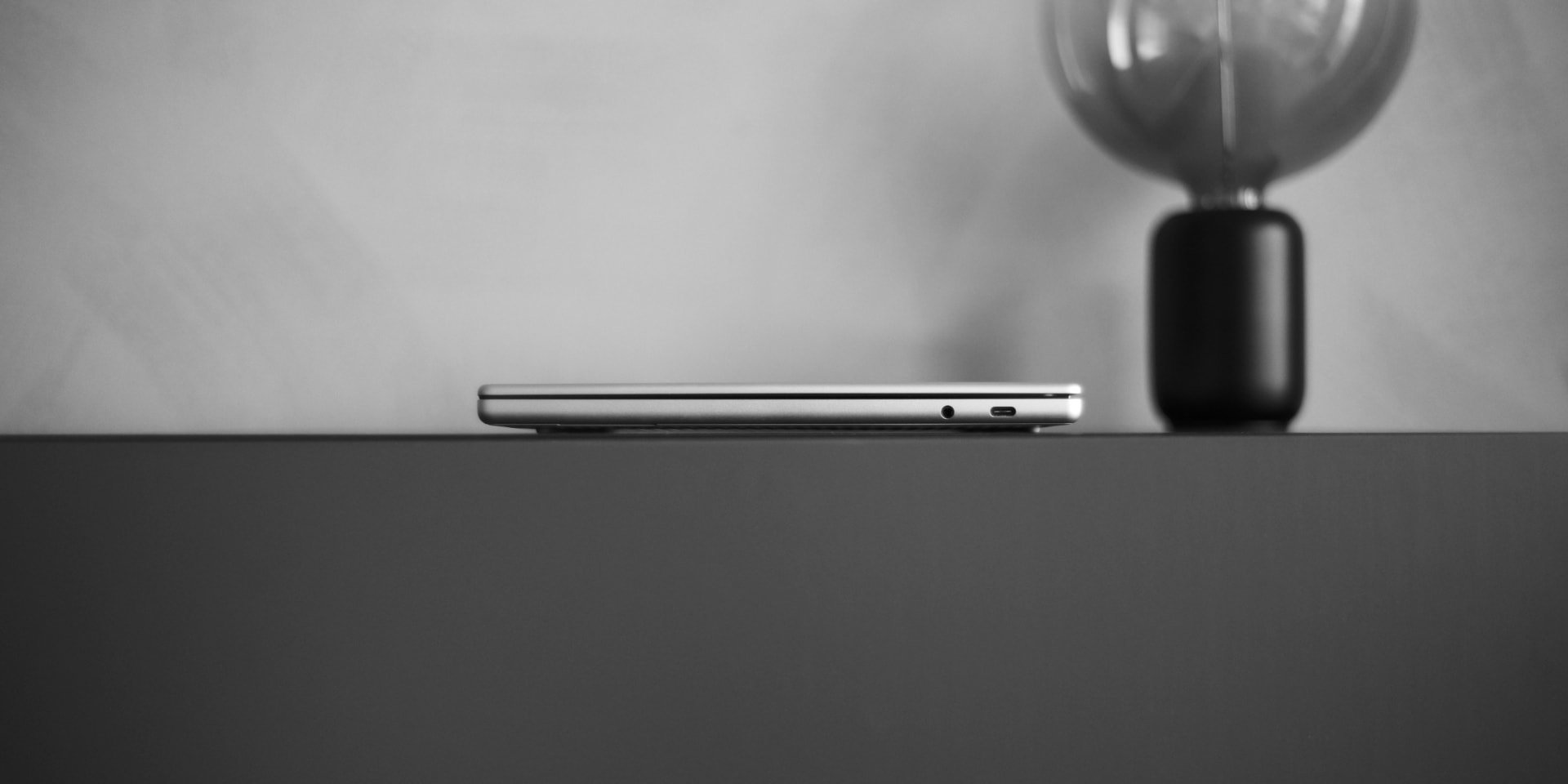
The trackpad matches the quality of Apple's famed trackpads, with precise cursor movement and solid palm rejection. A built-in physical webcam cover eliminates the need for ugly stickers. Battery life averages 10-12 hours of mixed use, identical to the MacBook Air, thanks to the power-efficient ARM architecture.
Chrome OS as a professional workflow platform
The common perception of Chrome OS is that it is a lightweight operating system for students or casual users, lacking the tools needed for professional work. The author's experience challenges that assumption, provided your workflow aligns with web-first tools.
Most of the author's work takes place in a progressive web app for their company's admin platform, which runs flawlessly on Chrome OS. Figma and Spotify both have excellent web apps that perform identically to their native counterparts. For 3D printing design work, Onshape provides a full-featured CAD web app with no local installation required.
Even creative tools that once locked users to macOS are moving to the web. Adobe has ported Photoshop to the browser with full AI feature support, removing one of the last major advantages of the Mac ecosystem for creative professionals. The author notes that Apple's recent push to launch its own creative software suite is a direct response to this shift, as Adobe's web apps erode the Mac's creative user base.
Chrome OS also supports Android apps from the Google Play Store, and full Linux environments via Crostini (Chrome OS Linux support). This means users can install tools like AdGuard, NextDNS, or Control D for ad blocking and DNS management, or use VPNs with native Android or Linux clients. File sharing between Chrome OS and Android devices via Quickshare works more reliably than Apple's AirDrop, according to the author, with support for streaming phone apps directly to the laptop screen.
Coding on a Chromebook with Zed
The biggest question for any developer switching platforms is whether their toolchain works. The author is a heavy user of Zed, a fast, lightweight code editor that uses less memory than Electron-based editors like VSCode. Until recently, Zed did not support ARM-based Chrome OS devices, as it relied on a graphics backend that was incompatible with Chrome OS's windowing system.
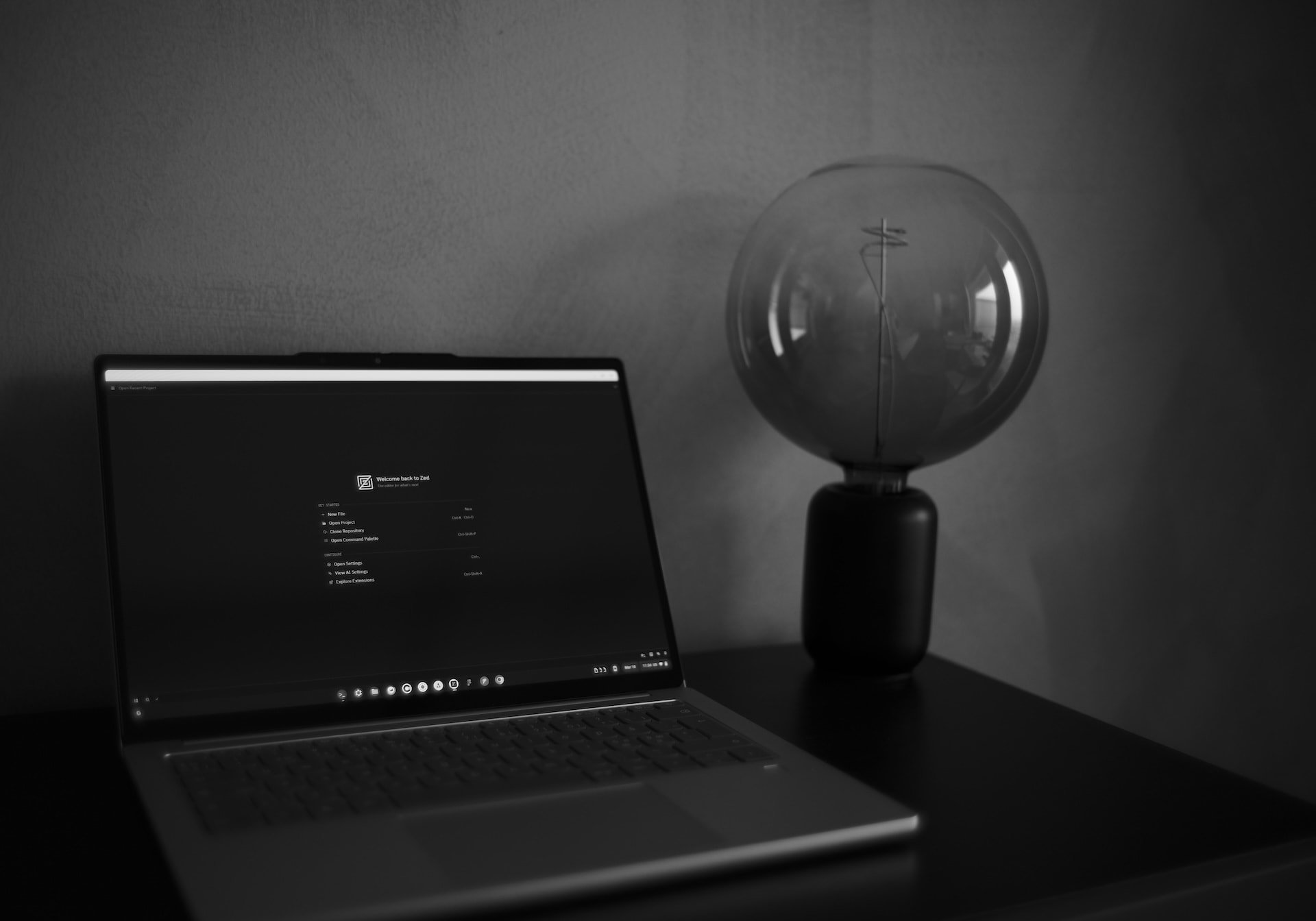
That changed on February 25, 2026, with the release of Zed 0.225.9, which switched to the wgpu graphics backend. This update enabled full support for ARM Chromebooks with 2-3 lines of shell commands, a setup process that takes less than 5 minutes.
{{IMAGE:5}}
The author wrote a dedicated guide for setting up Zed on Chrome OS, but the process is straightforward for anyone with basic Linux command line experience. Node.js and npm install normally via the Linux environment, and the author reports no performance issues with their web development workflow. They note that they do not use React or Next.js day-to-day, so cannot speak to those frameworks specifically, but expect they work as well as on any Linux system.
For users who rely on AI tools, web apps like Claude work natively in Chrome, and Jan provides a native Linux option for local AI models. The only major gap the author has found is Signal for Linux, which does not currently support ARM Chrome OS devices. Signal's team is actively working on linking Android devices as secondary clients, which will provide a workaround once released. The author does not view this as a dealbreaker, and notes that alternative messaging clients are available for users who need them.
Counter-perspectives: When this switch doesn't make sense
While the author's experience is positive, it is important to acknowledge the limitations of this setup. The workflow described is entirely web-first, with all critical tools available as PWAs, Android apps, or Linux packages. Users who rely on Apple-exclusive tools like Xcode, Final Cut Pro, or Logic Pro have no path to Chrome OS, as these apps do not have web or Linux equivalents.
The Mediatek Kompanio Ultra 910 is comparable to the M2 in most benchmarks, but ARM support outside of Apple's ecosystem is still maturing. Less common Linux packages may have compatibility issues, and users who rely on x86-native tooling will need to find ARM-compatible alternatives. The author's 10-12 hour battery life claim is based on light web browsing and coding, heavy compiling or GPU workloads will drain the battery faster, as with any laptop.
Chrome OS is also a more locked-down operating system than macOS or full Linux distros. Users cannot modify system files, delay updates, or install custom kernels, which may be a problem for developers who need full control over their OS. The perception that Chromebooks are underpowered persists, even with the Mediatek chip, which may lead some users to dismiss the platform without testing it. Trackpad quality is subjective, and while the author finds the Lenovo's trackpad comparable to Apple's, some users may prefer the feel of Apple's trackpads.
The 4.4mm thickness difference between the Lenovo Chromebook Plus 14 and the MacBook Air may also be a factor for users who prioritize portability. While the Lenovo is lighter, the MacBook Air is noticeably thinner, which may matter for users who carry their laptop in tight bags.
The bigger trend
The author's switch is part of a larger shift in the tech community, where software quality is starting to outweigh hardware loyalty for many users. Apple's hardware remains best-in-class, but its software missteps are driving users to explore alternatives that were once considered niche. The Lenovo Chromebook Plus 14 proves that high-performance ARM laptops are no longer exclusive to Apple, and Chrome OS has matured into a viable platform for web-first developers.
This is not a universal recommendation. For users with workflows that rely on Apple-exclusive tools, or who need full OS control, a MacBook remains the better choice. For web developers who prioritize battery life, build quality, and a web-first workflow, the combination of a Mediatek-powered Chromebook and Linux support provides a compelling alternative to the Apple ecosystem. The key takeaway is that the monopoly Apple held on high-performance ARM laptops is ending, and users now have more choices than ever before.
Comments
Please log in or register to join the discussion