
Breathing new life into a banned Nintendo Switch by installing Android transforms forgotten hardware into a versatile emulation and gaming device.
When Nintendo banned my Switch after using homebrew tools to back up game saves, what was once my primary handheld became useless. The Tegra X1 chip that powered titles like Breath of the Wild proves surprisingly capable of running a full Android OS, turning discarded hardware into functional technology.
Hardware Requirements
You'll need a first-generation Switch vulnerable to the Tegra bootrom exploit, along with a microSD card and considerable patience. 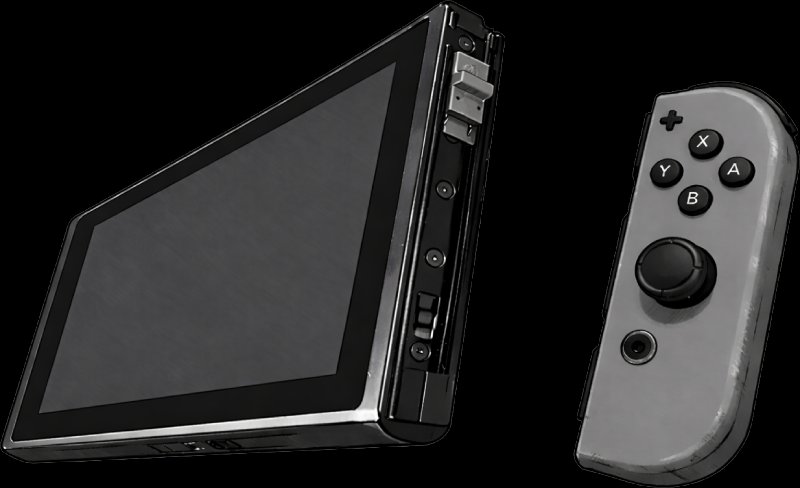
Installation Process
The Switchroot project maintains Android builds, while LineageOS offers official support up to Android 15. The installation involves:
- Booting into Hekate using RCM mode (requires jig or paperclip)
- Partitioning the microSD card for system/data storage
- Dumping Joy-Con Bluetooth pairing data (critical for controller functionality)
- Flashing LineageOS
- Optional: Installing Google Apps for Play Store access
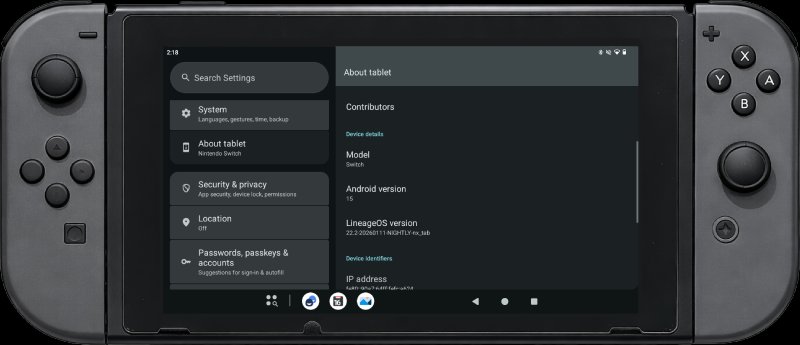
Detailed guides are available through the Switch Hacks Guide and LineageOS Wiki.
Performance Experience
Game performance varies across platforms:
- PS1, PSP and 2D systems run at full speed via RetroArch
- GameCube titles experience occasional stutters
- Android games like GTA Vice City and Max Payne perform well
ES-DE serves as a capable frontend for emulation. 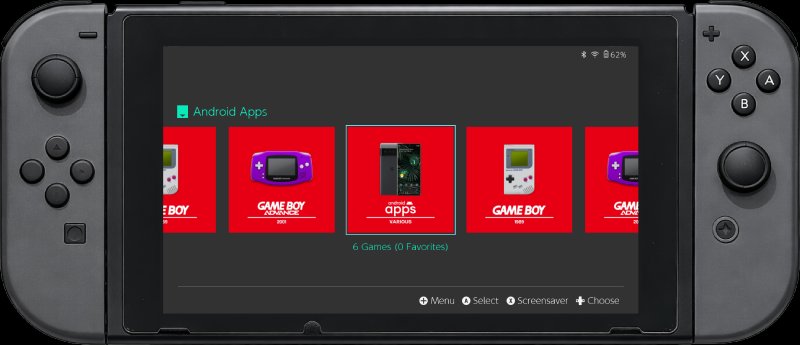
Hardware Compatibility
Most components function properly:
- Joy-Cons work after pairing data dump
- Touchscreen, gyro, and Wi-Fi operate without issues
- Mouse mode (toggled with Screenshot button) aids navigation
- Docked mode functions with TV output
Practical Applications
For banned hardware, Android provides new purpose where Nintendo's ecosystem no longer functions. Benefits include:
- Access to Android's extensive app library
- Superior RetroArch implementation compared to Switch homebrew
- Media consumption capabilities on the 720p display
- Durable family device without concerns about damage
While purpose-built Android handhelds exist today, installing Android on a banned Switch represents a practical way to extend hardware lifespan. The process transforms obsolete technology into functional equipment, particularly valuable for emulation enthusiasts and families seeking durable media devices.
Comments
Please log in or register to join the discussion