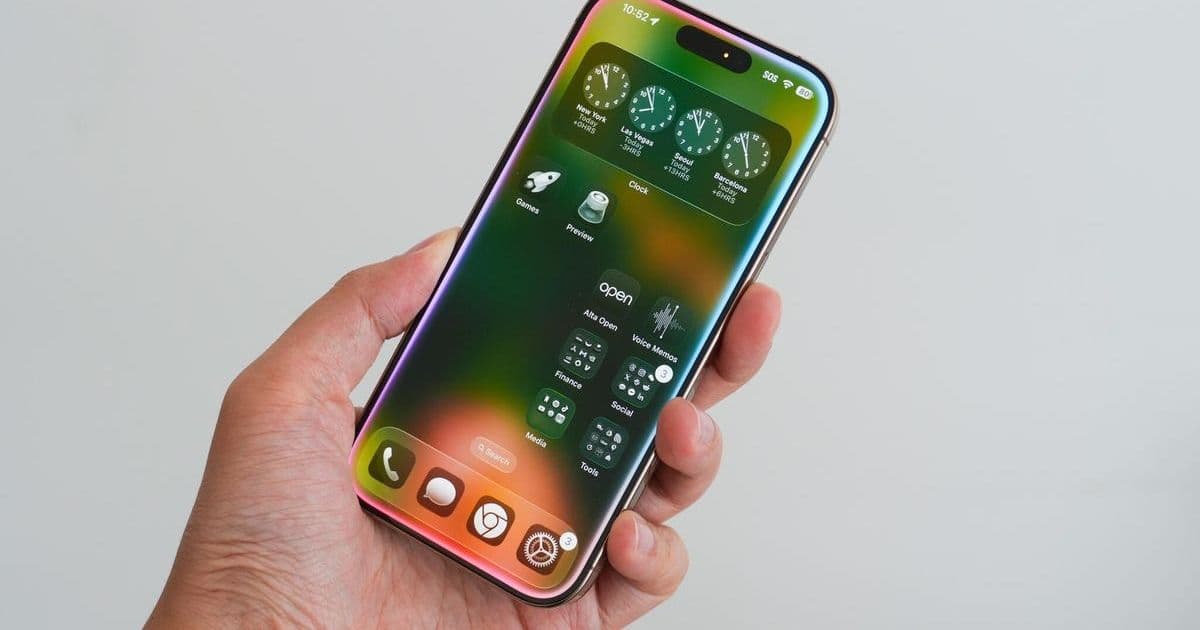
Apple's iOS 26 public beta delivers significant UX innovations that reshape iPhone interactions. From the ethereal Liquid Glass interface to streamlined default app controls, these changes signal Apple's evolving design philosophy and practical enhancements for everyday users.
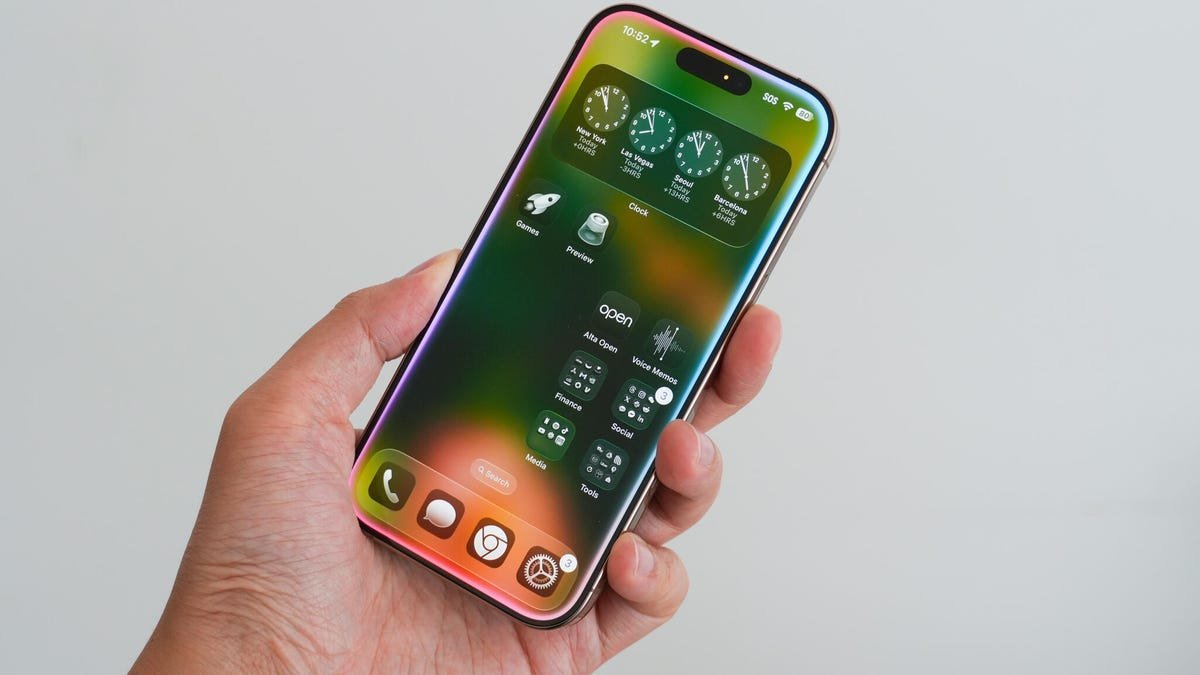
As Apple prepares for iOS 26's official September launch, early adopters are experiencing what might be the most visually and functionally significant iPhone update in years. The current public beta (version 5) reveals thoughtful refinements addressing longstanding user pain points while introducing bold aesthetic choices—a balancing act that reflects Apple's maturation in the post-Jony Ive era. For developers and designers, these changes offer critical insights into Apple's evolving human interface guidelines and ecosystem strategy.
1. Liquid Glass: Beyond Flat Design
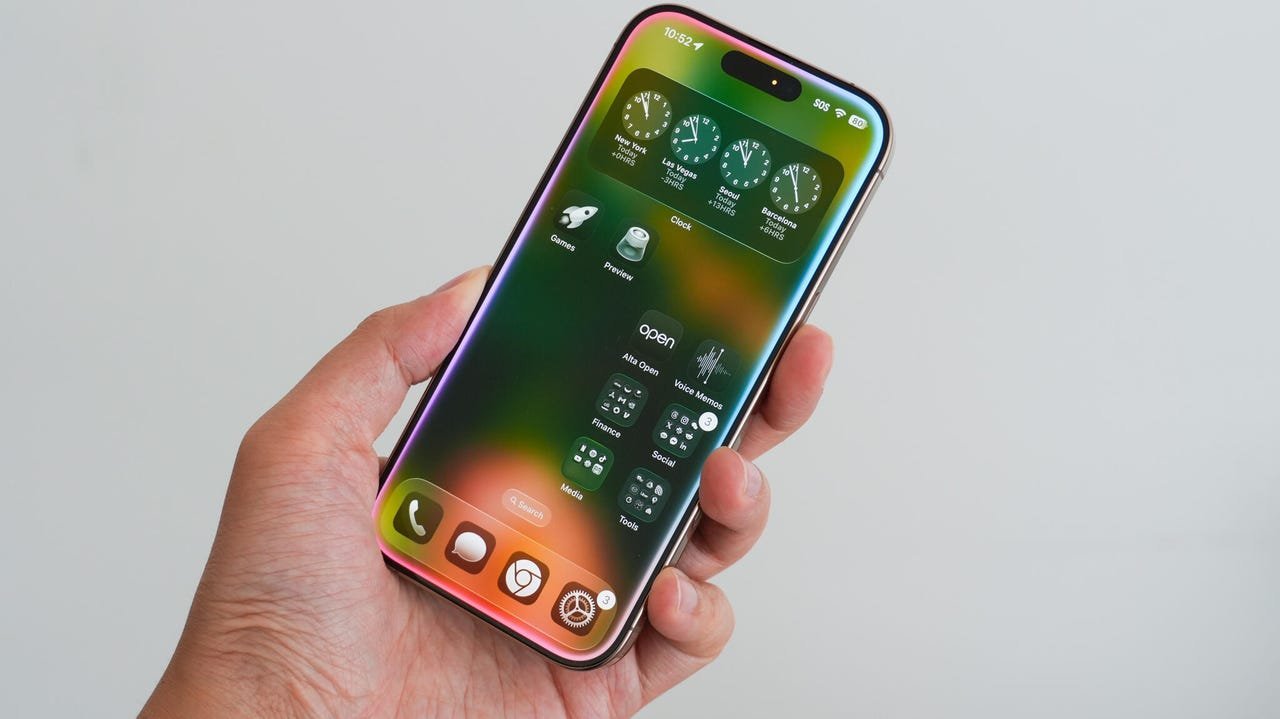
The most immediately noticeable innovation is Liquid Glass, a translucent layering system that adds depth to the UI. Unlike the flat design language dominating iOS since version 7, this approach creates a subtle 3D effect where icons and menus appear suspended beneath glass. Early criticism focuses on its subjectivity as a cosmetic change, but the implications run deeper:
"Liquid Glass represents Apple's first major visual paradigm shift in over a decade," notes UX lead Mara Schröder. "It's not just decoration—it's a framework for future spatial computing interfaces that could bridge iPhone and Vision Pro design languages."
Developers should note how shadows and transparency affect content hierarchy—a consideration that will extend to third-party app design once APIs formalize these interactions.
2. Camera & Photos: Efficiency Reimagined
Apple finally addressed two persistent workflow frustrations. The Camera app now consolidates controls into an intuitive radial menu accessible via mode labels, replacing the cumbersome swipe gestures. This tactile redesign (shown above) groups settings like flash, exposure, and timer in a Liquid Glass overlay—accelerating adjustments without disrupting composition.
Meanwhile, the Photos app reverts to a tabbed interface separating Library and Collections after iOS 18's disastrous unified layout. This correction highlights Apple's willingness to acknowledge missteps—a rarity in OS development. Users can now toggle between chronological views and curated albums instantly while customizing collection order.
3. Proactive Privacy & Ecosystem Flexibility
Two under-the-radar features demonstrate Apple's dual focus on security and openness:
- Call Screening: Unknown callers must verbally state their purpose before connecting, with transcriptions appearing in real-time. This leverages on-device speech recognition to combat spam without compromising privacy—a technical feat smaller players struggle to implement.
- Unified Default Apps: Located under Settings > Apps > Default Apps, this centralized dashboard finally simplifies browser, email, messaging, and payment app assignments. The inclusion of keyboards and translators signals Apple's growing acceptance of ecosystem interoperability—a significant shift for developers building cross-platform services.
Why These Changes Matter
Beyond convenience, iOS 26's trajectory reveals strategic priorities. Liquid Glass establishes a visual foundation for AR interfaces, while default app concessions suggest regulatory pressures are reshaping Apple's walled garden. For developers, the Camera and Photos app overhauls exemplify how Apple iterates on user feedback—a reminder that even dominant platforms must adapt. As the September release approaches, these betas offer a compelling preview of how iPhones will look, feel, and function in an increasingly competitive landscape.
Source: Based on original reporting by Lance Whitney for ZDNET
Comments
Please log in or register to join the discussion