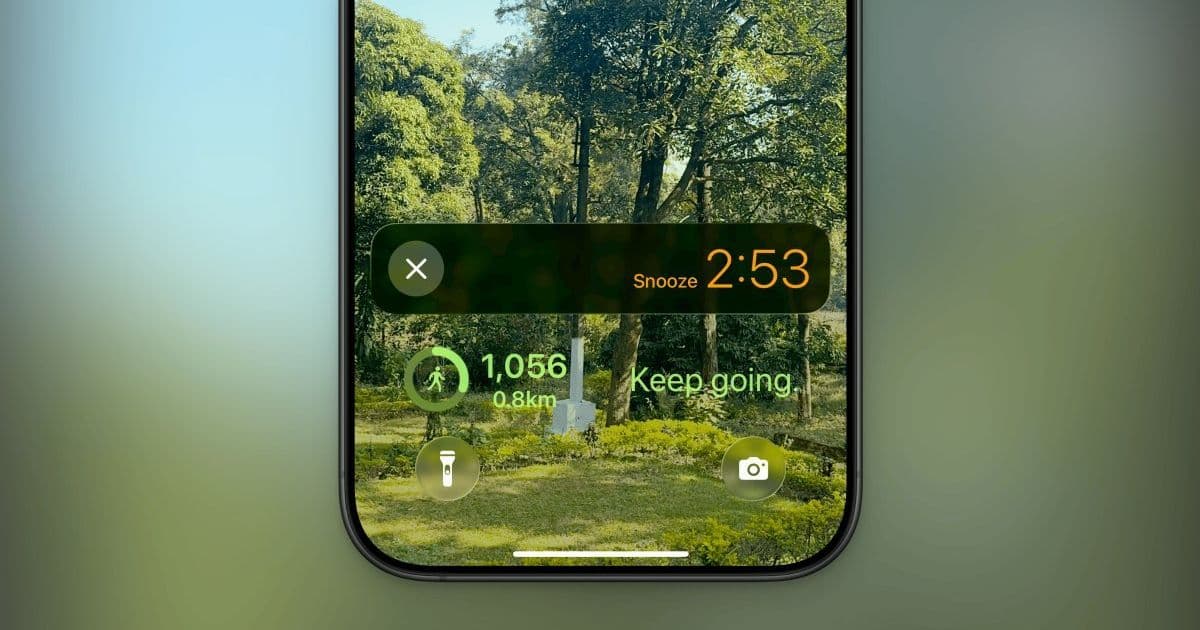
Apple breaks a long-standing limitation in its iOS Clock app with iOS 26, finally allowing users to customize the snooze duration beyond the fixed nine-minute default. This seemingly minor update addresses years of user frustration and signifies a subtle shift towards greater personalization in Apple's core apps, impacting daily routines for millions.
For over a decade, the iPhone's Clock app held its users hostage to a rigid nine-minute snooze duration. Despite a plethora of third-party alarm apps offering customization, Apple's default remained stubbornly inflexible. This forced workarounds, like setting multiple alarms in short succession, for those whose wake-up rhythms didn't align with the arbitrary nine-minute cycle.
The End of Snooze Jail
With the release of the iOS 26 developer beta (and soon, the public beta), Apple is finally unlocking the snooze function. Users can now set a snooze duration anywhere between one minute and 15 minutes. This long-requested feature directly tackles a significant pain point, allowing individuals to tailor their wake-up experience to their personal preferences – whether that's a rapid-fire one-minute nudge or a more leisurely quarter-hour reprieve.
"Finally, I can set my snooze to that five minute sweet spot," notes Khamosh Pathak in his report for Lifehacker, highlighting the relief for users who previously had to employ complex workarounds.
Implementation and Interface Tweaks
The customization is applied on a per-alarm basis. To set a custom snooze duration in iOS 26:
- Open the Clock app.
- Navigate to the Alarms tab.
- Tap the Plus (+) icon to create a new alarm, or tap to edit an existing one.
- Select the new Snooze Duration option.
- Choose your preferred duration (1-15 minutes).
- Tap the Done checkmark to save.
The alarm screen itself also receives a subtle but welcome redesign. Previously dominated by a large central Snooze button with a smaller Stop option below, the new interface presents two equally prominent buttons for 'Snooze' and 'Stop', improving clarity and usability when half-awake.
Why This Small Change Matters
While seemingly trivial, this update is significant for several reasons:
- User-Centric Shift: It demonstrates Apple responding to persistent user feedback about a core app limitation, acknowledging that one size doesn't fit all, even for something as simple as snoozing.
- Reducing Friction: Eliminating the need for multiple staggered alarms simplifies setup and reduces clutter for users who needed different snooze intervals.
- Flexibility for Power Users: Apple retains its stance on simplicity but offers an escape hatch. For those who find snooze counterproductive, the option to disable the snooze button entirely remains, catering to different productivity styles.
This change, nestled within the vast iOS ecosystem, underscores Apple's gradual, cautious steps towards offering more granular control over fundamental device experiences, freeing users from the tyranny of the nine-minute countdown.
Source: Lifehacker (Khamosh Pathak)
Comments
Please log in or register to join the discussion