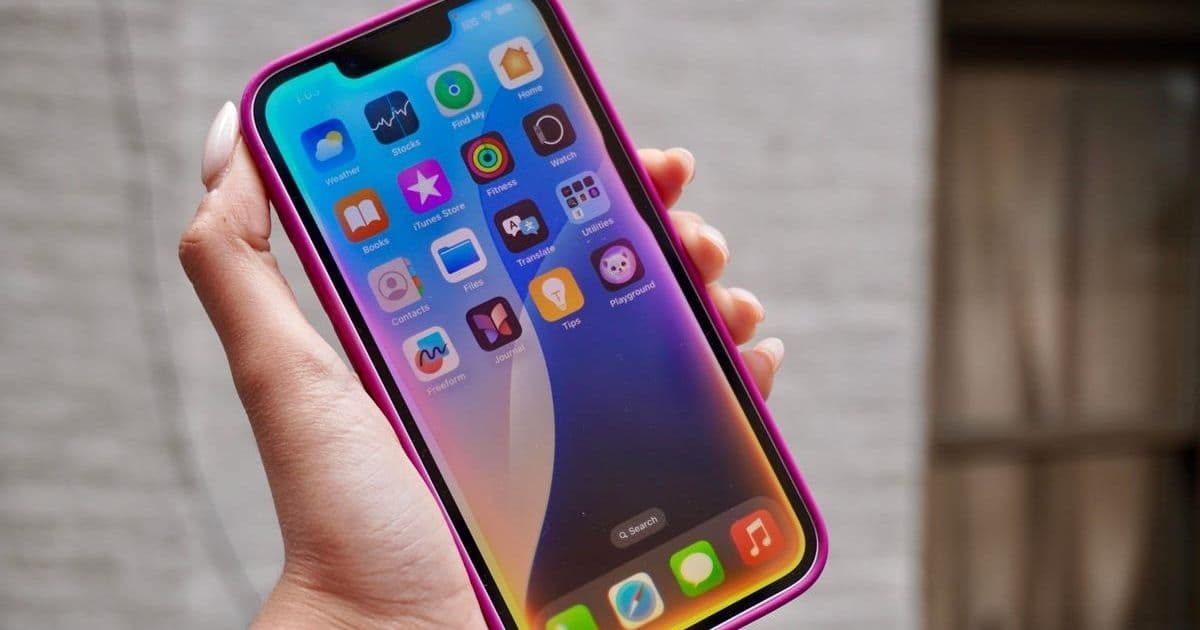
Apple's iOS 26 public beta introduces AI-driven tools that solve everyday frustrations, from Visual Intelligence for screenshots to Hold Assist for calls. These features, powered by on-device processing and ChatGPT integration, mark a strategic shift toward practical, user-centric artificial intelligence. Developers can explore how Apple Intelligence reshapes workflows and interactions.
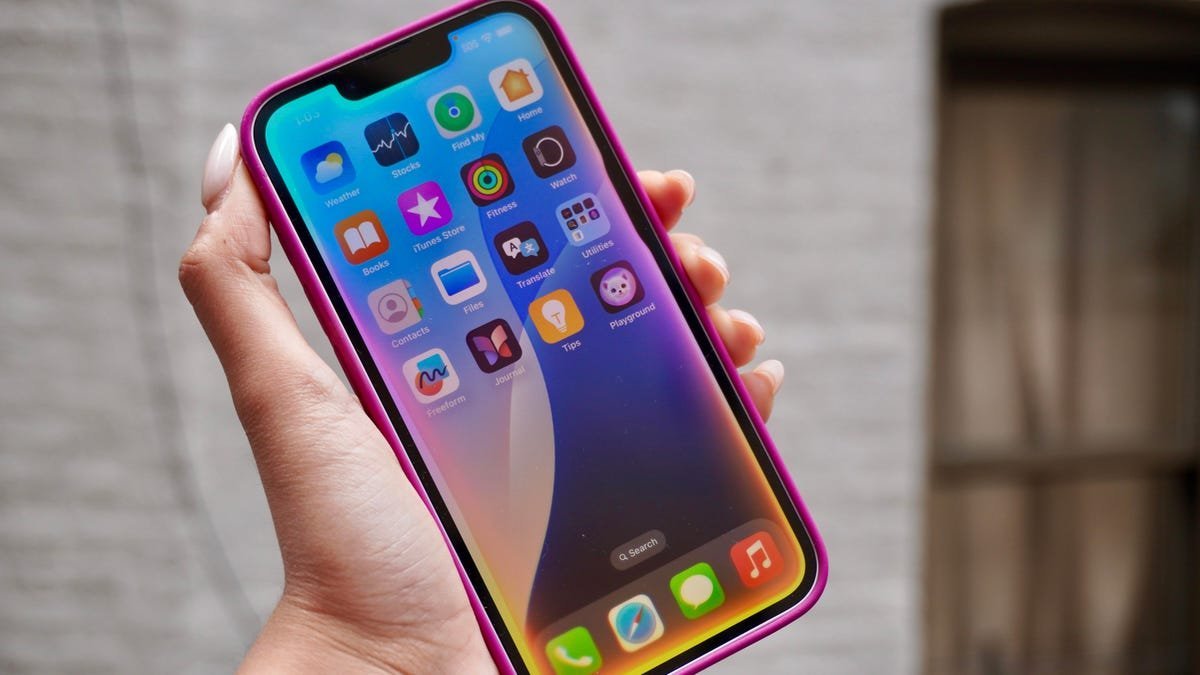
Apple's iOS 26 public beta has landed, and it’s not just a routine update—it’s a calculated foray into AI that prioritizes utility over hype. While the world awaits Siri’s overhaul, seven new features leverage Apple Intelligence and ChatGPT to tackle real-world inefficiencies, blending on-device processing with cloud-powered smarts. For developers, this signals Apple’s commitment to embedding AI into foundational user experiences, emphasizing privacy through Private Cloud Compute. Here’s why these tools matter and how they work.
1. Visual Intelligence: Your Screen as an AI Canvas
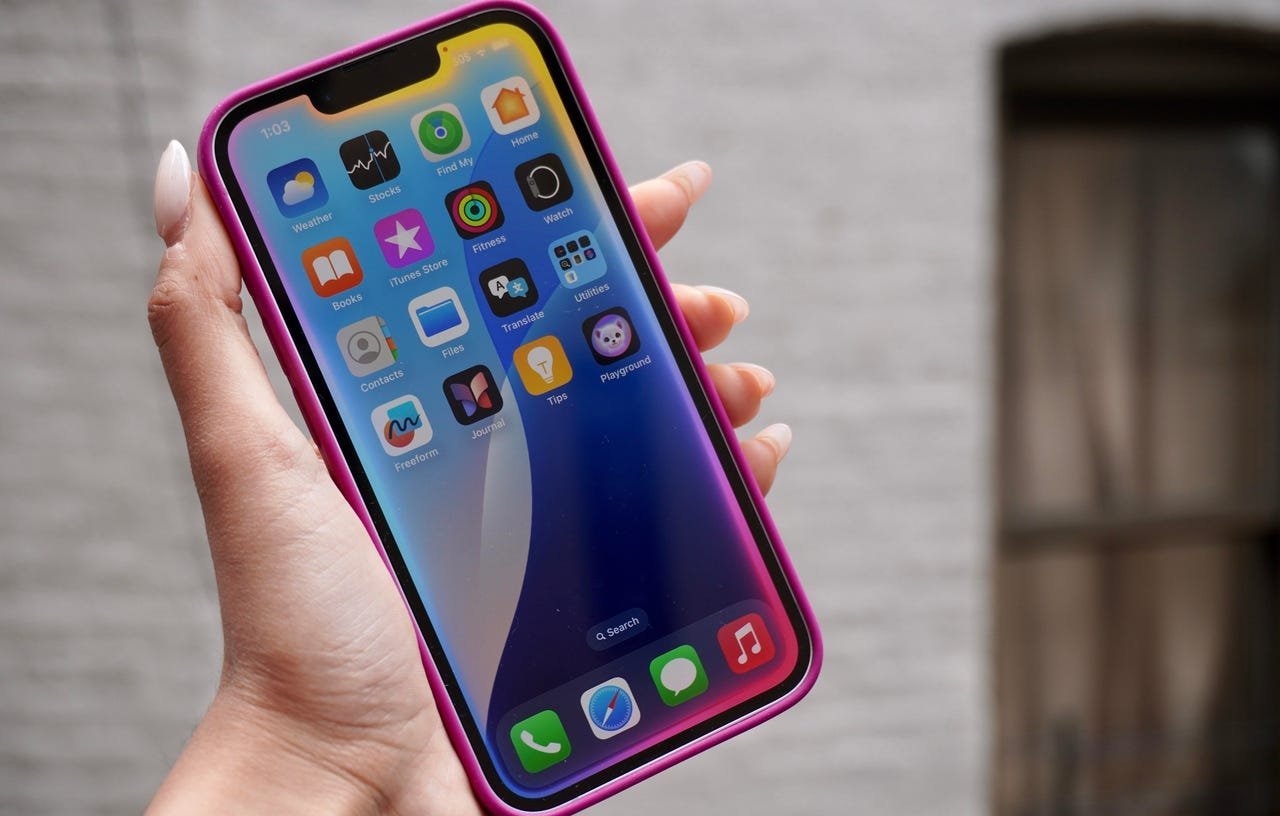 The feature: Snap a screenshot, and iOS 26 uses AI to analyze its content—whether it’s a flight confirmation or a puzzle—then suggests actions like calendar entries or web searches. Tapping "Ask" integrates ChatGPT for deeper queries, turning static images into interactive starting points.
Why it matters: This mirrors Google’s Circle to Search but excels by outsourcing complex tasks to ChatGPT instead of reinventing the wheel. For developers, it’s a blueprint for context-aware AI that respects user intent without compromising speed. As one beta tester noted: "It’s Google Lens, but smoother and smarter."
2. Real-Time Translation: Breaking Language Barriers in Calls
The feature: Translate Messages texts or live phone/FaceTime calls instantly. A single tap alerts participants, then AI processes speech—adding contextual nuance—and delivers audio translations with transcripts.
Why it matters: Unlike basic translators, Apple’s LLM-driven approach captures conversational subtleties, making it invaluable for global teams. It’s baked directly into core communication apps, eliminating third-party dependencies and showcasing how AI can deepen connectivity.
3. AutoMix: AI as Your Personal DJ
The feature: AutoMix analyzes song keys and tempos in Apple Music, applying beat-matching algorithms to create seamless transitions between tracks, especially when Autoplay queues similar vibes.
Why it matters: This isn’t just flair—it’s AI optimizing user enjoyment through real-time audio analysis. Social media buzz, like viral demos of supernatural transitions, highlights its potential to redefine music streaming. Developers should note its reliance on on-device processing for low-latency performance.
4. Intelligent Shortcuts: No-Code Automation Powered by AI
The feature: Create complex Shortcuts using Apple Intelligence models (on-device or cloud-based). For example, automate file sorting by describing the task naturally—no manual scripting required.
Why it matters: This democratizes automation, letting non-developers harness AI for workflows. The gallery of prebuilt shortcuts offers inspiration, emphasizing Apple’s focus on accessibility. It’s a stealthy game-changer for productivity nerds.
5. Hold Assist: AI as Your Call Center Ally
The feature: When hold music plays during a call, AI detects it and offers to monitor the line, alerting you when a human responds.
Why it matters: Though reminiscent of Google’s Hold for Me, its integration into iOS core functions makes it a daily timesaver. It exemplifies AI solving mundane pain points—perfect for customer service-heavy industries.
6. Spatial Photos: 2D to 3D with Neural Engine Magic
The feature: Transform existing photos into 3D-like images where foreground and background elements shift with device movement, using the Neural Engine’s computer vision.
Why it matters: Craig Federighi’s emphasis on "advanced computer vision" hints at AI’s role in retrofitting immersion. For AR developers, this bridges traditional photos and spatial computing, teasing future Vision Pro synergies.
7. Workout Buddy: Real-Time Fitness Coaching
The feature: WatchOS 26’s AI analyzes your fitness history and live data during workouts, offering audio feedback to optimize routines.
Why it matters: While fitness wearables use AI for insights, Apple’s real-time vocal coaching is uniquely motivational. It demonstrates how sensor data and AI can merge for hyper-personalized health experiences.
The Bigger Picture: AI That Works Quietly
Beyond these, features like AI-generated polls in Messages and Wallet’s order tracking reveal a pattern: Apple is weaving intelligence into overlooked corners of iOS, prioritizing function over flash. The public beta, available now via Apple’s Beta Software Program, lets users test these tools—though caution is advised for primary devices due to stability risks.
As iOS 26 evolves, it underscores a critical shift. Apple isn’t chasing chatbots; it’s engineering AI that disappears into your workflow, making technology anticipate needs rather than demand commands. For developers, the message is clear: The future is seamless, contextual, and quietly revolutionary.
Source: Based on reporting by Sabrina Ortiz for ZDNET.
Comments
Please log in or register to join the discussion