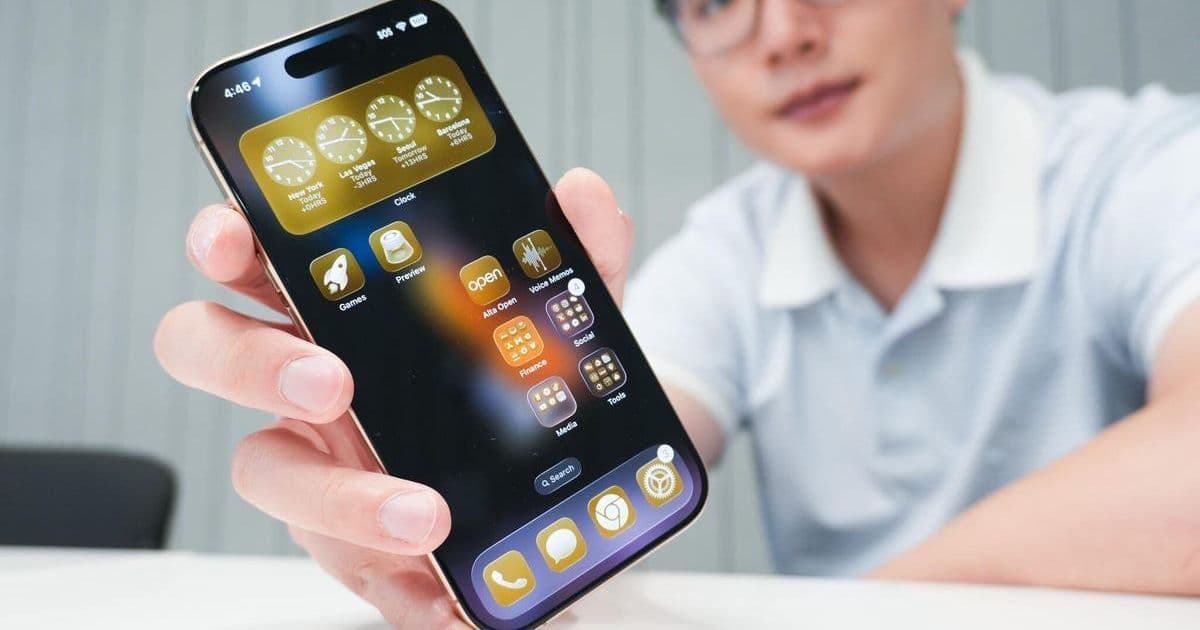
Apple's iOS 26 public beta introduces a paradigm shift in iPhone functionality, blending advanced AI with refined user experiences. Our hands-on testing reveals five standout features—from Visual Intelligence enhancements to Safari's Liquid Glass redesign—that signal major implications for developers and users in the tech ecosystem.
iOS 26: A Deep Dive into Apple's Most Transformative Update in a Decade
Apple’s iOS 26, unveiled at WWDC 2025 and now in public beta, isn’t just another incremental update—it’s a foundational reimagining of the iPhone’s capabilities. After weeks of rigorous testing on the iPhone 16 Pro, ZDNET’s Prakhar Khanna and Kerry Wan have identified five features that underscore why this release matters. Beyond flashy gimmicks, iOS 26 addresses longstanding user pain points while integrating AI and design innovations that could redefine mobile development standards.
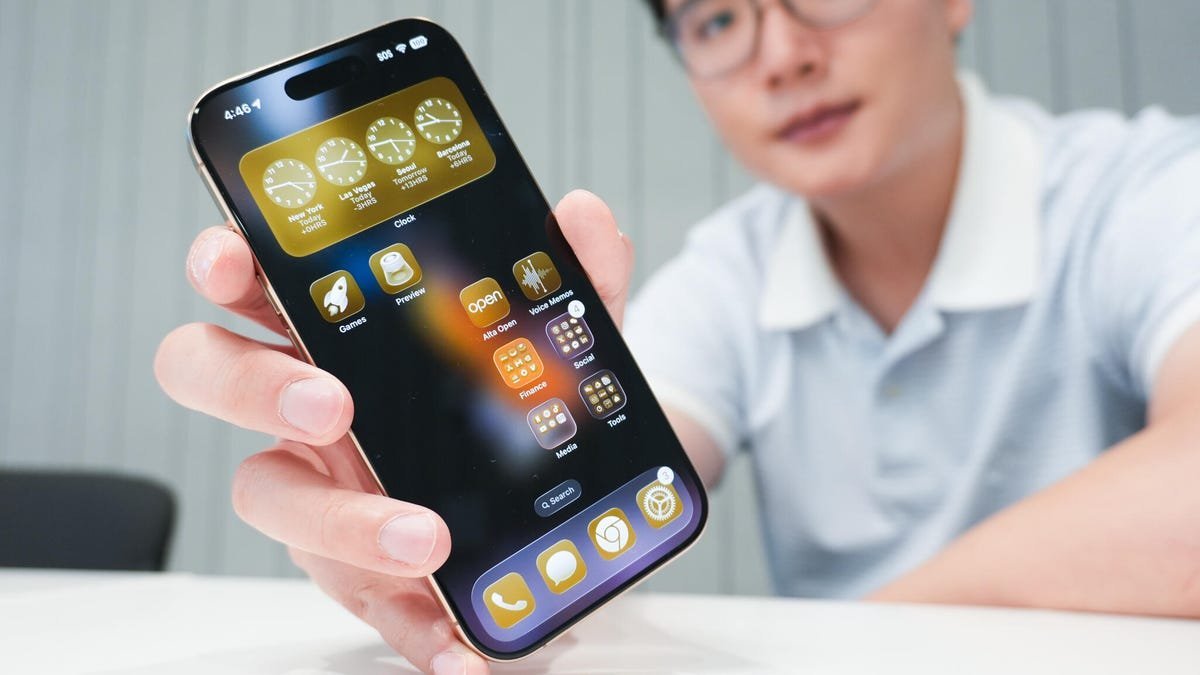 Caption: The iPhone 16 Pro running iOS 26, showcasing its streamlined interface. (Credit: Kerry Wan/ZDNET)
1. Visual Intelligence: Evolving from Novelty to Necessity
Apple’s multimodal AI, Visual Intelligence, has matured significantly since its iOS 18 debut. Now, it excels at contextual actions like extracting event details from screenshots—such as emails or messages—and auto-populating Calendar entries. As Khanna notes, this reduces friction in daily workflows, though it still trails Samsung’s AI Select and Google’s Circle to Search in on-the-fly recognition. For developers, this signals Apple’s commitment to on-device AI, emphasizing privacy-focused automation. The feature’s potential is vast, but future iterations need smoother activation, perhaps via the Camera Control button, to rival competitors.
2. Photos App: A User-Driven Redesign That Finally Works
Last year’s Photos app redesign in iOS 18 was widely panned for its cluttered interface. iOS 26 fixes this with a compartmentalized Library and Collections tab, simplifying navigation. Khanna highlights, "The new layout is cleaner and eliminates frustration, restoring Apple’s hallmark intuitive experience." This responsiveness to feedback is a win for user-centric design. Additionally, the spatial depth feature—turning 2D images into immersive visuals—showcases Apple’s computational photography prowess, offering fun yet practical tools for content creators.
3. Camera App: Minimalism Meets Functionality
The Camera app’s overhaul prioritizes speed with a stripped-down interface: swipe up for settings like Flash or Timer, or hold and drag to switch modes. Kerry Wan tested this during travels in Barcelona, praising its efficiency for quick shots: "When framing intricate architecture, the uncluttered viewfinder is invaluable." However, the minimalism risks alienating casual users initially. For developers, this underscores a trend toward gesture-based UIs, demanding apps that prioritize discoverability without sacrificing performance.
 Caption: iOS 26’s redesigned Camera app, emphasizing a cleaner layout. (Credit: Kerry Wan/ZDNET)
4. Safari: Liquid Glass and Haptics Elevate Browsing
Safari’s Liquid Glass-enhanced UI reduces distractions with a floating three-button nav bar that minimizes during scrolling. Combined with haptic feedback for downloads—a subtle buzz confirming success—it creates a tactile, immersive experience. Wan admits this refinement lured him back from Chrome. For web developers, this means designing for a more fluid, gesture-driven browser, where animations and feedback loops can enhance user engagement without visual clutter.
5. Lock Screen: Small Touches with Big Impact
The lock screen now displays estimated battery charging times—a "glanceable" feature Khanna calls "surprisingly useful" for time-strapped users. Enhanced album artwork during music playback further personalizes the experience. These tweaks, while minor, reflect Apple’s focus on micro-interactions that cumulatively upgrade daily use.
Bonus: AirPods as a Creative Tool
A standout for solo creators: AirPods Pro 2 can now trigger video recording via a press-and-hold gesture. This wireless remote functionality, leveraging the H2 chip, eliminates reliance on an Apple Watch and opens new avenues for hands-free content production.
Why This Matters for the Tech Ecosystem
iOS 26 isn’t just about features; it’s a statement on Apple’s direction. The emphasis on AI integration—like Visual Intelligence’s evolution—signals a push toward context-aware computing, challenging developers to build apps that anticipate user needs. Meanwhile, app redesigns (Photos, Camera, Safari) highlight a shift to minimalism and haptics, setting new UI/UX benchmarks. As the stable release approaches this September, these innovations could accelerate industry-wide trends in on-device AI and intuitive design. For engineers and tech leaders, iOS 26 is a blueprint for balancing innovation with usability—a reminder that the best technology fades into the background, empowering users without overwhelming them.
Source: Based on original reporting by Prakhar Khanna and Kerry Wan for ZDNET.
Comments
Please log in or register to join the discussion