
Apple's iPadOS 26 beta is now publicly available, offering early access to transformative features like Liquid Glass visuals, Mac-inspired window tiling, and enhanced Apple Intelligence. Developers and power users can test-drive these upgrades today, but must navigate compatibility checks and beta risks. This update signals Apple's aggressive push to redefine the iPad as a true productivity powerhouse.
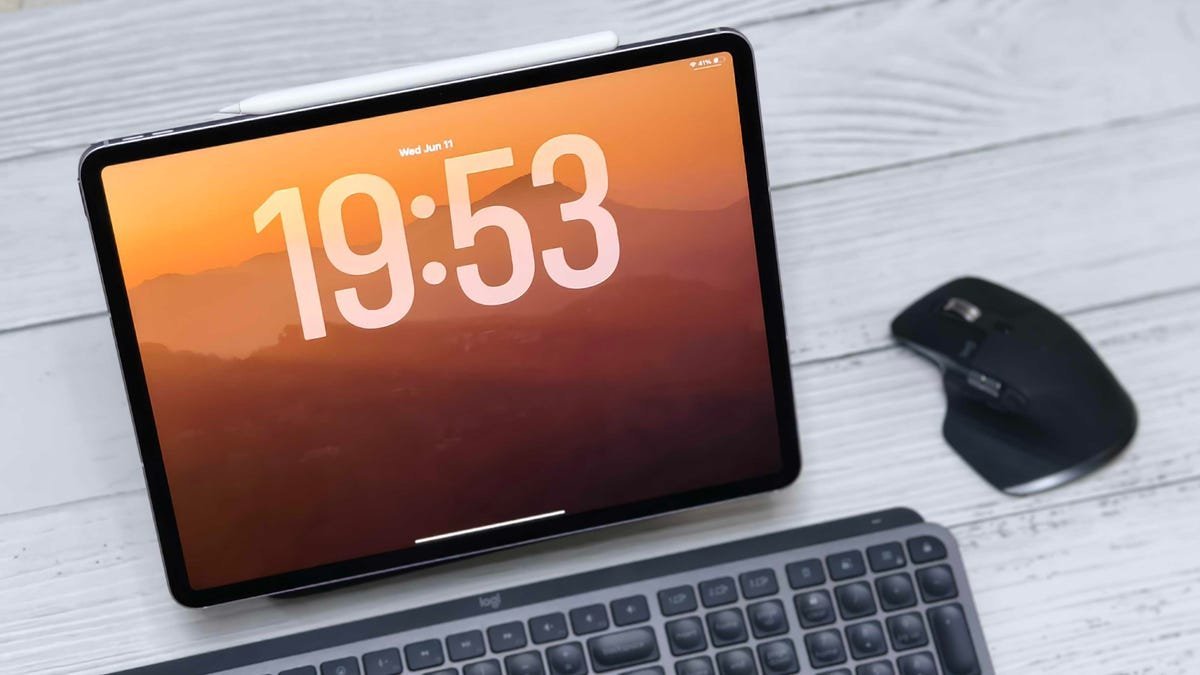
Apple's WWDC 2025 announcements set the stage for iPadOS 26 as a watershed moment—promising to blur the lines between tablet and computer. With features like the Liquid Glass UI overhaul, a unified Games app across Apple ecosystems, and deeper Apple Intelligence integrations, this update isn't just incremental; it's a reimagining of the iPad's potential. But the crown jewel is the new window control and tiling system, which finally delivers on the long-held promise of a desktop-like experience. Now, the public beta lets tech enthusiasts explore these innovations months before the official fall release—if they're willing to brave the instability of pre-release software.
Why iPadOS 26 Matters: Beyond the Hype
For years, the iPad has flirted with professional utility, but iPadOS 26 represents Apple's most concerted effort yet to capture developer and enterprise workflows. The introduction of advanced window management allows resizable, overlapping app windows—echoing macOS multitasking—while Liquid Glass offers fluid animations and translucent layers that reduce cognitive load. Combined with Apple Intelligence enhancements (like on-device Siri upgrades and contextual awareness), this update could make iPads viable for coding, design, and data analysis in ways previously reserved for laptops. As one developer noted:
"The tiling system alone transforms the iPad from a consumption device to a creation engine. It’s the closest we’ve come to a no-compromise mobile workstation."
Installing the Beta: Step-by-Step with Precautions
Before diving in, heed critical warnings: Always back up your device via iCloud or a computer, and avoid installing on your primary iPad. Beta software is inherently unstable—expect crashes, battery drain, and app incompatibilities. Ensure your iPad runs iPadOS 16.4 or later and matches one of these supported models:
- iPad Pro (M4 or later)
- iPad Air (M2/M3 or 3rd gen+)
- iPad (A16 or 8th gen+)
- iPad Mini (A17 Pro or 5th gen+)
Now, follow these steps to enroll:
- Open Settings → General → Software Update.
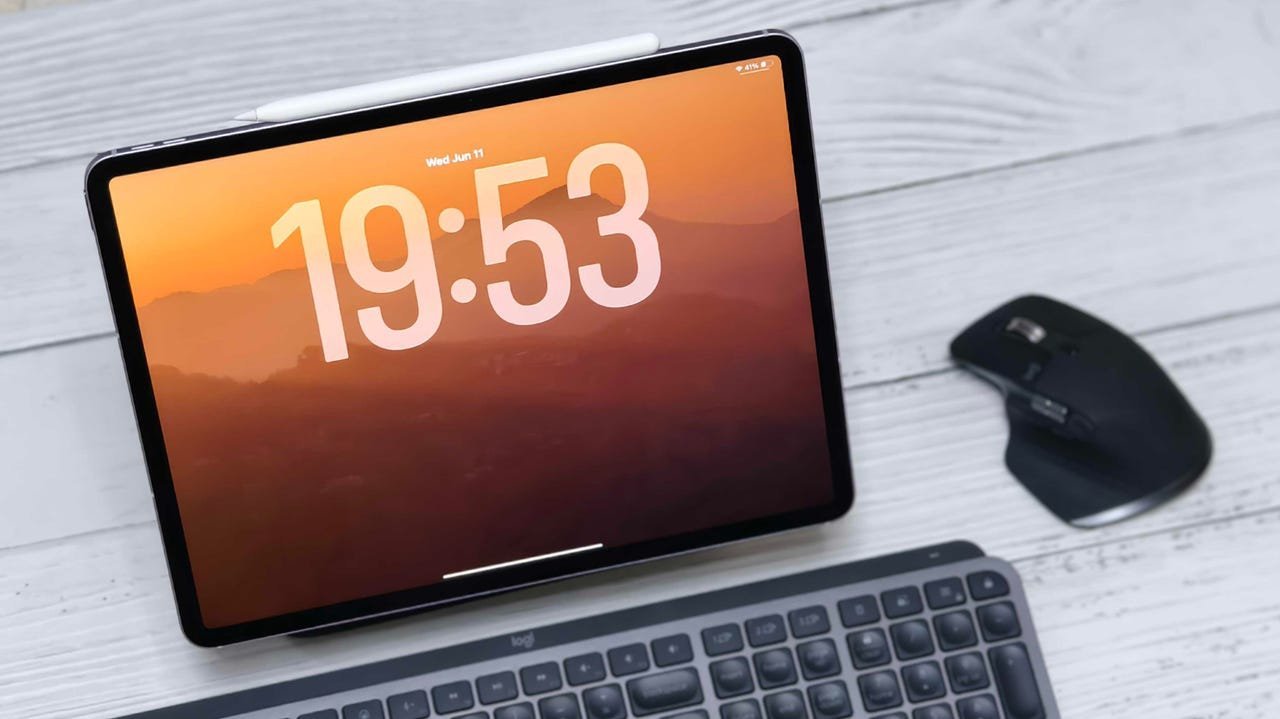
- Tap Beta Updates and toggle it On.
- Select iPadOS 26 Public Beta from the list.
- Download and install the update (requires Wi-Fi and ample storage).
The process mirrors the developer beta, but skips the need for a paid Apple Developer account. Once installed, use the Feedback Assistant app (preloaded on the Home screen) to report bugs directly to Apple.
The Strategic Implications: A New Era for iPad Developers
This beta isn’t just a preview—it’s a call to action for the developer community. With iPadOS 26, Apple is clearly targeting creative pros and engineers who’ve criticized the iPad’s limitations. The windowing API, for instance, opens doors for complex apps like IDEs or video editors, while Liquid Glass’s design language could inspire new UI paradigms. Yet, challenges linger: ARM-based app optimization and peripheral support (e.g., external displays) need refinement to fully realize the "desktop-class" vision. Early adopters who provide feedback now will shape the final release, potentially accelerating iPad adoption in fields like AR development and on-the-go coding.
As the fall launch approaches, iPadOS 26 could redefine what tablets are capable of—making this beta a rare opportunity to influence the future of mobile computing. Proceed with caution, but don’t underestimate its potential to reshape your workflow.
Source: ZDNET
Comments
Please log in or register to join the discussion