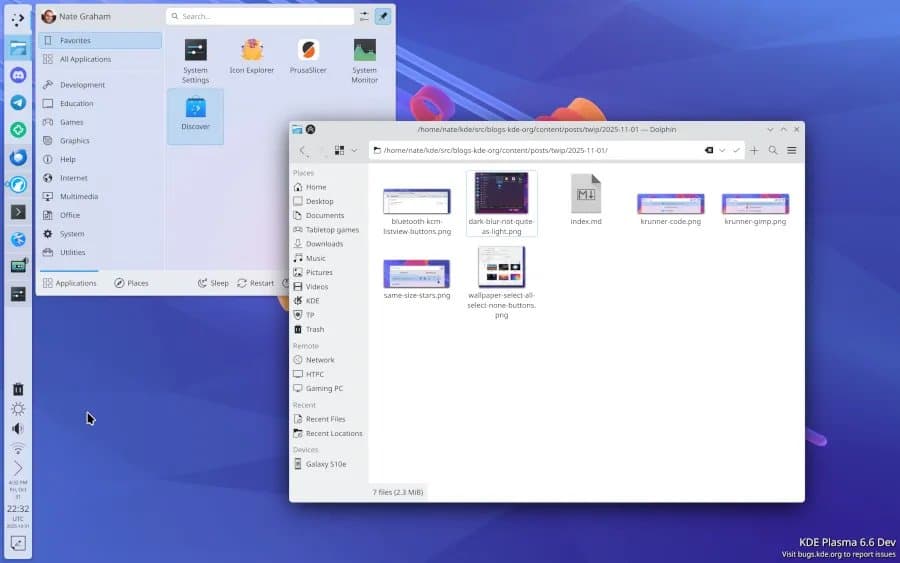
The KDE team has released the first beta for Plasma 6.6, introducing a modern login manager to replace SDDM, a new initial setup tool, and significant Wayland improvements including RandR emulation and HDR enhancements.
The KDE development community has officially rolled out the beta for Plasma 6.6, marking a significant milestone for the Qt6-based desktop environment. This release isn't just about incremental bug fixes; it introduces a trio of new core modules designed to streamline the user experience from the moment they boot their system.

A New Login Experience: Plasma Login Manager
Perhaps the most notable addition is the Plasma Login Manager. For years, the Simple Desktop Display Manager (SDDM) has been the default for many distributions, but it has faced criticism regarding performance, theming support, and maintenance. The new Plasma Login Manager is being built as a native, modern replacement that integrates deeply with the Plasma ecosystem. It's already generating interest from major distributions like Fedora KDE, which are considering it as their new default. This move signals a push for a more cohesive and polished login experience that aligns with the visual language and technical stack of the rest of the desktop.
Streamlining the First Boot: Plasma Setup
Another quality-of-life improvement is Plasma Setup. This new initial setup tool will guide users through their first login, helping them configure essential settings like keyboard layouts, display configuration, and online accounts in a structured, user-friendly manner. This is particularly valuable for new Linux users who might otherwise feel overwhelmed by the initial configuration process.
Wayland Maturation and Niche Enhancements
While the new modules grab the headlines, the bulk of the work in Plasma 6.6 is under the hood, particularly for Wayland. The KDE team continues to polish the Wayland session, addressing long-standing pain points:
- RandR Emulation for KWin with XWayland: This is a critical fix for application compatibility. Many legacy X11 applications rely on the XRandR protocol to query and change screen resolutions and refresh rates. By emulating this within KWin's XWayland implementation, Plasma 6.6 ensures these older apps behave correctly on Wayland, preventing blurry scaling or incorrect resolution issues.
- HDR Enhancements: Work continues on High Dynamic Range support, a complex area involving color management, compositor integration, and application awareness. While still a work in progress, each release brings it closer to daily-driver readiness.
- High Refresh Rate Handling: Smoother and more reliable detection and switching for high refresh rate displays.
- Ambient Light Sensor Handling: The desktop can now better react to changes in ambient lighting, potentially adjusting brightness or color temperature automatically.
Hardware and Security Specifics
For users with modern hardware, there's a specific optimization for Intel graphics. Plasma 6.6 adds support for Intel adaptive sharpening, a feature found in Lunar Lake and newer Intel GPUs. This can improve image clarity in specific scenarios at the hardware level.
On the security front, the release introduces support for the oo7 secret service provider. This is a modern implementation of the freedesktop.org Secret Service API (used by tools like KeePassXC and other password managers) that aims to be more robust and better integrated with modern desktop environments.
The Road to Stable
The beta release is available now for testing. Users can typically find it in the kde-unstable repositories for distributions like Arch Linux or via KDE's own developer builds. The development team is targeting a stable release for February 17, 2026. This beta period is crucial for ironing out bugs and ensuring the new components, especially the login manager, are rock-solid for the millions of users who rely on the KDE Plasma desktop.
For those interested in testing or reviewing the changes, the official announcement and download links are available on the KDE.org website.
Comments
Please log in or register to join the discussion