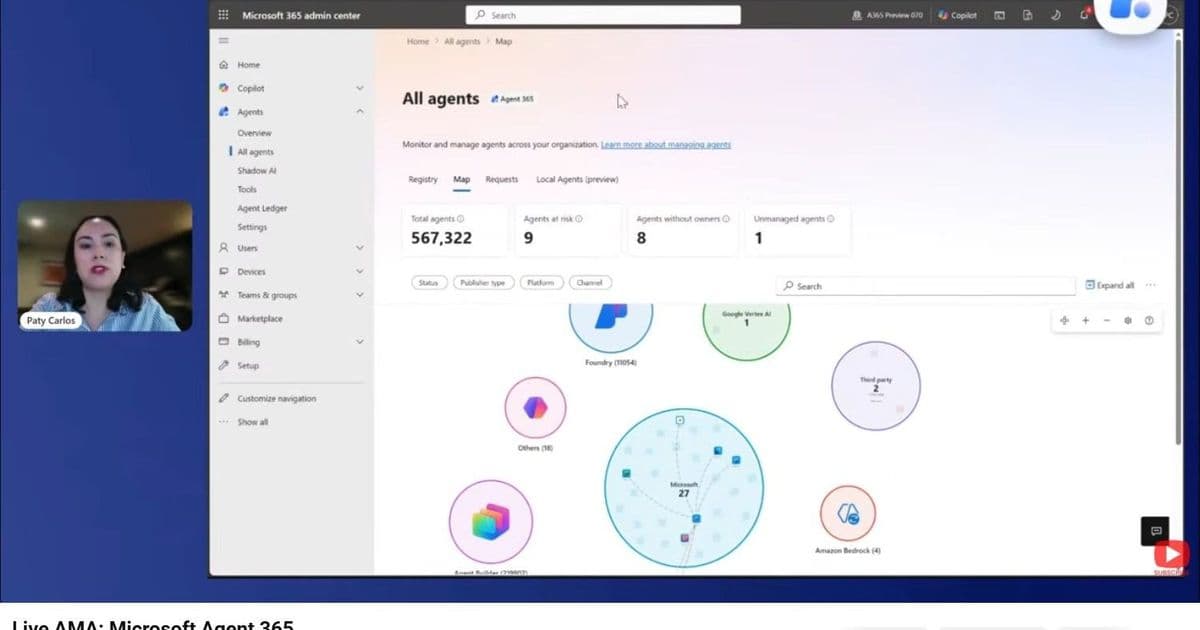
The May 12 2026 Microsoft Agent 365 AMA covered real‑world questions on licensing models, third‑party agent observability, shadow AI, risk classification, and MSP support. This article breaks down the key answers, compares Agent 365’s pricing and role‑based licensing to other AI‑ops platforms, and outlines practical steps for enterprises to adopt the service at scale.
Microsoft Agent 365 AMA Replay – What You Need to Know
What changed?
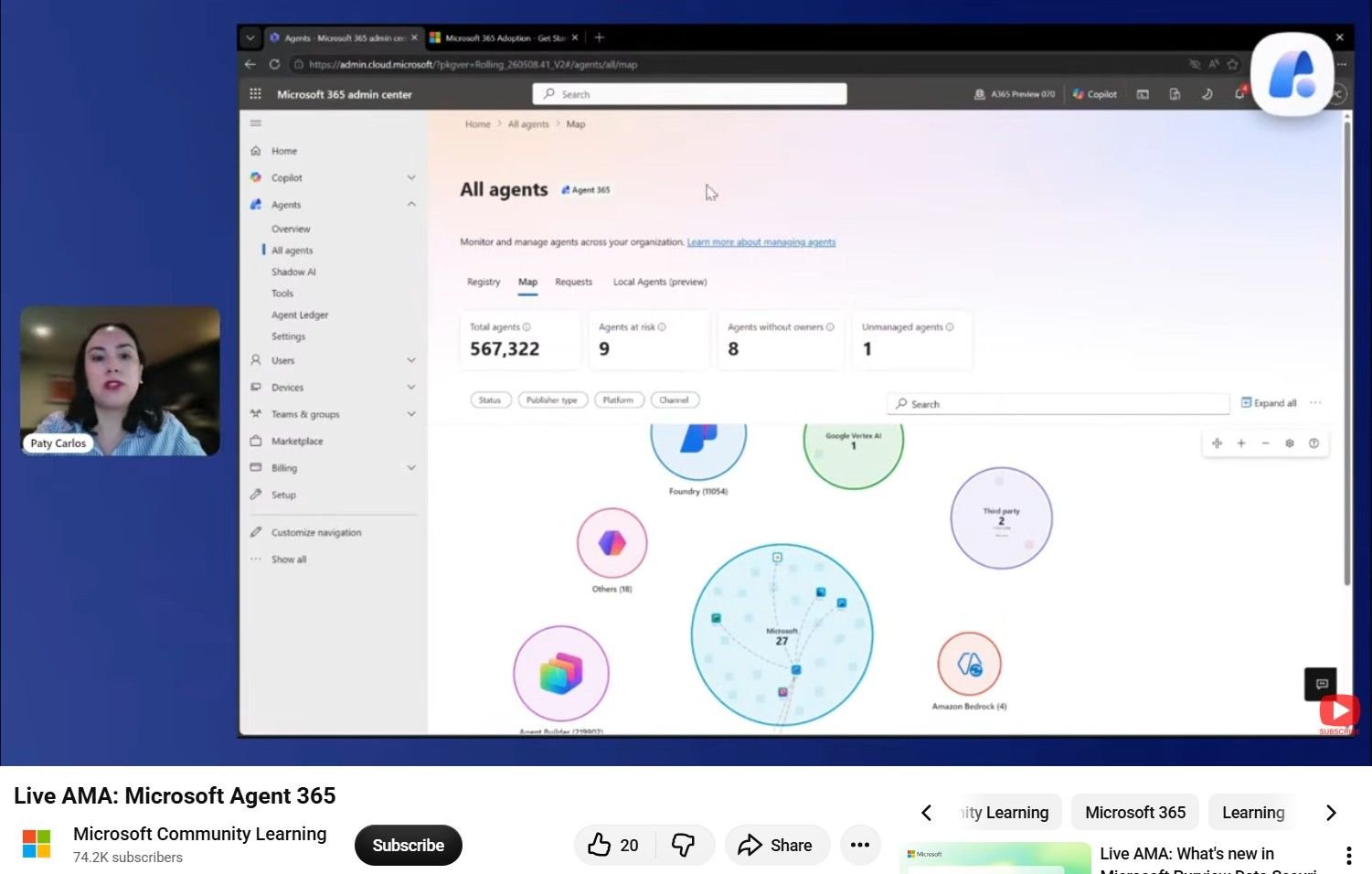
On May 12, 2026 Microsoft released a live demo of Agent 365 followed by an “Ask Microsoft Anything” session. The event clarified how the new observability layer extends across Microsoft‑built agents (Copilot Studio, Foundry, SharePoint) and third‑party AI agents, and it introduced concrete guidance on licensing, identity, and risk management. For organizations that missed the live stream, the replay is now available on the Microsoft Tech Community hub.
Provider comparison – Agent 365 vs. competing AI‑ops solutions
| Feature | Agent 365 (Microsoft) | Google Cloud AI Observability | AWS Bedrock Guardrails |
|---|---|---|---|
| Scope of agents | First‑party + third‑party agents, regardless of Entra ID identity | Primarily Google‑hosted agents; limited third‑party integration | Bedrock‑native agents; external agents require custom wrappers |
| Licensing model | Role‑based: Interact, Manage, Sponsor – each role requires an Agent 365 Premium license. Licensing is per‑user for Interact and per‑entity for Manage/Sponsor (see Licensing FAQ). | Per‑CPU‑hour for monitoring + optional per‑agent bundle | Per‑API‑call for guardrails + optional per‑model subscription |
| Identity requirement | Agents can be onboarded without an Entra ID identity; they appear in the console as non‑OBO agents, but risk‑based policies apply only to agents with an Entra ID. | Requires Google Service Account for full telemetry | Requires IAM role; non‑IAM agents lack detailed risk signals |
| Shadow AI detection | Built‑in “Shadow AI” flag based on anomalous token usage and data egress patterns. Policies can re‑classify agents to non‑shadow via the Agent Rules engine. | No dedicated shadow AI view; relies on custom logging | Guardrails can block suspicious prompts but no explicit shadow AI label |
| Risk scoring | Multi‑factor score (behavioral anomalies, data access, credential usage). Signals are surfaced in the Agent Risk Activities pane; blocking is optional. | Risk alerts based on Cloud Logging patterns | Risk alerts tied to Bedrock policy violations |
| MSP multi‑tenant support | Dedicated Managed Service Provider role that can view and enforce policies across customer tenants without requiring a separate license per tenant. | Requires separate Cloud Identity accounts per tenant | No native MSP view; requires separate AWS Organizations setup |
| Automation | Agent Rules can be scheduled (cron‑style) or triggered by events; supports both monitoring‑only and enforcement actions. | Custom Cloud Functions needed for automation | Custom Lambda functions required |
| Pricing granularity | Per‑user license for Interact; per‑agent license for Manage/Sponsor; optional consumption‑based add‑ons for high‑volume tool invocations (e.g., MCP remote server). | Consumption‑based (CPU‑hours, storage) | Consumption‑based (API calls) |
Why the differences matter
- Visibility without identity – Agent 365 can ingest telemetry from agents that do not possess an Entra ID, giving enterprises a single pane of glass for both internal and partner‑built bots. Competing services typically require the agent to be registered in their identity system before any observability is possible.
- Role‑based licensing – By separating Interact (the end‑user who chats with a bot) from Manage/Sponsor (the owner or governance officer), Microsoft reduces the cost of scaling AI assistants across large workforces. In contrast, Google and AWS charge per‑resource, which can become expensive when thousands of employees interact with a single public‑facing bot.
- MSP enablement – The dedicated MSP role lets service providers manage policy enforcement across dozens of customer tenants from a single console, a capability that is still a manual workaround on other clouds.
Business impact – Turning Agent 365 insights into action
1. Clarify licensing costs
- Interact: Every employee who chats with an Agent 365‑enabled bot needs a Interact license. For a 10,000‑user organization, this translates to 10,000 × the per‑user premium price (currently $12 / month per user, per the latest pricing sheet).
- Manage / Sponsor: Teams that own agents (e.g., a finance bot team) require a Manage license per distinct agent. If you have 25 bots, that adds 25 × the Manage price ($150 / month per agent).
- Non‑OBO agents: They are visible in the console but do not trigger Manage licensing, allowing you to monitor legacy or partner bots without extra cost.
2. Reduce shadow‑AI risk
- Deploy the Agent Rules template that flags any agent that accesses data stores outside its declared scope. The rule can automatically move the agent to a quarantine state, generate a ticket in Azure DevOps, or simply send an alert to the security team.
- Use the Risk Activity dashboard to prioritize remediation. Agents flagged as high‑risk typically exhibit one or more of the following: unusual token refresh patterns, cross‑tenant data calls, or execution under privileged service accounts.
3. Enable MSPs and multi‑tenant governance
- An MSP can onboard a new customer by assigning the Managed Service Provider role, then applying a shared policy library (e.g., “no external data egress”). This eliminates the need to purchase a separate Agent 365 license for each tenant’s administrators.
- Billing for MSPs remains per‑user for the Interact role of the MSP’s own staff, plus a flat $2,500 / month tenant‑management surcharge, which is considerably lower than provisioning individual licenses for each client’s admin team.
4. Plan for consumption‑based add‑ons
- The upcoming MCP Remote Server (public preview) will be billed per‑hour of compute used for heavy‑weight model inference. Early adopters can estimate costs by multiplying the expected inference hours by the preview rate ($0.08 / hour). This model sits on top of the base Agent 365 license and is comparable to Azure OpenAI’s consumption pricing.
5. Get started quickly
- Review the Agent 365 licensing guide – https://aka.ms/Agent365licensing
- Run the quick‑start script that registers your first agent and creates the default Interact role (available in the technical docs).
- Import the pre‑built governance policies from the adoption portal (https://aka.ms/Agent365getstarted).
- Schedule a pilot with a single department, monitor the risk dashboard for 30 days, then expand based on the observed cost‑vs‑benefit ratio.
Key take‑aways from the AMA
- Licensing is role‑driven, not per‑agent, which aligns cost with actual governance responsibilities.
- Non‑OBO agents are observable, but risk‑based enforcement only applies to agents that have an Entra ID identity.
- Shadow AI can be re‑classified through custom Agent Rules; you do not need to block an agent to review its risk signals.
- MSPs receive a dedicated role, simplifying multi‑tenant management and reducing overhead.
- Agent Rules can be scheduled using cron‑style expressions, enabling automated compliance checks without manual intervention.
For a deeper dive, watch the full replay on the Microsoft Tech Community hub and explore the linked resources below.
Resources
Comments
Please log in or register to join the discussion