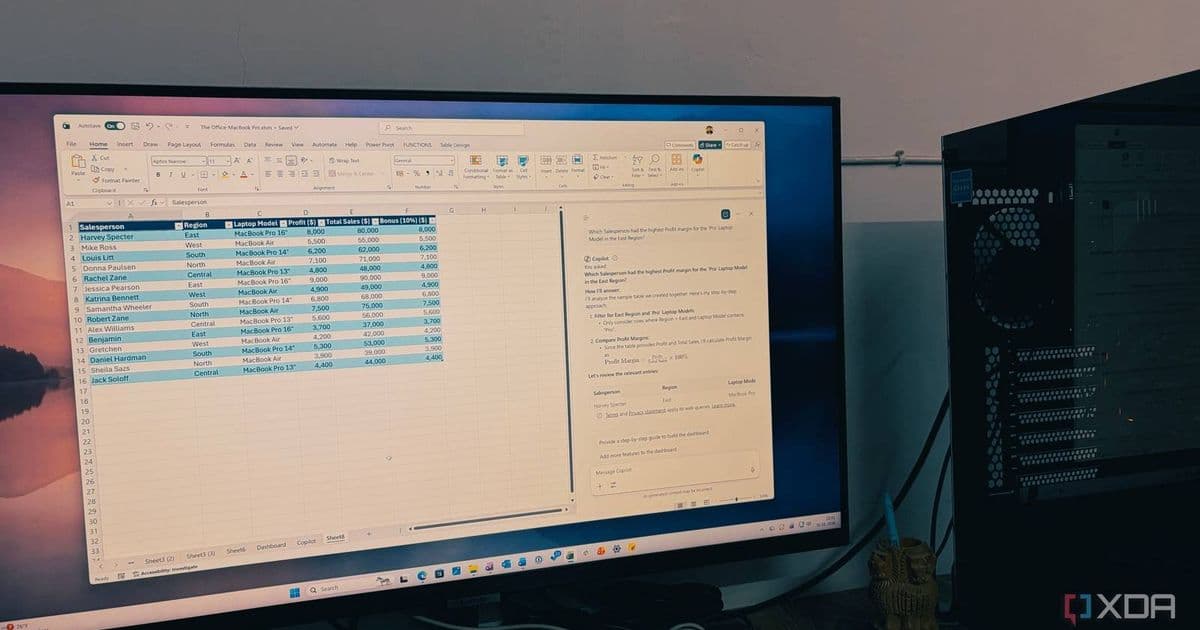
Microsoft asserts that Copilot outperforms all other productivity tools on Windows, citing its deep OS integration, AI capabilities, and workflow automation. This claim invites scrutiny against competing tools and raises questions about productivity app evolution.
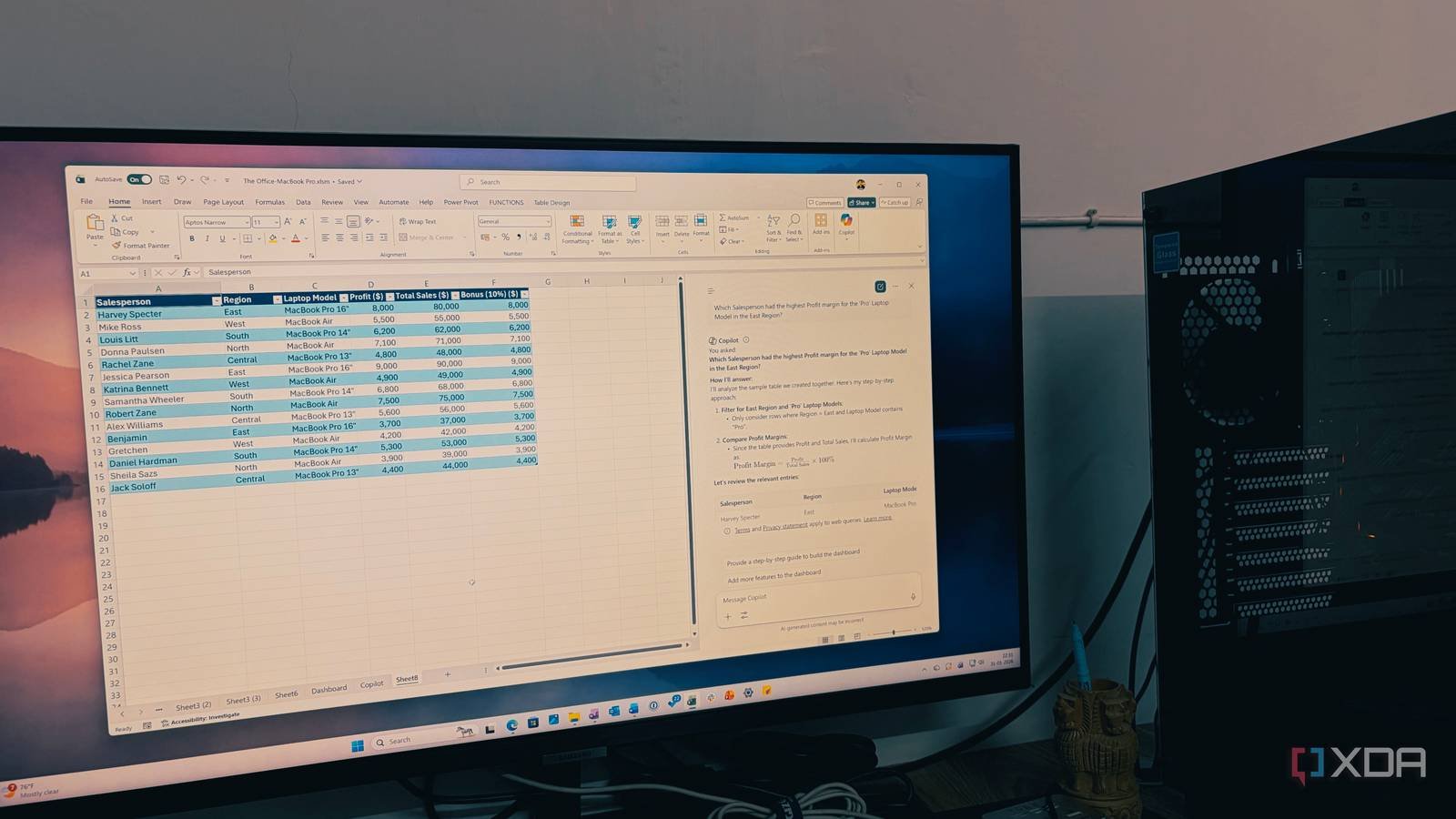
Microsoft recently made a bold declaration about its AI assistant: Copilot is the best productivity application available on Windows. This statement, while self-serving, warrants examination given Copilot's evolving role across Microsoft's ecosystem. Unlike standalone apps, Copilot integrates directly into Windows 11's shell, accessible via Win+C shortcut or taskbar icon. It functions as a unified interface for AI-driven tasks across Office apps, system settings, and third-party integrations.
Core Capabilities Driving Microsoft's Claim
Copilot's productivity claims rest on several technical foundations:
- OS-Level Integration: Unlike browser-based alternatives, Copilot hooks into Windows APIs to adjust system settings (dark mode, focus sessions), summarize active documents, or extract data from displayed content using Windows Capture API.
- Microsoft 365 Synergy: When linked to a Microsoft 365 subscription, Copilot processes context from Outlook emails, Teams chats, and Excel sheets. For example, it can draft responses based on email threads or generate pivot tables from raw data.
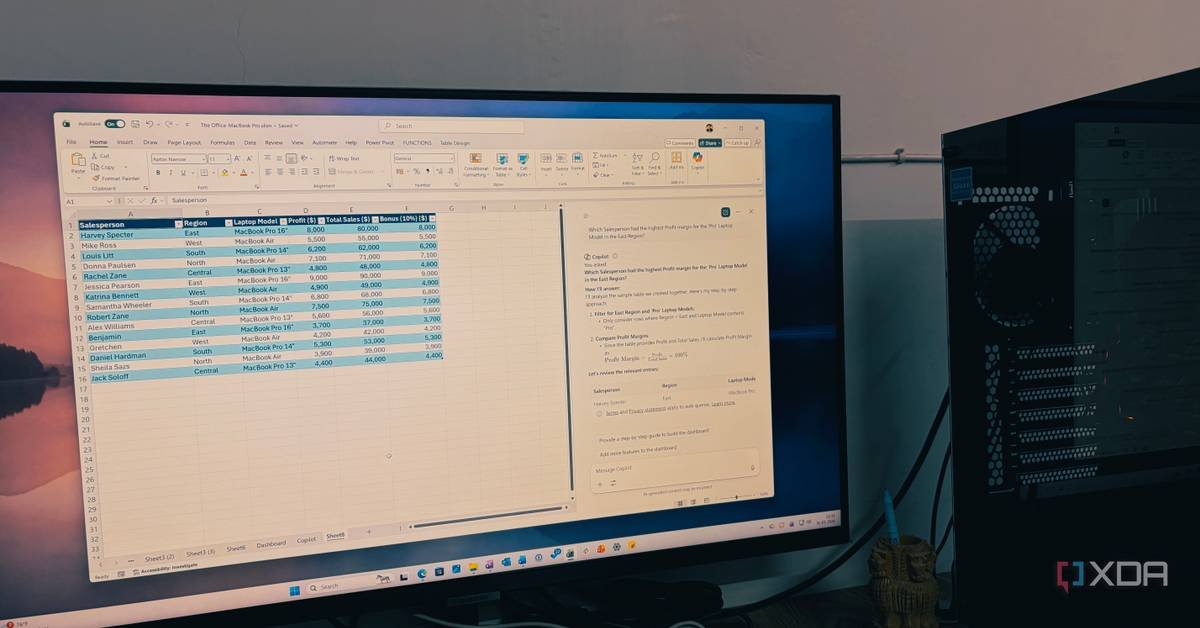
- Plugin Ecosystem: Developers extend functionality via Teams Message Extensions and Power Automate, enabling custom workflows like auto-populating CRM entries from meeting transcripts.
- Cross-Platform Consistency: Copilot maintains feature parity across Windows, iOS, Android, and web, syncing context through Microsoft Graph APIs.
Comparing the Productivity Landscape
Microsoft's assertion implicitly challenges competitors:
| Tool | Strengths | Copilot Counter |
|---|---|---|
| Browser Assistants (e.g., Google Gemini) | Cross-platform, web-centric | Limited OS integration; no system control |
| Standalone AI Tools (e.g., Notion AI) | Deep document formatting | Requires manual context switching |
| Traditional Suites (e.g., Office macros) | Granular control | Steeper learning curve; less conversational |
For developers, Copilot introduces new considerations:
- Windows App Integration: Apps using WinUI 3 can expose context to Copilot via App SDK.
- Android/iOS Implications: While mobile Copilot exists, deeper OS integration remains a Windows advantage, potentially influencing cross-platform tool priorities.
Practical Limitations
Despite Microsoft's enthusiasm, Copilot faces hurdles:
- Enterprise Readiness: Many corporations restrict Copilot due to data governance concerns, favoring isolated tools like Power BI.
- Hardware Demands: NPU-accelerated tasks require newer chips (Intel Meteor Lake+, Qualcomm Snapdragon X Elite), as noted in Windows 11 system requirements.
- Skill Gap: Users accustomed to discrete apps may struggle with prompt engineering for complex tasks.
Microsoft's proclamation reflects a strategic pivot toward AI-first productivity. Whether Copilot truly surpasses specialized tools depends on workflow patterns, but its embedded position in Windows guarantees it will shape how productivity suites evolve. For developers, this signals increased emphasis on AI plugin ecosystems and context-aware APIs.
Comments
Please log in or register to join the discussion