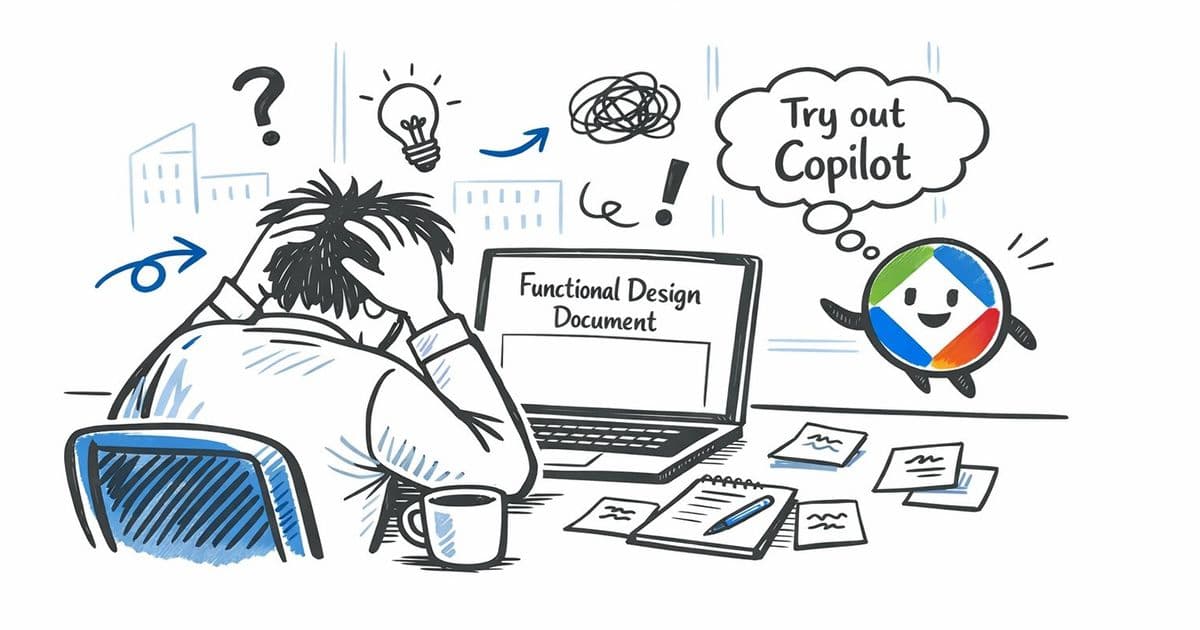
Microsoft 365 Copilot significantly accelerates functional design documentation by automating research, structuring, and drafting processes, reducing creation time from hours to minutes.
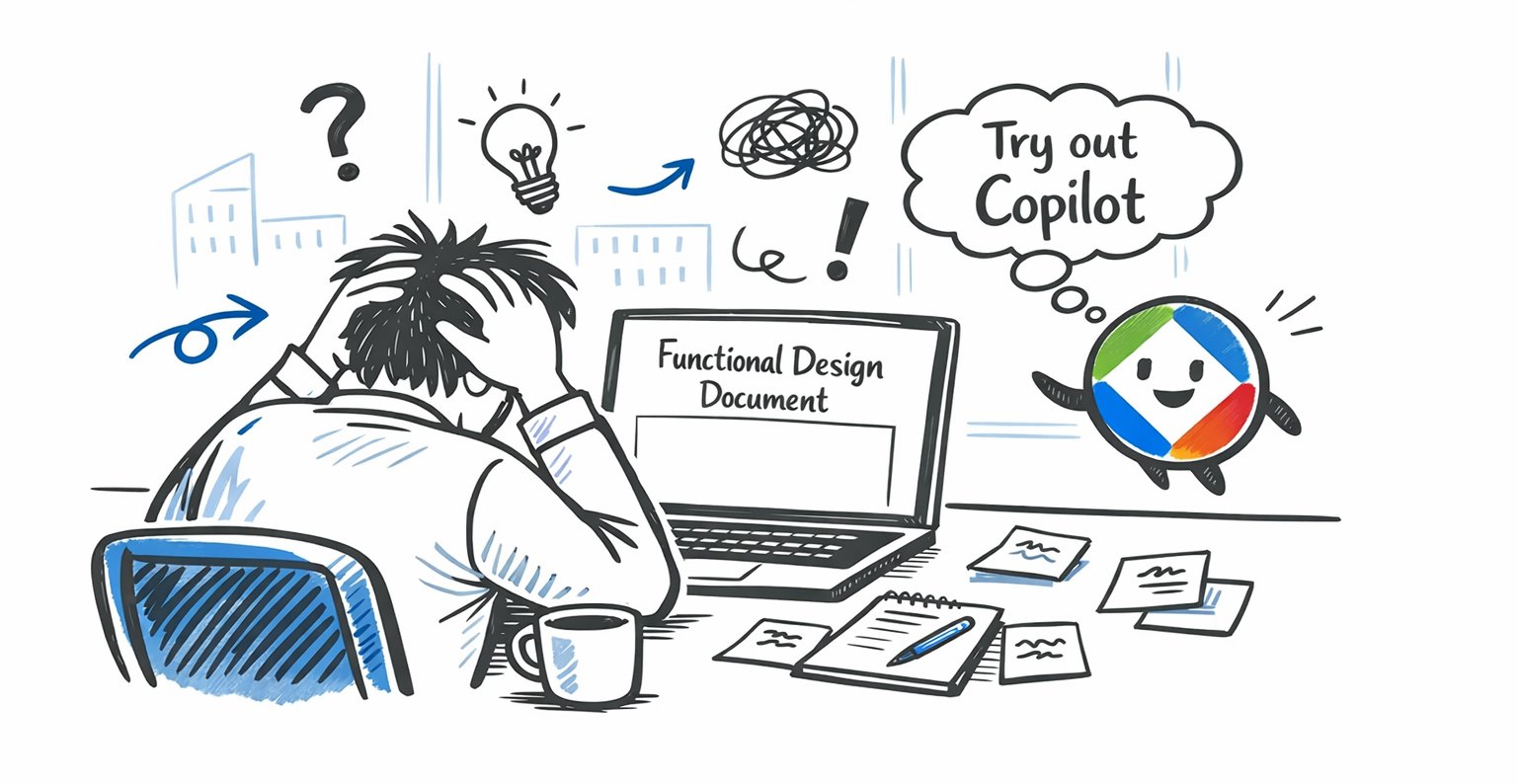
Every project begins with requirements gathering, but translating those requirements into functional design documents (FDDs) has traditionally been a productivity bottleneck. Teams leave planning meetings with clear direction, only to face paralysis when confronting blank documents where critical details get lost in translation. At Mazik Global, solution engineers discovered that Microsoft 365 Copilot eliminates this friction by restructuring the documentation lifecycle.
The Documentation Bottleneck
Functional design documents serve as blueprints for development teams, yet creating them consumes disproportionate time. Consultants spend hours:
- Researching best practices
- Structuring complex logic flows
- Formatting technical specifications
- Validating edge cases
This manual process often results in inconsistent quality and delayed project starts. 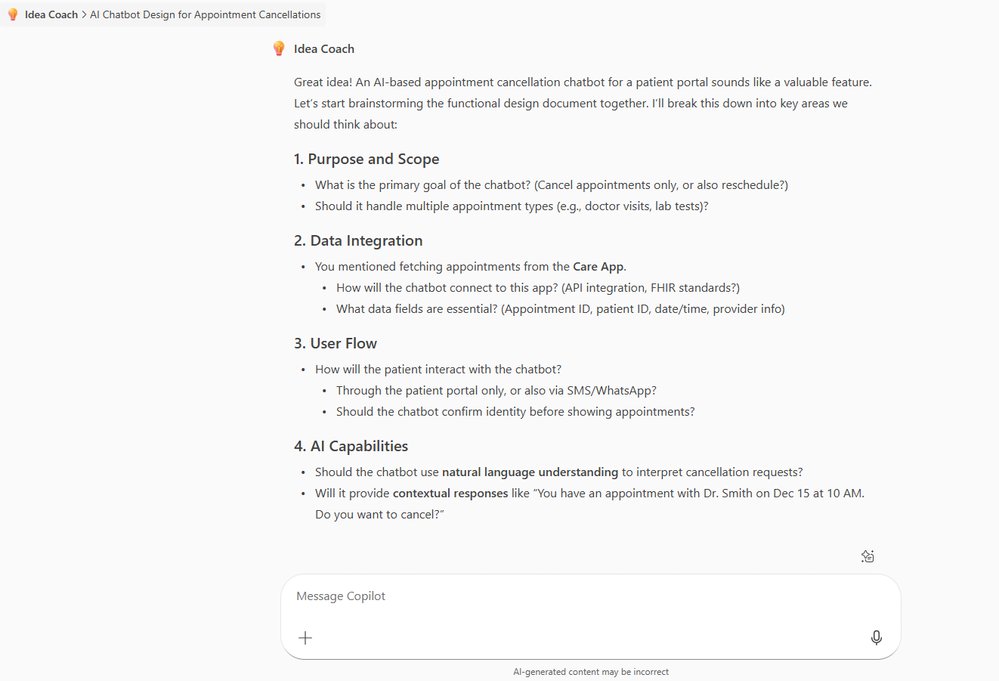
Copilot's Phase-Based Approach
Mazik Global implemented Copilot across four documentation phases, contrasting sharply with traditional methods:
| Phase | Traditional Approach | Copilot Approach |
|---|---|---|
| Brainstorming | Manual whiteboarding (30-60 mins) | Idea Coach generates structure in 5-10 mins |
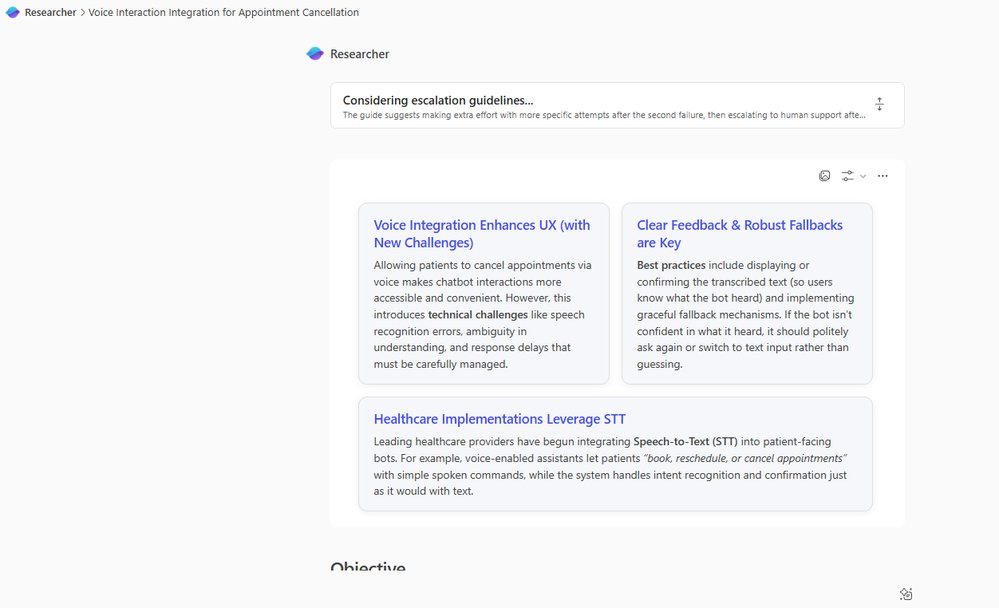
| Research | Self-directed web searches (1-2 hours) | Researcher Agent delivers cited insights in minutes |
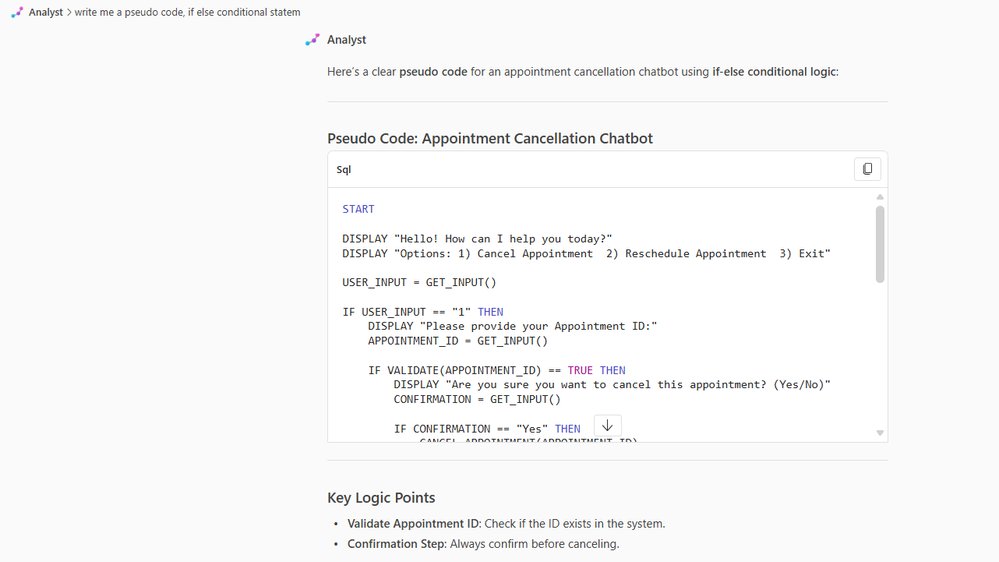
| Logic Design | Hand-written pseudo-code | Analyst Agent generates conditional logic instantly |
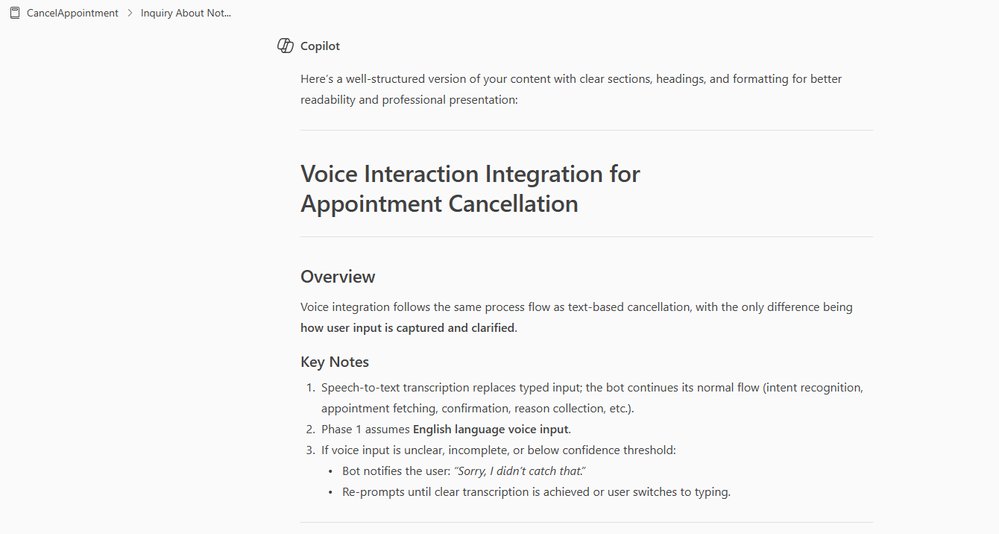
| Drafting | Manual formatting in Word | Copilot restructures and polishes content automatically |
Key technical differentiators emerged:
- Context Retention: Copilot Notebook maintains document relationships
- Citation Integrity: Researcher Agent sources current best practices
- Adaptive Output: Same prompt generates pseudo-code or prose as needed
Measurable Business Impact
Post-implementation metrics revealed transformative advantages:
- 80% Reduction in initial drafting time
- 42% Fewer Revisions due to comprehensive edge-case coverage
- Cross-Team Alignment: Shared Copilot contexts eliminated misinterpretations
- Resource Allocation: Junior staff produce senior-level documentation
For enterprise architects, this shifts documentation from cost center to strategic asset. Projects initiate faster with validated designs, while compliance teams benefit from automatically generated audit trails.
Strategic Implications
 This workflow transformation demonstrates how AI augmentation reshapes operational paradigms:
- Democratization: Non-technical staff create complex technical documents
- Velocity: Accelerated documentation unlocks faster development cycles
- Risk Mitigation: Automated validation reduces design flaws
As Microsoft 365 Copilot evolves, its integration across Azure services suggests broader applicability for infrastructure-as-code documentation and compliance reporting.
The New Documentation Lifecycle
 The future belongs to adaptive documentation systems where:
- AI handles repetitive structuring
- Humans focus on creative problem-solving
- Version control integrates directly with CI/CD pipelines
Organizations adopting this model report 30% faster feature delivery cycles. As Mazik Global's experiment proves, the competitive advantage lies not in eliminating documentation, but in reinventing its creation. For implementation guidance, reference Microsoft's Copilot tutorial: Quick tips for better prompts.
"AI doesn't replace expertise—it amplifies it. Documentation becomes less about grunt work and more about innovation" - Mazik Global Solution Team
Comments
Please log in or register to join the discussion