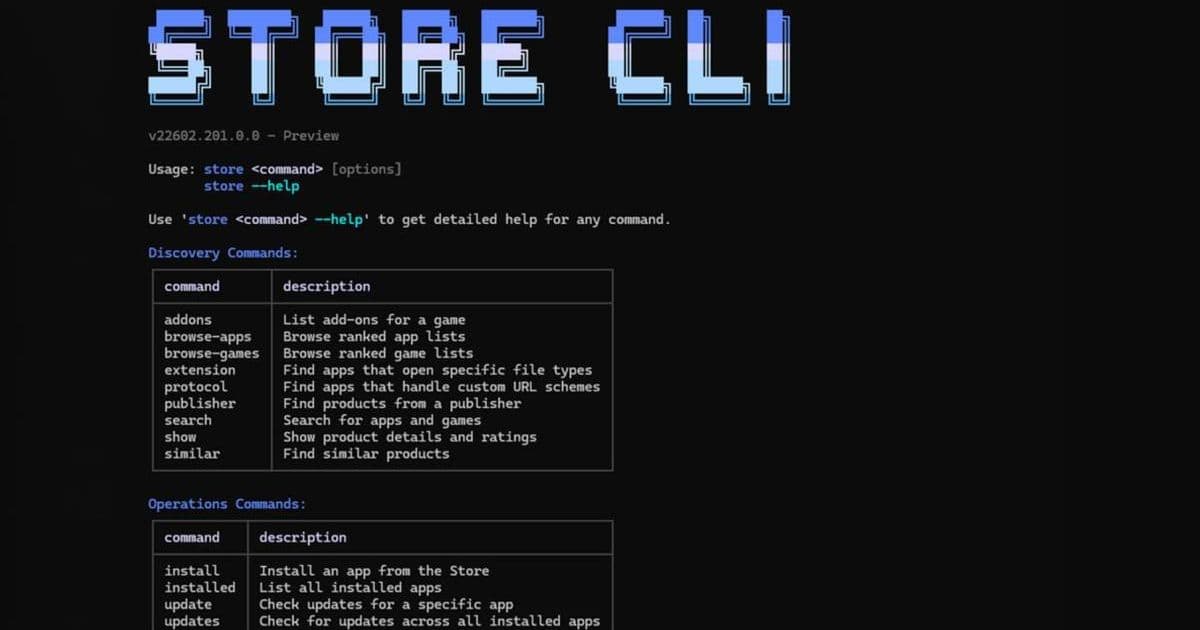
Microsoft has launched a command-line tool for the Microsoft Store, allowing users to install, update, and manage apps via text commands.
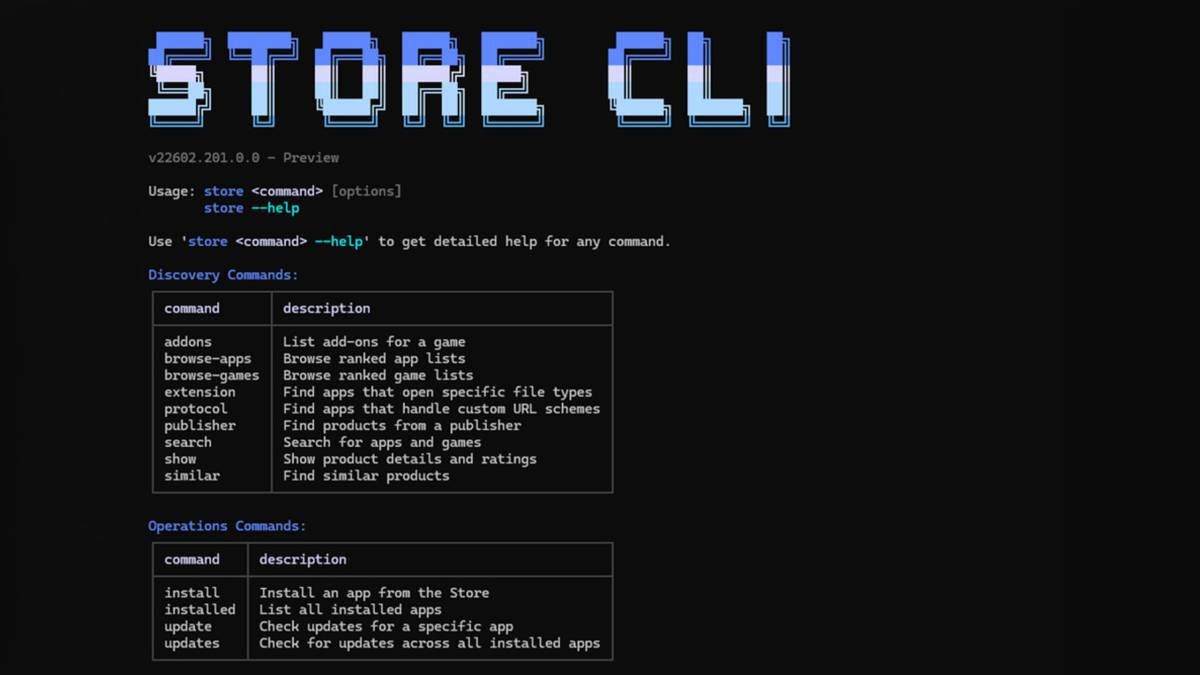
Microsoft has released a command-line interface (CLI) for its Microsoft Store, bringing terminal-based app management to Windows 11. This new tool replaces graphical interactions with text commands, enabling developers and power users to handle app installations, updates, and removals directly from PowerShell or Command Prompt.
The Microsoft Store CLI operates through straightforward commands:
store browse-appsearches for available applicationsstore install [PackageId]handles installationsstore updatechecks for and applies updatesstore uninstall [PackageId]removes applications
To display all available commands, users can enter store --help. The tool requires the Microsoft Store app to be installed on the Windows 11 system.
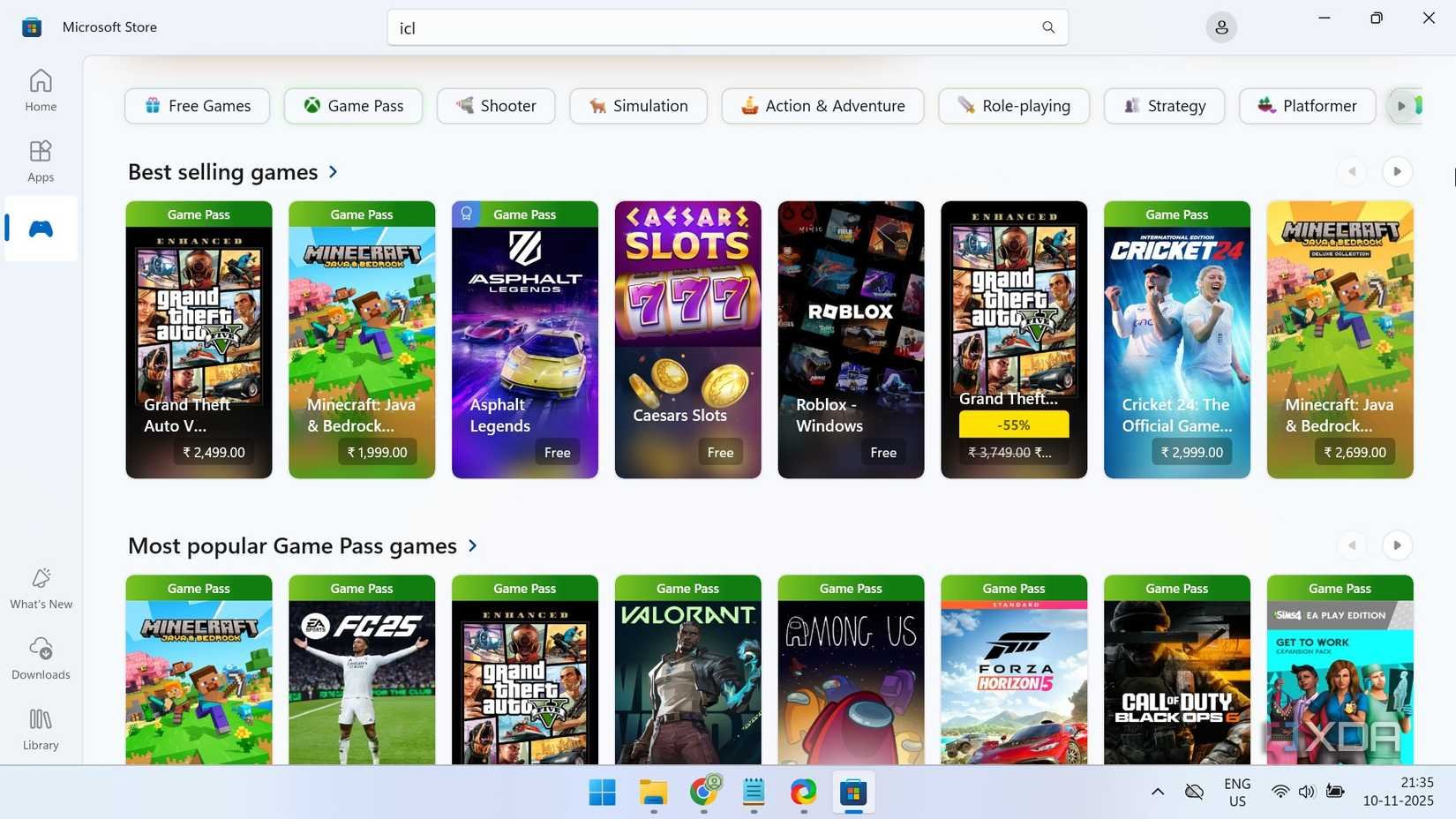
Giorgio Sardo, Microsoft Store's Vice President, explained in the Windows Developer blog: "This enables developers and users with a new way to discover and install Store apps, without needing the GUI." The CLI particularly benefits developers managing multiple environments and IT professionals automating software deployments.
The release aligns with Microsoft's broader strategy to enhance developer tools within its ecosystem. By providing CLI access to the Store, Microsoft acknowledges the growing preference for terminal-based workflows among technical users. This approach also facilitates scripting and automation scenarios that weren't possible through the graphical interface alone.
While the traditional Microsoft Store interface remains available, the CLI version offers several advantages:
- Automation capabilities: Script installation workflows for development environments
- Reduced overhead: Faster operations without GUI rendering
- Remote management: Manage apps on headless systems or via SSH
- Integration: Combine with existing command-line toolchains
The tool currently supports core app management functions, but Microsoft may expand its capabilities based on user feedback. As Windows continues evolving its developer ecosystem, this CLI bridges the gap between consumer app distribution and professional development workflows.
For installation and documentation, visit the official Microsoft documentation.
Comments
Please log in or register to join the discussion