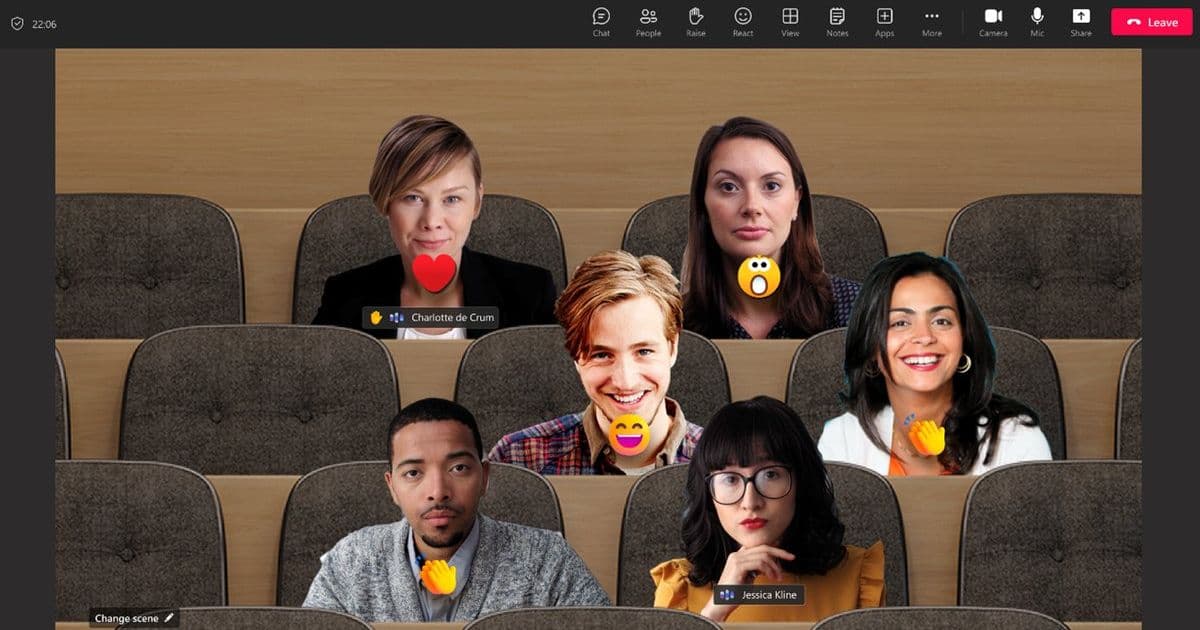
Microsoft will remove Together mode from Teams on June 30, 2026, consolidating video calling options around Gallery mode. The change aims to simplify the user interface, improve video quality, and reduce cognitive load for users.
Microsoft has announced that Together mode, one of the distinctive features of its Teams collaboration platform, will be discontinued on June 30, 2026. The feature, which allowed meeting participants to appear as if they were sitting in the same virtual space, will be removed from the View menu, with all scenes, custom scenes, and seat assignments disappearing alongside it.
Understanding the Change
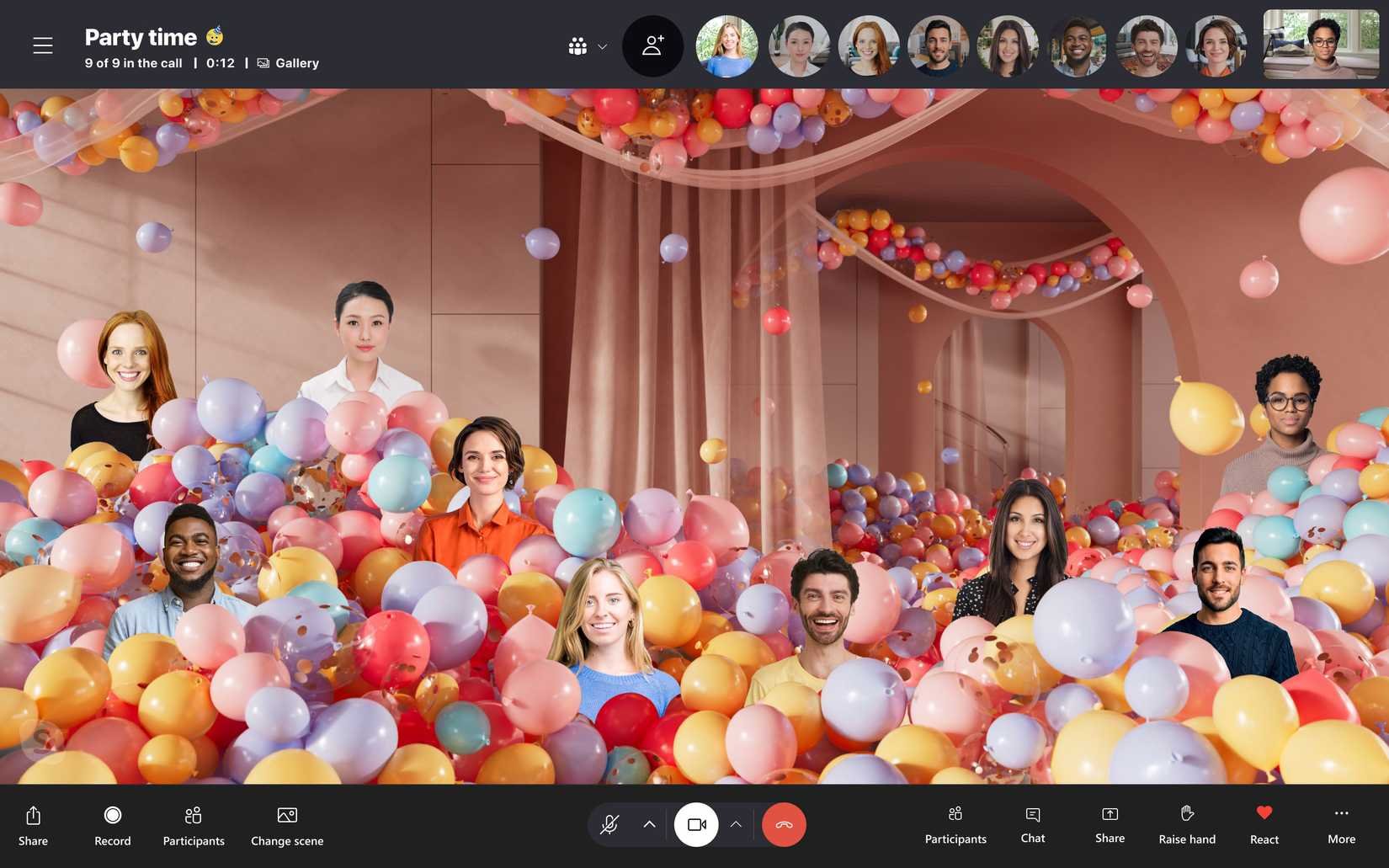
Together mode was introduced in Microsoft Teams in July 2020 during the height of remote work adoption. It created an immersive experience where participants' video feeds were placed in virtual settings like a coffee shop or conference room, complete with avatars positioned as if they were sitting together. This was designed to make virtual meetings feel more natural and collaborative.
According to Microsoft's announcement on the Tech Community website, the company believes that Gallery mode now serves the core purpose better. Gallery mode displays participant videos in a grid layout, which Microsoft argues provides a more practical and efficient way to see all meeting participants simultaneously.
Microsoft's Rationale
The company cites several reasons for this decision:
Simplification of Options: Teams already offers multiple viewing modes including Gallery, Large Gallery, and dynamic views. Microsoft believes reducing these options will help users navigate the platform more easily.
Enhanced Video Quality: By consolidating around Gallery mode, Microsoft can allocate more resources to improving video quality and performance.
Reduced Cognitive Load: Fewer options mean less decision fatigue for users trying to choose the best view for their meeting.
Implementation Complexity: Removing Together mode will simplify the underlying codebase, potentially leading to more stable updates and new features.
Impact on Users
For organizations that have implemented custom Together mode scenes for branding purposes, Microsoft recommends transitioning to background options instead. This means companies can still maintain their visual identity during meetings, just through different means.
The timing of this announcement gives users approximately six weeks to adapt to the change. Microsoft is encouraging those who regularly use Together mode to familiarize themselves with Gallery mode before the June 30 cutoff date.
Technical Considerations
From a development perspective, this change reflects Microsoft's ongoing refinement of its collaboration platform. The decision to remove Together mode suggests that the company is prioritizing core functionality over experimental features, a common pattern in software maturation.
For cross-platform developers maintaining Teams integrations, this change means updating any custom implementations that relied on Together mode functionality. The API changes should be minimal since Microsoft is simply removing the feature rather than fundamentally altering the video architecture.
The Future of Teams Video Calling
Microsoft's focus on Gallery mode indicates where the company sees value in video conferencing: clarity, simplicity, and reliability. Rather than pursuing experimental virtual environments, the company is doubling down on making the core video experience as high-quality as possible.
This approach aligns with broader trends in collaboration software, where the initial pandemic-era experimentation with novel meeting formats has given way to refinement of core functionality that delivers consistent value to users.
Migration Recommendations
For teams heavily invested in Together mode:
Transition to Gallery Mode: Practice using Gallery mode for regular meetings to become comfortable with the interface.
Explore Background Options: For organizations using custom branding in Together mode, create and test branded backgrounds that can be applied in Gallery mode.
Document Custom Workflows: If your team had specific workflows built around Together mode, document these and adapt them to work with Gallery mode.
Provide User Training: If you manage a team, consider providing brief training sessions on the new default view to ensure smooth adoption.
Microsoft's decision to sunset Together mode underscores an important lesson in software design: not every innovative feature becomes essential. By focusing on what delivers the most value to the majority of users, the company can allocate resources more effectively to improve the core experience.
While Together mode had its charm, the practical benefits of a streamlined interface and potentially improved video quality may outweigh the novelty of virtual seating arrangements. As remote and hybrid work continue to evolve, this kind of refinement will likely be a common pattern as collaboration tools mature beyond their pandemic-era innovations.
Comments
Please log in or register to join the discussion