Choosing the right laptop requires balancing performance, portability, and purpose. This definitive guide cuts through the holiday season noise, offering technical insights for developers, students, and gamers on critical hardware considerations across usage categories. Discover why chipset architecture, thermal design, and display technology are pivotal in maximizing productivity and play.
The laptop market in 2025 presents an overwhelming array of choices, especially during the holiday season. For developers, engineers, students, and gamers, selecting the right machine transcends basic specs—it demands understanding how hardware aligns with specific workflows and performance requirements. Based on rigorous testing and deep technical analysis, we break down the essential considerations across three primary usage scenarios, emphasizing the hardware nuances that matter most.
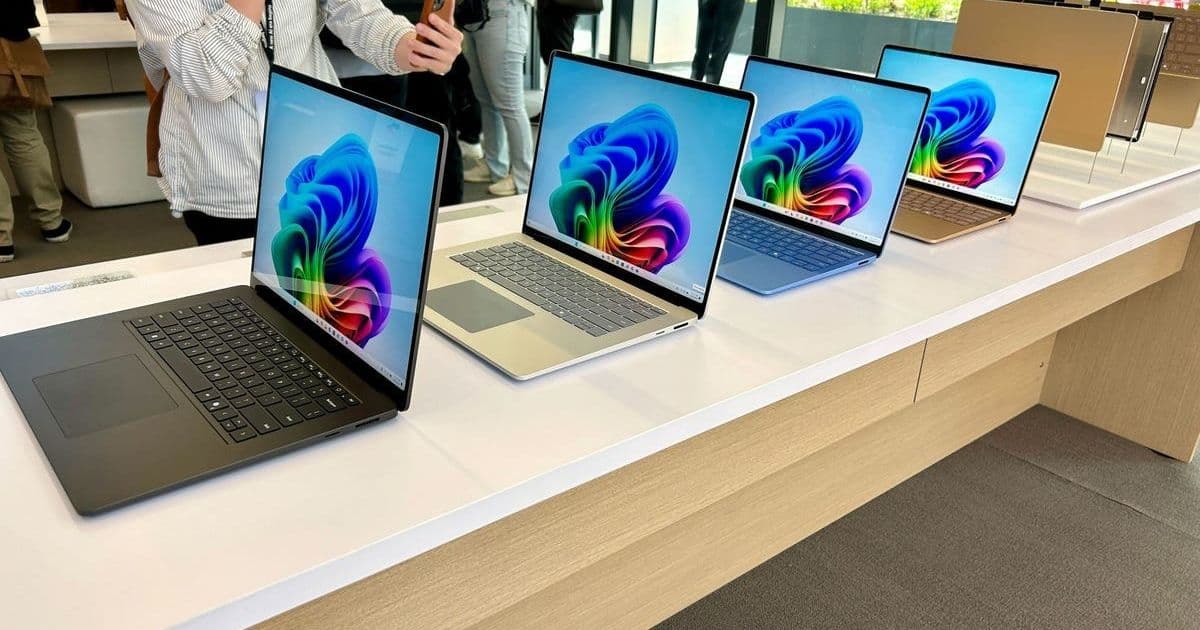
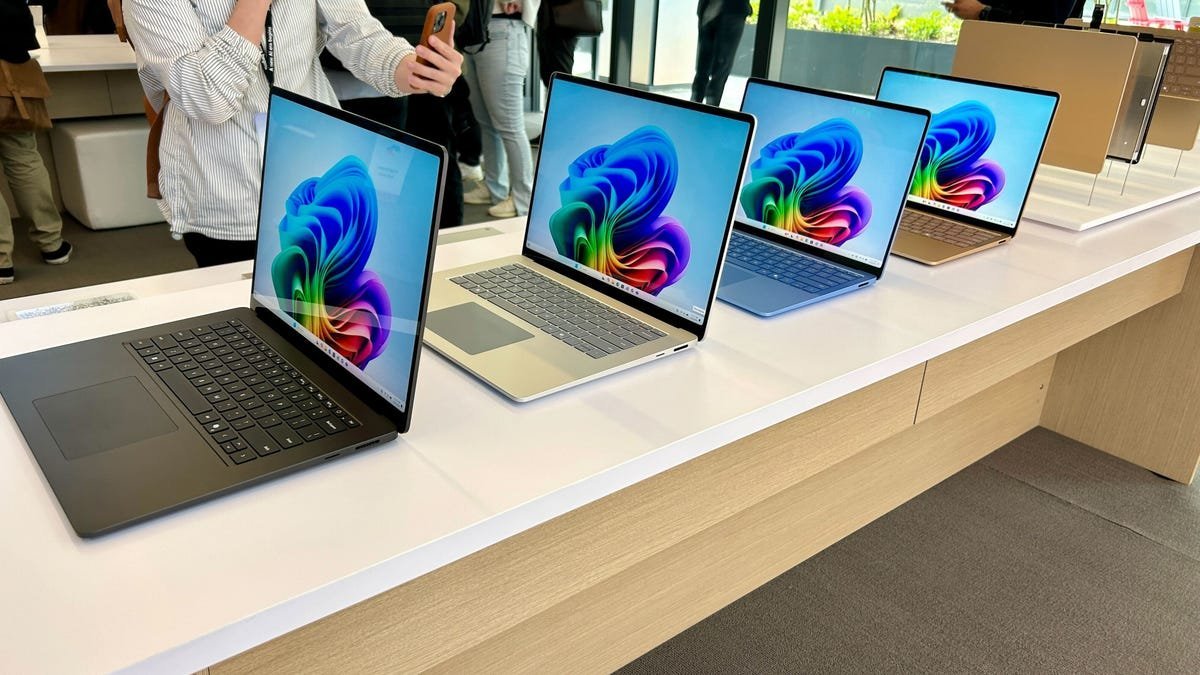 Image: Modern laptops demand careful evaluation of performance and form factor. (Credit: ZDNET)
School & Productivity: Endurance Over Raw Power For students or professionals focused on coding, documentation, and research, longevity and resilience are paramount. Devices like the Dell Inspiron 14 Plus (Snapdragon X Plus, up to 21-hour battery life) and Lenovo Chromebook Plus (2K OLED display, optimized for cloud apps) excel. Their efficiency stems from ARM-based architectures (Snapdragon) or lightweight OS (ChromeOS), prioritizing all-day unplugged usage. Refurbished options like the M1 MacBook Air remain compelling for macOS-centric users needing a balance of portability and Apple ecosystem integration. Key tech takeaway: Efficiency cores and aggressive power management define this category, making thermal headroom less critical than sustained battery performance.
Professional Workloads: Demanding Performance Unleashed Developers handling compilation, virtualization, data science, or creative tasks require substantial CPU/GPU resources. Laptops here leverage cutting-edge silicon:
- Intel's Lunar Lake & AMD's Ryzen AI 300 Series: Focus on NPU integration for AI acceleration alongside traditional CPU/GPU gains, crucial for ML inference or complex simulations.
- Discrete GPUs (e.g., Nvidia RTX 5070): Essential for CUDA acceleration, 3D rendering, or GPU-accelerated ML training, as seen in the powerhouse Dell Premium 16.
- High-Resolution, High-Refresh Displays: Vital for detail-oriented work; the HP EliteBook Ultra G1i's 2.8K 120Hz OLED exemplifies this. Devices like the Lenovo ThinkPad X9 Aura Edition (Intel Core Ultra 7 258V) showcase how modern ultraportables now pack workstation-grade capabilities. Thermal design becomes critical here—sustained performance under load separates contenders from pretenders.
Gaming & High-Performance Computing: Pushing the Limits For gaming, scientific computing, or intensive simulations, raw graphical power and display responsiveness are non-negotiable. Prioritize:
- GPU Tier: Nvidia's RTX 50-series (e.g., RTX 5070 in Alienware Area-51m 18, RTX 5080 in Lenovo Legion Pro 7i) or high-wattage previous-gen cards (RTX 4060 in Asus ROG Zephyrus G14) deliver the necessary frame rates and visual fidelity.
- Display Refresh Rate (120Hz+): Minimizes input lag and motion blur, critical for competitive gaming and smooth visualizations.
- Robust Cooling: High TDP components generate significant heat. The Legion Pro 7i's vapor chamber and the Alienware's advanced thermal solution are engineered to prevent throttling. External cooling pads are often essential for prolonged sessions. Compromises on battery life are inherent; these are desktop replacements first.
The Versatile Contenders: Blurring the Lines Several 2025 models defy strict categorization, offering compelling blends:
- MacBook Pro M4: Apple's unified architecture delivers exceptional CPU/GPU performance and battery efficiency. macOS 26's expanding game support (MetalFX, ray tracing) and unmatched ecosystem integration make it formidable for dev work, content creation, and increasingly, gaming.
- Dell 14 Plus / Acer Swift 16 AI: Leveraging Intel Core Ultra 7/9 "Lunar Lake," these Windows machines offer strong CPU performance, efficient NPUs for emerging AI tasks, respectable integrated graphics (Intel Arc), and good battery life. They handle productivity, light development, and casual gaming effectively, epitomizing the 'do-it-all' ethos for many professionals.
The Core Principle: Align Hardware with Need Beyond brand or specs, successful laptop selection hinges on honestly assessing your primary use case. A developer compiling large codebases needs Lunar Lake/Ryzen AI 300 power and cooling; a student needs Snapdragon X endurance; a gamer requires RTX 50-series muscle and high refresh rates. Understanding the underlying silicon architecture—whether it's Qualcomm's efficiency, Apple's unified performance, Intel/AMD's hybrid core designs, or Nvidia's graphical dominance—provides the crucial lens for cutting through marketing noise. Let your workflow dictate the hardware, not the other way around.
Comments
Please log in or register to join the discussion