Choosing the right desktop environment is critical for Linux newcomers seeking a smooth transition. This guide breaks down five beginner-friendly options that balance familiarity, aesthetics, and functionality—from Windows-inspired layouts to macOS-like elegance.
For those venturing into Linux, the abundance of desktop environment choices can be overwhelming. Unlike proprietary operating systems, Linux offers unparalleled customization—but this freedom comes with complexity. Selecting the right interface isn't just about aesthetics; it dictates usability, resource efficiency, and overall satisfaction. As Jack Wallen notes in ZDNET, choosing poorly can lead to frustration, while the right fit creates a welcoming gateway into open-source computing.
Why Desktop Environments Matter
Desktop environments (DEs) bundle window managers, toolkits, and applications into cohesive interfaces. For newcomers, DEs that mirror familiar workflows—like Windows or macOS—reduce cognitive load. Equally important are resource demands: lightweight options breathe new life into older hardware. Below are five DEs that master this balance, curated for Linux novices.
1. KDE Plasma: The Powerhouse with Polish
"KDE Plasma offers a similar layout to desktops you've used since you first placed your fingers on a keyboard—but with panache." — Jack Wallen
KDE Plasma combines Windows-like familiarity with deep customization. Its panel, system tray, and desktop menu feel instantly recognizable, yet modern animations and themes elevate the experience. Under the hood, KDE Connect seamlessly integrates smartphones for file sharing and notifications. Ideal for those who want beauty without sacrificing intuition.
Distros: Kubuntu, Fedora KDE Spin, Manjaro KDE
2. Cinnamon: Lightweight & Nostalgic
Born from dissatisfaction with GNOME 3, Cinnamon resurrects the classic GNOME 2 layout. It’s leaner than KDE Plasma—perfect for aging hardware—and prioritizes function over flash. The traditional taskbar and straightforward menus appeal to Windows migrants, though customization is more limited. Think Windows XP/7 simplicity, optimized for Linux.
Distros: Linux Mint, Fedora Cinnamon
3. MATE: GNOME 2’s Legacy Lives On
Like Cinnamon, MATE continues the GNOME 2 lineage but leans harder into retro minimalism. Its dual-panel design evokes early-2000s Linux, yet remains actively maintained. Don’t mistake simplicity for rigidity: themes, applets, and panel tweaks allow personalization. A no-nonsense option for users valuing efficiency over eye candy.
Distros: Ubuntu MATE, Linux Mint, Debian
4. Pantheon: macOS Minimalism
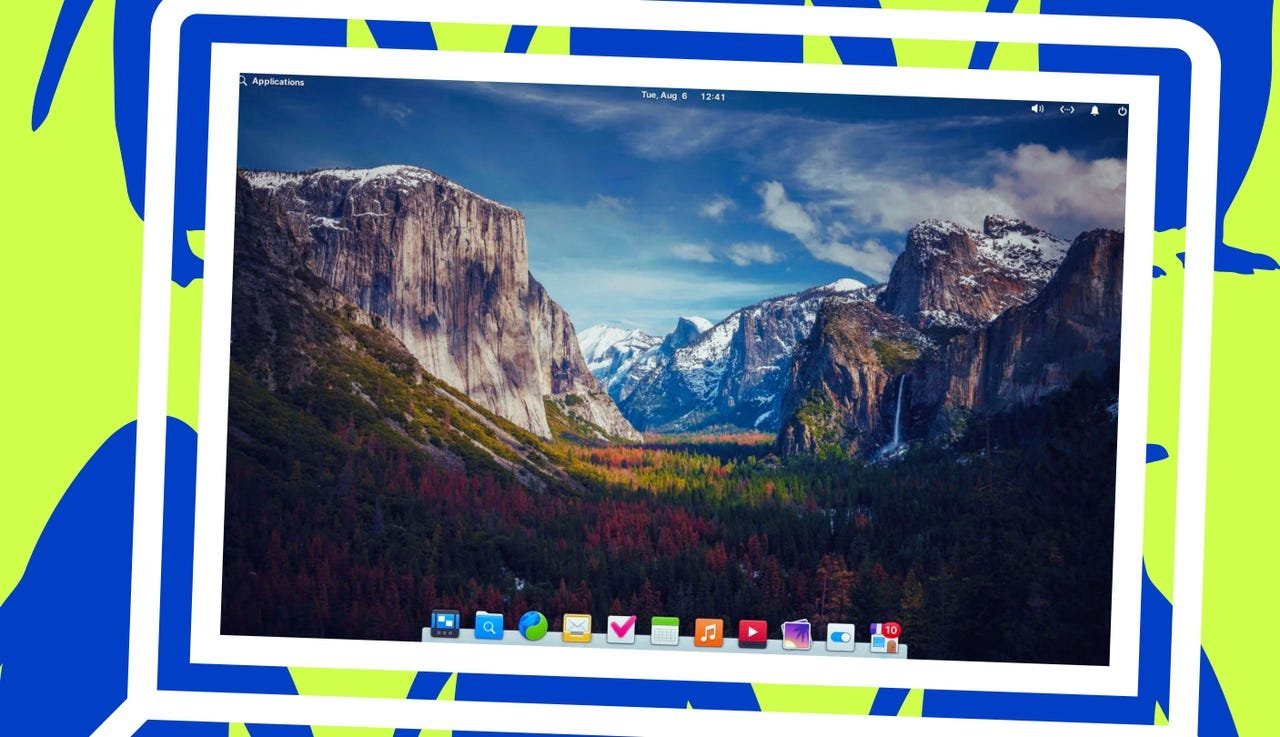
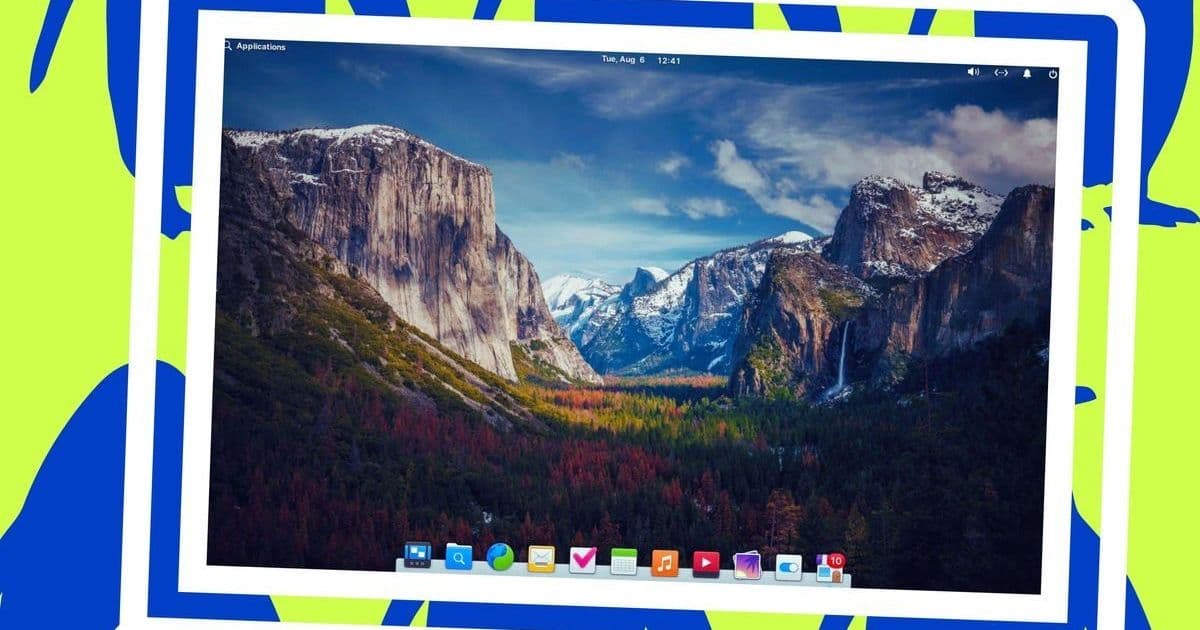
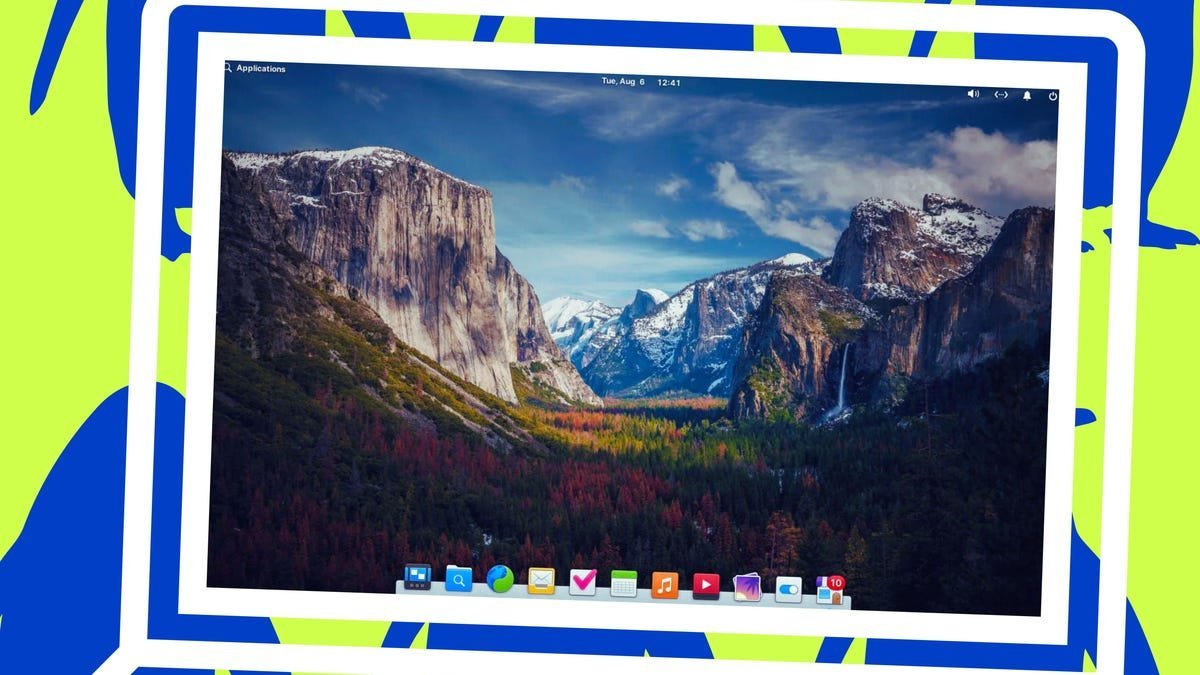
Pantheon mirrors macOS’s elegance with a top bar, dock, and spotlight-like application launcher. Its curated design philosophy limits customization—a benefit for overwhelmed newcomers. Built for elementaryOS, it emphasizes consistency and speed. If Apple’s interface resonates with you, Pantheon delivers a similar flow without hardware constraints.
Distros: elementaryOS
5. Budgie: Modular Modernity
Budgie blends Windows familiarity with sleek aesthetics. Its default layout features a bottom panel and start menu, but Raven—a side panel for notifications and settings—enables macOS-like workflows. The Welcome Wizard eases onboarding, while extensive theming grows with user confidence. A versatile choice for those seeking beauty without bloat.
Distros: Ubuntu Budgie, EndeavourOS
The Philosophy of Choice
These DEs underscore Linux’s core strength: adaptability. Whether reviving old hardware with Cinnamon or embracing macOS fluidity via Pantheon, new users can find environments matching their mental models. As Wallen emphasizes, the goal isn’t to mimic other OSes perfectly—it’s to reduce friction so users discover Linux’s true potential. Start familiar, then explore; that’s the open-source way.
Source: ZDNET by Jack Wallen, reviewed by Elyse Betters Picaro.
Comments
Please log in or register to join the discussion